1. ആമുഖം
This manual provides essential information for setting up, operating, maintaining, and troubleshooting your Azeyou 15.6" Laptop X52. Please read this guide thoroughly to ensure optimal performance and longevity of your device. Keep this manual for future reference.
2. പാക്കേജ് ഉള്ളടക്കം
നിങ്ങളുടെ ഉൽപ്പന്ന പാക്കേജിംഗിൽ എല്ലാ ഇനങ്ങളും ഉണ്ടെന്ന് ഉറപ്പാക്കുക:
- Azeyou 15.6" Laptop X52
- പവർ അഡാപ്റ്റർ
- ഉപയോക്തൃ മാനുവൽ (ഈ പ്രമാണം)
3. ഉൽപ്പന്നം കഴിഞ്ഞുview
The Azeyou 15.6" Laptop X52 is designed for efficient computing, featuring an Alder Lake-N95 Quad-Core CPU, 12GB RAM, and a 256GB SSD for responsive performance. It comes pre-installed with Windows 11 Pro and offers a Full HD display for clear visuals.
3.1 പ്രധാന സവിശേഷതകൾ
- പ്രോസസ്സർ: Alder Lake-N95 Quad-Core CPU (up to 3.4GHz)
- മെമ്മറി: 12GB DDR4 റാം
- സംഭരണം: 256GB സോളിഡ് സ്റ്റേറ്റ് ഡ്രൈവ് (SSD)
- ഡിസ്പ്ലേ: 15.6-ഇഞ്ച് ഫുൾ HD (1920 x 1080) IPS ഡിസ്പ്ലേ
- ഓപ്പറേറ്റിംഗ് സിസ്റ്റം: വിൻഡോസ് 11 പ്രോ
- കണക്റ്റിവിറ്റി: Full Function Type-C, USB 3.0, HDMI, 2.4G/5G WiFi, Bluetooth 5.0
- ബാറ്ററി: 5000 mAh Lithium-ion battery for extended use
- ഡിസൈൻ: Lightweight (3.59 lbs) and ultra-thin (0.6 inches)
- ഇൻപുട്ട്: Full-size keyboard and large touchpad
- Webക്യാം: Integrated 2MP front webക്യാമറ
3.2 ബാഹ്യ ഘടകങ്ങൾ


3.3 പ്രോസസ്സറും പ്രകടനവും
The laptop is powered by the Alder Lake-N95 processor, designed for efficient multitasking and responsive computing. This CPU offers a balance of performance and power efficiency for daily tasks.

3.4 മെമ്മറിയും സംഭരണവും
With 12GB of DDR4 RAM and a 256GB SSD, the laptop provides ample memory for running multiple applications simultaneously and fast storage access for your files and programs.

3.5 ഡിസ്പ്ലേ
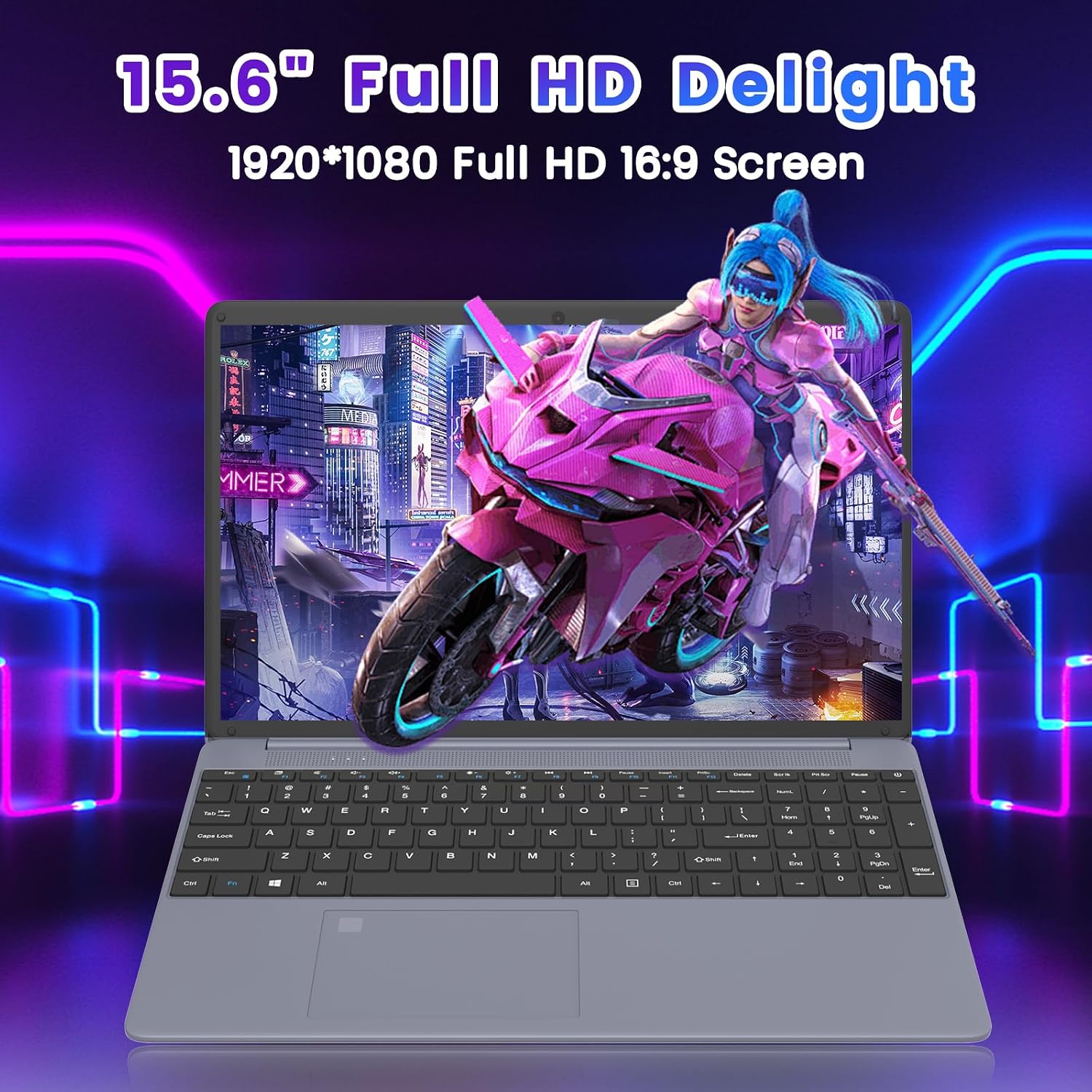
Experience clear and vibrant visuals on the 15.6-inch Full HD (1920x1080) IPS display. The 16:9 aspect ratio is suitable for both productivity and entertainment.
3.6 ബാറ്ററി ലൈഫ്
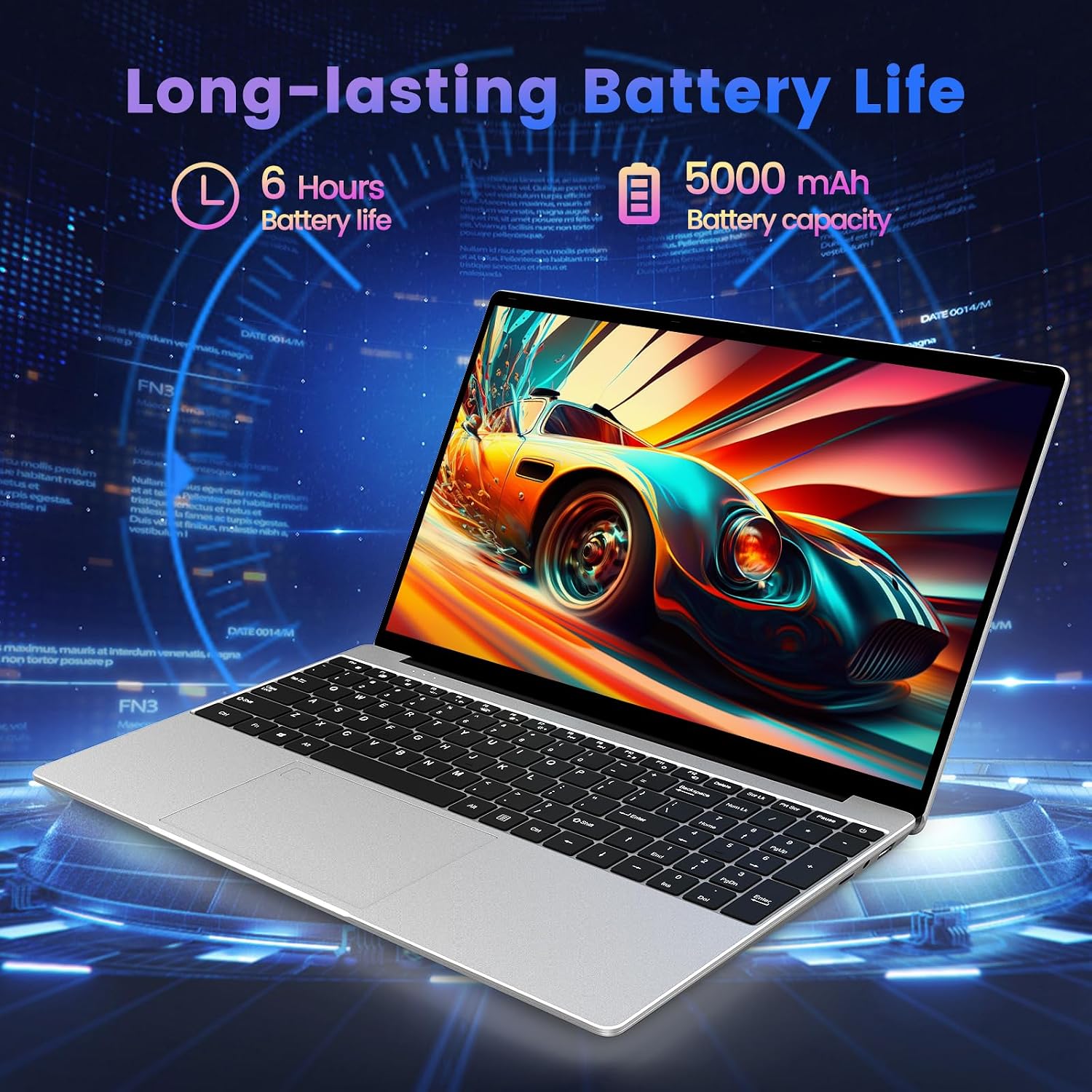
The integrated 5000 mAh lithium-ion battery provides up to 5-6 hours of usage, allowing for portability and use without constant access to a power outlet.
3.7 Input Devices
The laptop features a full-size keyboard and a large touchpad for comfortable and efficient input.

3.8 ഉൽപ്പന്ന വീഡിയോ കഴിഞ്ഞുview
വീഡിയോ 3.1: ഒരു ഉദ്യോഗസ്ഥൻview of the Azeyou 15.6'' Laptop, showcasing its design, features, and key specifications like the Intel N95 processor, full-function Type-C port, full-size keyboard, and ultra-thin design.
4. സജ്ജീകരണം
4.1 പ്രാരംഭ ചാർജിംഗ്
- Connect the power adapter to the DC IN port on the laptop.
- ഒരു മതിൽ ഔട്ട്ലെറ്റിലേക്ക് പവർ അഡാപ്റ്റർ പ്ലഗ് ചെയ്യുക.
- പ്രാരംഭ ഉപയോഗത്തിന് മുമ്പ് കുറഞ്ഞത് 30 മിനിറ്റെങ്കിലും ലാപ്ടോപ്പ് ചാർജ് ചെയ്യാൻ അനുവദിക്കുക, അല്ലെങ്കിൽ ബാറ്ററി ഇൻഡിക്കേറ്റർ മതിയായ ചാർജ് കാണിക്കുന്നത് വരെ.
4.2 പവർ ചെയ്യുന്നു
- ലാപ്ടോപ്പ് ലിഡ് തുറക്കുക.
- Press and hold the power button (usually located on the top right of the keyboard or side) until the screen illuminates.
4.3 Windows 11 Pro Initial Setup
Follow the on-screen prompts to complete the Windows 11 Pro setup process. This typically includes:
- നിങ്ങളുടെ പ്രദേശവും കീബോർഡ് ലേഔട്ടും തിരഞ്ഞെടുക്കുന്നു.
- ഒരു Wi-Fi നെറ്റ്വർക്കിലേക്ക് കണക്റ്റുചെയ്യുന്നു.
- ഒരു Microsoft അക്കൗണ്ട് ഉപയോഗിച്ച് സൈൻ ഇൻ ചെയ്യുകയോ ഒരു പ്രാദേശിക അക്കൗണ്ട് സൃഷ്ടിക്കുകയോ ചെയ്യുക.
- സ്വകാര്യതാ ക്രമീകരണങ്ങൾ സജ്ജമാക്കുന്നു.
4.4 Wi-Fi-ലേക്ക് ബന്ധിപ്പിക്കുന്നു
- During Windows setup, select your desired Wi-Fi network from the list.
- ആവശ്യപ്പെടുകയാണെങ്കിൽ നെറ്റ്വർക്ക് പാസ്വേഡ് നൽകുക.
- If already set up, click the Wi-Fi icon in the taskbar, select your network, and connect.
5. നിങ്ങളുടെ ലാപ്ടോപ്പ് പ്രവർത്തിപ്പിക്കുക
5.1 പവർ മാനേജ്മെൻ്റ്
- ഷട്ട് ഡൗൺ: ആരംഭിക്കുക ബട്ടൺ ക്ലിക്കുചെയ്യുക, തുടർന്ന് പവർ > ഷട്ട് ഡൗൺ ചെയ്യുക.
- പുനരാരംഭിക്കുക: ആരംഭിക്കുക ബട്ടൺ ക്ലിക്കുചെയ്യുക, തുടർന്ന് പവർ > പുനരാരംഭിക്കുക.
- ഉറക്കം: ആരംഭ ബട്ടൺ ക്ലിക്കുചെയ്യുക, തുടർന്ന് പവർ > സ്ലീപ്പ് ക്ലിക്കുചെയ്യുക, അല്ലെങ്കിൽ ലാപ്ടോപ്പ് ലിഡ് അടയ്ക്കുക.
5.2 കീബോർഡും ടച്ച്പാഡും ഉപയോഗിക്കൽ
- The full-size keyboard allows for comfortable typing.
- The large touchpad supports multi-touch gestures for navigation (e.g., two-finger scroll, pinch-to-zoom).
5.3 പെരിഫറലുകൾ ബന്ധിപ്പിക്കുന്നു
- USB ഉപകരണങ്ങൾ: Insert USB drives, mice, or other peripherals into the available USB 3.0 ports.
- HDMI ഡിസ്പ്ലേ: ഒരു HDMI കേബിൾ ഉപയോഗിച്ച് ഒരു ബാഹ്യ മോണിറ്ററോ ടിവിയോ HDMI പോർട്ടിലേക്ക് ബന്ധിപ്പിക്കുക.
- ടൈപ്പ്-സി ഉപകരണങ്ങൾ: Use the Full Function Type-C port for data transfer, video output, or charging compatible devices.
- ഹെഡ്ഫോണുകൾ/സ്പീക്കറുകൾ: Plug 3.5mm audio devices into the headphone jack.
- TF കാർഡ്: Insert a TF (microSD) card into the dedicated slot for expanded storage or data transfer.
5.4 വയർലെസ് കണക്റ്റിവിറ്റി
- വൈഫൈ: The laptop supports 2.4G and 5G Wi-Fi for high-speed internet access. Manage connections via the network icon in the taskbar.
- ബ്ലൂടൂത്ത്: Bluetooth 5.0 allows connection to wireless headphones, speakers, and other Bluetooth-enabled devices. Access Bluetooth settings via Windows Settings > Bluetooth & devices.
6. പരിപാലനം
6.1 ലാപ്ടോപ്പ് വൃത്തിയാക്കൽ
- മൃദുവായ, ലിൻ്റ് രഹിത തുണി ഉപയോഗിക്കുകampഡിസ്പ്ലേ വൃത്തിയാക്കാൻ വെള്ളമോ സ്ക്രീൻ ക്ലീനറോ ഉപയോഗിച്ച് നനയ്ക്കുക.
- കീബോർഡിനും ഷാസിക്കും മൃദുവായതും ഉണങ്ങിയതുമായ തുണി ഉപയോഗിക്കുക. കഠിനമായ രാസവസ്തുക്കളോ ഉരച്ചിലുകളോ ഉള്ള വസ്തുക്കൾ ഒഴിവാക്കുക.
- Use compressed air to clear dust from keyboard keys and ventilation openings.
6.2 ബാറ്ററി കെയർ
- ബാറ്ററി ഇടയ്ക്കിടെ പൂർണ്ണമായും ഡിസ്ചാർജ് ചെയ്യുന്നത് ഒഴിവാക്കുക.
- Store the laptop in a cool, dry place if not used for extended periods, with the battery charged to about 50%.
- Use only the original power adapter provided with the laptop.
6.3 സോഫ്റ്റ്വെയർ അപ്ഡേറ്റുകൾ
- Regularly check for and install Windows updates to ensure system stability and security. Go to Settings > Windows Update.
- Keep your device drivers updated. Windows Update often handles this, but you may occasionally need to check the Azeyou support webനിർദ്ദിഷ്ട ഡ്രൈവർ അപ്ഡേറ്റുകൾക്കായുള്ള സൈറ്റ്.
6.4 സ്റ്റോറേജ് മാനേജ്മെൻ്റ്
- അനാവശ്യമായത് ഇടയ്ക്കിടെ ഇല്ലാതാക്കുക files and uninstall unused programs to free up storage space.
- Use Windows' built-in Disk Cleanup tool to remove temporary files.
7. പ്രശ്നപരിഹാരം
This section addresses common issues you might encounter with your Azeyou Laptop X52.
| പ്രശ്നം | സാധ്യമായ കാരണം | പരിഹാരം |
|---|---|---|
| ലാപ്ടോപ്പ് പവർ ഓൺ ആകുന്നില്ല. | Low battery, faulty power adapter, hardware issue. | Ensure the power adapter is securely connected and plugged into a working outlet. Allow the laptop to charge for a while. Try a different outlet. If the issue persists, contact support. |
| Wi-Fi-ലേക്ക് കണക്റ്റ് ചെയ്യാൻ കഴിയില്ല. | Wi-Fi adapter disabled, incorrect password, router issue, driver problem. | Check if Wi-Fi is enabled in Windows settings. Verify the Wi-Fi password. Restart your router and the laptop. Update Wi-Fi drivers via Device Manager or Azeyou support webസൈറ്റ്. |
| Laptop reboots unexpectedly or shows 'Aptio Setup Utility' error. | System instability, corrupted OS files, BIOS settings, hardware fault. | Ensure Windows is fully updated. Run a system file check (sfc /scannow in Command Prompt). If 'Aptio Setup Utility' appears, exit without saving changes unless instructed by support. If frequent, consider reinstalling Windows or contacting support for hardware diagnosis. |
| മന്ദഗതിയിലുള്ള പ്രകടനം. | Too many applications open, low storage space, outdated drivers, malware. | Close unnecessary programs. Free up disk space. Update drivers. Run a full system scan for viruses/malware. |
| External display not working. | Incorrect display settings, faulty cable, driver issue. | Ensure the HDMI cable is securely connected. Press Windows key + P to cycle through display modes. Update graphics drivers. |
8 സ്പെസിഫിക്കേഷനുകൾ
Detailed technical specifications for the Azeyou 15.6" Laptop X52:
| ഫീച്ചർ | സ്പെസിഫിക്കേഷൻ |
|---|---|
| ബ്രാൻഡ് | അസെയൂ |
| മോഡലിൻ്റെ പേര് | X52 |
| സ്ക്രീൻ വലിപ്പം | 15.6 ഇഞ്ച് |
| സ്ക്രീൻ റെസല്യൂഷൻ | 1920 x 1080 പിക്സലുകൾ (ഫുൾ എച്ച്ഡി) |
| പ്രോസസ്സർ | Intel Alder Lake-N95 Quad Core (up to 3.4 GHz) |
| റാം | 12 GB DDR4 |
| ഹാർഡ് ഡ്രൈവ് | 256 GB SSD (eSATA Interface) |
| ഗ്രാഫിക്സ് കോപ്രൊസസർ | ഇന്റൽ യുഎച്ച്ഡി ഗ്രാഫിക്സ് (ഇന്റഗ്രേറ്റഡ്) |
| ഓപ്പറേറ്റിംഗ് സിസ്റ്റം | വിൻഡോസ് 11 പ്രോ |
| വയർലെസ് തരം | 802.11a/b/g/n/ac (2.4G/5G WiFi) |
| ബ്ലൂടൂത്ത് | ബ്ലൂടൂത്ത് 5.0 |
| ശരാശരി ബാറ്ററി ലൈഫ് | 5-6 Hours (5000 mAh Lithium Polymer) |
| ഇനത്തിൻ്റെ ഭാരം | 2.64 പൗണ്ട് |
| ഉൽപ്പന്ന അളവുകൾ | 14.13 x 0.78 x 9.45 ഇഞ്ച് |
| നിറം | ചാരനിറം |
| ഹാർഡ്വെയർ പ്ലാറ്റ്ഫോം | PC |
9. വാറൻ്റിയും പിന്തുണയും
9.1 ഉൽപ്പന്ന വാറന്റി
Azeyou products typically come with a limited manufacturer's warranty. Please refer to the warranty card included in your product packaging or visit the official Azeyou webനിങ്ങളുടെ പ്രദേശത്തിനും മോഡലിനും ബാധകമായ നിർദ്ദിഷ്ട വാറന്റി നിബന്ധനകൾക്കും വ്യവസ്ഥകൾക്കും സൈറ്റ് സന്ദർശിക്കുക.
9.2 ഉപഭോക്തൃ പിന്തുണ
For technical assistance, troubleshooting not covered in this manual, or warranty claims, please contact Azeyou customer support through their official website. You may need your product model number (X52) and purchase information when contacting support.
Official Azeyou Store: Visit Azeyou Store on Amazon


