ആമുഖം
This manual provides essential instructions for the setup, operation, and maintenance of your Accutime Nickelodeon SpongeBob SquarePants Kids LCD Watch with LED Lights, model SGB4161AZ. Please read this manual thoroughly to ensure proper use and longevity of the product.

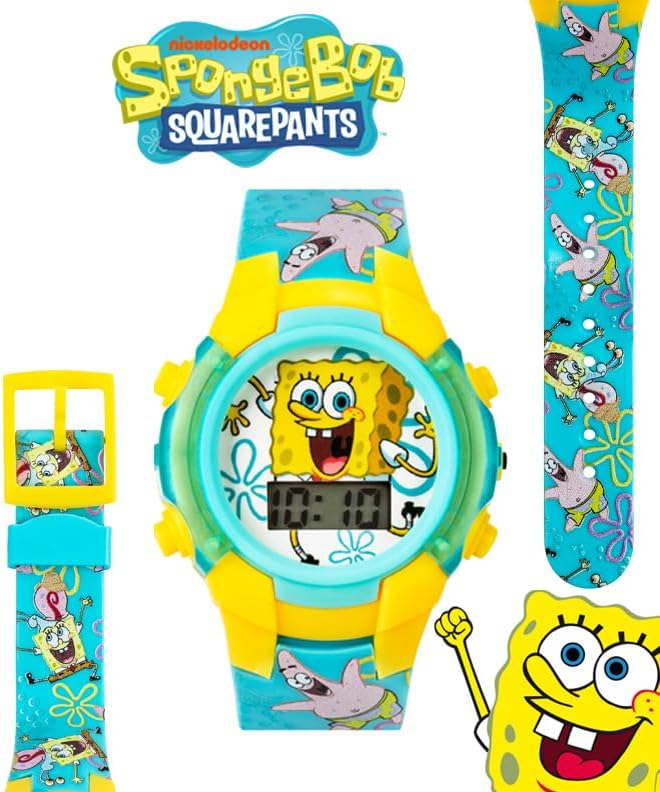
ചിത്രം: മുൻഭാഗം view of the Accutime Nickelodeon SpongeBob SquarePants Kids LCD Watch, displaying the time 10:10 and featuring SpongeBob on the watch face and characters on the strap.
സജ്ജമാക്കുക
അൺബോക്സിംഗ്
Your watch comes packaged in a collectible tin box. Carefully open the tin box and remove the watch. Inspect the watch for any visible damage.

Image: The Accutime Nickelodeon SpongeBob SquarePants Kids LCD Watch presented within its yellow collectible tin box, featuring SpongeBob artwork.
Initial Battery Activation
The watch is powered by 1 Lithium Ion battery (included). In most cases, the watch will be ready for immediate use. If the display is not active, gently press any button to activate it. If the watch does not turn on, refer to the Troubleshooting section.
പ്രവർത്തന നിർദ്ദേശങ്ങൾ
Identifying Buttons
The watch typically features three or four buttons around the watch face. These are generally used for setting the time and activating the LED lights.

ചിത്രം: സൈഡ് പ്രോfile of the watch, highlighting the yellow buttons on the casing.
സമയം ക്രമീകരിക്കുന്നു
- ക്രമീകരണ മോഡ് നൽകുക: Locate the 'SET' or 'MODE' button (often on the side or bottom right). Press and hold this button for approximately 3-5 seconds until the time display begins to flash.
- സമയം ക്രമീകരിക്കുക: While the hours are flashing, press the 'ADJUST' or 'HOUR' button (often on the top right) repeatedly to advance the hour. Pay attention to AM/PM indicators if present.
- മിനിറ്റ് ക്രമീകരിക്കുക: Press the 'SET' or 'MODE' button once more to switch to minute adjustment. The minutes display will flash. Press the 'ADJUST' or 'MINUTE' button repeatedly to set the correct minutes.
- ക്രമീകരണങ്ങൾ സ്ഥിരീകരിക്കുക: Press the 'SET' or 'MODE' button again to exit the setting mode. The time will stop flashing and be set.
Note: Button functions may vary slightly. If these instructions do not match your watch's behavior, try different button combinations or refer to the manufacturer's specific instructions if available.
Activating LED Lights
To activate the interactive LED lights, press the designated light button (often on the top left or a prominent button on the watch face). The lights will flash in various patterns for a short duration.
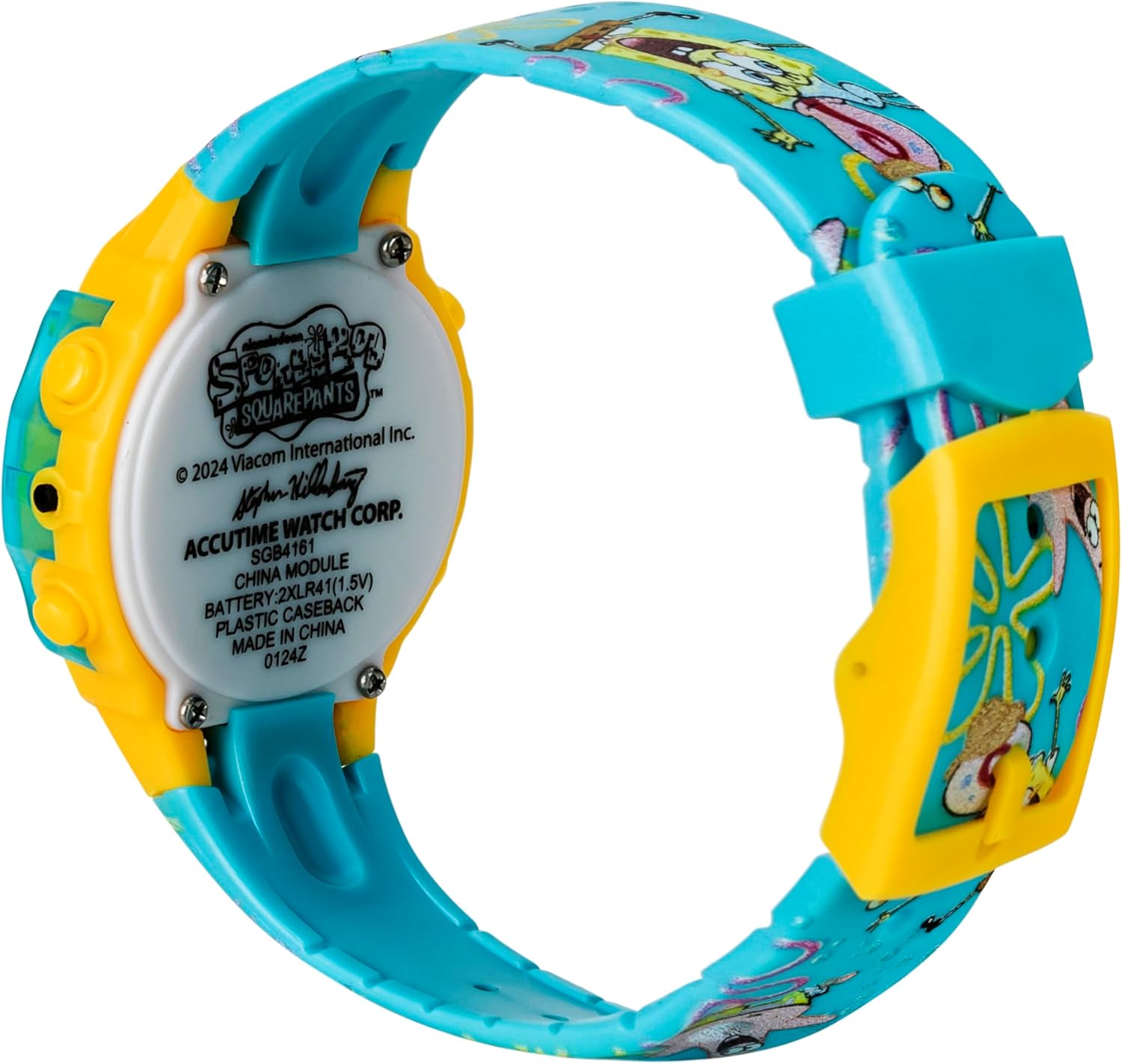
Image: Close-up of the watch face with LED lights glowing around the display, showing SpongeBob and the digital time.
മെയിൻ്റനൻസ്
വൃത്തിയാക്കൽ
To clean your watch, gently wipe it with a soft, damp cloth. Avoid using harsh chemicals or abrasive materials, as these can damage the watch face or strap. Ensure the watch is dry before wearing.
ജല പ്രതിരോധം
This watch is designed to be water-resistant, suitable for splashes during hand washing or light rain. It is വാട്ടർപ്രൂഫ് അല്ല and should not be submerged in water, used for swimming, bathing, or showering. Prolonged exposure to water can cause damage.
ബാറ്ററി മാറ്റിസ്ഥാപിക്കൽ
The watch uses 1 Lithium Ion battery (type CR41, 1.5V). Battery replacement should ideally be performed by a qualified technician to ensure proper sealing and water resistance. If replacing yourself, carefully open the back casing, replace the battery with the correct type, and ensure the casing is securely closed.
ചിത്രം: പിൻഭാഗം view of the watch, showing the metal back casing with product information and battery compartment details.
ട്രബിൾഷൂട്ടിംഗ്
| പ്രശ്നം | സാധ്യമായ കാരണം | പരിഹാരം |
|---|---|---|
| Watch display is blank. | Battery is depleted or not properly seated. | Press any button to activate. If still blank, consider battery replacement. |
| സമയം തെറ്റാണ്. | സമയം പുനഃക്രമീകരിക്കേണ്ടതുണ്ട്. | Follow the "Setting the Time" instructions in the Operating section. |
| എൽഇഡി ലൈറ്റുകൾ പ്രവർത്തിക്കുന്നില്ല. | Light button not pressed correctly or battery low. | Ensure the light button is pressed firmly. If still not working, battery may be low. |
| Watchband broke. | Wear and tear or excessive force. | മാറ്റിസ്ഥാപിക്കൽ ഓപ്ഷനുകൾക്കായി ഉപഭോക്തൃ പിന്തുണയുമായി ബന്ധപ്പെടുക. |
സ്പെസിഫിക്കേഷനുകൾ
- മോഡൽ നമ്പർ: SGB4161AZ
- ബ്രാൻഡ്: പ്രവർത്തനസമയം
- ഡിസ്പ്ലേ തരം: എൽസിഡി ഡിജിറ്റൽ
- ഫീച്ചറുകൾ: LED Lights, Character Strap
- ബാറ്ററി: 1 x Lithium Ion (CR41, 1.5V) (included)
- ജല പ്രതിരോധം: Splash resistant (not suitable for submersion)
- വകുപ്പ്: ആൺകുട്ടികൾ
- പാക്കേജ് അളവുകൾ: 3.07 x 3.07 x 2.95 ഇഞ്ച്
- ഇനത്തിൻ്റെ ഭാരം: 1 ഔൺസ്
വാറൻ്റി വിവരങ്ങൾ
Specific warranty details for Accutime products are typically provided with the product packaging or can be obtained by contacting Accutime customer support directly. Please retain your proof of purchase for warranty claims.
ഉപഭോക്തൃ പിന്തുണ
For further assistance, technical support, or inquiries regarding your Accutime Nickelodeon SpongeBob SquarePants Kids LCD Watch, please contact Accutime customer service. You can often find contact information on the product packaging or by visiting the official Accutime webസൈറ്റ്.
നിർമ്മാതാവ്: അക്യുടൈം വാച്ച് കോർപ്പറേഷൻ
ഓൺലൈൻ സ്റ്റോർ: Accutime Store on Amazon


