ആമുഖം
This manual provides essential information for the setup, operation, and maintenance of your Tatybo XW1 Wired Gaming Headset. Designed for immersive gaming, this headset features stereo surround sound, a noise-canceling microphone, and RGB lighting. It is compatible with multiple gaming platforms including PS4, PS5, Switch, PC, and Xbox.
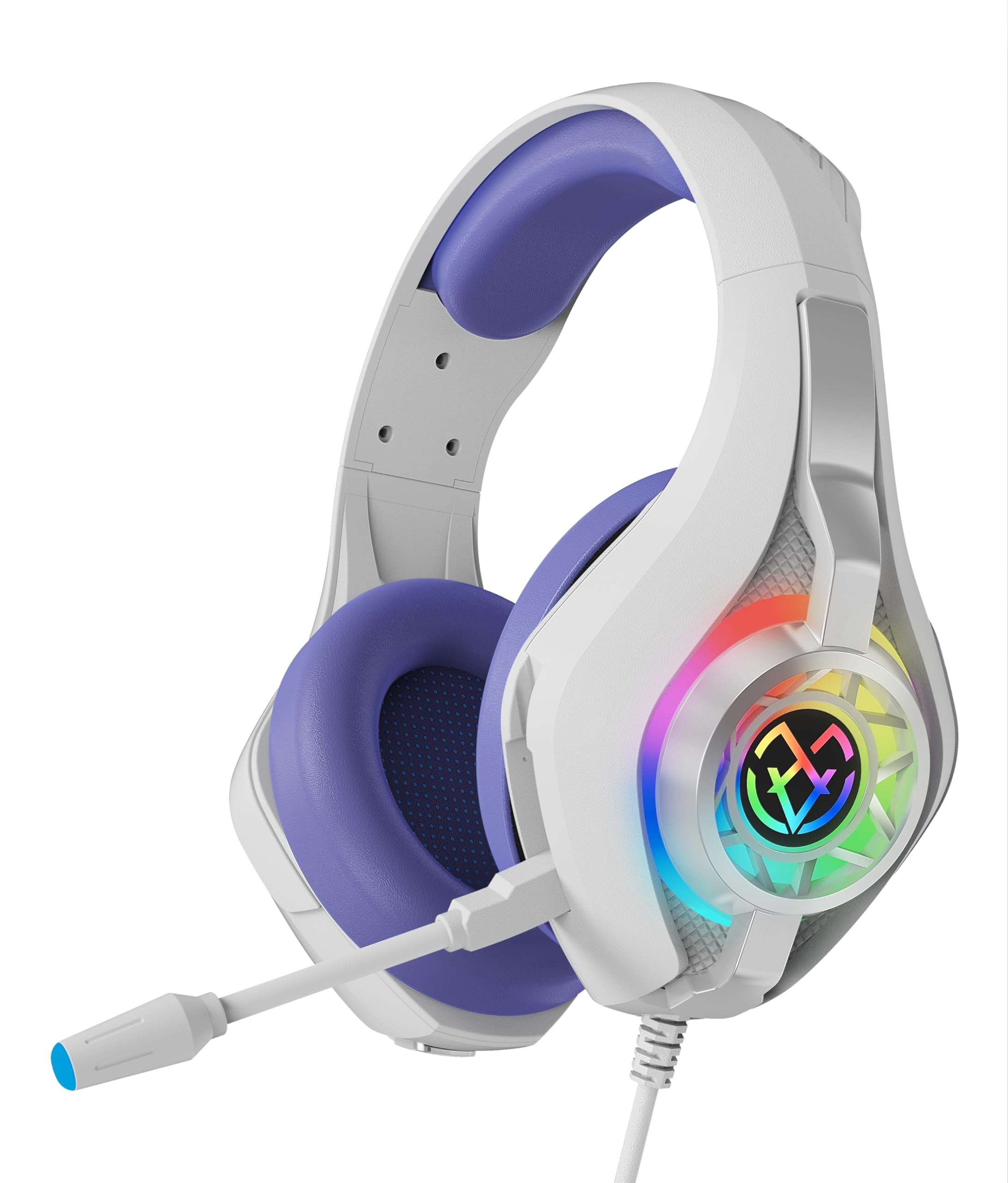
The Tatybo XW1 Wired Gaming Headset features a sleek design with purple earcups and integrated RGB lighting on the earcups.
ബോക്സിൽ എന്താണുള്ളത്
എല്ലാ ഇനങ്ങളും ഉണ്ടെന്ന് ഉറപ്പാക്കാൻ പാക്കേജ് ഉള്ളടക്കങ്ങൾ പരിശോധിക്കുക:
- Tatybo XW1 Gaming Headset
- ഉപയോക്തൃ മാനുവൽ (ഈ പ്രമാണം)
- USB വിപുലീകരണ കേബിൾ
- 1 to 2 Y Splitter 3.5mm
സജ്ജീകരണ നിർദ്ദേശങ്ങൾ
- Connect to Gaming Console (PS4, PS5, Switch, Xbox):
Plug the 3.5mm audio jack of the headset directly into the controller's 3.5mm port. For Nintendo Switch, plug directly into the console's 3.5mm port. The USB connection is optional for RGB lighting on consoles.
- പിസിയിലേക്ക് കണക്റ്റുചെയ്യുക:
If your PC has separate audio and microphone jacks (typically green and pink), use the included 1 to 2 Y Splitter 3.5mm cable. Connect the headset's 3.5mm jack to the splitter, then plug the splitter's green plug into your PC's audio output and the pink plug into your PC's microphone input. For RGB lighting, connect the USB plug to an available USB port on your PC using the USB extension cable if needed.
- Connect to Mobile Devices:
Plug the 3.5mm audio jack directly into your mobile device's 3.5mm port. The USB connection is not typically used for mobile devices.
- ഹെഡ്സെറ്റ് ഫിറ്റ് ക്രമീകരിക്കുക:
Gently extend or retract the adjustable headband to achieve a comfortable fit over your head. The memory protein earcups should fully cover your ears for optimal sound isolation and comfort.
ഹെഡ്സെറ്റ് പ്രവർത്തിപ്പിക്കുന്നു
- വോളിയം നിയന്ത്രണം: The headset features an in-line volume control wheel on the cable. Rotate the wheel up or down to adjust the audio volume.
- മൈക്രോഫോൺ ഉപയോഗം: The flexible, omni-directional microphone can be positioned closer to your mouth for clear communication. An in-line switch allows you to mute or unmute the microphone. A small LED indicator on the microphone tip may show its status (e.g., green for active, red for muted).
- RGB ലൈറ്റിംഗ്: The RGB lights on the earcups are powered via the USB connection. Once connected, the lights will cycle through various colors automatically. There are no adjustable settings for the RGB lighting patterns or colors.

The flexible, omni-directional microphone is designed for clear voice transmission and features noise-canceling technology to reduce background sound.
പ്രധാന സവിശേഷതകൾ
- Immersive Stereo Surround Sound: Equipped with high-precision 50mm magnetic neodymium drivers for clear and impactful audio, allowing users to detect subtle in-game sounds.
- Humanized Comfort Design: Features an ultra-lightweight frame (approx. 250g), memory protein earcups, and an elastic, soft foam-padded adjustable headband for comfort during extended use.
- Flexible Noise-Canceling Microphone: The omni-directional microphone effectively isolates external noise, ensuring clear voice transmission for team communication.
- നീണ്ടുനിൽക്കുന്ന നിർമ്മാണം: Built with braided cables, an aluminum headband, and triple-fixed soldering for enhanced longevity and resistance to wear.
- RGB ലൈറ്റിംഗ്: Integrated flashing RGB lights on the earcups provide a dynamic visual effect.
- മൾട്ടി-പ്ലാറ്റ്ഫോം അനുയോജ്യത: Connects to PS4, PS5, Switch, PC, Xbox One, and Xbox Series X/S via a 3.5mm audio interface.
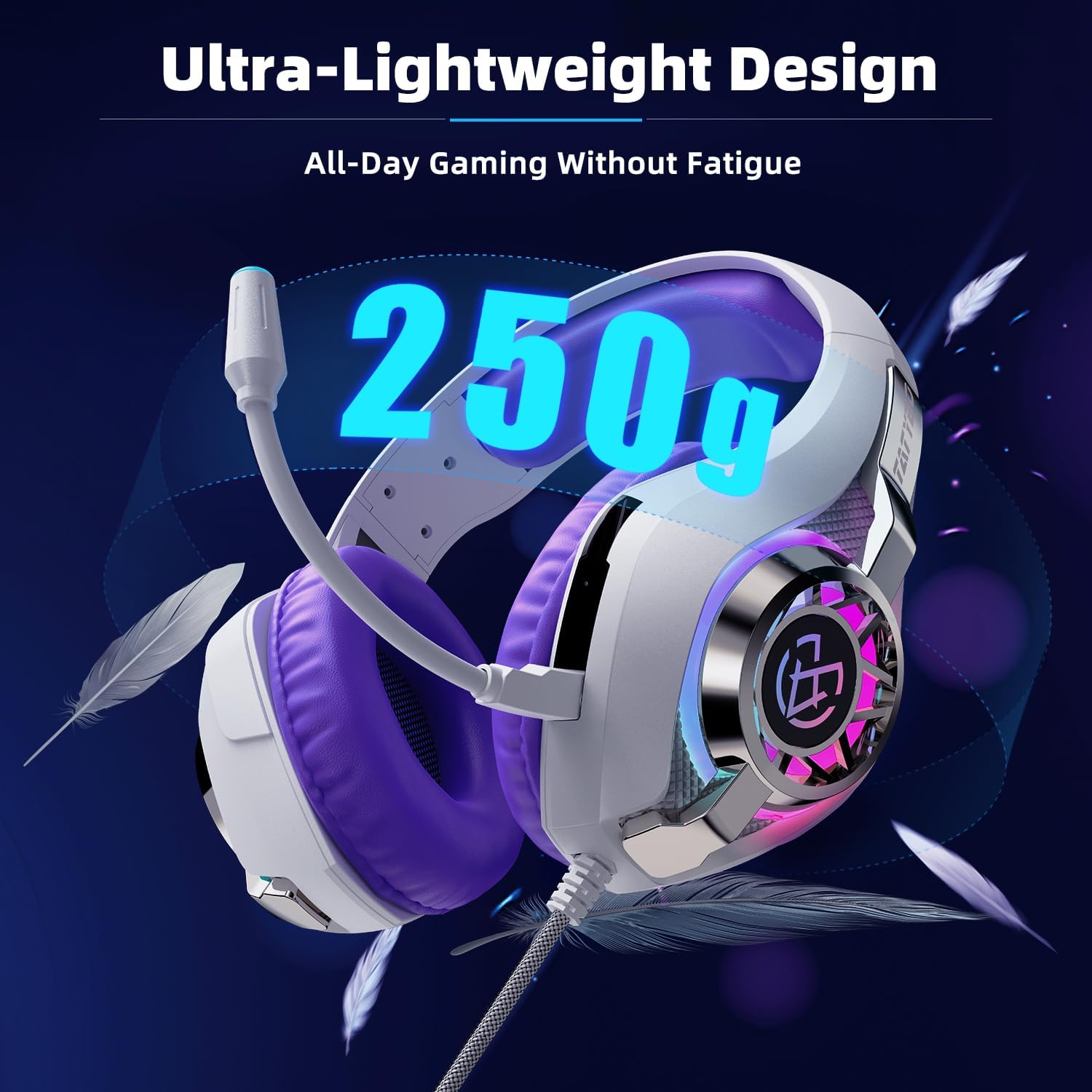
Weighing only 250 grams, the Tatybo XW1 headset is designed for extended gaming sessions without causing fatigue, thanks to its ultra-lightweight frame.

The headset offers multi-platform compatibility, connecting seamlessly to PS4, PS5, PC, Xbox One, Xbox Series X/S, and Nintendo Switch via its 3.5mm audio interface.
ഔദ്യോഗിക ഉൽപ്പന്ന വീഡിയോ
ഒരു ഉദ്യോഗസ്ഥൻ കടന്നുview video demonstrating the key features and design of the Tatybo XW1 Gaming Headset, including its RGB lighting and comfortable fit.
സ്പെസിഫിക്കേഷനുകൾ
| ഫീച്ചർ | വിശദാംശങ്ങൾ |
|---|---|
| മോഡലിൻ്റെ പേര് | XW1 |
| ബ്രാൻഡ് | ടാറ്റിബോ |
| കണക്റ്റിവിറ്റി ടെക്നോളജി | വയർഡ് |
| ഹെഡ്ഫോണുകൾ ജാക്ക് | 3.5 mm ജാക്ക് |
| അനുയോജ്യമായ ഉപകരണങ്ങൾ | PS4, PS5, Switch, Xbox, PC |
| ഓഡിയോ ഡ്രൈവർ വലിപ്പം | 50 മില്ലിമീറ്റർ |
| ശബ്ദ നിയന്ത്രണം | Sound Isolation, Noise Cancellation (Mic) |
| പ്രത്യേക സവിശേഷതകൾ | Adjustable Headband, Lightweight, Microphone Included, Surround Sound |
| മെറ്റീരിയൽ | അലുമിനിയം, സിലിക്കൺ |
| ഇനത്തിൻ്റെ ഭാരം | 14.5 ഔൺസ് (ഏകദേശം 411 ഗ്രാം) |
| പാക്കേജ് അളവുകൾ | 8.07 x 7.4 x 3.9 ഇഞ്ച് |
ട്രബിൾഷൂട്ടിംഗ്
- ശബ്ദമില്ല / കുറഞ്ഞ ശബ്ദം:
- 3.5mm ജാക്ക് ഉപകരണത്തിൽ പൂർണ്ണമായും ചേർത്തിട്ടുണ്ടെന്ന് ഉറപ്പാക്കുക.
- Check the in-line volume control wheel and adjust it to an audible level.
- Verify your device's audio settings (e.g., system volume, game volume) are not muted or set too low.
- ഒരു പിസി ഉപയോഗിക്കുകയാണെങ്കിൽ, നിങ്ങളുടെ ശബ്ദ ക്രമീകരണങ്ങളിൽ ശരിയായ ഓഡിയോ ഔട്ട്പുട്ട് ഉപകരണം തിരഞ്ഞെടുത്തിട്ടുണ്ടെന്ന് ഉറപ്പാക്കുക.
- മൈക്രോഫോൺ പ്രവർത്തിക്കുന്നില്ല:
- Ensure the in-line microphone mute switch is in the 'unmuted' position.
- If using a PC, ensure the 1 to 2 Y Splitter is correctly connected and the microphone input device is selected in your sound settings.
- Check your game or chat application settings to ensure the correct microphone is selected and not muted within the application.
- RGB Lights Not On:
- Ensure the USB cable is securely connected to a powered USB port on your device (PC, console, or a USB power adapter). The RGB lights require a USB power source to function.
മെയിൻ്റനൻസ്
- വൃത്തിയാക്കൽ: Use a soft, dry cloth to wipe down the headset. For earcups, a slightly damp തുണി ഉപയോഗിക്കാം, പക്ഷേ അമിതമായ ഈർപ്പം ഒഴിവാക്കുക. കഠിനമായ രാസവസ്തുക്കളോ അബ്രസിവ് ക്ലീനറുകളോ ഉപയോഗിക്കരുത്.
- സംഭരണം: ഹെഡ്സെറ്റ് തണുത്തതും വരണ്ടതുമായ സ്ഥലത്ത് സൂക്ഷിക്കുക, നേരിട്ടുള്ള സൂര്യപ്രകാശത്തിൽ നിന്നും ഉയർന്ന താപനിലയിൽ നിന്നും അകറ്റി നിർത്തുക. ഭാരമുള്ള വസ്തുക്കൾ ഹെഡ്സെറ്റിന് മുകളിൽ വയ്ക്കുന്നത് ഒഴിവാക്കുക.
- കേബിൾ കെയർ: കേബിളുകൾക്ക് കേടുപാടുകൾ സംഭവിക്കാതിരിക്കാൻ മൂർച്ചയുള്ള വളവുകളോ അമിതമായി വലിക്കുന്നതോ ഒഴിവാക്കുക.
വാറൻ്റിയും പിന്തുണയും
For warranty information or technical support, please refer to the documentation included with your purchase or contact Tatybo customer service through their official webഉൽപ്പന്നം വാങ്ങിയ സൈറ്റ് അല്ലെങ്കിൽ റീട്ടെയിലർ. വാറന്റി ക്ലെയിമുകൾക്കായി നിങ്ങളുടെ വാങ്ങിയതിന്റെ തെളിവ് സൂക്ഷിക്കുക.