1. ആമുഖം
Thank you for choosing the EDYELL C5S Motorcycle Bluetooth Headset. This device is designed to enhance your riding experience by providing clear audio for calls and music, along with convenient voice control features. With its robust IP67 waterproof design and long-lasting battery, the C5S ensures reliable performance in various conditions. Please read this manual carefully to understand the proper installation, operation, and maintenance of your headset.
2. പാക്കേജ് ഉള്ളടക്കം
Before proceeding with installation, please verify that all items listed below are included in your package:
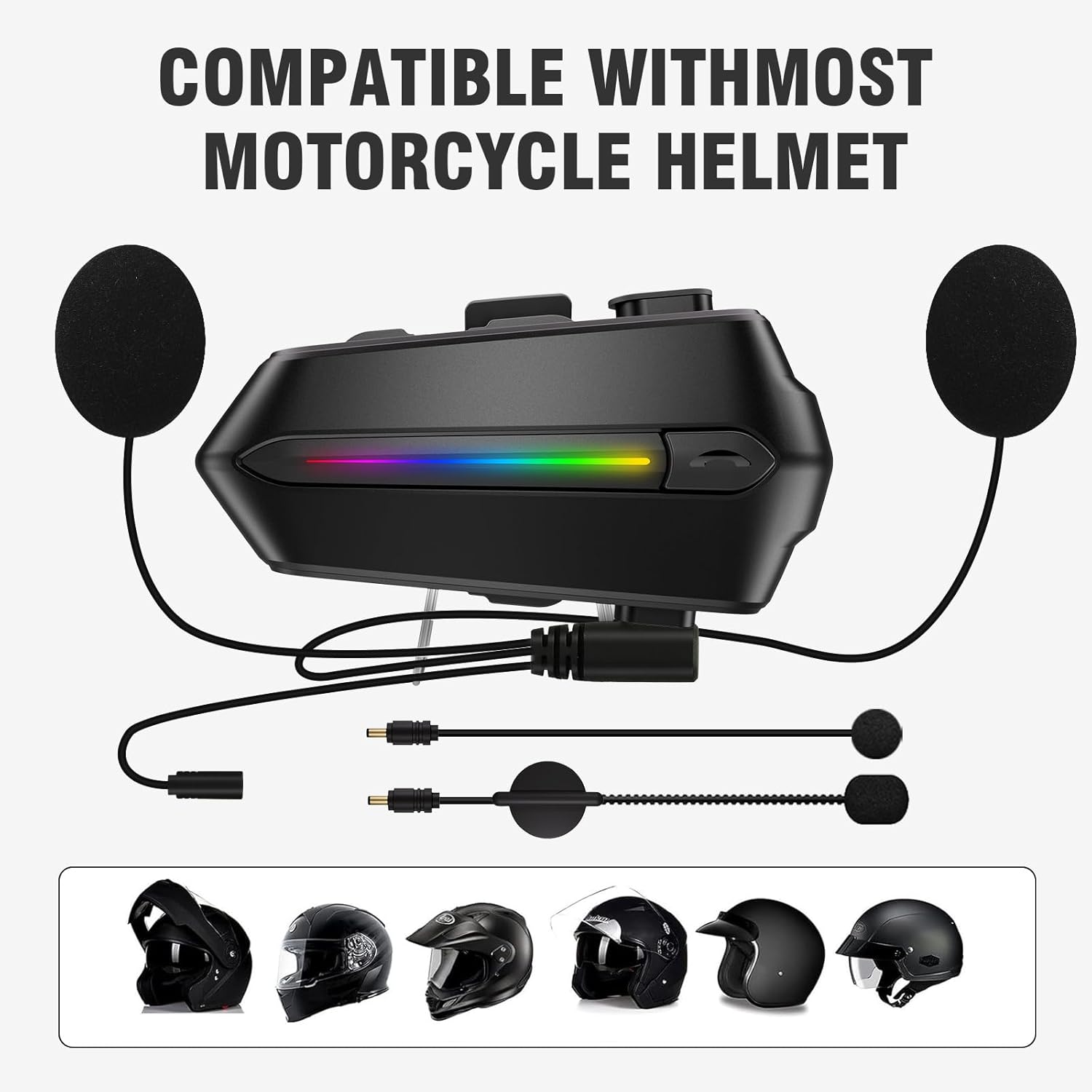
- Motorcycle Bluetooth Headsets (C5S) x 1
- Hard Microphone Speaker x 1
- Clamping Base x 1
- Microphone Velcro Tape x 2
- Speaker Velcro x 2
- Booster Sticker x 2
- Stand Velcro Tape x 1
- Thick Double Sided Tape x 1
- ഉപയോക്തൃ മാനുവൽ x 1
- ചാർജിംഗ് കേബിൾ x 1
3. ഉൽപ്പന്നം കഴിഞ്ഞുview
The EDYELL C5S features a sleek design with intuitive controls for easy operation while riding. Key components include the main unit, 50mm speakers, and a microphone for clear communication.

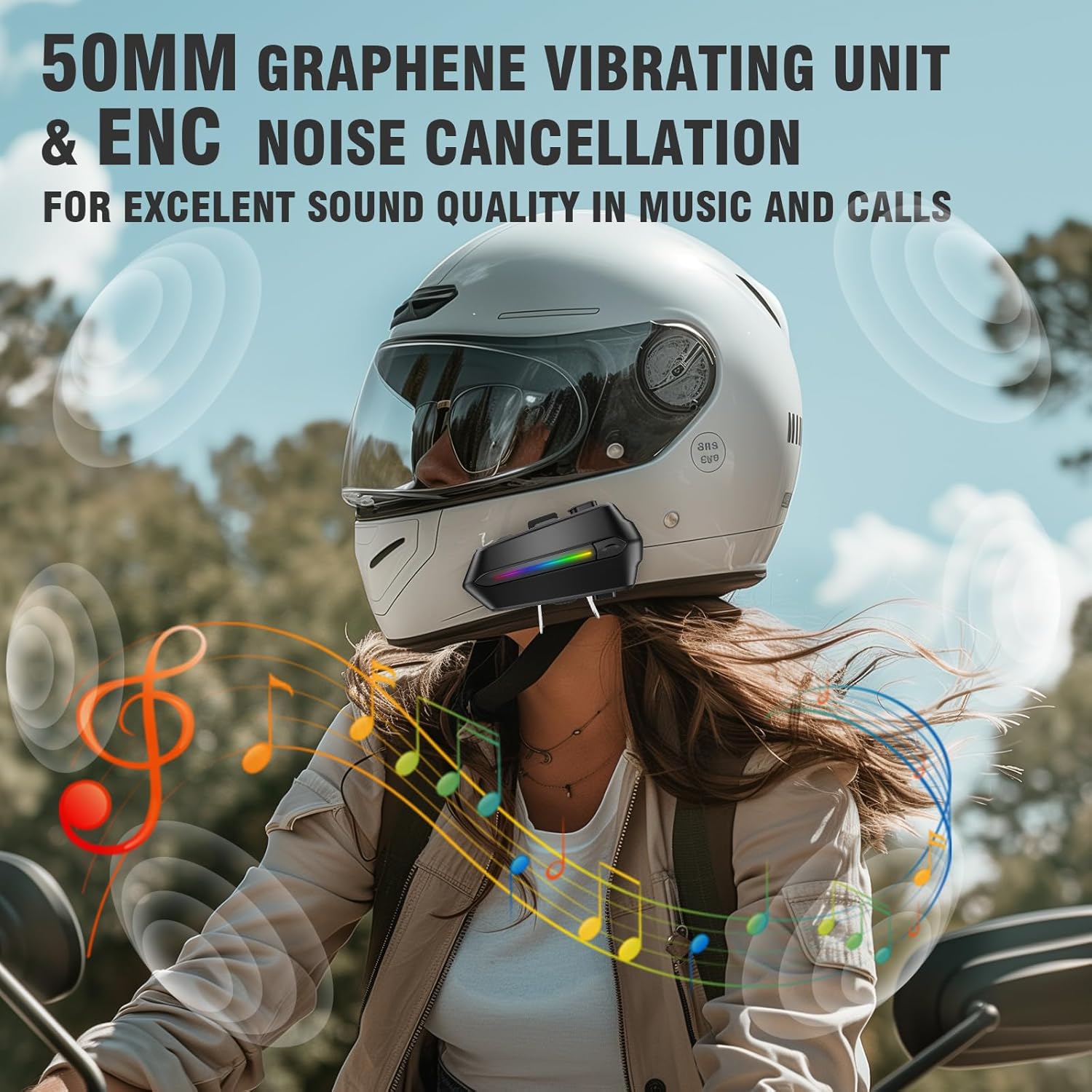
The headset is equipped with a 50mm tuning speaker for enhanced volume and bass performance, and features Environmental Noise Cancellation (ENC) for clear audio during calls and music playback.
4. സജ്ജീകരണവും ഇൻസ്റ്റാളേഷനും
The EDYELL C5S is designed for easy installation and is compatible with most motorcycle helmets.
4.1 ഹെഡ്സെറ്റ് മൌണ്ട് ചെയ്യുന്നു
- Choose a suitable location on the side of your helmet, typically near the chin bar or cheek pad area.
- Clean the helmet surface thoroughly where the clamping base or adhesive tape will be applied.
- cl അറ്റാച്ചുചെയ്യുകamping base to the helmet using the provided screws or use the thick double-sided tape for a secure adhesive mount.
- Slide the main headset unit onto the clamping base until it clicks into place.
4.2 Speaker and Microphone Placement
- Attach the speaker Velcro pads to the inside of your helmet, aligning them with your ears.
- Secure the 50mm speakers to the Velcro pads. Ensure they are positioned comfortably and do not press against your ears.
- Attach the microphone Velcro tape to the inside of the helmet, near your mouth.
- Secure the hard microphone speaker to the Velcro tape, ensuring it is close enough to pick up your voice clearly without obstructing your vision or comfort.
5. പ്രവർത്തന നിർദ്ദേശങ്ങൾ
5.1 പവർ ഓൺ/ഓഫ്
- പവർ ഓൺ: Press and hold the Power button for approximately 3 seconds until the indicator light turns on.
- പവർ ഓഫ്: ഇൻഡിക്കേറ്റർ ലൈറ്റ് ഓഫ് ആകുന്നതുവരെ ഏകദേശം 5 സെക്കൻഡ് നേരത്തേക്ക് പവർ ബട്ടൺ അമർത്തിപ്പിടിക്കുക.
5.2 ബ്ലൂടൂത്ത് ജോടിയാക്കൽ
The C5S uses Bluetooth V5.4 for stable and fast connections.
- ഹെഡ്സെറ്റ് പവർ ഓഫ് ആണെന്ന് ഉറപ്പാക്കുക.
- Press and hold the Power button for about 7 seconds until the indicator light flashes red and blue alternately, indicating pairing mode.
- On your mobile device, enable Bluetooth and search for "EDYELL C5S".
- Select "EDYELL C5S" from the list of available devices to connect. Once connected, the indicator light will turn blue.
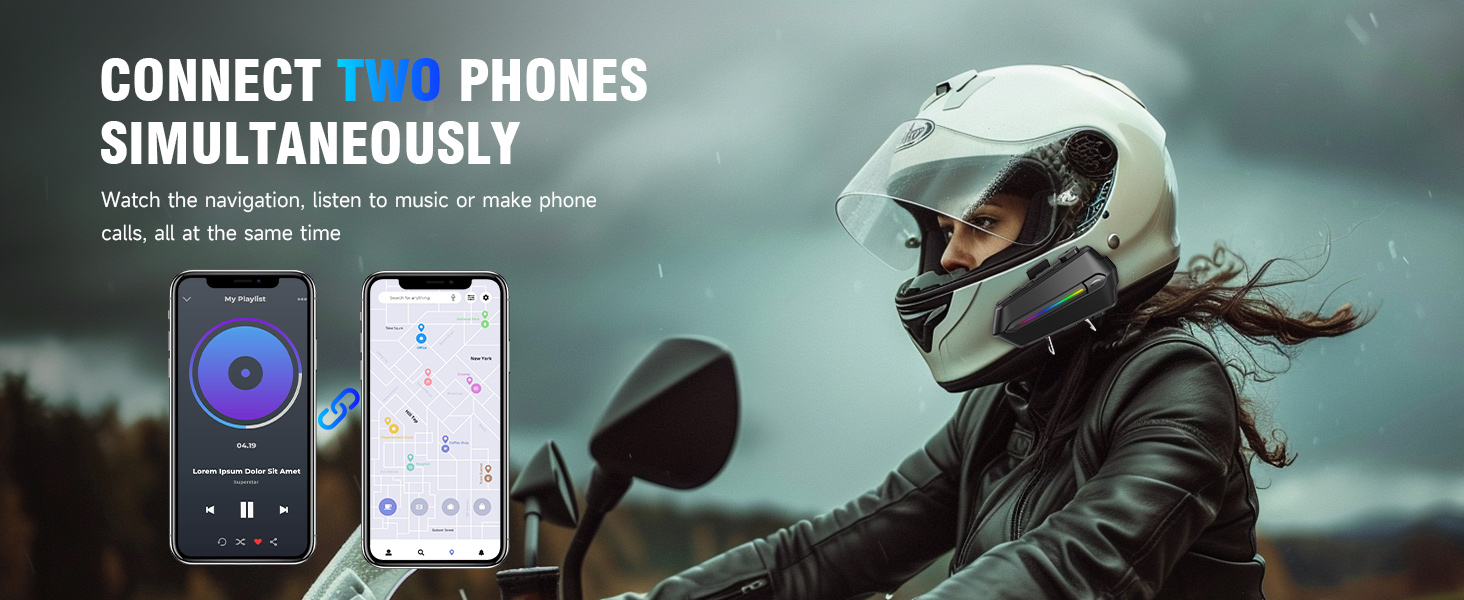
The headset supports connecting two phones simultaneously, allowing you to manage calls and music from two devices without re-pairing.
5.3 മ്യൂസിക് പ്ലേബാക്ക്
- പ്ലേ/താൽക്കാലികമായി നിർത്തുക: മൾട്ടി-ഫംഗ്ഷൻ ബട്ടൺ ഒരിക്കൽ അമർത്തുക.
- അടുത്ത ട്രാക്ക്: വോളിയം അപ്പ് ബട്ടൺ ഒരിക്കൽ അമർത്തുക.
- മുമ്പത്തെ ട്രാക്ക്: വോളിയം ഡൗൺ ബട്ടൺ ഒരിക്കൽ അമർത്തുക.
- വോളിയം കൂട്ടുക: വോളിയം അപ്പ് ബട്ടൺ അമർത്തിപ്പിടിക്കുക.
- വോളിയം താഴേക്ക്: വോളിയം ഡൗൺ ബട്ടൺ അമർത്തിപ്പിടിക്കുക.
5.4 കോൾ മാനേജ്മെന്റ്
- മറുപടി കോൾ: The headset will automatically answer incoming calls after 10 seconds. You can also press the Multi-function button once to answer immediately.
- കോൾ അവസാനിപ്പിക്കുക: ഒരു കോൾ സമയത്ത് മൾട്ടി-ഫംഗ്ഷൻ ബട്ടൺ ഒരിക്കൽ അമർത്തുക.
- കോൾ നിരസിക്കുക: ഒരു കോൾ വരുമ്പോൾ മൾട്ടി-ഫംഗ്ഷൻ ബട്ടൺ 2 സെക്കൻഡ് അമർത്തിപ്പിടിക്കുക.
5.5 വോയ്സ് അസിസ്റ്റന്റ്
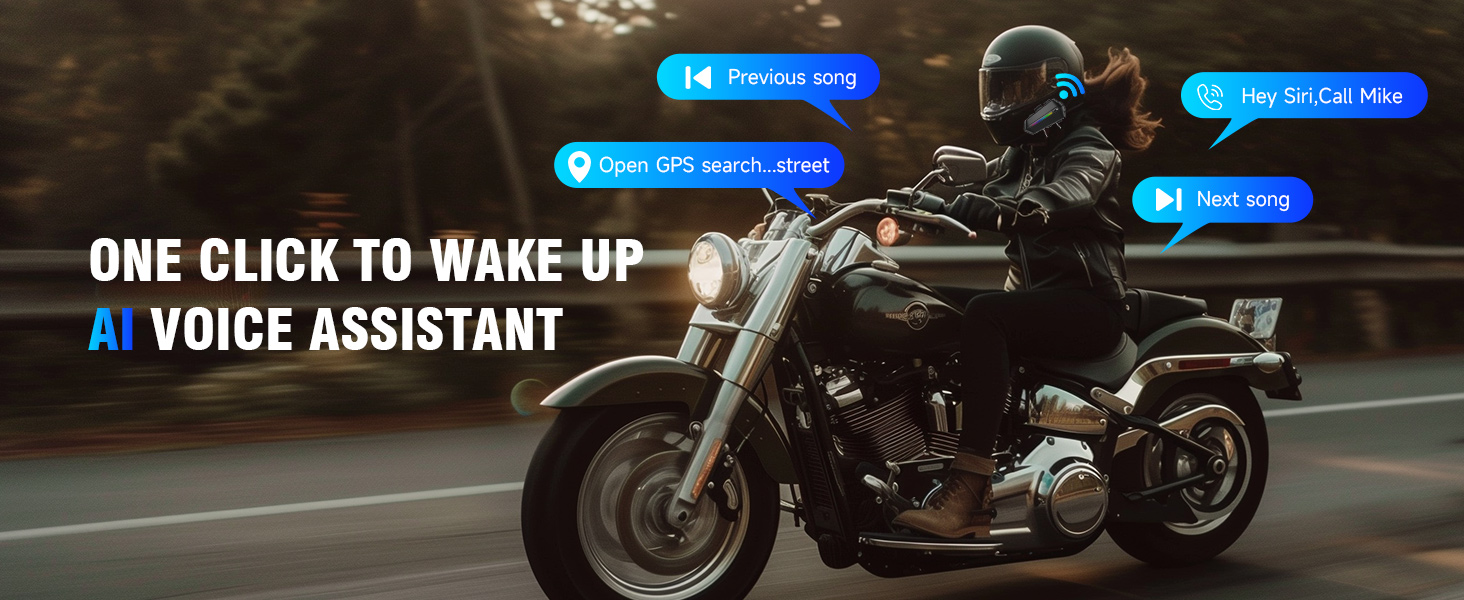
Activate your smartphone's voice assistant (Siri, Google Assistant, etc.) with a simple command.
- വോയ്സ് അസിസ്റ്റന്റിനെ സജീവമാക്കുക: Press the Voice Control button once. You can then issue commands like "Play next song," "Open navigation," or "Call Mike."

6. ചാർജിംഗും ബാറ്ററിയും
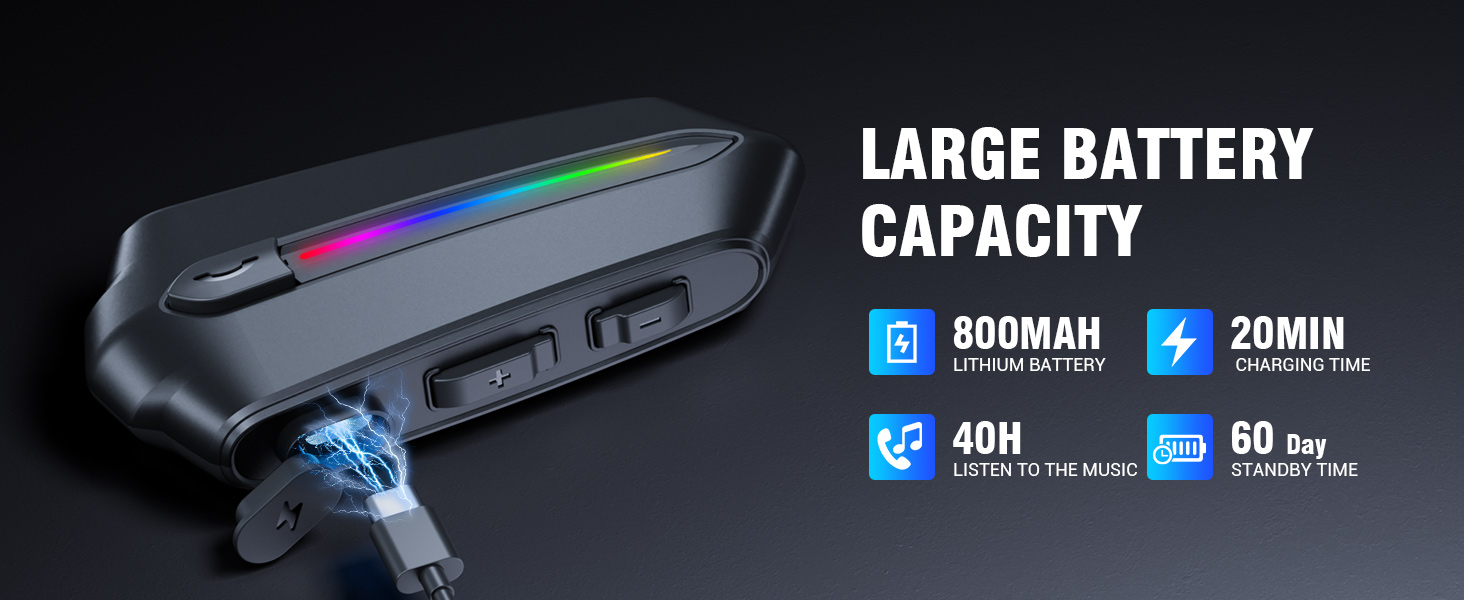
The EDYELL C5S is equipped with an 800mAh large-capacity battery, providing extended usage times.
- ചാർജിംഗ് സമയം: ഫുൾ ചാർജിനായി ഏകദേശം 1.5 മണിക്കൂർ.
- സംഗീത പ്ലേബാക്ക്: 30 മണിക്കൂർ വരെ.
- കോൾ സമയം: 40 മണിക്കൂർ വരെ.
- സ്റ്റാൻഡ്ബൈ സമയം: 300 മണിക്കൂറിൽ കൂടുതൽ.
6.1 ഹെഡ്സെറ്റ് ചാർജ് ചെയ്യുന്നു
- Connect the provided Type-C charging cable to the charging port on the headset.
- കേബിളിന്റെ മറ്റേ അറ്റം യുഎസ്ബി പവർ സ്രോതസ്സിലേക്ക് ബന്ധിപ്പിക്കുക (ഉദാ. കമ്പ്യൂട്ടർ, വാൾ അഡാപ്റ്റർ).
- ഇൻഡിക്കേറ്റർ ലൈറ്റ് ചാർജിംഗ് സ്റ്റാറ്റസ് കാണിക്കും (ഉദാ: ചാർജ് ചെയ്യുന്നതിന് ചുവപ്പ്, പൂർണ്ണമായും ചാർജ് ചെയ്തതിന് നീല).

7. പരിപാലനവും പരിചരണവും
To ensure the longevity and optimal performance of your EDYELL C5S headset, follow these care guidelines:
- വൃത്തിയാക്കൽ: ഹെഡ്സെറ്റ് മൃദുവായ, ഡി ക്ലീനർ ഉപയോഗിച്ച് തുടയ്ക്കുക.amp തുണി. കഠിനമായ രാസവസ്തുക്കളോ ഉരച്ചിലുകളുള്ള ക്ലീനറുകളോ ഉപയോഗിക്കരുത്.
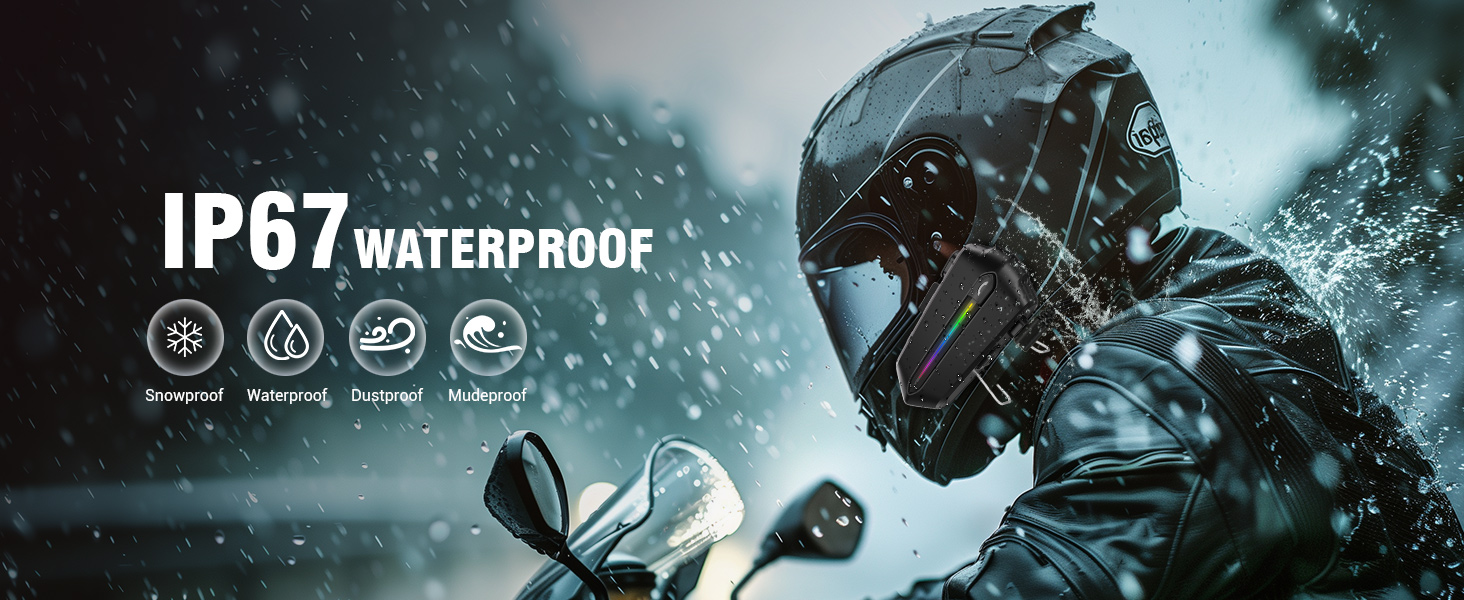
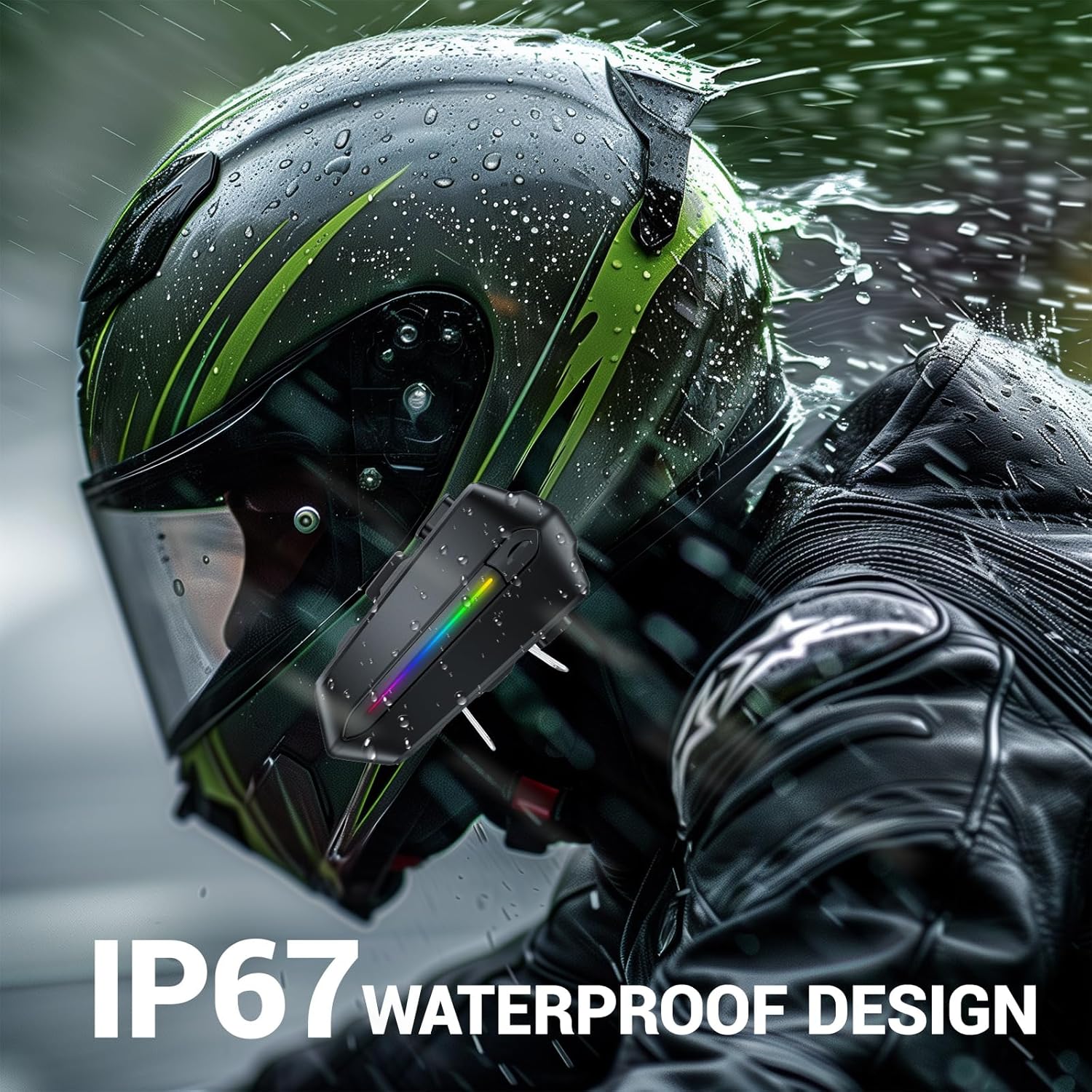
- ജല പ്രതിരോധം: The C5S is IP67 waterproof, meaning it is protected against dust and can withstand immersion in water up to 1 meter for 30 minutes. While it can handle rain and splashes, avoid prolonged submersion.
- സംഭരണം: ഉപയോഗിക്കാത്തപ്പോൾ തണുത്തതും വരണ്ടതുമായ സ്ഥലത്ത് ഹെഡ്സെറ്റ് സൂക്ഷിക്കുക. ഉയർന്ന താപനില ഒഴിവാക്കുക.
- ബാറ്ററി കെയർ: For long-term storage, charge the battery to about 50% every few months to prevent deep discharge.

8. പ്രശ്നപരിഹാരം
If you encounter any issues with your EDYELL C5S headset, please refer to the following common problems and solutions:
| പ്രശ്നം | സാധ്യമായ കാരണം | പരിഹാരം |
|---|---|---|
| ഹെഡ്സെറ്റ് പവർ ഓണാക്കുന്നില്ല | ബാറ്ററി ചാർജ് കുറവാണ്; പവർ ബട്ടൺ അധികം നേരം അമർത്തിയിട്ടില്ല. | Charge the headset fully; Press and hold the Power button for 3 seconds. |
| ഫോണുമായി ജോടിയാക്കാൻ കഴിയില്ല | ഹെഡ്സെറ്റ് ജോടിയാക്കൽ മോഡിൽ ഇല്ല; ഫോണിൽ ബ്ലൂടൂത്ത് ഓഫാണ്; ഇടപെടൽ | Ensure headset is in pairing mode (flashing red/blue); Turn on phone's Bluetooth; Move away from other Bluetooth devices. |
| ശബ്ദമോ കുറഞ്ഞ വോളിയമോ ഇല്ല | Volume too low; Speakers not positioned correctly; Poor connection | Increase volume on headset and phone; Adjust speaker position; Re-pair the headset. |
| Call quality is poor / Noise | Microphone not positioned correctly; High wind noise | Adjust microphone closer to mouth; Ensure helmet is properly sealed to minimize wind noise. |
| ചെറിയ ബാറ്ററി ലൈഫ് | Not fully charged; Old battery | Ensure headset is fully charged (1.5 hours); If battery life significantly degrades, contact support. |
9 സ്പെസിഫിക്കേഷനുകൾ
Detailed technical specifications for the EDYELL C5S Motorcycle Bluetooth Headset:
- മോഡലിൻ്റെ പേര്: സി 5 എസ്
- കണക്റ്റിവിറ്റി ടെക്നോളജി: വയർലെസ് (ബ്ലൂടൂത്ത്)
- ബ്ലൂടൂത്ത് പതിപ്പ്: 5.4
- ഇയർപീസ് ആകൃതി: ചെവിയിൽ
- ഓഡിയോ ഡ്രൈവർ തരം: Dynamic Driver (50mm Speakers)
- ശബ്ദ നിയന്ത്രണം: ആക്ടീവ് നോയ്സ് റദ്ദാക്കൽ (ENC)
- ബാറ്ററി ശേഷി: 800mAh ലിഥിയം പോളിമർ
- ചാർജിംഗ് സമയം: ഏകദേശം 1.5 മണിക്കൂർ
- Battery Life (Music): 30 മണിക്കൂർ വരെ
- Battery Life (Calls): 40 മണിക്കൂർ വരെ
- സ്റ്റാൻഡ്ബൈ സമയം: 300 മണിക്കൂറിൽ കൂടുതൽ
- ജല പ്രതിരോധ നില: IP67 Waterproof (Snowproof, Dustproof, Mudproof)
- നിയന്ത്രണ രീതി: ടച്ച്, വോയ്സ് കൺട്രോൾ
- ഇനത്തിൻ്റെ ഭാരം: 180 ഗ്രാം
- മെറ്റീരിയൽ: പ്ലാസ്റ്റിക്
- ഉൽപ്പന്ന അളവുകൾ: 10 x 5 x 2 സെ.മീ
- പ്രത്യേക സവിശേഷതകൾ: Sweatproof, Auto Call Answer, AI Voice Assistant, Connects Two Phones Simultaneously
10. വാറൻ്റിയും പിന്തുണയും
The EDYELL C5S Motorcycle Bluetooth Headset comes with a 12 Months Edyell India Warranty.
For any quality problems, technical assistance, or warranty claims, please contact our professional after-sales customer service:
- ഇമെയിൽ: support@fenman.in
- ഫോൺ: +91 8882786235
Our customer service team is ready to provide you with satisfactory service.


