ആമുഖം
The 3M WorkTunes Connect Wireless Hearing Protector provides both audio entertainment and essential hearing protection. Designed with Bluetooth wireless technology and a 26 dB Noise Reduction Rating (NRR), these headphones enhance your work experience while safeguarding your hearing. They are built to be water and sweat resistant, ensuring durability for extended use in various environments.

Figure 1: 3M WorkTunes Connect Wireless Hearing Protector with packaging.
പ്രധാന സവിശേഷതകൾ:
- ശ്രവണ സംരക്ഷണം: 26 dB Noise Reduction Rating (NRR) for effective sound attenuation.
- ബ്ലൂടൂത്ത് സാങ്കേതികവിദ്യ: Seamless wireless connection for streaming audio and calls.
- പ്രീമിയം സൗണ്ട് ക്വാളിറ്റി: High-fidelity speakers deliver clear audio.
- Safe Volume Control/Limiter: Automatically adjusts volume to help maintain safe listening levels.
- വെള്ളം, വിയർപ്പ് പ്രതിരോധം: Designed for durability in demanding conditions.
- നീണ്ട ബാറ്ററി ലൈഫ്: Built-in rechargeable battery offers 40+ hours of use with USB-C charging.
- സംയോജിത മൈക്രോഫോൺ: Allows for hands-free phone calls without removing the headset.
- എർഗണോമിക് നിയന്ത്രണങ്ങൾ: Volume controls are designed for easy operation, even with gloves.
- സുഖപ്രദമായ ഡിസൈൻ: Soft, conformable earcups and a vented headband ensure all-day comfort.
സജ്ജീകരണ ഗൈഡ്
1 ഉപകരണം ചാർജ് ചെയ്യുന്നു
Before first use, fully charge your 3M WorkTunes Connect Hearing Protector. The device features a built-in rechargeable battery and a USB-C port for convenient charging.
- Locate the USB-C charging port on the headset.
- Connect the provided USB-C cable to the headset and a compatible USB power source (e.g., wall adapter, computer USB port).
- ചാർജിംഗ് ഇൻഡിക്കേറ്റർ ലൈറ്റ് പ്രകാശിക്കും. പൂർണ്ണമായി ചാർജ് ചെയ്തുകഴിഞ്ഞാൽ, മോഡലിനെ ആശ്രയിച്ച് ലൈറ്റ് നിറം മാറുകയോ ഓഫാകുകയോ ചെയ്യാം.

Figure 2: The headset features a built-in rechargeable battery with a USB-C cord and port for charging.
2. ബ്ലൂടൂത്ത് ജോടിയാക്കൽ
Pair your hearing protector with your smartphone or other Bluetooth-enabled device to stream music or make calls.
- ഹെഡ്സെറ്റ് പവർ ഓഫ് ആണെന്ന് ഉറപ്പാക്കുക.
- Press and hold the power button until the Bluetooth indicator light begins to flash, indicating pairing mode.
- നിങ്ങളുടെ മൊബൈൽ ഉപകരണത്തിൽ, ബ്ലൂടൂത്ത് ക്രമീകരണങ്ങളിലേക്ക് നാവിഗേറ്റ് ചെയ്ത് ലഭ്യമായ ഉപകരണങ്ങൾക്കായി തിരയുക.
- Select "3M WorkTunes Connect" from the list.
- Once connected, the Bluetooth indicator light on the headset will typically turn solid.
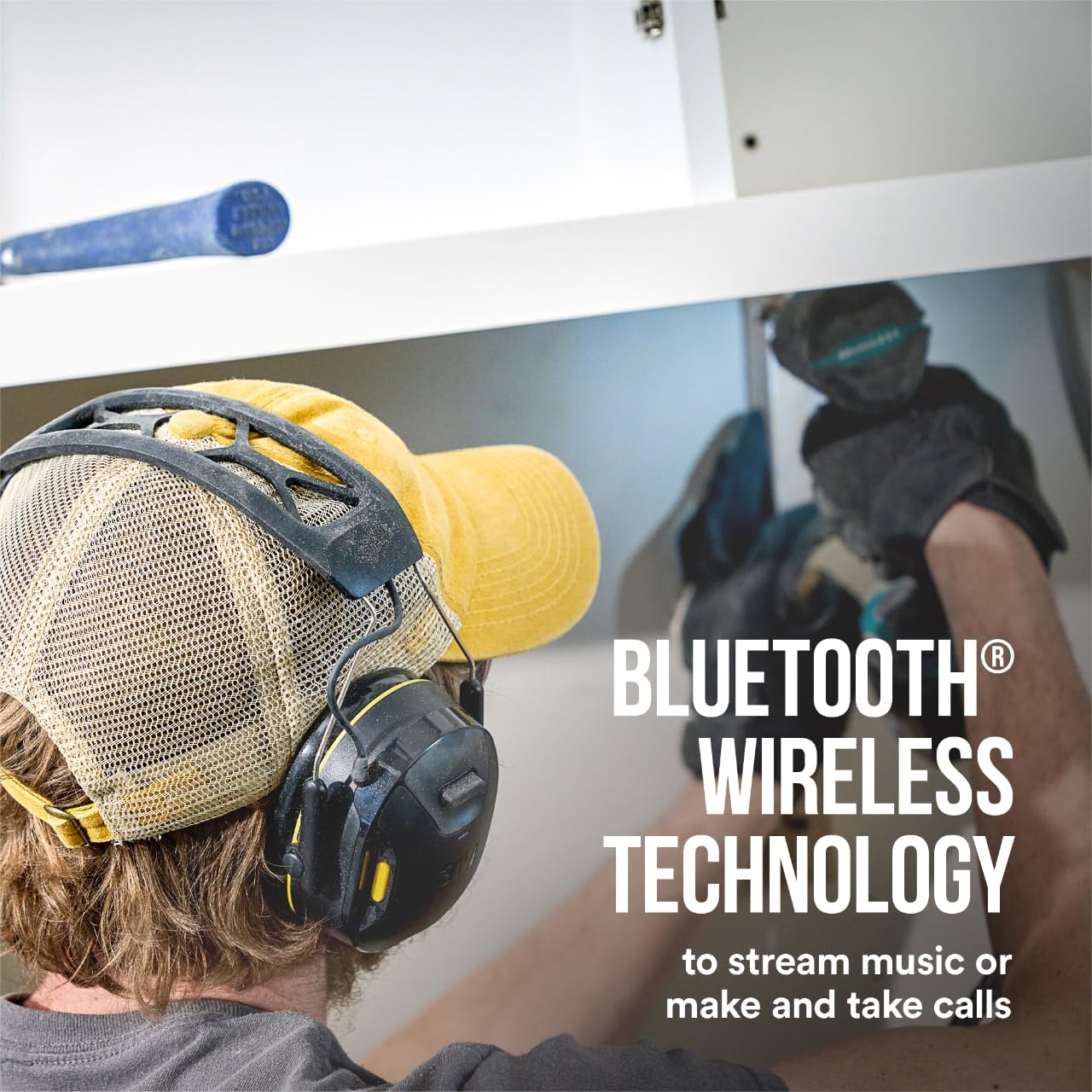
Figure 3: The headset utilizes Bluetooth wireless technology for streaming music and making calls.
പ്രവർത്തന നിർദ്ദേശങ്ങൾ
Wearing the Hearing Protector
For optimal hearing protection and sound quality, ensure a proper fit. The soft, conformable earcups and adjustable headband are designed for comfort and effective sealing.

Figure 4: The headset helps protect your hearing with a 26 dB Noise Reduction Rating (NRR). An improper fit will reduce its effectiveness; refer to user instructions for proper fit and seal.
Adjust the headband so that the earcups fully cover your ears and create a snug seal. An improper fit can significantly reduce the Noise Reduction Rating (NRR) effectiveness.
Audio Playback and Volume Control
The headset features high-fidelity speakers for premium sound quality. Use the ergonomically designed volume controls located on the headset for easy adjustment.

Figure 5: Enjoy premium sound quality through high-fidelity speakers.

Figure 6: The headset includes a safe volume control/limiter that self-adjusts to help ensure safe listening levels throughout the day.
The integrated safe volume control/limiter self-adjusts to help ensure you are listening at a safe volume, protecting your hearing during prolonged use.
കോളുകൾ ചെയ്യലും സ്വീകരിക്കലും
An integrated microphone allows you to manage phone calls without needing to remove the headset.

Figure 7: The integrated microphone allows you to make and take calls without removing the headset.
When a call comes in, the audio will pause, and you can answer directly from the headset. After the call, audio playback will resume.
പരിപാലനവും പരിചരണവും
To ensure the longevity and performance of your 3M WorkTunes Connect Hearing Protector, follow these maintenance guidelines:
- വൃത്തിയാക്കൽ: Regularly wipe down the earcups and headband with a soft, damp cloth. For thorough cleaning, especially after exposure to sweat or dirt, use isopropyl alcohol. Ensure the device is powered off and disconnected from any charging cables before cleaning.
- സംഭരണം: ഉയർന്ന താപനിലയിൽ നിന്നും നേരിട്ടുള്ള സൂര്യപ്രകാശത്തിൽ നിന്നും മാറി വൃത്തിയുള്ളതും വരണ്ടതുമായ സ്ഥലത്ത് ഹെഡ്സെറ്റ് സൂക്ഷിക്കുക.
- ബാറ്ററി കെയർ: For optimal battery life, avoid fully discharging the battery frequently. Charge the device regularly, especially if it will not be used for an extended period.
- പരിശോധന: Periodically inspect the earcups for any signs of wear or damage. Replace ear cushions if they become worn or cracked to maintain effective noise reduction.
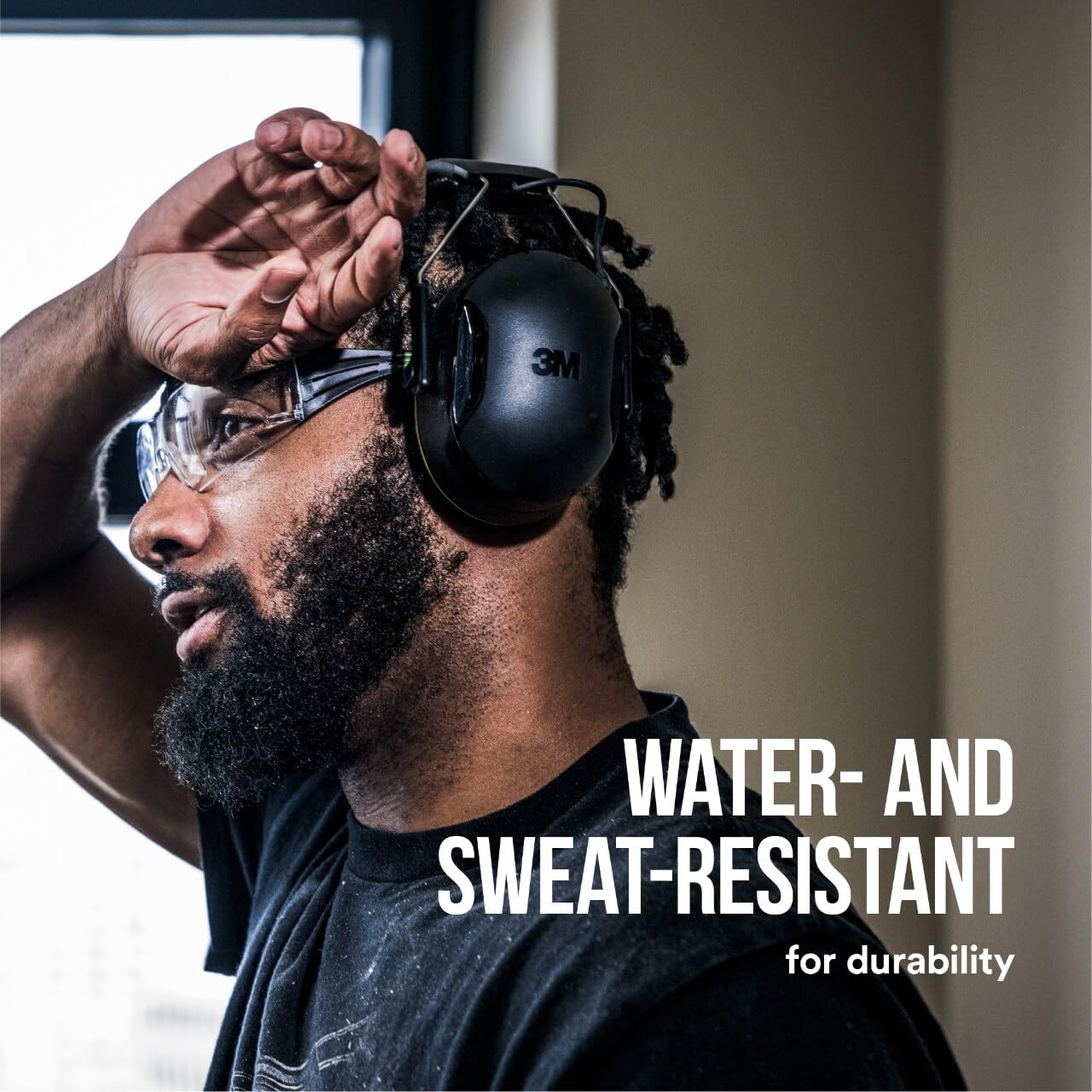
Figure 8: The headset is water and sweat resistant, designed for durability.
ട്രബിൾഷൂട്ടിംഗ്
If you encounter issues with your 3M WorkTunes Connect Hearing Protector, refer to the following common problems and solutions:
| പ്രശ്നം | സാധ്യമായ കാരണം | പരിഹാരം |
|---|---|---|
| ശബ്ദമോ കുറഞ്ഞ വോളിയമോ ഇല്ല |
|
|
| ബ്ലൂടൂത്ത് ഉപകരണവുമായി ജോടിയാക്കാൻ കഴിയില്ല |
|
|
| ബാറ്ററി ചാർജ് ചെയ്യുന്നില്ല |
|
|
സ്പെസിഫിക്കേഷനുകൾ
| ഫീച്ചർ | വിശദാംശങ്ങൾ |
|---|---|
| മോഡൽ നമ്പർ | 90570-ഡിസി |
| നോയ്സ് റിഡക്ഷൻ റേറ്റിംഗ് (NRR) | 26 ഡി.ബി |
| കണക്റ്റിവിറ്റി | ബ്ലൂടൂത്ത് വയർലെസ് ടെക്നോളജി |
| ബാറ്ററി ലൈഫ് | 40+ hours (rechargeable) |
| ചാർജിംഗ് പോർട്ട് | USB-C |
| ജല പ്രതിരോധം | വെള്ളവും വിയർപ്പും പ്രതിരോധിക്കും |
| ഉൽപ്പന്ന അളവുകൾ | 7 x 7.5 x 4 ഇഞ്ച് |
| ഇനത്തിൻ്റെ ഭാരം | 14.72 ഔൺസ് |
| നിർമ്മാതാവ് | 3M |
വാറൻ്റിയും പിന്തുണയും
For information regarding product warranty, returns, or technical support, please refer to the official 3M website or contact 3M customer service directly.
You can also visit the official 3M store on Amazon for additional product information and support resources: