1. പാക്കേജ് ഉള്ളടക്കം
Please inspect the package contents to ensure all items are present and in good condition.
- AZDOME M01 Pro Dual Dash Cam (Front Unit)
- പിൻ ക്യാമറ
- 128GB SD കാർഡ്
- Mini USB OBD Hardwire Kit
- സക്ഷൻ കപ്പ് മ .ണ്ട്
- പശ മ Mount ണ്ട്
- യുഎസ്ബി പവർ കേബിൾ
- പ്രൈ ടൂൾ
- ഉപയോക്തൃ മാനുവൽ

Image 1.1: All components included in the AZDOME M01 Pro Dual Dash Cam package.
2. സജ്ജീകരണം
2.1 SD കാർഡ് ചേർക്കൽ
Locate the SD card slot on the side of the main dash cam unit. Gently insert the provided 128GB micro SD card until it clicks into place. Ensure the card is inserted correctly to avoid damage.
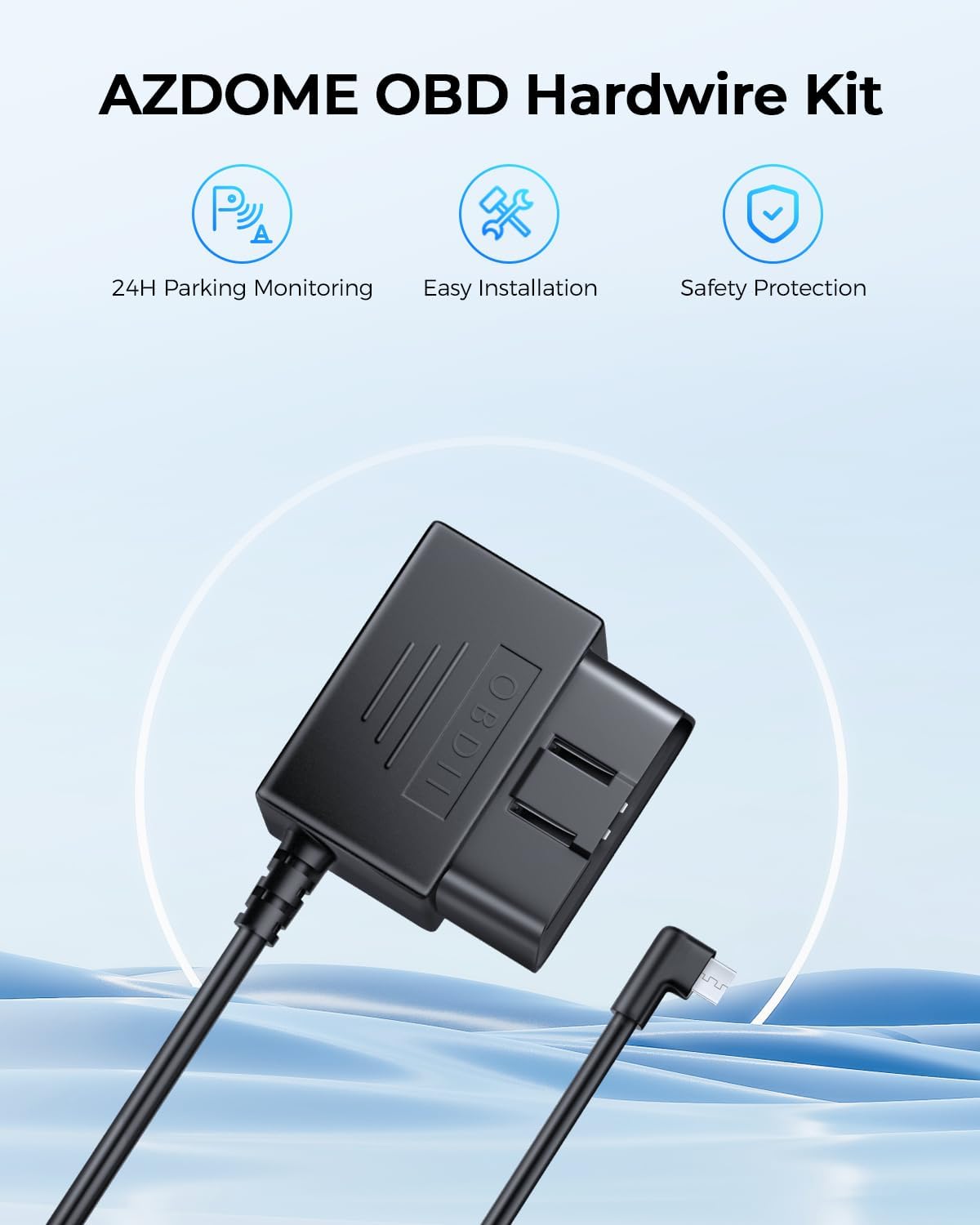
Image 2.1: The included 128GB micro SD card for video storage.
2.2 Mounting the Front Dash Cam
- Clean the area on your windshield where you intend to mount the dash cam. Ensure it is free from dust and grease.
- Attach the suction cup mount or adhesive mount to the main dash cam unit.
- Press the mount firmly against the windshield and secure it. Adjust the angle to ensure a clear view മുന്നോട്ടുള്ള പാതയുടെ.

Image 2.2: Front dash cam mounted on the windshield using the suction cup mount.
2.3 പിൻ ക്യാമറ ഇൻസ്റ്റാൾ ചെയ്യുന്നു
- Identify a suitable location on your rear windshield for the rear camera, ensuring a clear view.
- തിരഞ്ഞെടുത്ത സ്ഥലം നന്നായി വൃത്തിയാക്കുക.
- Attach the rear camera using its adhesive backing.
- Connect the rear camera cable to the main dash cam unit. Route the cable discreetly along the vehicle's headliner and A-pillar using the provided pry tool to tuck it under trim panels.
2.4 ബന്ധിപ്പിക്കുന്ന പവർ
The AZDOME M01 Pro comes with a Mini USB OBD Hardwire Kit for continuous power and parking mode functionality.
- Locate your vehicle's OBD-II port (usually under the dashboard on the driver's side).
- Plug the OBD connector of the hardwire kit into the vehicle's OBD-II port.
- Connect the Mini USB end of the hardwire kit to the main dash cam unit.
- Route the power cable discreetly, similar to the rear camera cable, to avoid obstructing your view അല്ലെങ്കിൽ ഡ്രൈവിംഗിൽ ഇടപെടൽ.
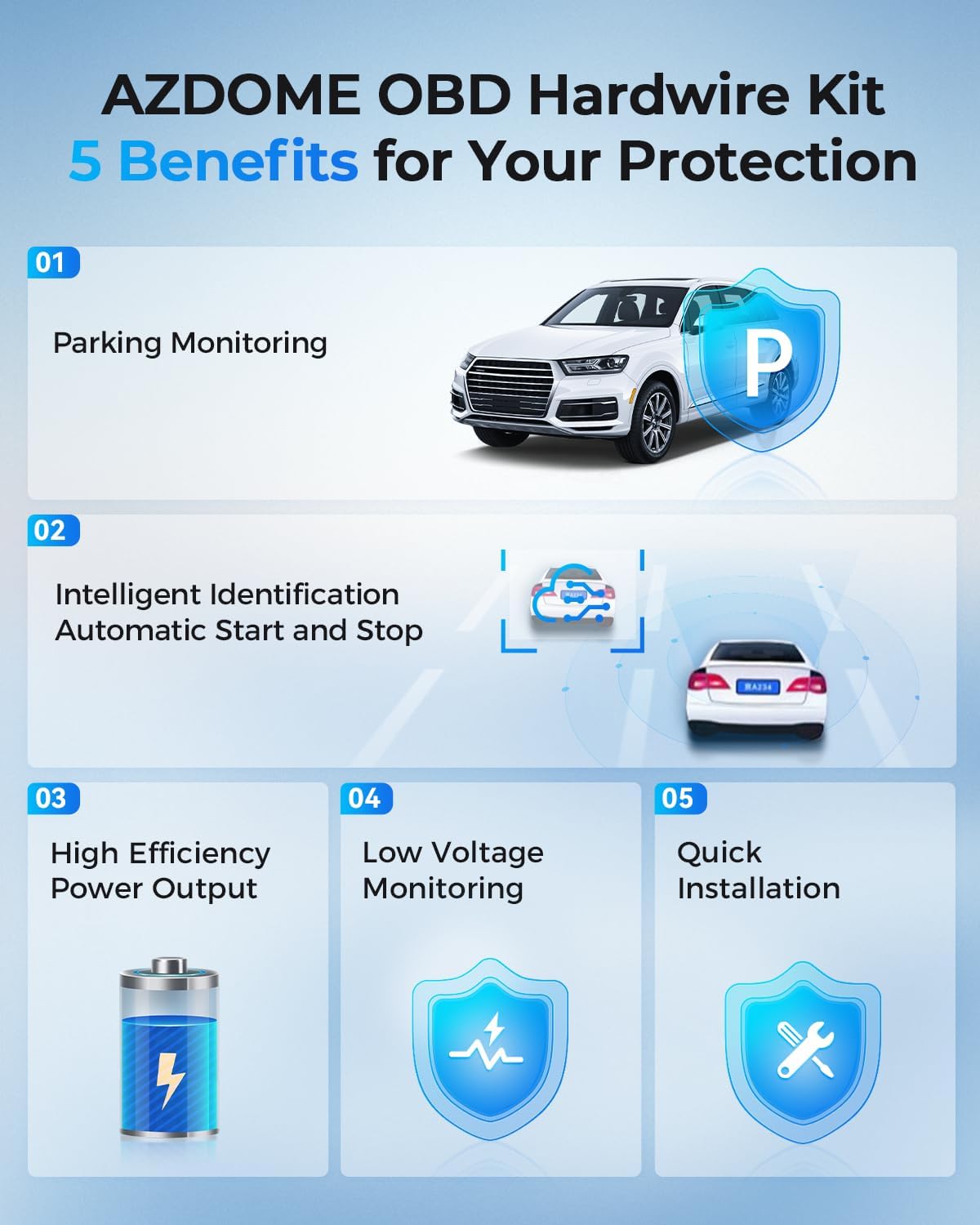
Image 2.3: The Mini USB OBD Hardwire Kit for power connection.

Image 2.4: Key benefits of using the OBD Hardwire Kit, including 24H parking monitoring and easy installation.
3. പ്രവർത്തന നിർദ്ദേശങ്ങൾ
3.1 പവർ ഓൺ/ഓഫ്
The dash cam will automatically power on and begin recording when your vehicle's ignition is turned on (if connected via OBD hardwire kit). It will power off automatically when the ignition is turned off.
3.2 അടിസ്ഥാന നിയന്ത്രണങ്ങൾ
The dash cam features a 3-inch 2.5D curved IPS screen and intuitive buttons for navigation and control. Refer to the on-screen interface for specific menu options.
3.3 ലൂപ്പ് റെക്കോർഡിംഗ്
The dash cam continuously records video in short segments (e.g., 1, 3, or 5 minutes). When the SD card is full, the oldest unlocked video fileപുതിയ റെക്കോർഡിംഗുകൾ സ്വയമേവ തിരുത്തിയെഴുതപ്പെടും. ഇത് മാനുവൽ ഇടപെടലില്ലാതെ തുടർച്ചയായ റെക്കോർഡിംഗ് ഉറപ്പാക്കുന്നു.
3.4 G-Sensor & Emergency Lock
The built-in G-sensor detects sudden movements or impacts (e.g., collisions). When an event is detected, the current video segment is automatically locked and saved to a protected folder, preventing it from being overwritten by loop recording.
3.5 24H Parking Mode
With the Mini USB OBD Hardwire Kit, the dash cam supports 24-hour parking monitoring. There are two primary modes:
- കൂട്ടിയിടി കണ്ടെത്തൽ പാർക്കിംഗ് മോഡ്: The G-sensor detects impacts while parked and records a short video segment.
- Time-lapse Parking Mode: The dash cam records continuously at a low frame rate (e.g., 1fps) for 24 hours, compressing long periods into short videos.

Image 3.1: Explanation of 24H Parking Monitoring modes: Collision Detection and Time-Lapse recording.
3.6 ADAS (അഡ്വാൻസ്ഡ് ഡ്രൈവർ-അസിസ്റ്റൻസ് സിസ്റ്റംസ്)
The M01 Pro features ADAS functions, including a Lane Departure Warning System and Forward Collision Warning. These systems provide timely alerts to help reduce the risk of driving accidents.
3.7 Dual Recording & Reverse View
The dash cam records simultaneously from both the front (Full HD 1080P, 150° wide-angle) and rear (120° wide-angle) cameras. The display can show both views, and when reversing, it can provide a reverse view പാർക്കിംഗ് മാർഗ്ഗനിർദ്ദേശങ്ങൾക്കൊപ്പം.

Image 3.2: Dual recording display showing front and rear views, with reverse view parking guidelines.
3.8 സൂപ്പർ നൈറ്റ് വിഷൻ
Equipped with a Starvis Sensor and F2.0 large aperture, the dash cam provides enhanced night vision capabilities, capturing clear footage കുറഞ്ഞ വെളിച്ചത്തിൽ പോലും.
Image 3.3: Super Night Vision technology details, including 6-Glass Lens, Starvis Sensor, and F2.0 Aperture for clear low-light recording.
4. പരിപാലനം
4.1 SD കാർഡ് മാനേജ്മെന്റ്
Regularly format your SD card (at least once a month) to maintain optimal performance and prevent data corruption. Back up any important video fileഫോർമാറ്റ് ചെയ്യുന്നതിന് മുമ്പ് എസ്.
4.2 വൃത്തിയാക്കൽ
ഡാഷ് കാം ലെൻസുകളും സ്ക്രീനും വൃത്തിയാക്കാൻ മൃദുവായതും ഉണങ്ങിയതുമായ തുണി ഉപയോഗിക്കുക. ഉപകരണത്തിന് കേടുവരുത്തുന്ന അബ്രാസീവ് ക്ലീനറുകളോ ലായകങ്ങളോ ഉപയോഗിക്കുന്നത് ഒഴിവാക്കുക.
5. പ്രശ്നപരിഹാരം
- ഡാഷ് കാം ഓണാക്കുന്നില്ല: Ensure the OBD hardwire kit is correctly installed and receiving power from the vehicle. Check the Mini USB connection to the dash cam.
- റെക്കോർഡിംഗ് പ്രശ്നങ്ങൾ: Verify the SD card is properly inserted and not full. Format the SD card if necessary. Ensure loop recording is enabled.
- മോശം വീഡിയോ നിലവാരം: Clean the camera lenses. Check the resolution settings in the menu. Ensure the protective film has been removed from the lenses.
- പിൻ ക്യാമറ പ്രദർശിപ്പിക്കുന്നില്ല: Check the cable connection between the front and rear cameras. Ensure the rear camera is properly installed.
- പാർക്കിംഗ് മോഡ് പ്രവർത്തിക്കുന്നില്ല: Confirm the OBD hardwire kit is correctly installed and providing continuous power. Check parking mode settings in the menu.
6 സ്പെസിഫിക്കേഷനുകൾ
| ബ്രാൻഡ് | അസ്ഡോം |
| മോഡലിൻ്റെ പേര് | AZDOME Dual Dash Cam (M01 Pro) |
| കണക്റ്റിവിറ്റി ടെക്നോളജി | USB |
| വീഡിയോ ക്യാപ്ചർ റെസല്യൂഷൻ | 1080p (Front: Full HD 1080P, Rear: 1080P) |
| മൗണ്ടിംഗ് തരം | Windshield Mount (Suction Cup / Adhesive) |
| നിയന്ത്രണ രീതി | Touch / Buttons |
| ഫ്ലാഷ് മെമ്മറി തരം | SD (128GB included) |
| പ്രത്യേക സവിശേഷതകൾ | Dual Dash Cam, ADAS, Loop Recording, 24H Parking Mode, G-Sensor, Super Night Vision, 150° Front Lens, 120° Rear Lens |
7. വാറൻ്റിയും പിന്തുണയും
For warranty information or technical support, please refer to the official AZDOME website or contact their customer service directly. Contact details are typically found in the packaging or on the product's official support page.


