ആമുഖം
This instruction manual provides comprehensive guidance for the UGREEN Wireless Mouse, Model 45792. Please read this manual carefully before using the product to ensure proper operation and to maximize its features. Keep this manual for future reference.
ഉൽപ്പന്നം കഴിഞ്ഞുview
ഘടകങ്ങളും സവിശേഷതകളും
The UGREEN Wireless Mouse (Model 45792) is designed for comfort and efficiency. Familiarize yourself with its various parts:

Figure 1: UGREEN Wireless Mouse Component Diagram
- ഇടത് ബട്ടൺ: സ്റ്റാൻഡേർഡ് ക്ലിക്ക് ഫംഗ്ഷൻ.
- വലത് ബട്ടൺ: സന്ദർഭ മെനു പ്രവർത്തനം.
- Metallic Scroll Wheel: For ultra-fast vertical scrolling.
- ഡിപിഐ സ്വിച്ച് ബട്ടൺ: കഴ്സർ സെൻസിറ്റിവിറ്റി ക്രമീകരിക്കുന്നു.
- ഫോർവേഡ് ബട്ടൺ: Navigates forward in browsers/applications (Windows).
- ബാക്ക്വേർഡ് ബട്ടൺ: Navigates backward in browsers/applications (Windows).
- Side Scroll Wheel: For horizontal scrolling.
- Connection Mode Switch Key: Toggles between 2.4G and Bluetooth modes.
- DPI സൂചകം: നിലവിലെ DPI ക്രമീകരണം കാണിക്കുന്നു.
- ഒപ്റ്റിക്കൽ സെൻസർ: മൗസിന്റെ ചലനം ട്രാക്ക് ചെയ്യുന്നു.
- ഓൺ/ഓഫ് സ്വിച്ച്: മൗസ് ഓൺ അല്ലെങ്കിൽ ഓഫ് ആക്കുന്നു.
- USB Receiver Compartment: Stores the 2.4G USB receiver.
- ബാറ്ററി കമ്പാർട്ട്മെൻ്റ്: Holds two AA 1.5V batteries.
- Glide Pads: Ensures smooth movement.
സജ്ജമാക്കുക
1. ബാറ്ററി ഇൻസ്റ്റാളേഷൻ
- മൗസിന്റെ അടിഭാഗത്ത് ബാറ്ററി കമ്പാർട്ട്മെന്റ് കണ്ടെത്തുക.
- ബാറ്ററി കമ്പാർട്ട്മെൻ്റ് കവർ തുറക്കുക.
- Insert two AA 1.5V batteries, ensuring correct polarity (+/-). Batteries are not included.
- ബാറ്ററി കമ്പാർട്ട്മെൻ്റ് കവർ സുരക്ഷിതമായി അടയ്ക്കുക.
2. പവർ ഓൺ/ഓഫ്
Slide the On/Off switch located on the bottom of the mouse to the 'ON' position to power it on. Slide it to 'OFF' when not in use to conserve battery life.
പ്രവർത്തന നിർദ്ദേശങ്ങൾ
Dual Mode Connectivity (2.4G Wireless & Bluetooth)
The mouse supports two connection modes: 2.4G wireless via a USB receiver and Bluetooth. It can connect to up to three devices simultaneously (one via 2.4G, two via Bluetooth).

Figure 2: Dual Mode Connection Example
2.4G വയർലെസ് കണക്ഷൻ:
- Locate the USB receiver in the compartment on the bottom of the mouse.
- നിങ്ങളുടെ കമ്പ്യൂട്ടറിൽ ലഭ്യമായ USB പോർട്ടിലേക്ക് USB റിസീവർ പ്ലഗ് ചെയ്യുക.
- മൗസ് ഓണാക്കുക.
- Press the Connection Mode Switch Key until the 2.4G indicator light is active. The mouse should connect automatically.
ബ്ലൂടൂത്ത് കണക്ഷൻ:
- മൗസ് ഓണാക്കുക.
- Press the Connection Mode Switch Key to select either Bluetooth 1 or Bluetooth 2. The corresponding indicator light will flash slowly.
- Press and hold the Connection Mode Switch Key for 3-5 seconds until the Bluetooth indicator light flashes rapidly. This indicates pairing mode.
- നിങ്ങളുടെ ഉപകരണത്തിൽ (കമ്പ്യൂട്ടർ, ടാബ്ലെറ്റ്, സ്മാർട്ട്ഫോൺ), ബ്ലൂടൂത്ത് പ്രവർത്തനക്ഷമമാക്കി പുതിയ ഉപകരണങ്ങൾക്കായി തിരയുക.
- Select "UGREEN Mouse" from the list of available devices to pair.
- ജോടിയാക്കിക്കഴിഞ്ഞാൽ, ഇൻഡിക്കേറ്റർ ലൈറ്റ് മിന്നുന്നത് നിർത്തുകയും ഓഫാക്കുന്നതിന് മുമ്പ് കുറച്ച് സെക്കൻഡ് നേരത്തേക്ക് ദൃഢമായി തുടരുകയും ചെയ്യും.
DPI ക്രമീകരണം
The mouse features 5 adjustable DPI levels to control cursor sensitivity:

ചിത്രം 3: DPI ക്രമീകരണ നിലകൾ
- Available DPI Levels: 1000, 1600 (default), 2400, 3200, 5000.
- To change the DPI, press the DPI Switch Button located below the scroll wheel. Each press cycles through the available DPI settings.
- The DPI indicator light will briefly illuminate to show the current setting.
സിസ്റ്റം സ്വിച്ചിംഗ്
An operating system switch is located on the bottom of the mouse, allowing you to optimize functionality for Windows or MacOS.
- Slide the switch to the appropriate operating system (Windows or MacOS) for optimal performance and shortcut key functionality.
വിപുലമായ സവിശേഷതകൾ
- Side Scroll Wheel: Use the side scroll wheel for horizontal navigation in documents or web പേജുകൾ.
- Side Shortcut Keys: The forward and backward buttons on the side function as navigation keys in Windows. On MacOS, these keys can be configured to switch applications.
Silent Click Feature
The UGREEN Wireless Mouse is designed with silent click and scroll functions, producing less than 40dB of noise. This feature ensures a quiet working environment for you and those around you.
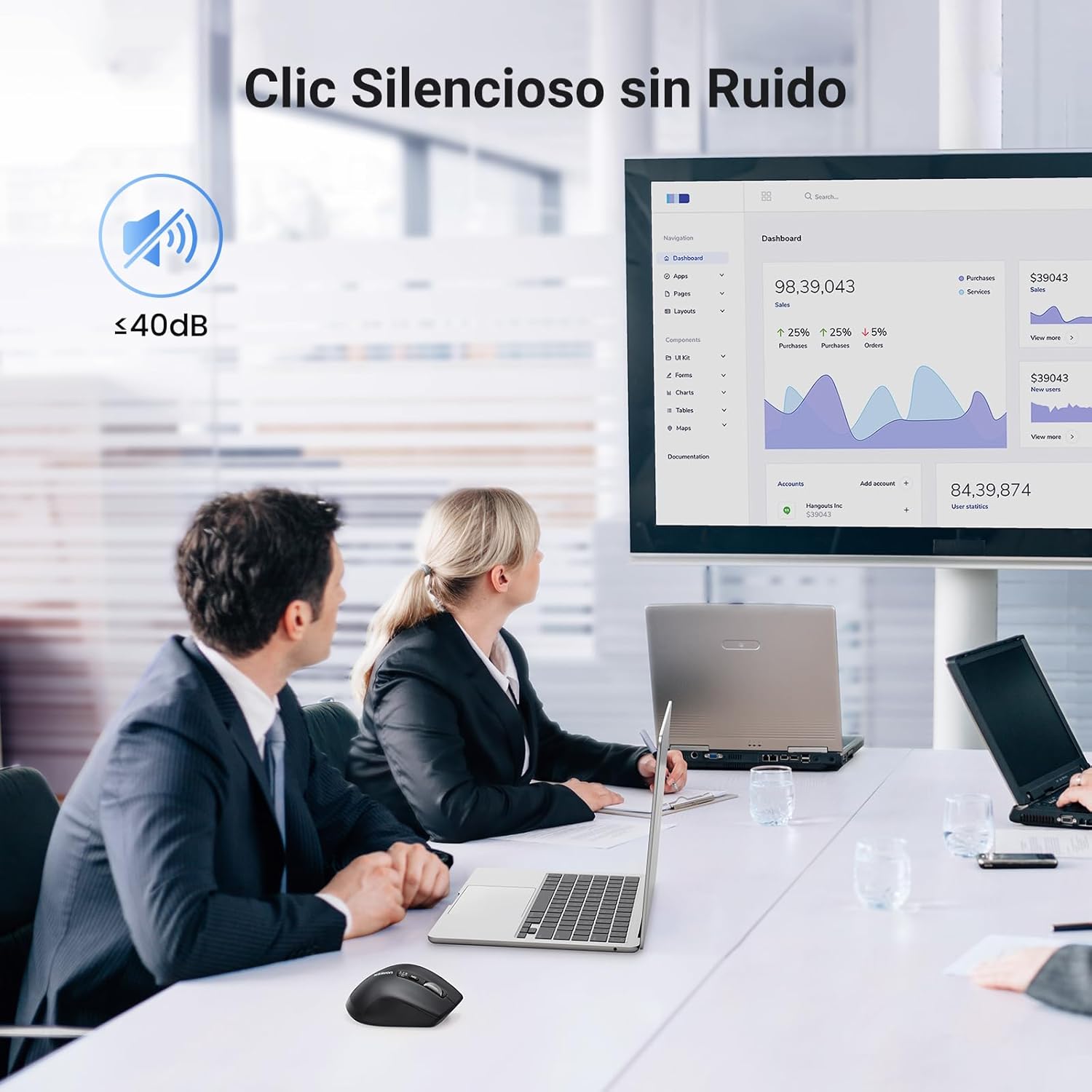
Figure 4: Silent Click Operation
പവർ മാനേജ്മെൻ്റ്
സ്മാർട്ട് സ്ലീപ്പ് മോഡ്
To conserve battery power, the mouse will automatically enter a smart sleep mode after 10 minutes of inactivity. To reactivate the mouse, simply move it or press any button.
ബാറ്ററി ലൈഫ്
The average battery life is approximately 240 days, depending on usage. Replace batteries when performance degrades.
മെയിൻ്റനൻസ്
- വൃത്തിയാക്കൽ: മൗസ് വൃത്തിയാക്കാൻ മൃദുവായതും ഉണങ്ങിയതുമായ തുണി ഉപയോഗിക്കുക. കഠിനമായ രാസവസ്തുക്കളോ ഉരച്ചിലുകളോ ഉള്ള വസ്തുക്കൾ ഉപയോഗിക്കുന്നത് ഒഴിവാക്കുക.
- സംഭരണം: When not in use for extended periods, turn off the mouse and store it in a dry, cool place. Consider removing batteries if storing for several months.
- USB റിസീവർ: Store the USB receiver in its dedicated compartment on the mouse to prevent loss.
ട്രബിൾഷൂട്ടിംഗ്
| പ്രശ്നം | സാധ്യമായ കാരണം | പരിഹാരം |
|---|---|---|
| മൗസ് പ്രതികരിക്കുന്നില്ല | Low battery; Mouse is off; Incorrect connection mode; USB receiver not connected (2.4G); Bluetooth not paired. | Replace batteries; Turn on the mouse; Switch to the correct connection mode (2.4G or Bluetooth); Ensure USB receiver is plugged in; Re-pair Bluetooth. |
| Cursor movement is erratic or inaccurate | Dirty optical sensor; Unsuitable surface; Low battery; Incorrect DPI setting. | Clean the optical sensor; Use on a smooth, non-reflective surface; Replace batteries; Adjust DPI setting. |
| സൈഡ് ബട്ടണുകൾ പ്രവർത്തിക്കുന്നില്ല | Incorrect operating system setting; Application does not support side buttons. | Ensure the system switch on the bottom is set to the correct OS (Windows/MacOS); Check application settings for custom button assignments. |
| Cannot connect to multiple devices | Bluetooth pairing limit reached; Incorrect mode switching. | Ensure you are switching between the 2.4G, Bluetooth 1, and Bluetooth 2 modes correctly; Only one 2.4G connection and two Bluetooth connections are supported. |
സ്പെസിഫിക്കേഷനുകൾ

ചിത്രം 5: ഓപ്പറേറ്റിംഗ് സിസ്റ്റം അനുയോജ്യത
| ഫീച്ചർ | വിശദാംശങ്ങൾ |
|---|---|
| മോഡൽ നമ്പർ | 45792 |
| കണക്റ്റിവിറ്റി ടെക്നോളജി | 2.4G വയർലെസ്, ബ്ലൂടൂത്ത് |
| ഡിപിഐ ലെവലുകൾ | 1000, 1600, 2400, 3200, 5000 |
| സെൻസർ ടെക്നോളജി | ഒപ്റ്റിക്കൽ |
| ബട്ടണുകളുടെ എണ്ണം | 5 (Left, Right, Scroll Wheel Click, Forward, Backward) + 2 Scroll Wheels (Vertical, Horizontal) |
| പവർ ഉറവിടം | 2 x AA 1.5V ബാറ്ററികൾ (ഉൾപ്പെടുത്തിയിട്ടില്ല) |
| ശരാശരി ബാറ്ററി ലൈഫ് | 240 ദിവസം |
| അളവുകൾ (L x W x H) | 11.2 x 7.6 x 0.1 സെ.മീ |
| ഭാരം | 130 ഗ്രാം |
| മെറ്റീരിയൽ | പ്ലാസ്റ്റിക്, റബ്ബർ |
| അനുയോജ്യത | Windows 7/8.1/10/11, MacOS 10.15 and above, Android 5.0 and above, Linux, Chrome OS |
സുരക്ഷാ വിവരങ്ങൾ
- മൗസിനെ തീവ്രമായ താപനിലയിലോ ഈർപ്പത്തിലോ തുറന്നുകാട്ടരുത്.
- ശക്തമായ ആഘാതങ്ങൾക്ക് മൗസ് വീഴ്ത്തുകയോ വിധേയമാക്കുകയോ ചെയ്യരുത്.
- കുട്ടികൾക്ക് ലഭ്യമാകാതെ സൂക്ഷിക്കുക.
- പ്രാദേശിക നിയന്ത്രണങ്ങൾ അനുസരിച്ച് ബാറ്ററികൾ നീക്കം ചെയ്യുക.
വാറൻ്റിയും പിന്തുണയും
UGREEN products come with a standard warranty. For detailed warranty information, technical support, or customer service, please refer to the official UGREEN website or contact your local distributor. Please have your product model number (45792) and purchase information ready when contacting support.