1. ആമുഖം
The WYZE Wireless Duo Cam Video Doorbell offers advanced home security with its innovative dual-camera system. Designed for comprehensive monitoring, it provides distinct views for people and packages, ensuring no detail is missed. This manual provides essential information for setting up, operating, and maintaining your video doorbell.

Image 1: WYZE Wireless Duo Cam Video Doorbell and Wi-Fi Chime. The doorbell is black with a circular blue light around the button, and the chime is a compact black unit.
2 പ്രധാന സവിശേഷതകൾ
- ഡ്യുവൽ ക്യാമറ സിസ്റ്റം: Equipped with two cameras, one for a wide view of visitors and another specifically angled to monitor packages on the ground, eliminating blind spots.
- 2K Full HD Video with Color Night Vision: Captures clear, detailed video in 2K resolution. The starlight sensor provides vivid color images even in low-light conditions.
- Enhanced Two-Way Audio: Communicate clearly with visitors using the built-in microphone and speaker.
- Motion-Activated Voice Deterrence & Notifications: Automatically plays a voice prompt when motion is detected and sends instant notifications to your phone for visitors or package deliveries.
- Removable Battery Pack & Hardwired Option: Features a rechargeable battery lasting up to 6 months. Can also be hardwired for continuous power and 24/7 local recording (with microSD card).
- IP65 കാലാവസ്ഥാ പ്രതിരോധം: വിവിധ കാലാവസ്ഥകളെ നേരിടാൻ രൂപകൽപ്പന ചെയ്തിരിക്കുന്നത്.
- Wi-Fi Chime Included: Hear notifications anywhere in your home. Compatible with all Wyze Cams and Doorbells.
- Local Recording with microSD: Save recorded footage on a microSD card (up to 512GB, not included). Supports FAT32 and exFAT formats.
- സ്മാർട്ട് ഹോം ഇൻ്റഗ്രേഷൻ: Compatible with Amazon Alexa, Google Assistant, and IFTTT.
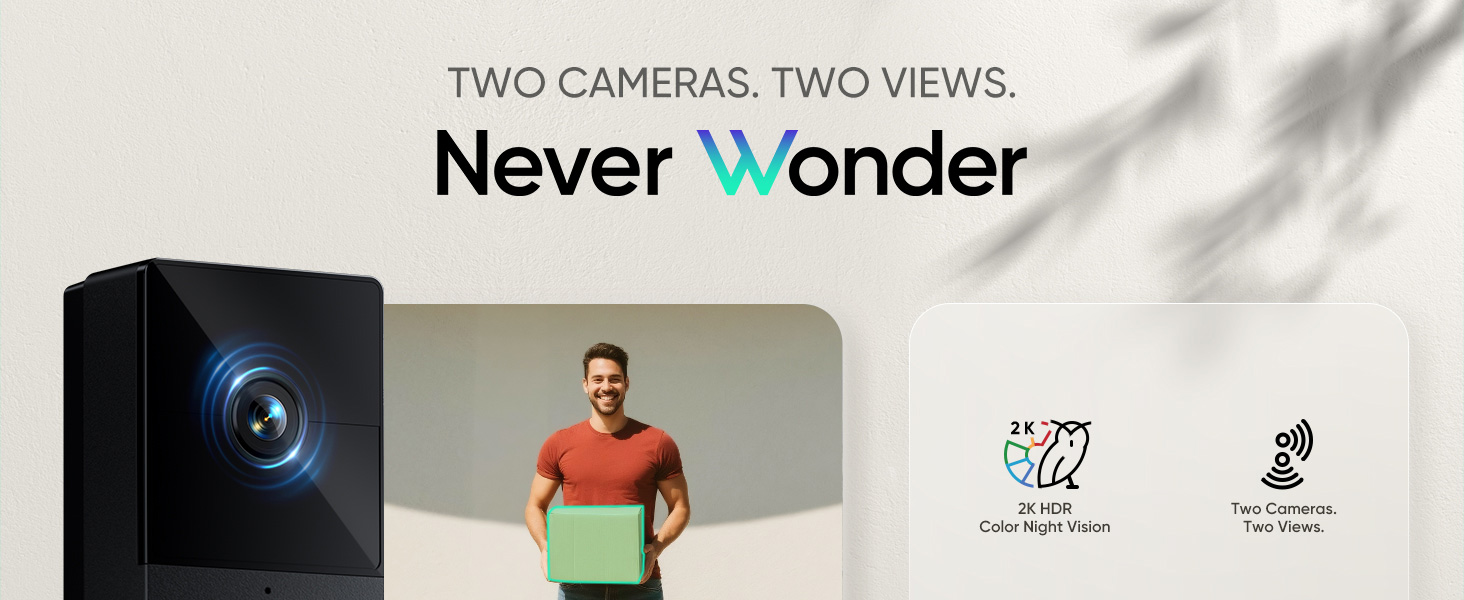
Image 2: Comparison of dual camera views. The top view shows a person approaching the door, while the bottom view clearly shows a package on the doorstep.

Image 3: A child in a Halloween costume is visible in full color at night, demonstrating the color night vision feature.

Image 4: A person delivering a package is shown at the door, with a speech bubble indicating two-way audio communication.

Image 5: A person is shown at the door with a "PERSON DETECTED" overlay and a speech bubble stating "YOU ARE CURRENTLY BEING RECORDED". Phone notifications for package and person detection are also displayed.

Image 6: A hand is shown inserting a white rechargeable battery pack into the back of the black doorbell unit.

Image 7: The doorbell is shown mounted on a wall with water droplets, indicating its weather-resistant design. Icons for rain, snow, and sun are also present.

Image 8: The Wi-Fi chime is plugged into an outlet, with circular lines indicating its signal. Images of other Wyze cameras and the doorbell are shown around it, illustrating compatibility.

Image 9: A Wyze-branded microSD card is shown next to the doorbell unit, with an arrow pointing to the card slot. Text indicates local recording without monthly fees.
3. സജ്ജീകരണ ഗൈഡ്
3.1. എന്താണ് ഉൾപ്പെടുത്തിയിരിക്കുന്നത്
പാക്കേജിൽ ഇനിപ്പറയുന്ന ഘടകങ്ങൾ ഉൾപ്പെടുന്നു:
- Wyze Duo Cam Doorbell ×1
- നീക്കം ചെയ്യാവുന്ന ബാറ്ററി പായ്ക്ക് x 1
- Wyze Wi-Fi Chime ×1
- ചാർജിംഗ് കേബിൾ × 1
- ദ്രുത ആരംഭ ഗൈഡ് × 1
- Back Plate ×1 & Corner Kit ×1
- 3M Tape x1 & Wire Nuts ×3 & Bracket Screws ×3 & Extension Wires ×2
- ഡോർബെൽ വേർപെടുത്തൽ പിൻ x 1
- Expansion Tubes ×3
Video 1: This video provides a detailed guide on how to install the Wyze Duo Cam Doorbell, covering all necessary steps from unboxing to final setup.
3.2. അപ്ലിക്കേഷൻ സജ്ജീകരണം
- Download the Wyze app from your device's app store.
- Create a Wyze account or log in if you already have one.
- In the app, tap the '+' icon in the upper corner to add a new device.
- Select 'Cameras' and then choose 'Wyze Duo Cam Doorbell' from the list.
- Follow the on-screen prompts to insert the battery and connect the doorbell to your Wi-Fi network (supports 2.4 GHz and 5 GHz).
3.3. Doorbell Installation
- പവർ ഓഫ് ചെയ്യുക: Before beginning installation, turn off the power to your existing doorbell at the circuit breaker.
- പഴയ ഡോർബെൽ നീക്കം ചെയ്യുക: Carefully remove your existing doorbell unit.
- മൌണ്ടിംഗ് ബ്രാക്കറ്റ്:
- Choose between the flush mounting bracket or the included 30° corner kit for an angled view.
- Secure the chosen bracket to your wall using the provided screws or 3M adhesive tape for wire-free installation.
- Hardwiring (Optional): If hardwiring, connect the existing doorbell wires to the terminals on the back of the Wyze doorbell. Polarity does not matter for this connection.
- MicroSD Card (for 24/7 recording): If you plan to use a microSD card for continuous recording, insert it into the slot behind the removable battery pack before attaching the doorbell to the mounting bracket.
- Attach Doorbell: Align the doorbell with the mounting bracket and push it firmly until it clicks into place.
- പവർ പുന ore സ്ഥാപിക്കുക: സർക്യൂട്ട് ബ്രേക്കറിൽ പവർ വീണ്ടും ഓണാക്കുക.

Image 10: A hand is shown easily mounting the doorbell unit onto a wall bracket, highlighting the simple installation process.
3.4. Wi-Fi Chime Setup
- Plug the Wi-Fi Chime into a power outlet inside your home.
- In the Wyze app, add the Wi-Fi Chime as a new device (Home > Wyze Wi-Fi Chime).
- Follow the app instructions to connect the chime to your Wi-Fi network and link it to your Wyze Duo Cam Doorbell.
- Adjust the chime volume and select notification triggers (e.g., doorbell press, motion detection).
4. പ്രവർത്തന നിർദ്ദേശങ്ങൾ
4.1. തത്സമയം View വീഡിയോ പ്ലേബാക്കും
- Open the Wyze app and select your Duo Cam Doorbell.
- തത്സമയം view will display both camera feeds (people and package viewഎസ്).
- Tap on a specific feed to view it in full screen or switch between views.
- Access recorded events and playback history through the app's timeline.
Video 2: This video demonstrates the live view functionality of the Wyze Duo Cam Doorbell, showcasing both camera feeds and the ability to switch between them.
4.2. ടു-വേ ഓഡിയോ
തത്സമയം മുതൽ view in the Wyze app, tap the 'talk' button to initiate two-way communication with visitors at your door.
4.3. Motion and Sound Notifications
Receive instant alerts on your smartphone when motion or sound is detected. Customize notification settings within the Wyze app to filter for people, packages, pets, or vehicles (some features may require Cam Plus subscription).

Image 11: A smartphone screen displays multiple notifications for "Package Detected" and "Person Detected" from the front door, illustrating the alert system.
4.4. നൈറ്റ് വിഷൻ
The doorbell automatically switches to Color Night Vision in low-light conditions, providing clear, full-color video footagഇരുട്ടിയതിനു ശേഷവും.
5. പരിപാലനം
5.1. ബാറ്ററി ചാർജിംഗ്
The removable battery pack can last up to 6 months on a single charge. To recharge, detach the doorbell from its mounting bracket using the provided detaching pin, remove the battery, and charge it via a USB-C cable.
5.2. മൈക്രോ എസ്ഡി കാർഡ് മാനേജ്മെന്റ്
If using a microSD card for local storage, periodically check its status in the Wyze app. Ensure the card is formatted to FAT32 or exFAT for optimal performance. Replace the card if it becomes corrupted or full.
6. പ്രശ്നപരിഹാരം
- കണക്റ്റിവിറ്റി പ്രശ്നങ്ങൾ: Ensure your Wi-Fi network (2.4 GHz or 5 GHz) is stable and the doorbell is within range. Restarting your router or the doorbell may resolve temporary connection problems.
- മോശം വീഡിയോ നിലവാരം: നിങ്ങളുടെ വൈഫൈ സിഗ്നൽ ശക്തി പരിശോധിക്കുക. ക്യാമറ ലെൻസ് വൃത്തിയുള്ളതാണെന്നും തടസ്സങ്ങളില്ലെന്നും ഉറപ്പാക്കുക.
- അറിയിപ്പുകൾ ലഭിച്ചിട്ടില്ല: Verify app notification settings are enabled for the doorbell. Check your phone's system notification settings for the Wyze app.
- ഹ്രസ്വ ബാറ്ററി ലൈഫ്: Battery life can vary based on usage, motion events, and temperature. Ensure the battery is fully charged. Consider hardwiring for continuous power.
- മോഷൻ ഡിറ്റക്ഷൻ പ്രശ്നങ്ങൾ: Adjust motion detection sensitivity in the app. Ensure the detection zone covers the desired area.
7 സ്പെസിഫിക്കേഷനുകൾ
| ഇൻഡോർ/ഔട്ട്ഡോർ ഉപയോഗം | ഔട്ട്ഡോർ |
| അനുയോജ്യമായ ഉപകരണങ്ങൾ | സ്മാർട്ട്ഫോൺ, ടാബ്ലെറ്റ് |
| പവർ ഉറവിടം | ബാറ്ററി പവർ |
| കണക്റ്റിവിറ്റി പ്രോട്ടോക്കോൾ | Bluetooth, Wi-Fi (2.4G & 5G Compatible) |
| കൺട്രോളർ തരം | Amazon Alexa, Google Assistant, IFTTT |
| വീഡിയോ ക്യാപ്ചർ റെസല്യൂഷൻ | 2K |
| നിറം | കറുപ്പ് |
| ചാനലുകളുടെ എണ്ണം | 2 |
| ഇൻസ്റ്റലേഷൻ തരം | സ്ക്രൂ ഇൻ |
| നൈറ്റ് വിഷൻ റേഞ്ച് | 30 അടി |
| വാട്ട്tage | 24 വാട്ട്സ് |
| ഇനത്തിന്റെ അളവുകൾ (L x W x H) | 1.38 x 1.97 x 5.63 ഇഞ്ച് |
| ബാറ്ററി തരം | 1 ലിഥിയം അയോൺ (ഉൾപ്പെടുത്തിയിരിക്കുന്നു) |
| ബാറ്ററി പവർ | 6200 mAh |
| ലോ ലൈറ്റ് ടെക്നോളജി | രാത്രി നിറം |
| അലേർട്ട് തരം | ഓഡിയോയും ചലനവും |
| വീഡിയോ ക്യാപ്ചർ ഫോർമാറ്റ് | MP4 |
| ഇനത്തിൻ്റെ ഭാരം | 1.12 പൗണ്ട് |
| പ്രത്യേക സവിശേഷതകൾ | 2-Way Audio, 2K HD Resolution, Dual Cameras, Motion Sensor, Night Vision, Rechargeable Battery, Weather Proof |
8. വാറൻ്റിയും പിന്തുണയും
8.1. നിർമ്മാതാവിന്റെ വാറന്റി
The WYZE Wireless Duo Cam Video Doorbell comes with a 1 വർഷത്തെ നിർമ്മാതാവിന്റെ വാറന്റിവാറന്റി ക്ലെയിമുകൾക്കായി നിങ്ങളുടെ വാങ്ങിയതിന്റെ തെളിവ് സൂക്ഷിക്കുക.
8.2. ഉപഭോക്തൃ പിന്തുണ
For further assistance, troubleshooting, or to access additional resources, please visit the official WYZE Store or contact customer support through the Wyze app or webസൈറ്റ്.


