Introduction to Your iPhone 16
Welcome to your new iPhone 16. This manual is designed to help you understand and effectively use your device, whether you are a new iPhone user or looking to master advanced features. Follow these instructions to get the most out of your iPhone 16.
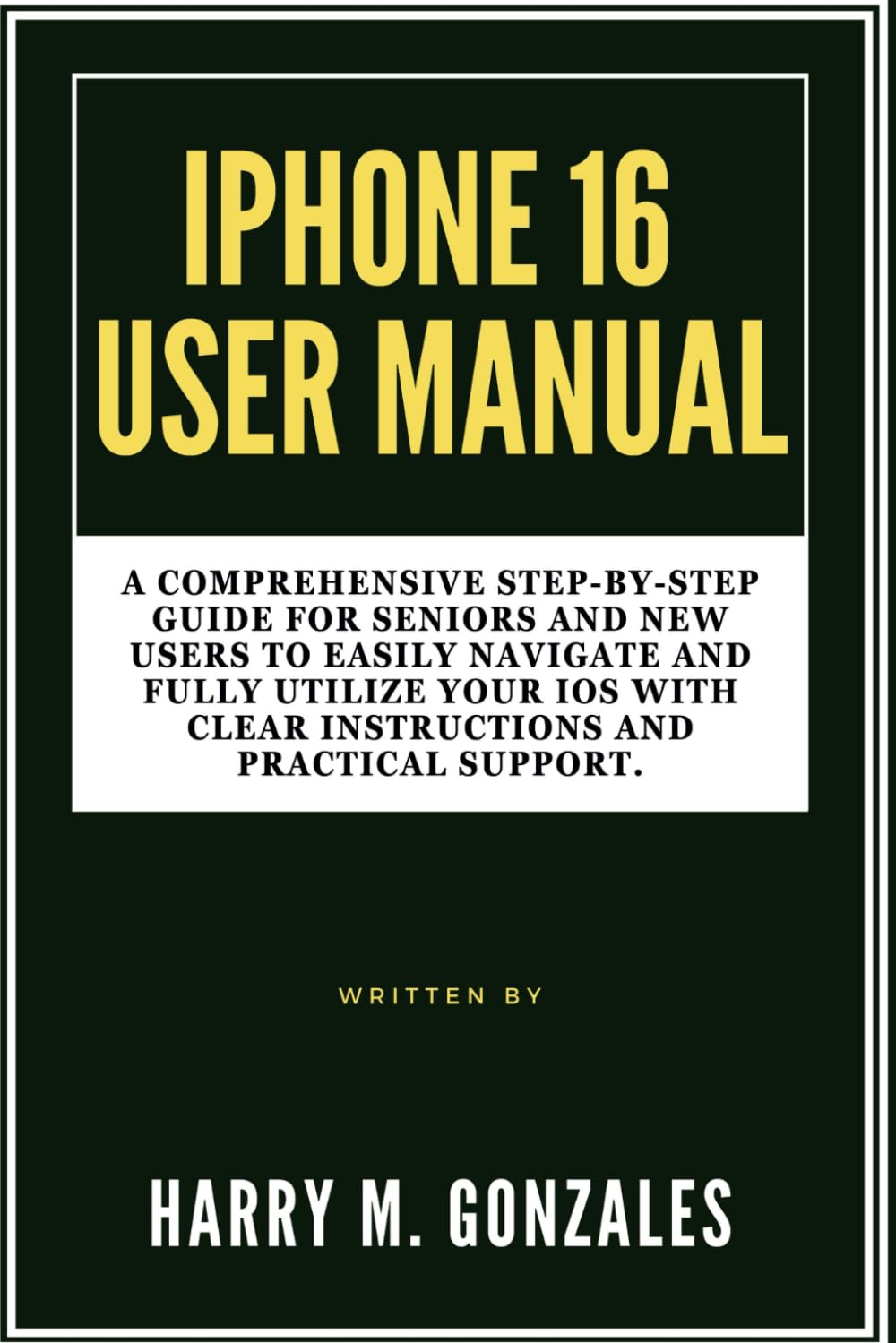
Image: Front cover of the iPhone 16 User Manual, providing a visual reference for the guide.
Setup: Getting Started with Your iPhone 16
Setting up your iPhone 16 is a straightforward process. This section guides you through the initial steps to activate and personalize your device.
- പവർ ഓൺ: ആപ്പിൾ ലോഗോ ദൃശ്യമാകുന്നതുവരെ സൈഡ് ബട്ടൺ അമർത്തിപ്പിടിക്കുക.
- പ്രാരംഭ കോൺഫിഗറേഷൻ: നിങ്ങളുടെ ഭാഷ, പ്രദേശം എന്നിവ തിരഞ്ഞെടുക്കുന്നതിനും ഒരു വൈഫൈ നെറ്റ്വർക്കിലേക്ക് കണക്റ്റുചെയ്യുന്നതിനും ഓൺ-സ്ക്രീൻ നിർദ്ദേശങ്ങൾ പാലിക്കുക.
- ഡാറ്റ കൈമാറ്റം: Choose to restore from an iCloud or computer backup, or set up as a new iPhone.
- ആപ്പിൾ ഐഡി: Sign in with your Apple ID or create a new one. This is essential for accessing the App Store, iCloud, and other Apple services.
- Face ID/Touch ID & Passcode: Set up Face ID (facial recognition) or Touch ID (fingerprint sensor) and create a strong passcode for security.
- Siri & Analytics: Configure Siri and decide whether to share analytics data with Apple.
- സോഫ്റ്റ്വെയർ അപ്ഡേറ്റുകൾ: Ensure your iPhone is running the latest iOS version for optimal performance and security.
Operating Your iPhone 16
This section covers the essential functions and features of your iPhone 16, helping you navigate its interface and utilize its capabilities.
Customization and Organization
Personalize your iPhone 16 to suit your preferences and organize your apps for easy access.
- വാൾപേപ്പർ മാറ്റുക: പോകുക Settings > Wallpaper to choose a new background for your Lock Screen and Home Screen.
- ആപ്പുകൾ സംഘടിപ്പിക്കുക: Tap and hold an app icon until it jiggles, then drag it to rearrange, create folders, or delete.
- വിജറ്റുകൾ: Add widgets to your Home Screen or Today View for quick information at a glance.
കോളുകളും സന്ദേശങ്ങളും
Learn how to communicate effectively using your iPhone 16.
- കോളുകൾ ചെയ്യുന്നു: തുറക്കുക ഫോൺ ആപ്പ്, ടാപ്പ് ചെയ്യുക കീപാഡ്, enter the number, and tap the green call button.
- സന്ദേശങ്ങൾ അയയ്ക്കുന്നു: തുറക്കുക സന്ദേശങ്ങൾ app, tap the new message icon, enter a contact or number, and type your message.
- ഫേസ്ടൈം: Use FaceTime for video or audio calls with other Apple device users.
ക്യാമറ പ്രവർത്തനങ്ങൾ
Capture stunning photos and videos with your iPhone 16 camera.
- ഫോട്ടോ എടുക്കുന്നു: തുറക്കുക ക്യാമറ app, select Photo mode, and tap the shutter button.
- വീഡിയോകൾ റെക്കോർഡുചെയ്യുന്നു: Switch to Video mode in the ക്യാമറ app and tap the record button.
- എഡിറ്റിംഗ്: Use the built-in Photos app to crop, adjust colors, and apply filters to your media.
Internet and Apps
Connect to the internet and explore the vast world of applications.
- Wi-Fi കണക്ഷൻ: പോകുക ക്രമീകരണങ്ങൾ > Wi-Fi നിങ്ങളുടെ നെറ്റ്വർക്ക് തിരഞ്ഞെടുക്കുക.
- ബ്രൗസിംഗ്: ഉപയോഗിക്കുക സഫാരി app to browse the web സുരക്ഷിതമായി.
- ആപ്പ് സ്റ്റോർ: Download new applications from the ആപ്പ് സ്റ്റോർ to enhance your iPhone's functionality.
Contacts and Calendar Management
Keep your contacts organized and manage your schedule efficiently.
- കോൺടാക്റ്റുകൾ ചേർക്കുക: തുറക്കുക ബന്ധങ്ങൾ app, tap the '+' icon, and fill in the contact details.
- Calendar Events: ഉപയോഗിക്കുക കലണ്ടർ app to create events, set reminders, and manage your schedule.
ക്രമീകരണങ്ങൾ ഒപ്റ്റിമൈസ് ചെയ്യുന്നു
Adjust various settings to improve your iPhone's performance, privacy, and battery life.
- അറിയിപ്പുകൾ: Customize app notifications in ക്രമീകരണങ്ങൾ > അറിയിപ്പുകൾ.
- ബാറ്ററി ലൈഫ്: Monitor battery usage and enable Low Power Mode in ക്രമീകരണങ്ങൾ > ബാറ്ററി.
- സ്വകാര്യത: Review and adjust privacy settings for location services, photos, and more in Settings > Privacy & Security.
Maintenance: Keeping Your iPhone 16 in Top Condition
Regular maintenance ensures your iPhone 16 remains functional and secure.
- സോഫ്റ്റ്വെയർ അപ്ഡേറ്റുകൾ: Always install the latest iOS updates to benefit from new features, security patches, and performance improvements. Go to ക്രമീകരണങ്ങൾ > പൊതുവായത് > സോഫ്റ്റ്വെയർ അപ്ഡേറ്റ്.
- ബാക്കപ്പ് ഡാറ്റ: Regularly back up your iPhone to iCloud or your computer to prevent data loss.
- നിങ്ങളുടെ ഉപകരണം വൃത്തിയാക്കുക: Use a soft, lint-free cloth to gently clean your screen and device exterior. Avoid harsh chemicals.
- സംഭരണം നിയന്ത്രിക്കുക: Periodically check your storage usage (ക്രമീകരണങ്ങൾ > പൊതുവായത് > iPhone സംഭരണം) and delete unnecessary apps or files.
പൊതുവായ പ്രശ്നങ്ങൾ പരിഹരിക്കുന്നു
This section provides solutions for common problems you might encounter with your iPhone 16.
- ഉപകരണം പ്രതികരിക്കുന്നില്ല: If your iPhone is frozen, perform a force restart. For iPhone 8 or later: Press and quickly release the Volume Up button. Press and quickly release the Volume Down button. Then, press and hold the side button until you see the Apple logo.
- ആപ്പ് ക്രാഷിംഗ്: Close the app by swiping up from the bottom of the screen (or double-clicking the Home button on older models) to open the App Switcher, then swipe the app up to close it. Reopen the app. If the issue persists, try reinstalling the app.
- Wi-Fi/Cellular Connectivity Issues: Try toggling Wi-Fi or Cellular Data off and on in Control Center or Settings. If the problem continues, reset network settings (ക്രമീകരണങ്ങൾ > പൊതുവായത് > ഐഫോൺ കൈമാറുക അല്ലെങ്കിൽ പുനഃസജ്ജമാക്കുക > പുനഃസജ്ജമാക്കുക > നെറ്റ്വർക്ക് ക്രമീകരണങ്ങൾ പുനഃസജ്ജമാക്കുക).
- ബാറ്ററി വേഗത്തിൽ തീർന്നു: ബാറ്ററി ഉപയോഗം പരിശോധിക്കുക ക്രമീകരണങ്ങൾ > ബാറ്ററി to identify apps consuming the most power. Enable Low Power Mode or adjust background app refresh settings.
- സംഭരണം നിറഞ്ഞു: Delete unused apps, photos, and videos. Offload apps you don't use frequently (ക്രമീകരണങ്ങൾ > പൊതുവായത് > iPhone സംഭരണം).
സ്പെസിഫിക്കേഷനുകൾ
Key specifications related to this user manual and the iPhone 16 it describes.
| ASIN | B0DFHMMS4X |
| പ്രസാധകൻ | സ്വതന്ത്രമായി പ്രസിദ്ധീകരിച്ചത് |
| പ്രസിദ്ധീകരണ തീയതി | ഓഗസ്റ്റ് 28, 2024 |
| ഭാഷ | ഇംഗ്ലീഷ് |
| പ്രിന്റ് നീളം | 118 പേജുകൾ |
| ISBN-13 | 979-8337641362 |
| ഇനത്തിൻ്റെ ഭാരം | 8.2 ഔൺസ് |
| അളവുകൾ | 6 x 0.27 x 9 ഇഞ്ച് |

Image: Back cover of the iPhone 16 User Manual, showing the ISBN barcode 9798337641362.
വാറൻ്റിയും പിന്തുണയും
This manual provides guidance for the iPhone 16. For specific warranty information and official support regarding the iPhone 16 device, please refer to Apple's official webസൈറ്റ് അല്ലെങ്കിൽ ആപ്പിൾ പിന്തുണയുമായി നേരിട്ട് ബന്ധപ്പെടുക.
- Apple Official Support: സന്ദർശിക്കുക support.apple.com/iphone for comprehensive support articles, troubleshooting guides, and contact options.
- വാറൻ്റി വിവരങ്ങൾ: Details regarding your iPhone 16's limited warranty can be found on Apple's official website or within the device's settings under Settings > General > About > Limited Warranty.


