ആമുഖം
This manual provides essential instructions for setting up, operating, and maintaining your Back Bay Audio Tempo 30 Wireless Earbuds. Please read thoroughly before use.
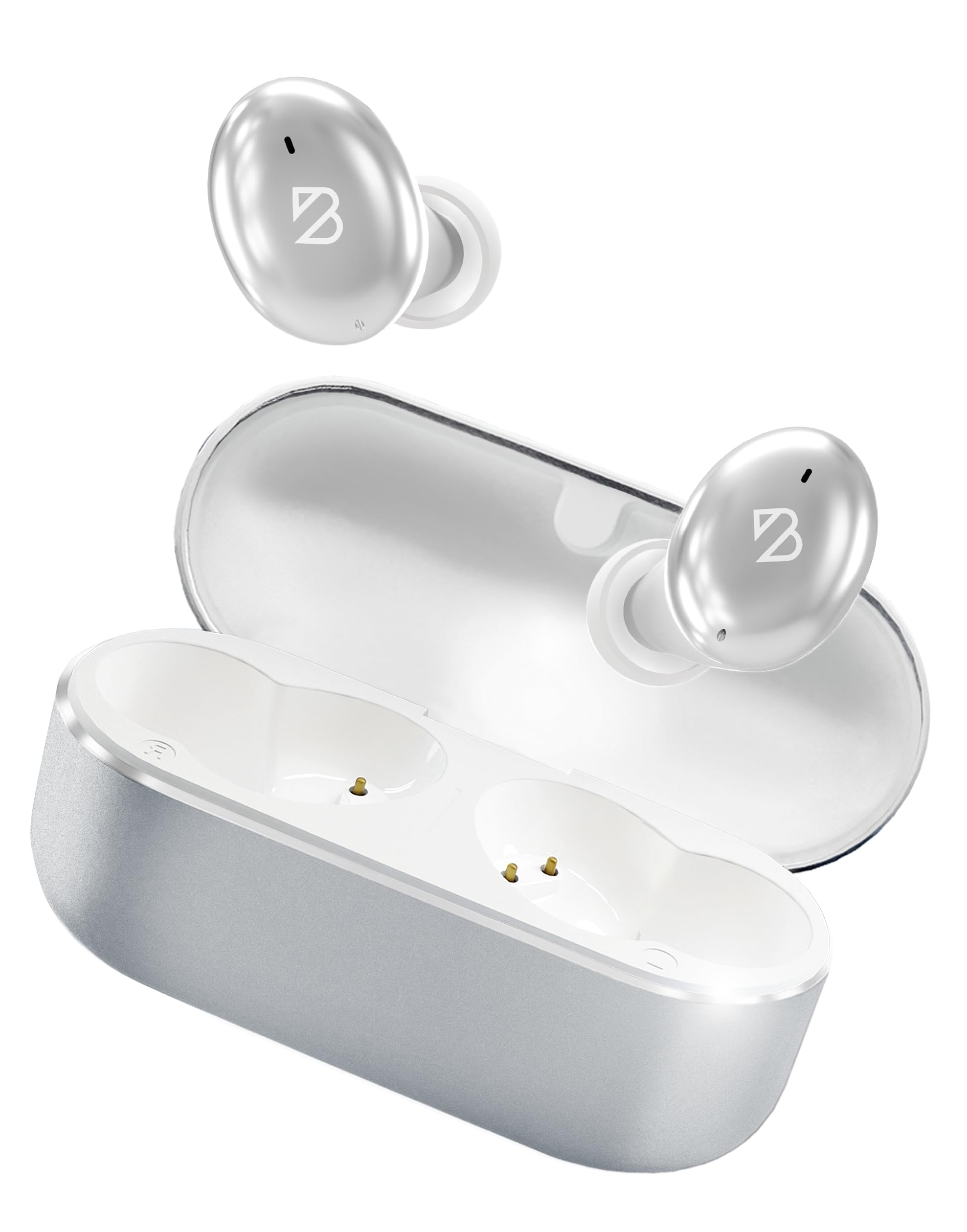
Image: Back Bay Audio Tempo 30 Wireless Earbuds in silver, showcasinഅവരുടെ മിനുസമാർന്ന ഡിസൈൻ.
ബോക്സിൽ എന്താണുള്ളത്
- Back Bay Audio Tempo 30 Wireless Earbuds
- ചാർജിംഗ് കേസ്
- USB-C ചാർജിംഗ് കേബിൾ
- Multiple Sizes of Eartips (6 pairs)
- ഉപയോക്തൃ മാനുവൽ

Image: The Tempo 30 earbuds in their charging case, accompanied by a selection of different sized eartips for a customized fit.
സജ്ജമാക്കുക
1. ഇയർബഡുകളും കേസും ചാർജ് ചെയ്യുന്നു
Before first use, fully charge your Tempo 30 earbuds and charging case. The charging case provides an additional 24 hours of battery life, extending total playtime to 32 hours.
- നൽകിയിരിക്കുന്ന USB-C കേബിൾ കേസിലെ ചാർജിംഗ് പോർട്ടിലേക്കും ഒരു പവർ സ്രോതസ്സിലേക്കും ബന്ധിപ്പിക്കുക.
- The LED indicator on the case will flash while charging and turn solid when fully charged.
- Place the earbuds into the charging case to charge them. The case display will show the charge level.

Image: The Tempo 30 charging case with earbuds, illustrating the USB-C charging port and the digital battery display.
2. നിങ്ങളുടെ ഉപകരണവുമായി ജോടിയാക്കുന്നു
The Tempo 30 earbuds are designed for simple pairing with any Bluetooth-enabled device.
- Ensure earbuds are charged and inside the charging case.
- ചാർജിംഗ് കെയ്സിന്റെ ലിഡ് തുറക്കുക. ഇയർബഡുകൾ സ്വയമേവ ജോടിയാക്കൽ മോഡിലേക്ക് പ്രവേശിക്കും.
- On your device (phone, computer, etc.), go to Bluetooth settings and select "Back Bay Tempo 30" from the list of available devices.
- Once connected, you will hear an audio prompt "Device Connected".
3. Optimal Fit for Small Ears
The Tempo 30 earbuds come with 6 different ear-tip sizes to ensure a comfortable and secure fit, especially for smaller ear canals. Experiment with different sizes to find the best seal for optimal sound quality and comfort.

Image: A close-up of the Tempo 30 earbuds highlighting the multiple ear-tip options designed for a comfortable fit in small ears.
പ്രവർത്തന നിർദ്ദേശങ്ങൾ
ടച്ച് നിയന്ത്രണങ്ങൾ
The Tempo 30 earbuds feature intuitive touch controls on each earbud for managing audio playback, calls, and sound modes.
| ആക്ഷൻ | ഇടത് ഇയർബഡ് | വലത് ഇയർബഡ് |
|---|---|---|
| വോളിയം നിയന്ത്രണം | Single Tap: Volume Down | Single Tap: Volume Up |
| പ്ലേ/താൽക്കാലികമായി നിർത്തുക | Double Tap (either earbud) | |
| അടുത്ത ഗാനം | 2 സെക്കൻഡ് പിടിക്കുക | |
| ബാസ് മോഡ് ഓൺ/ഓഫ് | ട്രിപ്പിൾ ടാപ്പ് | |
| വോയ്സ് അസിസ്റ്റൻ്റ് | ട്രിപ്പിൾ ടാപ്പ് | |
| ശബ്ദ നിയന്ത്രണ മോഡുകൾ | Hold for 2 seconds (cycles through Transparency, Noise Blocking, Off) | |
| പവർ ഓൺ/ഓഫ് | Hold for 5 seconds (either earbud) or place in charging case | |
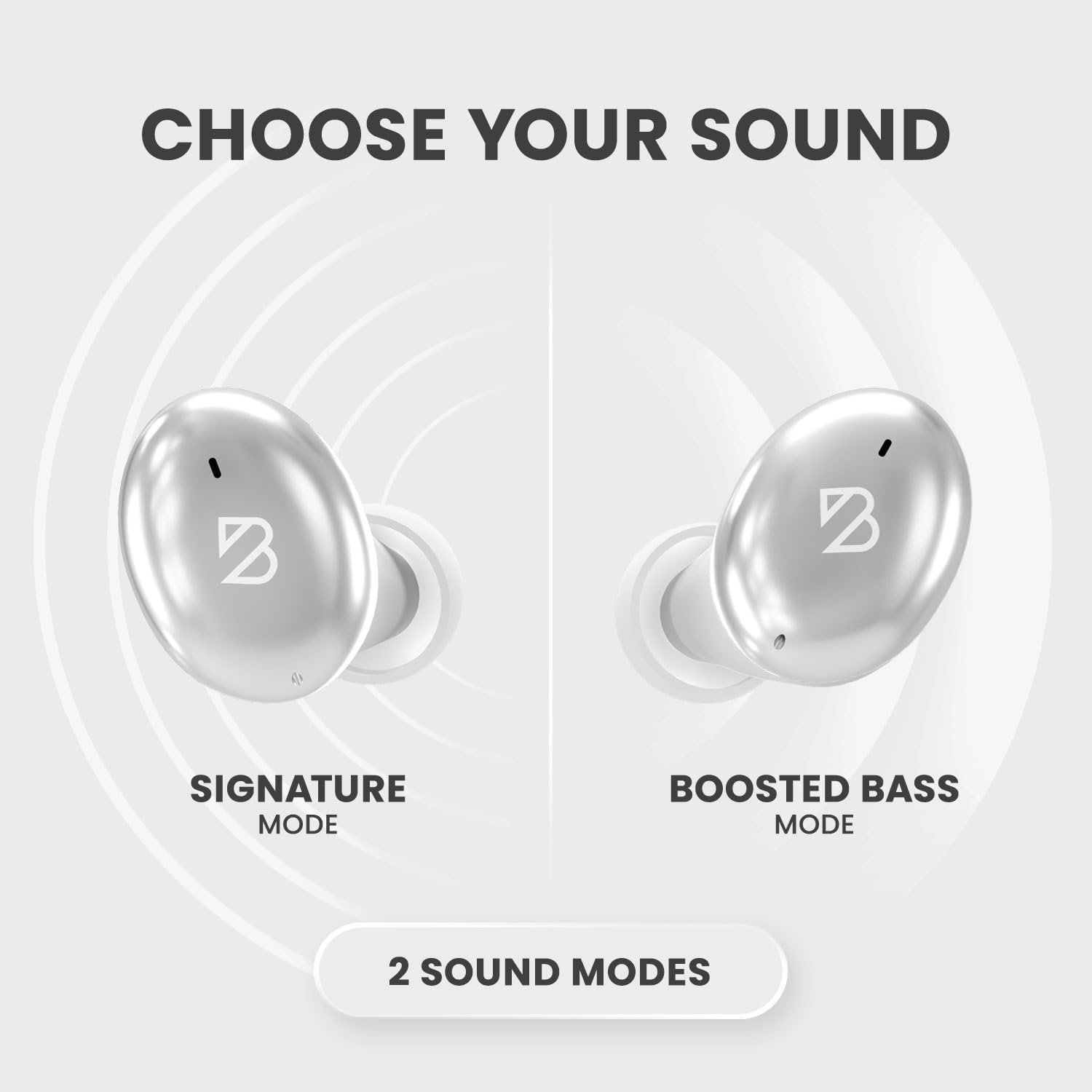
Image: A visual representation of the Tempo 30 earbuds, illustrating the two available sound modes: Signature Mode and Boosted Bass Mode.
ശബ്ദ മോഡുകൾ
- Signature Mode: Provides a balanced audio experience.
- Boosted Bass Mode: Enhances low frequencies for a more powerful sound, ideal for workouts or gaming. Activate by triple-tapping the right earbud.
ശബ്ദ നിയന്ത്രണം
The Tempo 30 offers three noise control modes:
- സുതാര്യത മോഡ്: ആംബിയന്റ് ശബ്ദങ്ങൾ കടന്നുപോകാൻ അനുവദിക്കുന്നു, അതുവഴി നിങ്ങളുടെ ചുറ്റുപാടുകളെക്കുറിച്ച് നിങ്ങൾക്ക് അവബോധം നൽകുന്നു.
- Noise Blocking Mode: Actively reduces external noise for an immersive listening experience.
- ഓഫ്: Disables noise control features.
Cycle through these modes by holding the left earbud for 2 seconds.
മെയിൻ്റനൻസ്
- വൃത്തിയാക്കൽ: Regularly clean the eartips and charging contacts with a soft, dry cloth.
- ജല പ്രതിരോധം: The Tempo 30 earbuds are IPX7-rated waterproof, making them resistant to sweat and rain. They are not designed for swimming.

Image: The Tempo 30 earbuds shown with water droplets, emphasizing their IPX7 water-resistant rating.
ട്രബിൾഷൂട്ടിംഗ്
- No Sound/Pairing Issues: Ensure earbuds are charged. Turn off and on your device's Bluetooth, then re-attempt pairing.
- ഒരു ഇയർബഡ് പ്രവർത്തിക്കുന്നില്ല: Place both earbuds back in the charging case, close the lid, and wait for 10 seconds. Then open and try again.
- മോശം ശബ്ദ നിലവാരം: Check ear-tip fit. Ensure earbuds are clean and free of debris.
സ്പെസിഫിക്കേഷനുകൾ
- മോഡലിൻ്റെ പേര്: Back Bay Tempo 30
- കണക്റ്റിവിറ്റി ടെക്നോളജി: ബ്ലൂടൂത്ത് 5.0
- ബാറ്ററി ലൈഫ്: 32 മണിക്കൂർ വരെ (8 മണിക്കൂർ ഇയർബഡുകൾ + 24 മണിക്കൂർ ചാർജിംഗ് കേസ്)
- ജല പ്രതിരോധ നില: IPX7 (Sweatproof, Water Resistant - Not for Swimming)
- ശബ്ദ നിയന്ത്രണം: Sound Isolation (Transparency Mode, Noise Blocking Mode)
- ഓഡിയോ ഡ്രൈവർ തരം: ഡൈനാമിക് ഡ്രൈവർ
- മൈക്രോഫോൺ: Built-in for calls with CVC 8.0 Mic Noise Cancelling
- നിയന്ത്രണ രീതി: സ്പർശിക്കുക
- മെറ്റീരിയൽ: Metal, Premium ABS Plastic
- ഇനത്തിൻ്റെ ഭാരം: 45 ഗ്രാം (1.59 ഔൺസ്)
- ഉൽപ്പന്ന അളവുകൾ: 1.1 x 2.9 x 1.8 ഇഞ്ച്

Image: Diagram showing the dimensions of the Tempo 30 earbuds and their charging case.
ഔദ്യോഗിക ഉൽപ്പന്ന വീഡിയോ
Video: An official product video from Back Bay Brand showcasing the Tempo 30 Wireless Bluetooth Earbuds and their features for workouts.
വാറൻ്റിയും പിന്തുണയും
For warranty information and customer support, please refer to the contact details provided in the packaging or visit the official Back Bay Audio webസൈറ്റ്.


