1. ഉൽപ്പന്നം കഴിഞ്ഞുview
The Nitecore EDC23 is a high-performance, ultra-slim EDC (Everyday Carry) flashlight designed for portability and powerful illumination. It features a maximum output of 2500 lumens, a digital OLED display, and a mechanical lock switch for enhanced safety and usability.

Figure 1: Nitecore EDC23 Flashlight, USB-C charging cable, and lanyard.
2. ബോക്സിൽ എന്താണുള്ളത്?
ഉൽപ്പന്ന പാക്കേജിംഗ് തുറക്കുമ്പോൾ, എല്ലാ ഘടകങ്ങളും ഉണ്ടെന്ന് ഉറപ്പാക്കുക:
- Nitecore EDC23 Flashlight
- USB-C ചാർജിംഗ് കേബിൾ
- ലാനിയാർഡ്
- Belt Clip (pre-attached or included separately)
- ബാറ്ററി (മുൻകൂട്ടി ഇൻസ്റ്റാളുചെയ്തത്)
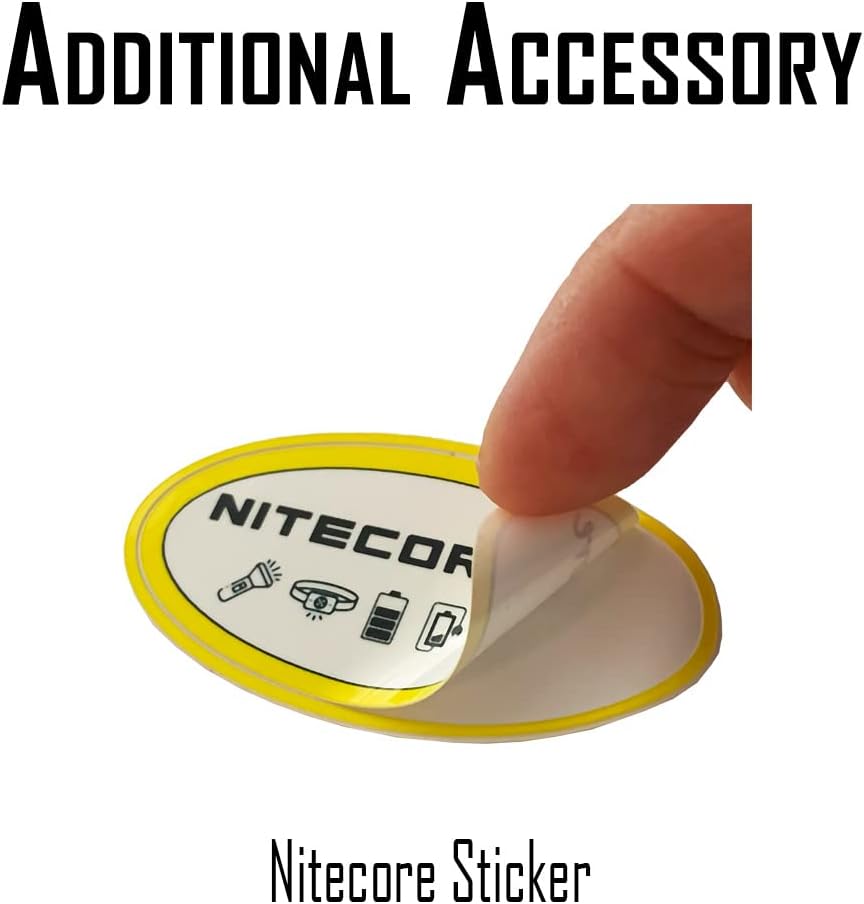
Figure 2: Included accessories with the Nitecore EDC23 Flashlight.
3. സജ്ജീകരണം
3.1 പ്രാരംഭ ചാർജിംഗ്
The EDC23 comes with a built-in rechargeable battery. Before first use, it is recommended to fully charge the device.
- ഫ്ലാഷ്ലൈറ്റിൽ USB-C ചാർജിംഗ് പോർട്ട് കണ്ടെത്തുക.
- Connect the provided USB-C charging cable to the flashlight.
- കേബിളിന്റെ മറ്റേ അറ്റം ഒരു USB പവർ സ്രോതസ്സുമായി ബന്ധിപ്പിക്കുക (ഉദാ: വാൾ അഡാപ്റ്റർ, കമ്പ്യൂട്ടർ USB പോർട്ട്).
- The OLED display will indicate charging status and battery level. Charging typically takes approximately 1.5 hours.
3.2 Attaching Lanyard/Belt Clip
For secure carrying, attach the included lanyard or utilize the integrated belt clip.
- ലാൻയാർഡ്: Thread the thin loop of the lanyard through the lanyard hole located at the tail of the flashlight. Secure the lanyard by passing the larger part through the loop.
- ബെൽറ്റ് ക്ലിപ്പ്: The EDC23 features a robust, integrated belt clip for easy attachment to pockets, belts, or gear.
4. പ്രവർത്തന നിർദ്ദേശങ്ങൾ
The Nitecore EDC23 features a dual tail switch design for intuitive control of its various functions.

Figure 3: Dual-Button Interface for the EDC23.
4.1 പവർ ഓൺ/ഓഫ്
- ഓണാക്കാൻ: Fully press the Power Button (larger, left tail switch).
- ഓഫാക്കാൻ: Fully press the Power Button again.
4.2 Brightness Levels Adjustment
When the flashlight is on, half-press the Power Button to cycle through brightness levels: ULTRALOW → LOW → MID → HIGH.
4.3 Direct Access Modes
- ടർബോ: Half-press the Mode Button (smaller, right tail switch) for momentary access to TURBO mode (2500 lumens). Release to return to the previous mode.
- സ്ട്രോബ്: Fully press the Mode Button for momentary access to STROBE mode. Release to return to the previous mode.
4.4 Lockout Modes
The EDC23 features two lockout modes to prevent accidental activation.


Figure 4: Semi Lockout Mode (left) and Full Lockout Mode (right).
- സെമി ലോക്കൗട്ട് മോഡ്: Slide the mechanical lock switch (located on the side) to the "SEMI LOCK" position. The Power Button is locked, but the Mode Button can still be used for direct access to TURBO/STROBE.
- Full Lockout Mode: Slide the mechanical lock switch to the "FULL LOCK" position. Both buttons are unavailable, ideal for storage or transport.
- അൺലോക്ക് ചെയ്യാൻ: Slide the mechanical lock switch back to the unlocked position.
4.5 OLED ഡിസ്പ്ലേ
The integrated OLED display provides real-time information:
- Brightness Level (Lumens)
- ബാറ്ററി വോളിയംtage
- Remaining Runtime
- Lockout Mode Status
- Power Remaining (Battery Icon)

Figure 5: Multifunctional OLED Real-time Display.
4.6 Sensor Protection Function
The EDC23 is equipped with a sensor protection function. When the flashlight is off and an obstruction is detected near the light outlet, or if the flashlight accidentally accesses a high brightness level, the brightness will automatically decrease to prevent overheating and potential damage.

Figure 6: Sensor Protection Function in action.
5. പരിപാലനം
Proper maintenance ensures the longevity and optimal performance of your Nitecore EDC23 Flashlight.
- വൃത്തിയാക്കൽ: Use a soft, clean cloth to wipe the flashlight body. For optical lenses, use a lens cleaning solution and a soft cloth to avoid scratching.
- ചാർജിംഗ്: Recharge the battery regularly, especially if the flashlight will not be used for an extended period, to maintain battery health.
- സംഭരണം: Store the flashlight in a cool, dry place away from direct sunlight and extreme temperatures. Engage the Full Lockout Mode during storage to prevent accidental activation.
6. പ്രശ്നപരിഹാരം
If you encounter issues with your Nitecore EDC23, refer to the following common problems and solutions:
| പ്രശ്നം | സാധ്യമായ കാരണം | പരിഹാരം |
|---|---|---|
| ടോർച്ച് ഓണാകുന്നില്ല. | Battery is depleted; Lockout Mode is engaged. | Charge the flashlight; Disengage the mechanical lock switch. |
| വെളിച്ചം മങ്ങുന്നു അല്ലെങ്കിൽ മിന്നിമറയുന്നു. | Low battery; Sensor protection activated. | Recharge the flashlight; Remove any obstruction from the light outlet. |
| ബട്ടണുകൾ പ്രതികരിക്കുന്നില്ല. | Full Lockout Mode is engaged. | Disengage the mechanical lock switch to the unlocked position. |
If the problem persists, please contact Nitecore customer support.
7 സ്പെസിഫിക്കേഷനുകൾ
| ഫീച്ചർ | വിശദാംശങ്ങൾ |
|---|---|
| ബ്രാൻഡ് | നിറ്റ്കോർ |
| മോഡൽ | EDC23 |
| പരമാവധി തെളിച്ചം | 2500 ല്യൂമെൻസ് |
| പരമാവധി ബീം ദൂരം | 306 Yards (280 meters) |
| പവർ ഉറവിടം | ബിൽറ്റ്-ഇൻ ലിഥിയം അയോൺ ബാറ്ററി |
| റീചാർജ് ചെയ്യാവുന്നത് | USB-C |
| മെറ്റീരിയൽ | ആനോഡൈസ്ഡ് അലുമിനിയം |
| അളവുകൾ (D x W x H) | 4.05" x 0.89" x 1.3" |
| ഭാരം | 3.68 ഔൺസ് |
| ജല പ്രതിരോധ നില | വാട്ടർ റെസിസ്റ്റൻ്റ് (IP54) |

Figure 7: Detailed Technical Data for EDC23.
8. ഔദ്യോഗിക ഉൽപ്പന്ന വീഡിയോകൾ
Watch the official product video for a visual guide on the Nitecore EDC23's features and operation.
വീഡിയോ 1: കഴിഞ്ഞുview of Nitecore EDC23 features and accessories. This video demonstrates the physical components and basic functions of the flashlight, including charging and attachment options.
9. വാറൻ്റിയും പിന്തുണയും
The Nitecore EDC23 comes with a Limited Warranty. For detailed warranty information and support, please refer to the official Nitecore webസൈറ്റ് അല്ലെങ്കിൽ അവരുടെ ഉപഭോക്തൃ സേവനവുമായി നേരിട്ട് ബന്ധപ്പെടുക.
നിർമ്മാതാവ്: Sysmax Innovations Co.
ആദ്യം ലഭ്യമായ തീയതി: ഒക്ടോബർ 22, 2024


