ആമുഖം
The KRK Kreate Series monitors are designed to provide accurate audio reproduction for musicians, engineers, producers, and content creators. This manual provides instructions for the setup, operation, and maintenance of your KRK Kreate 8 Powered Studio Monitor.

ചിത്രം 1: ഓവർview of the KRK Kreate Series studio monitors.
പ്രധാന സവിശേഷതകൾ
The KRK Kreate 8 monitor incorporates several design elements for optimal audio performance:
- Textile Dome Tweeter: Provides clear and detailed high-frequency reproduction.
- Lightweight, Woven Glass Fiber Composite Woofer: Delivers accurate midrange and defined bass response.
- 8-inch Glass Aramid Woofer: Specifically designed for robust low-frequency performance.
- ബ്ലൂടൂത്ത് ഇൻപുട്ട്: Allows for wireless audio streaming from compatible devices.
- ഒന്നിലധികം ഓഡിയോ ഇൻപുട്ടുകൾ: Offers universal connectivity with various studio equipment.
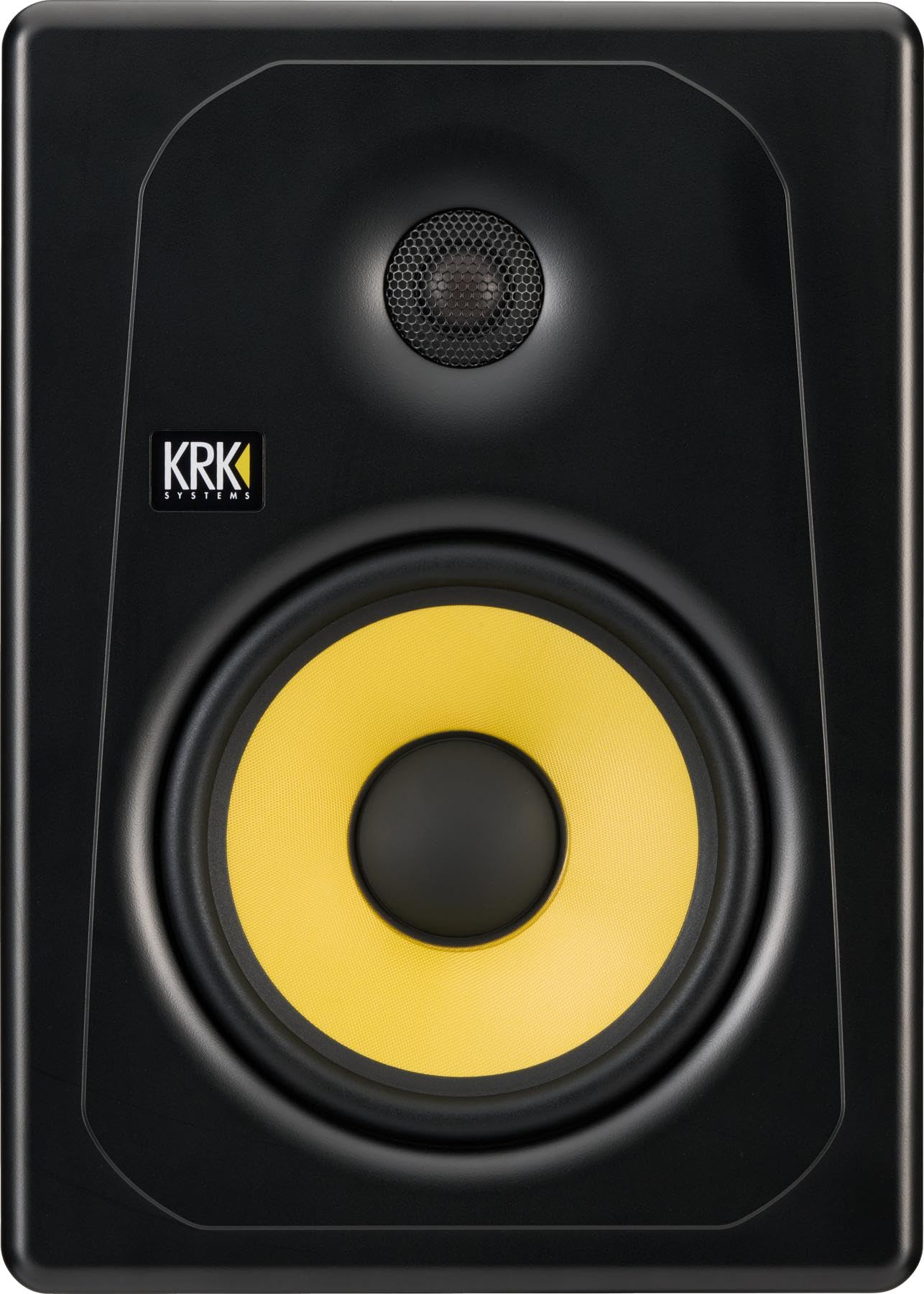
ചിത്രം 2: മുൻഭാഗം view of the KRK Kreate 8 monitor, highlighting the tweeter and woofer.
സജ്ജമാക്കുക
- അൺപാക്ക് ചെയ്യുന്നു: മോണിറ്റർ അതിന്റെ പാക്കേജിംഗിൽ നിന്ന് ശ്രദ്ധാപൂർവ്വം നീക്കം ചെയ്യുക. ഭാവിയിലെ ഗതാഗതത്തിനോ സംഭരണത്തിനോ വേണ്ടി എല്ലാ പാക്കേജിംഗ് വസ്തുക്കളും സൂക്ഷിക്കുക.
- പ്ലേസ്മെൻ്റ്: Position the monitors on stable surfaces, ideally at ear level, forming an equilateral triangle with your listening position. Ensure adequate space around the monitor for ventilation.
- പവർ കണക്ഷൻ: Connect the supplied AC power cord to the monitor's power inlet and then to a grounded AC power outlet. Ensure the power switch is in the OFF position before connecting.
- ഓഡിയോ ഇൻപുട്ട് കണക്ഷൻ:
- XLR ഇൻപുട്ട്: For balanced connections from professional audio interfaces or mixers.
- ടിആർഎസ് ഇൻപുട്ട്: For balanced or unbalanced connections from audio interfaces or other devices.
- RCA ഇൻപുട്ട്: For unbalanced connections from consumer audio equipment.

ചിത്രം 3: പിൻ പാനൽ കണക്ഷനുകളും നിയന്ത്രണങ്ങളും.

Figure 4: Power input and switch detail.
പ്രവർത്തന നിർദ്ദേശങ്ങൾ
- പവർ ഓൺ/ഓഫ്: Flip the power switch on the rear panel to the "ON" position. The KRK logo on the front will illuminate. To power off, flip the switch to "OFF".
- System Level Adjustment: Use the "SYSTEM LEVEL" knob on the rear panel to adjust the overall output volume of the monitor. Start with a low setting and gradually increase to a comfortable listening level.
- HF Level Adjustment: The "HF LEVEL ADJUST" knob allows you to fine-tune the high-frequency response. Settings include -2dB, FLAT, and +1dB. Adjust according to your room acoustics and preference.
- LF Level Adjustment: The "LF LEVEL ADJUST" knob allows you to fine-tune the low-frequency response. Settings include -2dB, FLAT, and +2dB. Adjust according to your room acoustics and preference.
- ബ്ലൂടൂത്ത് ജോടിയാക്കൽ:
- മോണിറ്റർ ഓണാണെന്ന് ഉറപ്പാക്കുക.
- Press and hold the "PAIR / LINK" button on the rear panel until the Bluetooth indicator light begins to flash.
- On your Bluetooth-enabled device, search for available devices and select "KRK Kreate 8".
- ജോടിയാക്കിക്കഴിഞ്ഞാൽ, ബ്ലൂടൂത്ത് ഇൻഡിക്കേറ്റർ ലൈറ്റ് ദൃഢമായി തുടരും.

Figure 5: Detail of the HF, LF, and System Level controls.
മെയിൻ്റനൻസ്
- വൃത്തിയാക്കൽ: Use a soft, dry cloth to clean the exterior of the monitor. Avoid using abrasive cleaners, solvents, or waxes, as these can damage the finish. Do not spray liquids directly onto the monitor.
- പൊടി നീക്കം: Regularly dust the speaker cones and vents to prevent accumulation, which can affect performance and cooling.
- സംഭരണം: If storing the monitor for an extended period, place it back in its original packaging to protect it from dust and physical damage. Store in a cool, dry environment.
- വെൻ്റിലേഷൻ: Ensure that the rear panel and any vents are not obstructed to allow for proper heat dissipation.
ട്രബിൾഷൂട്ടിംഗ്
| പ്രശ്നം | സാധ്യമായ കാരണം | പരിഹാരം |
|---|---|---|
| ശബ്ദ ഔട്ട്പുട്ട് ഇല്ല |
|
|
| വികലമായ അല്ലെങ്കിൽ വ്യക്തമല്ലാത്ത ശബ്ദം |
|
|
| ബ്ലൂടൂത്ത് ജോടിയാക്കൽ പരാജയം |
|
|
സ്പെസിഫിക്കേഷനുകൾ
| മോഡൽ നമ്പർ | K8-NA |
| വൂഫർ വലിപ്പം | 8 Inch Glass Aramid Composite |
| ട്വീറ്റർ തരം | 1 Inch Textile Dome |
| ഇൻപുട്ടുകൾ | XLR, 1/4" TRS, RCA, Bluetooth |
| ഇനത്തിൻ്റെ ഭാരം | 24.5 പൗണ്ട് (11.1 കി.ഗ്രാം) |
| ഉൽപ്പന്ന അളവുകൾ (L x W x H) | 19.6 x 13.8 x 13.8 ഇഞ്ച് (49.8 x 35.1 x 35.1 സെ.മീ) |
| പവർ ഇൻപുട്ട് | AC 100-240V, 50/60Hz, 100W MAX |
വാറൻ്റിയും പിന്തുണയും
KRK products are designed for reliability and performance. For detailed warranty information, please refer to the warranty card included with your product or visit the official KRK webസൈറ്റ്.
For technical support, product registration, or to download the latest documentation, please visit the KRK Systems webസൈറ്റ്.


