1. ആമുഖം
This manual provides essential information for the installation, operation, and maintenance of your ADATA Legend 860 Solid State Drive. Please read this guide thoroughly before using the product to ensure optimal performance and longevity.
The ADATA Legend 860 is a high-performance NVMe SSD designed for expanding storage in compatible devices such as desktop PCs, laptops, and gaming consoles like the PlayStation 5. It utilizes PCIe Gen4 x4 interface for fast data transfer speeds.

Figure 1: ADATA Legend 860 NVMe Solid State Drive
2 സുരക്ഷാ വിവരങ്ങൾ
- സ്വർണ്ണ കണക്ടറുകളിലോ ഘടകങ്ങളിലോ സ്പർശിക്കുന്നത് ഒഴിവാക്കാൻ എല്ലായ്പ്പോഴും SSD അതിന്റെ അരികുകളിൽ തന്നെ കൈകാര്യം ചെയ്യുക.
- ഇൻസ്റ്റാളേഷന് മുമ്പ് നിങ്ങളുടെ സിസ്റ്റം പവർ ഓഫ് ചെയ്തിട്ടുണ്ടെന്നും അൺപ്ലഗ് ചെയ്തിട്ടുണ്ടെന്നും ഉറപ്പാക്കുക.
- Discharge any static electricity from your body before handling the SSD. Use an anti-static wrist strap if available.
- ഈർപ്പം, തീവ്രമായ താപനില, ശക്തമായ കാന്തികക്ഷേത്രങ്ങൾ എന്നിവയിൽ നിന്ന് SSD അകറ്റി നിർത്തുക.
- Do not attempt to disassemble or modify the SSD, as this will void the warranty.
3. പാക്കേജ് ഉള്ളടക്കം
നിങ്ങളുടെ പാക്കേജിൽ എല്ലാ ഇനങ്ങളും ഉണ്ടെന്ന് ഉറപ്പാക്കുക:
- ADATA Legend 860 Solid State Drive

Figure 2: ADATA Legend 860 SSD Retail Packaging
4 സ്പെസിഫിക്കേഷനുകൾ
| ബ്രാൻഡ് | ADATA |
| പരമ്പര | ഇതിഹാസം 860 |
| മോഡൽ നമ്പർ | SLEG-860-1000GCS |
| ഡിജിറ്റൽ സ്റ്റോറേജ് കപ്പാസിറ്റി | 1 ടി.ബി |
| ഹാർഡ് ഡിസ്ക് ഇന്റർഫേസ് | NVMe |
| കണക്റ്റിവിറ്റി ടെക്നോളജി | PCIe Gen4 x4 |
| ഫോം ഫാക്ടർ | എം.2 2280 |
| അനുയോജ്യമായ ഉപകരണങ്ങൾ | Desktop, Gaming Console (PS5), Laptop |
| ഇനത്തിൻ്റെ ഭാരം | 0.353 ഔൺസ് |
| ഉൽപ്പന്ന അളവുകൾ | 5.24 x 0.31 x 1.57 ഇഞ്ച് |
5. സജ്ജീകരണവും ഇൻസ്റ്റാളേഷനും
The ADATA Legend 860 SSD is designed for easy installation into compatible M.2 slots. Follow these general steps for installation:
- നിങ്ങളുടെ സിസ്റ്റം തയ്യാറാക്കുക: Power off your computer or gaming console and unplug all cables. Open the casing to access the motherboard or M.2 expansion slot.
- M.2 സ്ലോട്ട് കണ്ടെത്തുക: Identify an available M.2 slot on your motherboard. These slots are typically labeled and may be covered by a heatsink.
- SSD ഇടുക: Gently slide the ADATA Legend 860 SSD into the M.2 slot at a 30-degree angle. Ensure the gold connectors are fully seated.
- SSD സുരക്ഷിതമാക്കുക: Once inserted, push the SSD down until it is parallel with the motherboard. Secure it with the provided screw (usually included with your motherboard or console).
- അടയ്ക്കുക സിasing: Replace any heatsinks or covers, and close your system's casing.
- Power On and Initialize: Reconnect all cables and power on your system. You may need to initialize and format the new SSD through your operating system's Disk Management (Windows) or Disk Utility (macOS) before it can be used. Refer to your operating system's documentation for detailed instructions.
ഇൻസ്റ്റാളേഷൻ Exampകുറവ്:
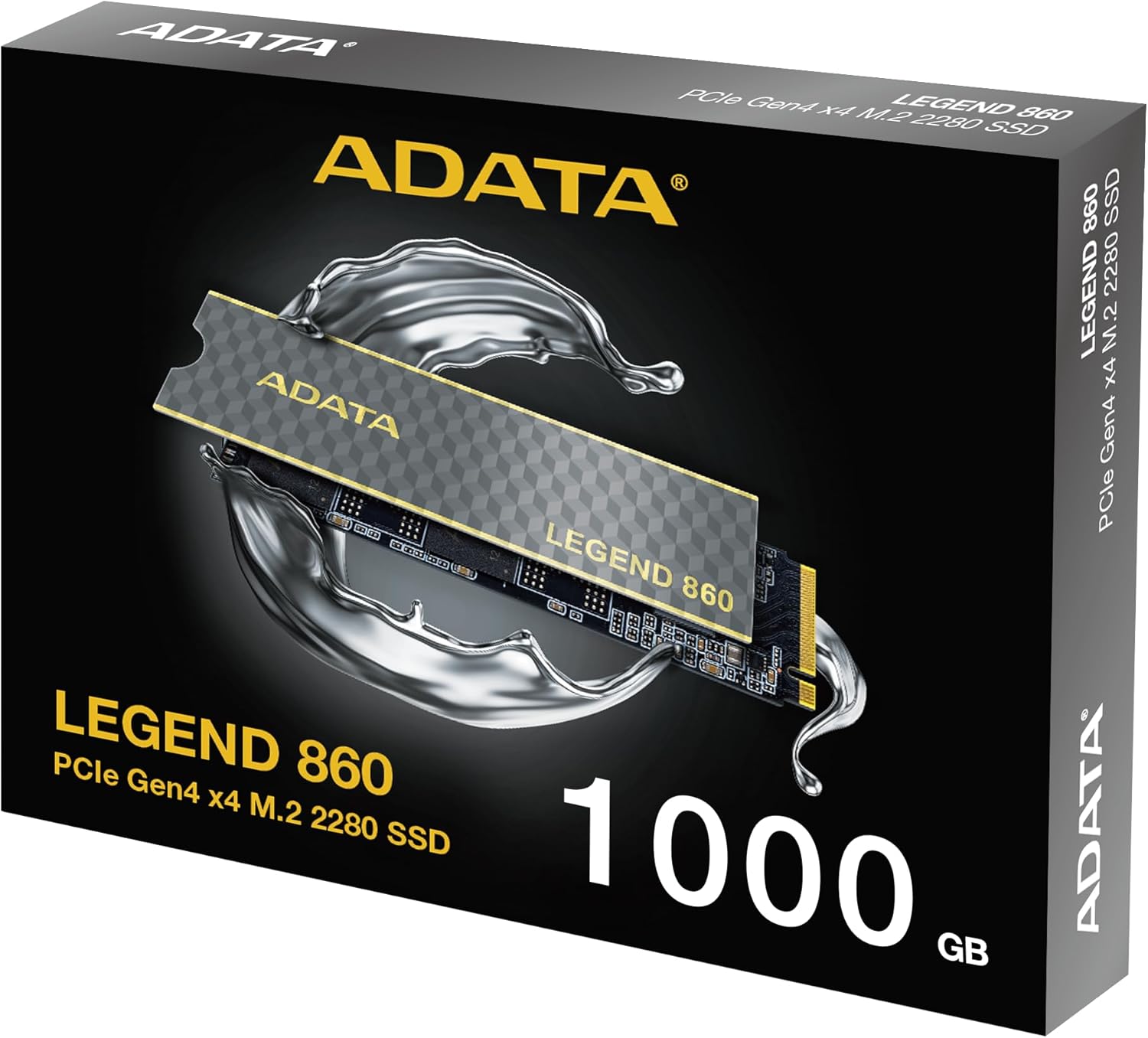
Figure 3: SSD installed in a desktop motherboard
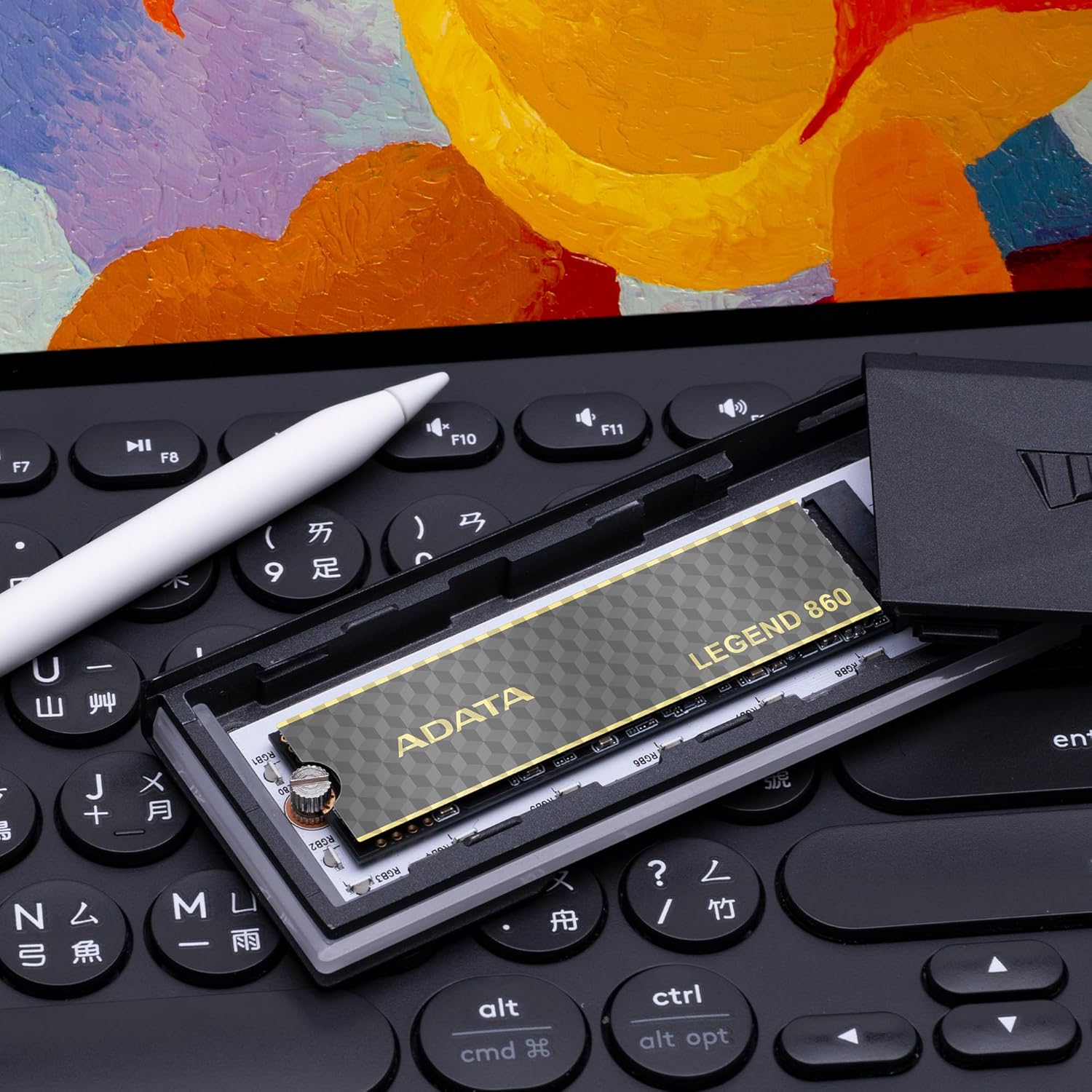
Figure 4: SSD installed in a PlayStation 5 console
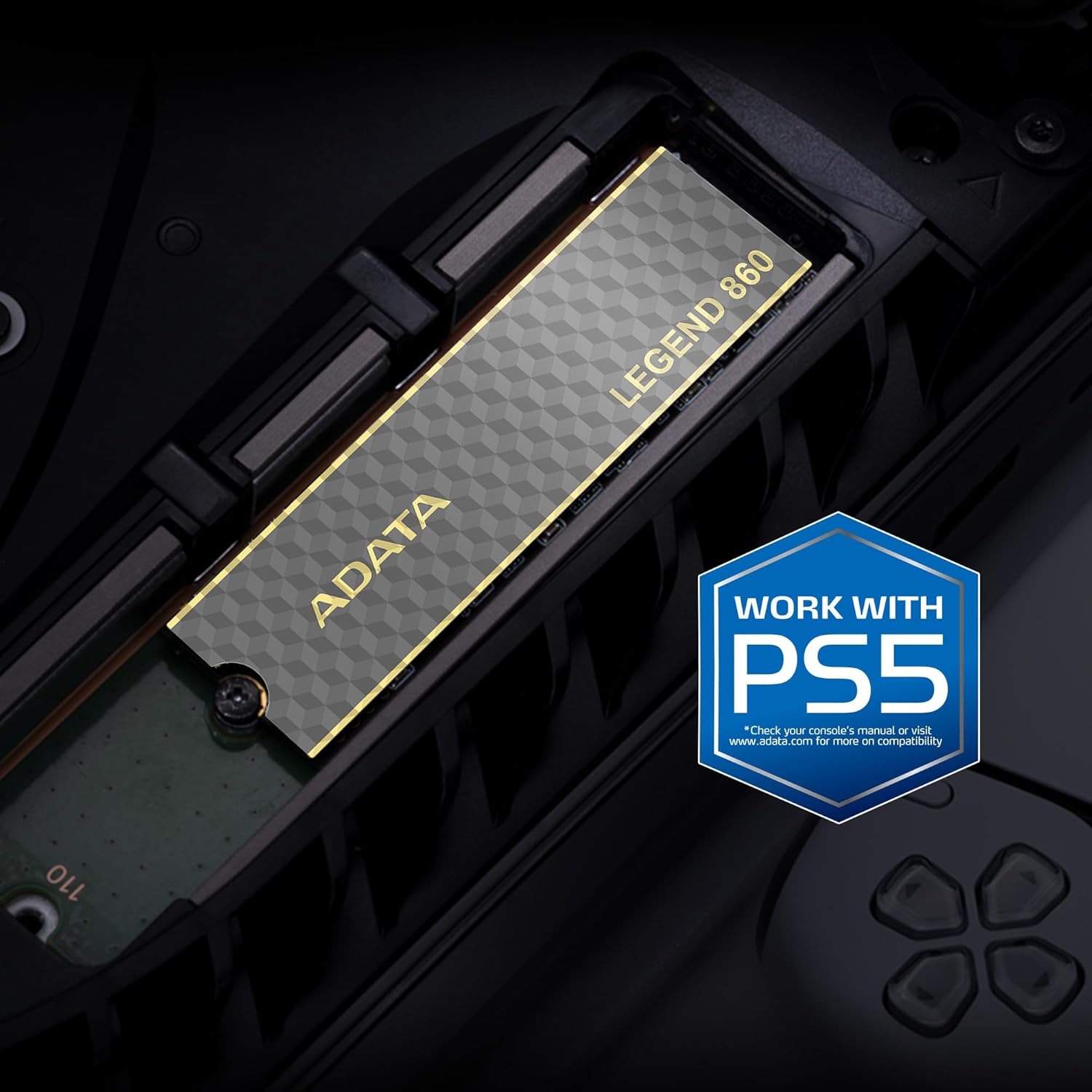
Figure 5: SSD installed in a laptop
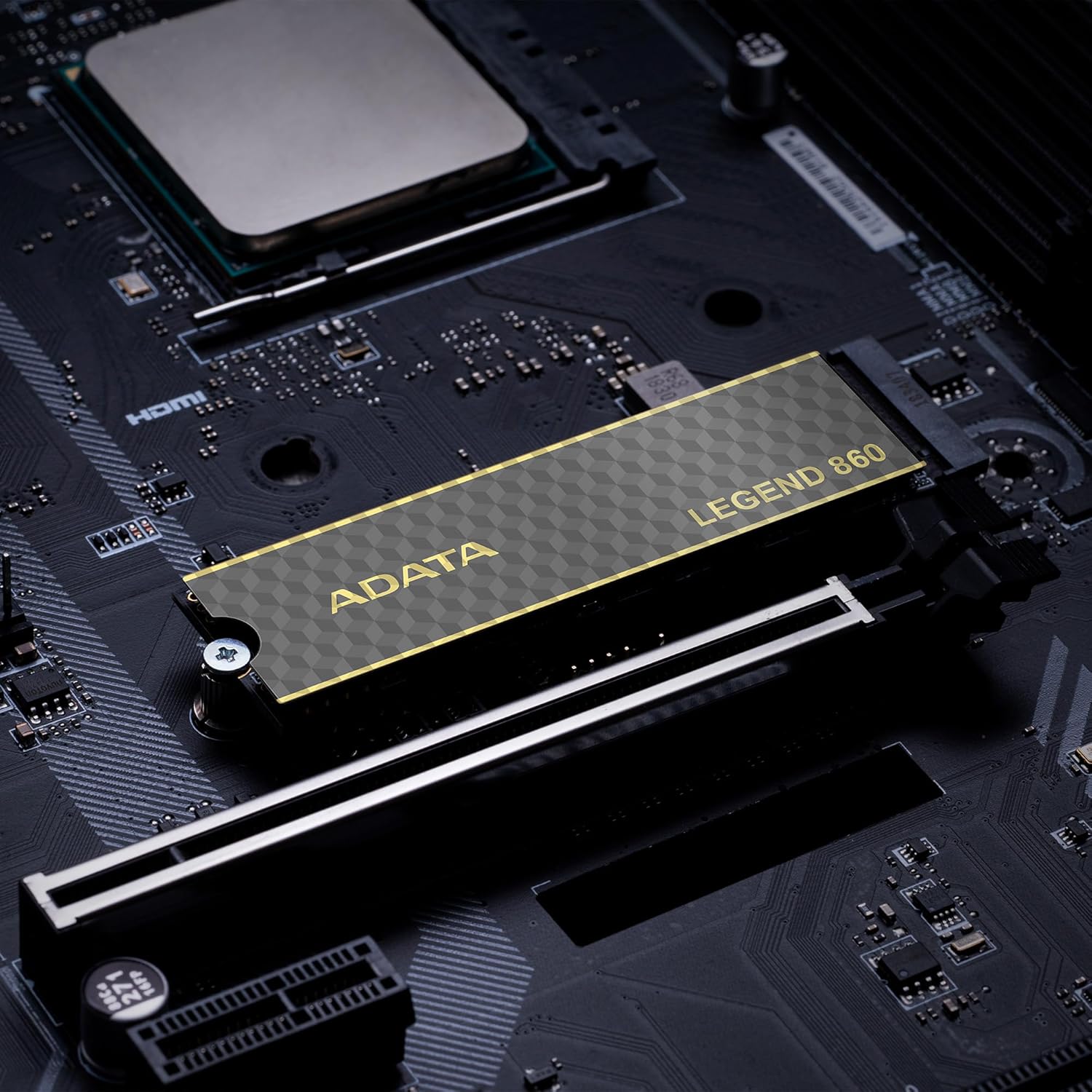
Figure 6: SSD in an external enclosure for portable use
6. ഓപ്പറേഷൻ
Once installed and formatted, your ADATA Legend 860 SSD will function as a high-speed storage device. You can use it for:
- ഓപ്പറേറ്റിംഗ് സിസ്റ്റം ഡ്രൈവ്: Install your operating system for faster boot times and overall system responsiveness.
- Gaming Library: Store your games to significantly reduce load times and improve gaming experience.
- ആപ്ലിക്കേഷൻ സംഭരണം: Install demanding applications for quicker launch and operation.
- ഡാറ്റ സംഭരണം: Use it for high-speed storage of large files, such as 4K videos, high-resolution images, and large project files.
For optimal performance, ensure your system's drivers and firmware are up to date.
7. പരിപാലനം
To maintain the performance and longevity of your ADATA Legend 860 SSD:
- ഫേംവെയർ അപ്ഡേറ്റ് ചെയ്ത് നിലനിർത്തുക: Periodically check the ADATA official website for firmware updates for your SSD. Firmware updates can improve performance, stability, and compatibility.
- ഓവർഫിൽ ചെയ്യുന്നത് ഒഴിവാക്കുക: While SSDs perform well even when nearly full, leaving some free space (typically 10-15%) can help maintain optimal performance and extend lifespan.
- TRIM പ്രാപ്തമാക്കുക: നിങ്ങളുടെ ഓപ്പറേറ്റിംഗ് സിസ്റ്റത്തിൽ TRIM പ്രവർത്തനക്ഷമമാക്കിയിട്ടുണ്ടെന്ന് ഉറപ്പാക്കുക. കാലക്രമേണ പ്രകടനത്തിലെ അപചയം തടയുന്നതിലൂടെ, SSD-യുടെ സംഭരണ ഇടം കാര്യക്ഷമമായി കൈകാര്യം ചെയ്യാൻ TRIM സഹായിക്കുന്നു. മിക്ക ആധുനിക ഓപ്പറേറ്റിംഗ് സിസ്റ്റങ്ങളും SSD-കൾക്ക് ഡിഫോൾട്ടായി TRIM പ്രവർത്തനക്ഷമമാക്കുന്നു.
- ആരോഗ്യം നിരീക്ഷിക്കുക: Use SSD monitoring tools (often provided by ADATA or third-party software) to check the health and estimated lifespan of your drive.
- പതിവ് ബാക്കപ്പുകൾ: പ്രധാനപ്പെട്ട ഡാറ്റ മറ്റൊരു സ്റ്റോറേജ് ഉപകരണത്തിലേക്ക് പതിവായി ബാക്കപ്പ് ചെയ്യുക. SSD-കൾ വിശ്വസനീയമാണെങ്കിലും, ഒരു സ്റ്റോറേജ് ഉപകരണവും പരാജയപ്പെടാതിരിക്കാൻ കഴിയില്ല.
8. പ്രശ്നപരിഹാരം
If you encounter issues with your ADATA Legend 860 SSD, consider the following troubleshooting steps:
- SSD കണ്ടെത്തിയില്ല:
- M.2 സ്ലോട്ടിൽ SSD ശരിയായി സ്ഥാപിച്ചിട്ടുണ്ടെന്ന് ഉറപ്പാക്കുക.
- Check your system's BIOS/UEFI settings to confirm the M.2 slot is enabled and configured correctly.
- Verify that your motherboard or console supports NVMe PCIe Gen4 SSDs.
- Try the SSD in a different M.2 slot or a compatible external enclosure to rule out a motherboard issue.
- മന്ദഗതിയിലുള്ള പ്രകടനം:
- Ensure your system's M.2 slot supports PCIe Gen4 speeds. If it's a Gen3 slot, the SSD will operate at Gen3 speeds.
- Check if TRIM is enabled (as mentioned in Maintenance).
- Ensure the SSD is not nearly full.
- Update your motherboard's chipset drivers and SSD firmware.
- സിസ്റ്റം അസ്ഥിരത/ക്രാഷുകൾ:
- Ensure the SSD is properly secured and not overheating.
- Run a diagnostic tool to check the SSD's health.
- Check for system-wide issues (RAM, CPU, power supply).
If problems persist, contact ADATA customer support for further assistance.
9. വാറൻ്റിയും പിന്തുണയും
The ADATA Legend 860 Solid State Drive typically comes with a manufacturer's warranty. Please refer to the official ADATA website or your product packaging for specific warranty terms and conditions, including the duration and coverage details.
For technical support, driver downloads, firmware updates, and additional product information, please visit the official ADATA support webസൈറ്റ്: www.adata.com
വാറൻ്റി ക്ലെയിമുകൾക്കായി നിങ്ങളുടെ വാങ്ങിയതിൻ്റെ തെളിവ് സൂക്ഷിക്കുക.