1. ആമുഖം
The Crosley CR3046A-AB Mini Jukebox Portable Bluetooth Speaker combines vintage aesthetics with modern audio technology. This compact speaker is designed to deliver audio wirelessly via Bluetooth and features integrated LED lights that can sync with your music. It is suitable for various settings, offering both sound and visual appeal.

Image: The Crosley CR3046A-AB Mini Jukebox Portable Bluetooth Speaker in Aqua Blue, showcasing its retro design and LED light strips.
2. ബോക്സിൽ എന്താണുള്ളത്?
എല്ലാ ഇനങ്ങളും ഉണ്ടെന്ന് ഉറപ്പാക്കാൻ പാക്കേജ് ഉള്ളടക്കങ്ങൾ പരിശോധിക്കുക:
- Crosley CR3046A-AB Mini Jukebox Portable Bluetooth Speaker
- USB-C ചാർജിംഗ് കേബിൾ
- സ്ട്രാപ്പ് വഹിക്കുക
3. ഉൽപ്പന്ന സവിശേഷതകൾ
- Portable Bluetooth Speaker: Connects wirelessly to any Bluetooth-enabled device for audio streaming.
- ബിൽറ്റ്-ഇൻ മൈക്രോഫോൺ: Enables hands-free calling when connected to a smartphone.
- LED ലൈറ്റുകൾ: Features five color-changing modes with music sync technology for visual effects.
- റീചാർജ് ചെയ്യാവുന്ന ബാറ്ററി: Equipped with a lithium-ion battery, charging via USB-C cable. Provides up to 15 hours of music playback at 50% volume with LED lights off.
- Twin Connection Mode: Allows pairing two CR3046A-AB speakers for stereo sound (second speaker sold separately).
- കോംപാക്റ്റ് ഡിസൈൻ: Inspired by classic jukeboxes, suitable for various spaces.
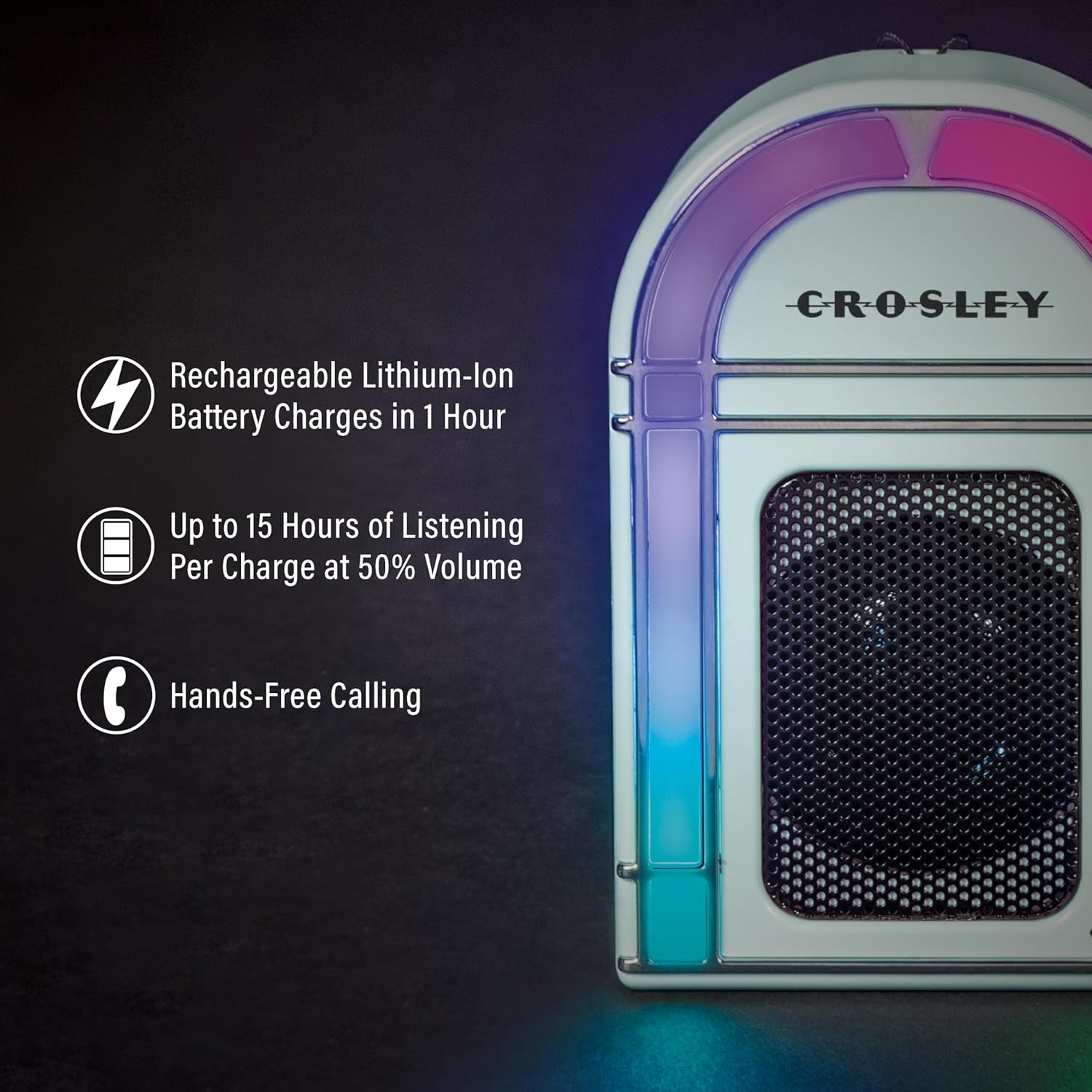
Image: An illustration highlighting key features: Rechargeable Lithium-ion Battery (charges in 1 hour), Up to 15 Hours of Listening Per Charge at 50% Volume, and Hands-Free Calling.

Image: A visual representation of the five optional LED light modes: Revolving Multi-Color, Pulsing Color Flash (syncs with music), Revolving Two-Tone, Multi-Color Chase, and Rotating Solid Colors (syncs with music).

Image: The Crosley Mini Jukebox Speaker on a desk, with a smartphone icon and 'Bluetooth Stream Digital Music' text, indicating wireless audio streaming capability.

Image: Two Crosley Mini Jukebox Speakers, one Aqua Blue and one Pink, positioned to illustrate the Twin Connection Mode for pairing two speakers for stereo sound.
4. സജ്ജീകരണം
4.1 സ്പീക്കർ ചാർജ് ചെയ്യുന്നു
- Locate the USB-C charging port on the side of the speaker.
- Connect the provided USB-C charging cable to the speaker and a compatible USB power adapter (not included).
- The charging indicator light will illuminate. A full charge typically takes approximately 1 hour.
- Once fully charged, the indicator light may change or turn off. Disconnect the charging cable.
A fully charged speaker provides up to 15 hours of playback at 50% volume with the LED lights off.

ചിത്രം: ഒരു വശം view of the Crosley Mini Jukebox Speaker, clearly showing the USB-C charging port and a small indicator light.
4.2 ബ്ലൂടൂത്ത് ജോടിയാക്കൽ
- Ensure the speaker is powered on. The Bluetooth indicator light will begin to flash, indicating it is in pairing mode.
- On your Bluetooth-enabled device (smartphone, tablet, laptop), navigate to the Bluetooth settings.
- ഇതിനായി തിരയുക available devices and select "Crosley Mini Jukebox" (or similar name) from the list.
- Once connected, the Bluetooth indicator light on the speaker will become solid, and you may hear an audible confirmation.
4.3 Twin Connection Mode (Optional)
To achieve stereo sound, you can pair two Crosley CR3046A-AB speakers together:
- രണ്ട് സ്പീക്കറുകളും ഓണാക്കിയിട്ടുണ്ടെന്നും മറ്റ് ബ്ലൂടൂത്ത് ഉപകരണങ്ങളുമായി ബന്ധിപ്പിച്ചിട്ടില്ലെന്നും ഉറപ്പാക്കുക.
- Follow the specific instructions provided with your second speaker for initiating Twin Connection Mode. Typically, this involves pressing a dedicated button on one of the speakers to enter a special pairing mode for stereo linking.
- Once linked, the two speakers will function as a stereo pair. Then, connect your Bluetooth device to one of the speakers as described in Section 4.2.
5. പ്രവർത്തന നിർദ്ദേശങ്ങൾ
5.1 പവർ ഓൺ/ഓഫ്
- To power on the speaker, press and hold the power button (location may vary, refer to product diagram if available).
- To power off the speaker, press and hold the power button again.
5.2 ഓഡിയോ പ്ലേബാക്ക്
- After successful Bluetooth pairing, begin playing audio from your connected device.
- Volume control is managed directly from your connected Bluetooth device.
5.3 LED ലൈറ്റ് മോഡുകൾ
The speaker features multiple LED light modes. Refer to the product's physical controls for specific button presses to cycle through or activate different light modes. Some modes may sync with the music playback.
5.4 ഹാൻഡ്സ്-ഫ്രീ കോളിംഗ്
When connected to a smartphone, the built-in microphone allows for hands-free calls. Incoming calls will typically pause music playback. Answer and end calls using your smartphone's controls.
6. പരിപാലനം
6.1 വൃത്തിയാക്കൽ
- വൃത്തിയാക്കുന്നതിന് മുമ്പ് സ്പീക്കർ ഓഫ് ചെയ്തിട്ടുണ്ടെന്നും ഏതെങ്കിലും പവർ സ്രോതസ്സിൽ നിന്ന് വിച്ഛേദിക്കപ്പെട്ടിട്ടുണ്ടെന്നും ഉറപ്പാക്കുക.
- മൃദുവായതും ഉണങ്ങിയതും ലിന്റ് രഹിതവുമായ തുണി ഉപയോഗിച്ച് പുറം പ്രതലങ്ങൾ തുടയ്ക്കുക.
- Do not use abrasive cleaners, solvents, or strong chemicals, as these may damage the finish.
6.2 ബാറ്ററി കെയർ
- ബാറ്ററി ലൈഫ് വർദ്ധിപ്പിക്കാൻ, ബാറ്ററി ഇടയ്ക്കിടെ പൂർണ്ണമായും ഡിസ്ചാർജ് ചെയ്യുന്നത് ഒഴിവാക്കുക.
- സ്പീക്കർ ദീർഘനേരം സൂക്ഷിക്കുകയാണെങ്കിൽ, ഓരോ കുറച്ച് മാസത്തിലും ഏകദേശം 50% വരെ ചാർജ് ചെയ്യുക.
- സ്പീക്കർ തീവ്രമായ താപനിലയിൽ കാണിക്കുന്നത് ഒഴിവാക്കുക.
7. പ്രശ്നപരിഹാരം
| പ്രശ്നം | സാധ്യമായ കാരണം | പരിഹാരം |
|---|---|---|
| സ്പീക്കർ പവർ ഓൺ ചെയ്യുന്നില്ല | കുറഞ്ഞ അല്ലെങ്കിൽ ക്ഷയിച്ച ബാറ്ററി | നൽകിയിരിക്കുന്ന USB-C കേബിൾ ഉപയോഗിച്ച് സ്പീക്കർ ചാർജ് ചെയ്യുക. |
| സ്പീക്കറിൽ നിന്ന് ശബ്ദമില്ല | Volume too low on device or speaker; Not paired correctly | Increase volume on your connected device. Ensure speaker is paired correctly (refer to Section 4.2). |
| ബ്ലൂടൂത്ത് ജോടിയാക്കൽ പരാജയപ്പെടുന്നു | സ്പീക്കർ ജോടിയാക്കൽ മോഡിലല്ല; ഉപകരണം വളരെ അകലെയാണ്; ഇടപെടൽ | Ensure speaker is in pairing mode (flashing indicator). Move device closer to speaker. Turn off other Bluetooth devices nearby. |
| LED വിളക്കുകൾ പ്രവർത്തിക്കുന്നില്ല | Light mode off; Malfunction | Cycle through light modes using the speaker controls. If issue persists, contact customer support. |
8 സ്പെസിഫിക്കേഷനുകൾ
| ഫീച്ചർ | വിശദാംശങ്ങൾ |
|---|---|
| മോഡലിൻ്റെ പേര് | CR3046A-AB |
| സ്പീക്കർ തരം | പോർട്ടബിൾ സ്പീക്കർ |
| പ്രത്യേക ഫീച്ചർ | പോർട്ടബിൾ |
| അനുയോജ്യമായ ഉപകരണങ്ങൾ | ഡെസ്ക്ടോപ്പ്, ലാപ്ടോപ്പ്, സ്മാർട്ട്ഫോൺ, ടാബ്ലെറ്റ് |
| നിറം | അക്വാ ബ്ലൂ |
| ഉൽപ്പന്ന അളവുകൾ (D x W x H) | 1.5" x 2.5" x 3.75" |
| ഇനത്തിൻ്റെ ഭാരം | 0.3 പൗണ്ട് (4.8 ഔൺസ്) |
| പ്രതിരോധം | 8 ഓം |
| വാട്ടർപ്രൂഫ് | തെറ്റായ |
| നിയന്ത്രണ രീതി | സ്പർശിക്കുക |
| വയർലെസ് കമ്മ്യൂണിക്കേഷൻ ടെക്നോളജി | ബ്ലൂടൂത്ത് |
| പവർ ഉറവിടം | ബാറ്ററി പവർ |
| ചാർജിംഗ് സമയം | 1 മണിക്കൂർ |
| സ്പീക്കർ പരമാവധി ഔട്ട്പുട്ട് പവർ | 2 വാട്ട്സ് |
| ഓഡിയോ put ട്ട്പുട്ട് മോഡ് | സ്റ്റീരിയോ |
| യു.പി.സി | 710244260589 |

Image: The Crosley Mini Jukebox Speaker with its overall dimensions labeled: 2.5" W x 3.75" H x 1.5" D.
9. വാറൻ്റിയും പിന്തുണയും
9.1 വാറൻ്റി വിവരങ്ങൾ
This Crosley product comes with a പരിമിത വാറൻ്റി. Please refer to the warranty card included with your product or visit the official Crosley webവിശദമായ നിബന്ധനകൾക്കും വ്യവസ്ഥകൾക്കും സൈറ്റ്.
9.2 ഉപഭോക്തൃ പിന്തുണ
For technical assistance, troubleshooting, or warranty inquiries, please contact Crosley's USA-based customer support. You can find contact information on the official Crosley website or through their Amazon Brand Store:


