1. ഉൽപ്പന്നം കഴിഞ്ഞുview
The FCI GAMEWELL E3-BP is a blank inner door panel designed for use within fire safety equipment enclosures. This double-sized panel provides a secure and unpopulated surface for custom installations or as a protective barrier within the system. It is an essential component for maintaining the integrity and functionality of fire alarm control panels and related systems.
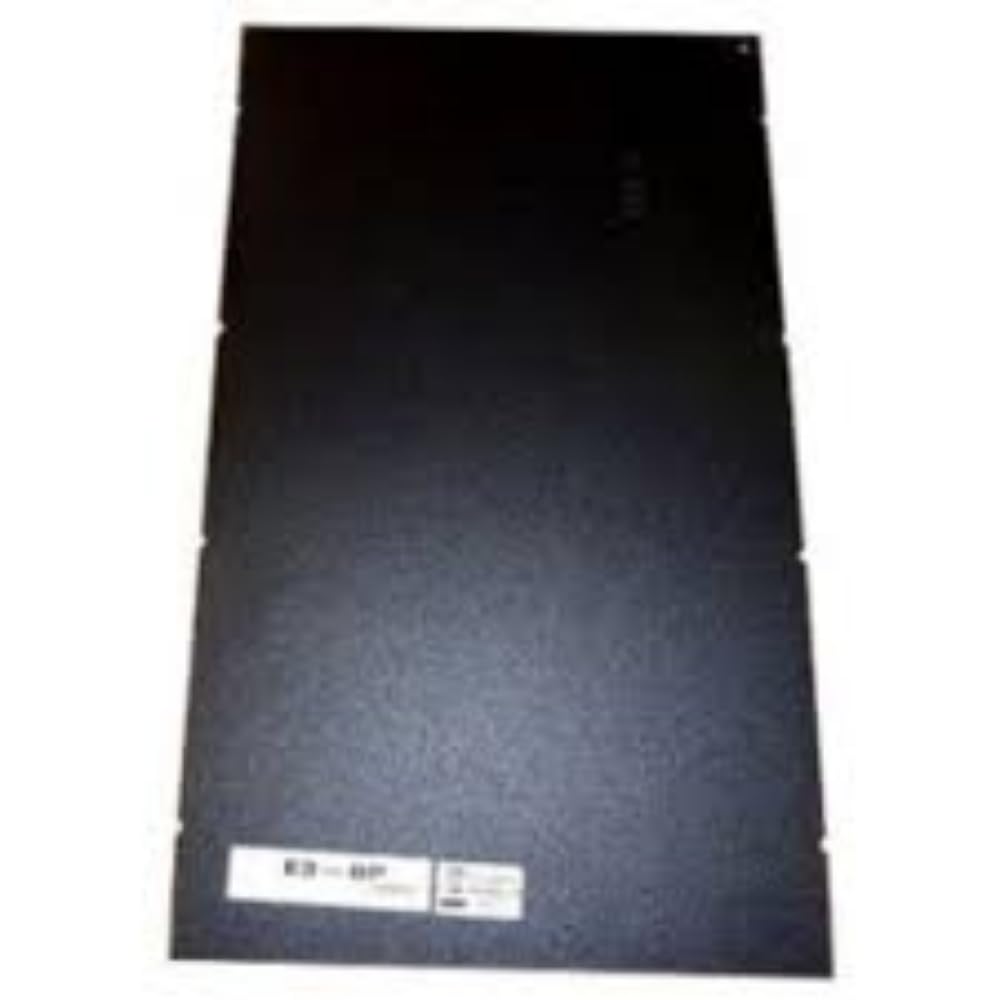
ചിത്രം 1: മുൻഭാഗം view of the FCI GAMEWELL E3-BP Inner Door Panel. This image shows the rectangular, black blank panel with a label at the bottom indicating "E3-BP".
2. സജ്ജീകരണവും ഇൻസ്റ്റാളേഷനും
Proper installation of the E3-BP inner door panel is crucial for system integrity and safety. This panel is designed to fit specific enclosures and should only be installed by qualified personnel.
2.1 പ്രീ-ഇൻസ്റ്റലേഷൻ ചെക്ക്ലിസ്റ്റ്
- Verify that the panel dimensions match the intended enclosure.
- Ensure all necessary mounting hardware (not included) is available.
- Confirm the power to the system enclosure is disconnected before beginning installation.
- ഉചിതമായ വ്യക്തിഗത സംരക്ഷണ ഉപകരണങ്ങൾ (പിപിഇ) ധരിക്കുക.
2.2 ഇൻസ്റ്റലേഷൻ ഘട്ടങ്ങൾ
- Open the main door of the fire safety equipment enclosure.
- Carefully align the E3-BP inner door panel with the designated mounting points within the enclosure.
- Secure the panel using appropriate screws or fasteners (refer to your enclosure's manual for specific hardware requirements). Ensure the panel is firmly seated and does not wobble.
- Close and secure the main enclosure door.
- Restore power to the system, if applicable, after confirming all installation steps are complete and safe.
കുറിപ്പ്: This panel is blank and does not contain electrical components. Its primary function is to provide a mounting surface or a protective barrier within the enclosure.
3. പ്രവർത്തന നിർദ്ദേശങ്ങൾ
The FCI GAMEWELL E3-BP inner door panel is a passive component and does not require active operation. Once installed, its function is to provide a secure, blank surface or barrier within the fire safety equipment enclosure. It serves as a foundational element for mounting additional components or for maintaining the internal environment of the enclosure.
Ensure the panel remains securely fastened within the enclosure to maintain its protective function.
4. പരിപാലനം
Regular maintenance of the E3-BP inner door panel ensures its longevity and continued effectiveness as a protective component.
4.1 വൃത്തിയാക്കൽ
- Periodically wipe the surface of the panel with a soft, dry, or slightly damp പൊടിയും അവശിഷ്ടങ്ങളും നീക്കം ചെയ്യാനുള്ള തുണി.
- Avoid using abrasive cleaners, solvents, or harsh chemicals, as these may damage the panel's finish.
4.2 പരിശോധന
- During routine system checks, inspect the panel for any signs of physical damage, such as dents, scratches, or warping.
- Verify that all mounting screws or fasteners remain tight and secure.
- Ensure the panel is free from obstructions that might impede the proper closing of the main enclosure door.
5. പ്രശ്നപരിഹാരം
The E3-BP inner door panel is a simple, passive component. Most issues will relate to its physical installation or condition.
| പ്രശ്നം | സാധ്യമായ കാരണം | പരിഹാരം |
|---|---|---|
| Panel does not fit into enclosure. | Incorrect panel size or incompatible enclosure model. | Verify the model number of the panel (GE3BP) against your enclosure's specifications. Ensure you have the correct double-sized panel for your system. |
| Panel is loose or wobbles after installation. | Mounting screws are not tightened sufficiently or incorrect hardware used. | Ensure all mounting screws are properly tightened. Use the correct type and length of fasteners as specified by your enclosure's manual. |
| Main enclosure door does not close properly after panel installation. | Panel is not seated correctly or is obstructing the door mechanism. | Re-check the panel's alignment and ensure it is fully seated in its designated position. Remove any obstructions. |
| Visible damage (e.g., dents, cracks) on the panel. | ശാരീരിക ആഘാതം അല്ലെങ്കിൽ അനുചിതമായ കൈകാര്യം ചെയ്യൽ. | While minor cosmetic damage may not affect function, significant damage could compromise the panel's protective capabilities. Consider replacing the panel if structural integrity is compromised. |
6 സ്പെസിഫിക്കേഷനുകൾ
| ആട്രിബ്യൂട്ട് | വിശദാംശങ്ങൾ |
|---|---|
| ബ്രാൻഡ് | GAMEWELL |
| മോഡൽ നമ്പർ | GE3BP |
| ഭാഗം നമ്പർ | GE3BP |
| വിവരണം | Inner Door Panel, Blank, Double Size |
| ഇനത്തിൻ്റെ പാക്കേജ് അളവ് | 1 |
| ASIN | B0DPK1W1Z |
| യു.പി.സി | 842504002643 |
| ആദ്യ തീയതി ലഭ്യമാണ് | ഡിസംബർ 21, 2022 |
7. വാറൻ്റി വിവരങ്ങൾ
Specific warranty details for the FCI GAMEWELL E3-BP Inner Door Panel are not provided in this manual. Please refer to the original purchase documentation or contact GAMEWELL customer support for information regarding product warranties.
8. ഉപഭോക്തൃ പിന്തുണ
For any questions regarding the FCI GAMEWELL E3-BP Inner Door Panel, its installation, or general inquiries about GAMEWELL products, please contact our dedicated customer service team. We are committed to assisting you with your fire equipment needs.
Please visit the official GAMEWELL webബന്ധപ്പെടാനുള്ള വിശദാംശങ്ങൾക്ക് സൈറ്റ് അല്ലെങ്കിൽ നിങ്ങളുടെ വാങ്ങൽ ഡോക്യുമെന്റേഷൻ പരിശോധിക്കുക.


