1. ആമുഖം
The NEDIS SmartLife Outdoor Pan-Tilt Spotlight Camera (WIFICO22CWT) is designed to enhance your home security with advanced features and seamless integration. This manual provides essential information for the proper installation, operation, and maintenance of your camera.
Key features include a 3MP (1296p) sensor for clear images, remote pan and tilt control, automatic tracking, color and infrared night vision, two-way audio, motion and sound detection with instant notifications, and an IP65 weatherproof rating for outdoor reliability.
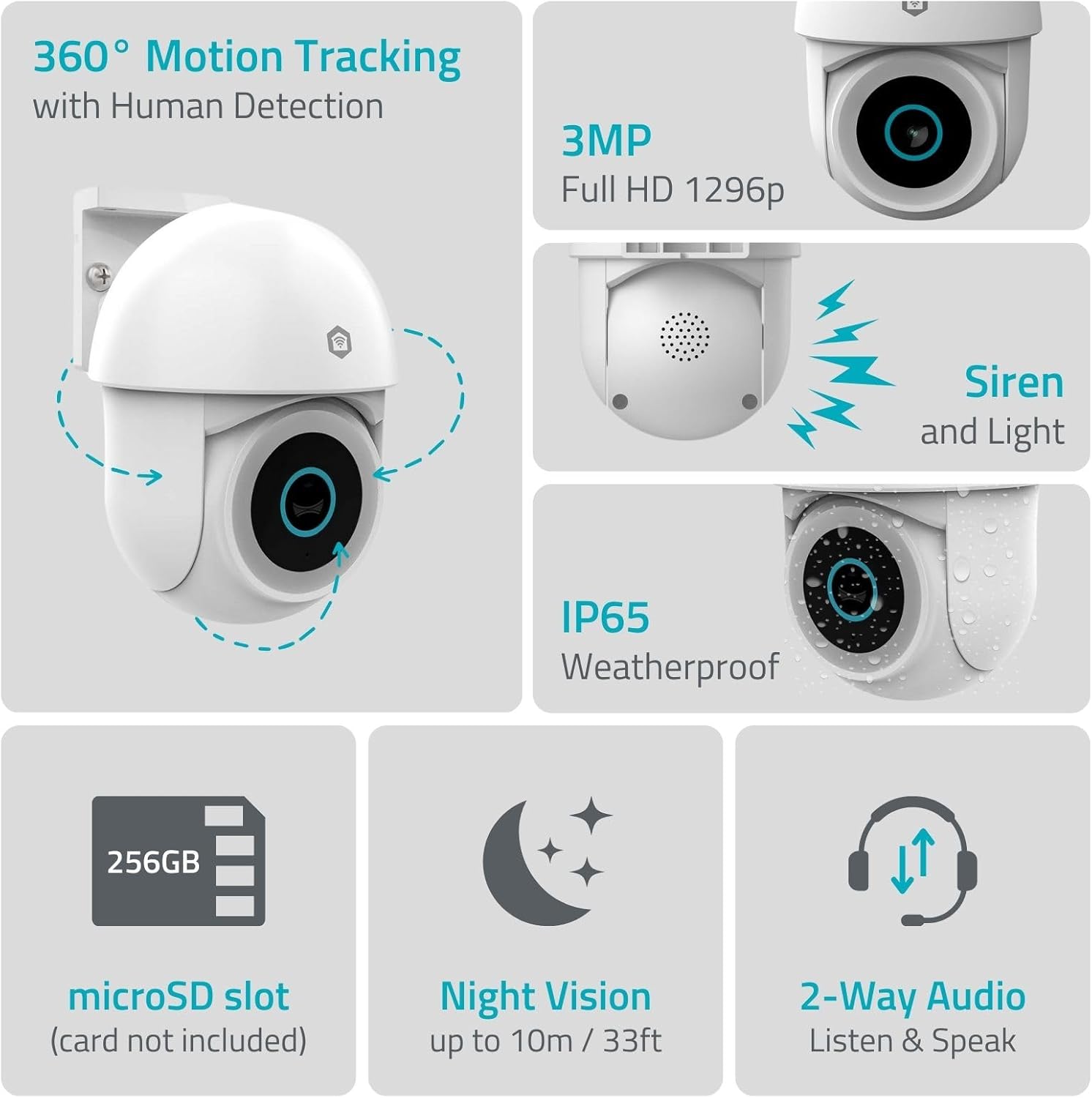
ചിത്രം 1.1: കഴിഞ്ഞുview of NEDIS SmartLife Outdoor Camera features, including 360-degree motion tracking, 3MP resolution, siren and light, IP65 weatherproofing, microSD slot, night vision, and two-way audio.
2. പാക്കേജ് ഉള്ളടക്കം
പാക്കേജിൽ ഇനിപ്പറയുന്ന ഇനങ്ങൾ ഉണ്ടോ എന്ന് പരിശോധിക്കുക:
- NEDIS SmartLife Outdoor Pan-Tilt Spotlight Camera (WIFICO22CWT)
- പവർ അഡാപ്റ്റർ (5V DC)
- മൗണ്ടിംഗ് ബ്രാക്കറ്റും സ്ക്രൂകളും
- ദ്രുത ആരംഭ ഗൈഡ് (ഈ മാനുവൽ)
3. സജ്ജീകരണം
3.1. ആപ്പ് ഇൻസ്റ്റാളേഷൻ
- ഡൗൺലോഡ് ചെയ്യുക നെഡിസ് സ്മാർട്ട് ലൈഫ് ആപ്പ് സ്റ്റോറിൽ (iOS) നിന്നോ ഗൂഗിൾ പ്ലേ സ്റ്റോറിൽ (ആൻഡ്രോയിഡ്) നിന്നോ ഉള്ള ആപ്പ്.
- ഒരു പുതിയ അക്കൗണ്ടിനായി രജിസ്റ്റർ ചെയ്യുക അല്ലെങ്കിൽ നിങ്ങൾക്ക് ഇതിനകം ഒന്ന് ഉണ്ടെങ്കിൽ ലോഗിൻ ചെയ്യുക.
3.2. പവർ ഓൺ ചെയ്യലും പ്രാരംഭ കണക്ഷനും
- പവർ അഡാപ്റ്ററിലേക്ക് ക്യാമറ ബന്ധിപ്പിച്ച് ഒരു ഇലക്ട്രിക്കൽ ഔട്ട്ലെറ്റിൽ പ്ലഗ് ചെയ്യുക.
- Wait for the camera's indicator light to flash, indicating it is ready for pairing.
- Open the Nedis SmartLife app, tap '+' to add a new device, and follow the on-screen instructions to connect the camera to your 2.4 GHz Wi-Fi network.
3.3. മൈക്രോ എസ്ഡി കാർഡ് ഇൻസ്റ്റാളേഷൻ (ഓപ്ഷണൽ)
For local storage of recordings, install a microSD card (up to 256GB, not included).
- Locate the microSD card slot on the camera (refer to the camera diagram in the quick start guide).
- Carefully insert the microSD card into the slot until it clicks into place.
- Format the microSD card via the camera settings in the Nedis SmartLife app.
3.4. ക്യാമറ ഘടിപ്പിക്കുന്നു
The camera comes with a wall/ceiling mount. Choose a suitable location with a clear view and within Wi-Fi range.

Image 3.1: Camera dimensions for mounting reference.
- Mark the drilling positions using the mounting bracket as a template.
- ആവശ്യമെങ്കിൽ ദ്വാരങ്ങൾ തുരന്ന് വാൾ പ്ലഗുകൾ ഇടുക.
- Secure the mounting bracket to the wall or ceiling with screws.
- Attach the camera to the mounting bracket and adjust its initial angle.
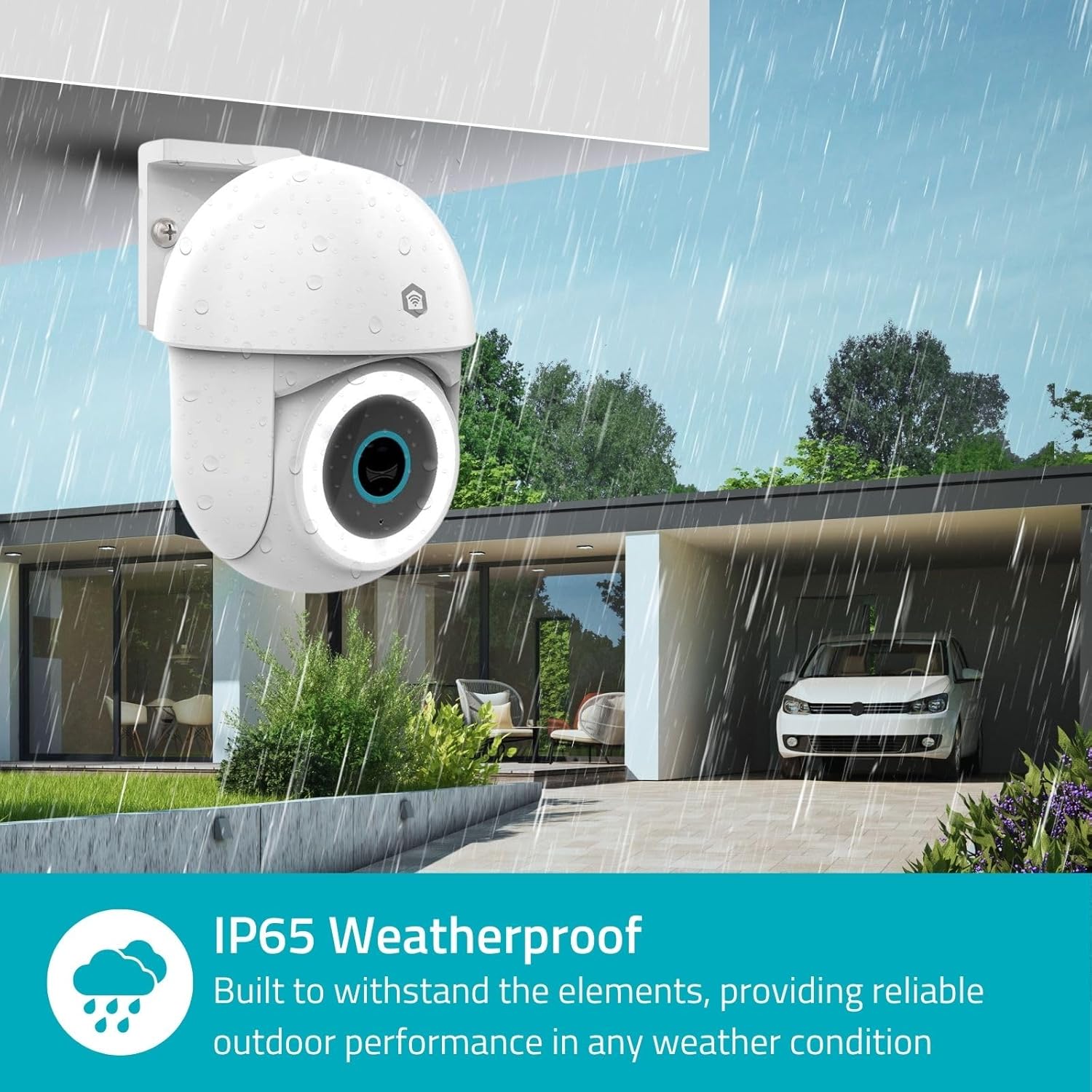
Image 3.2: The IP65 weatherproof design ensures reliable outdoor performance in various weather conditions.
4. പ്രവർത്തന നിർദ്ദേശങ്ങൾ
4.1. തത്സമയം View കൂടാതെ പാൻ/ടിൽറ്റ് നിയന്ത്രണം
Access the live feed from your camera through the Nedis SmartLife app. Use the on-screen controls to remotely pan (horizontal) and tilt (vertical) the camera to monitor a wide area.
4.2. ചലന കണ്ടെത്തലും ട്രാക്കിംഗും
The camera features advanced motion detection, including human detection, to minimize false alarms. You can customize detection zones within the app.
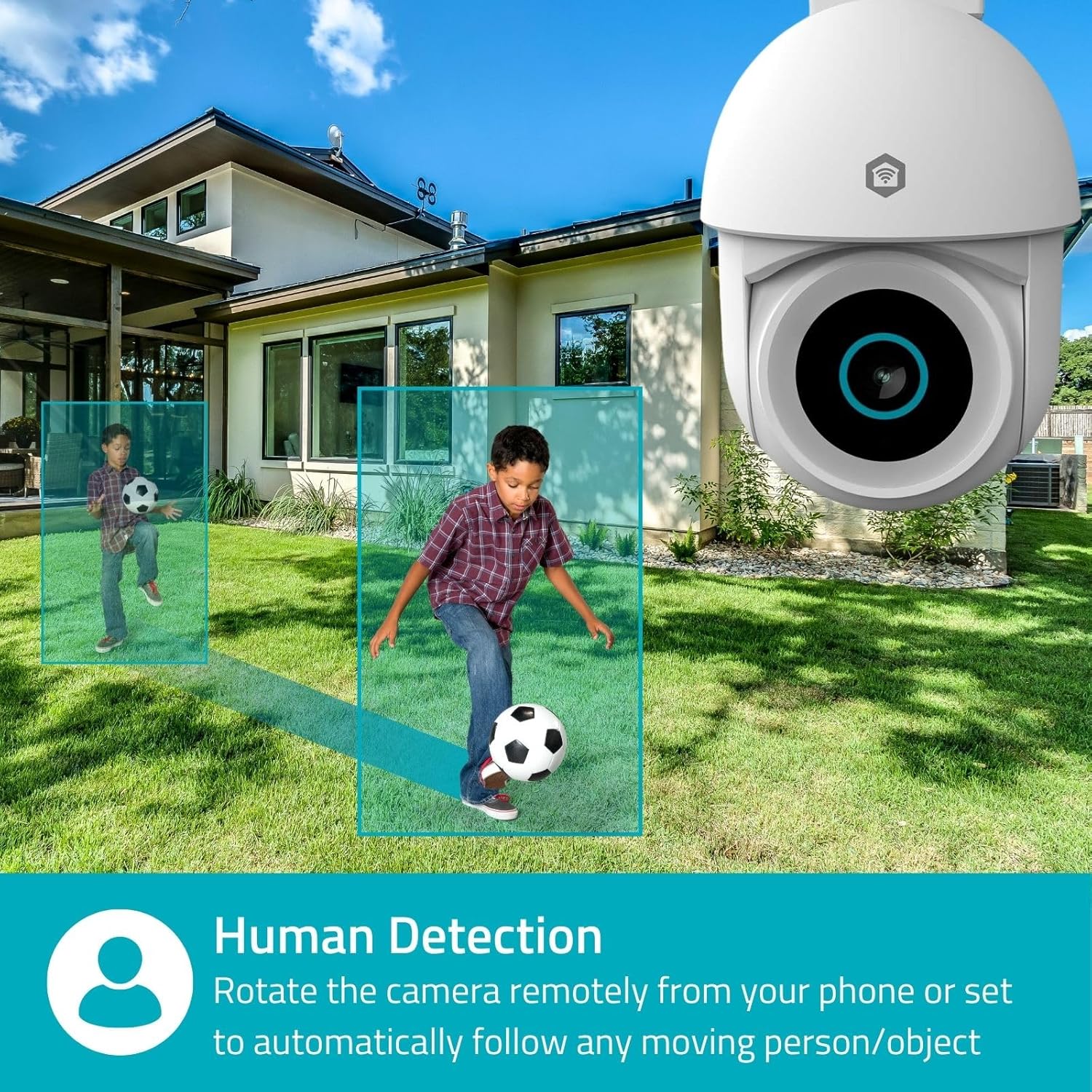
Image 4.1: Human Detection allows the camera to automatically follow moving persons or objects.
പ്രവർത്തനക്ഷമമാക്കുക യാന്ത്രിക ട്രാക്കിംഗ് in the app settings to have the camera automatically follow detected movement.
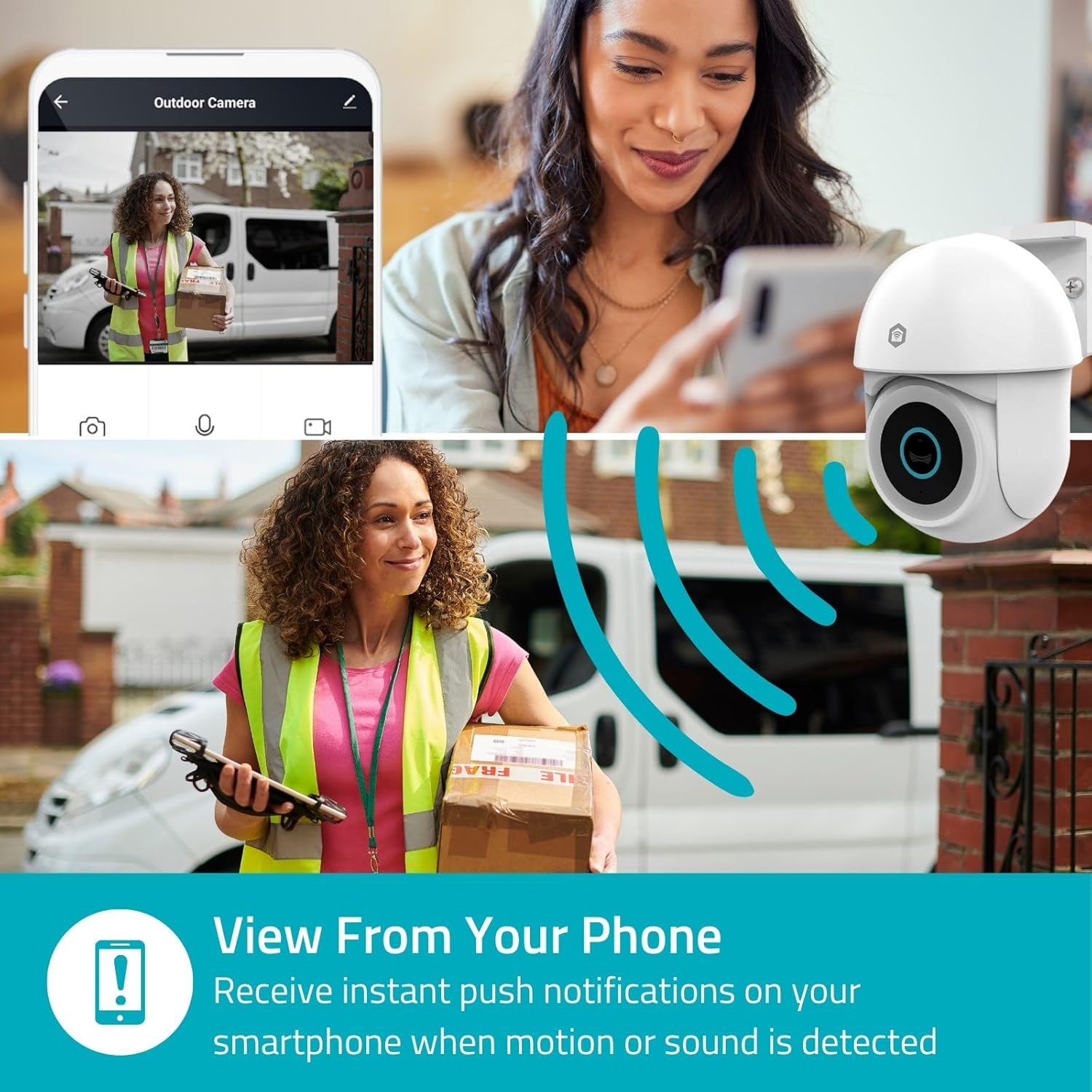
Image 4.2: Receive instant push notifications on your smartphone when motion or sound is detected.
4.3. ടു-വേ ഓഡിയോ
Utilize the built-in microphone and speaker for two-way communication. You can listen to the environment and speak through the camera via the app.
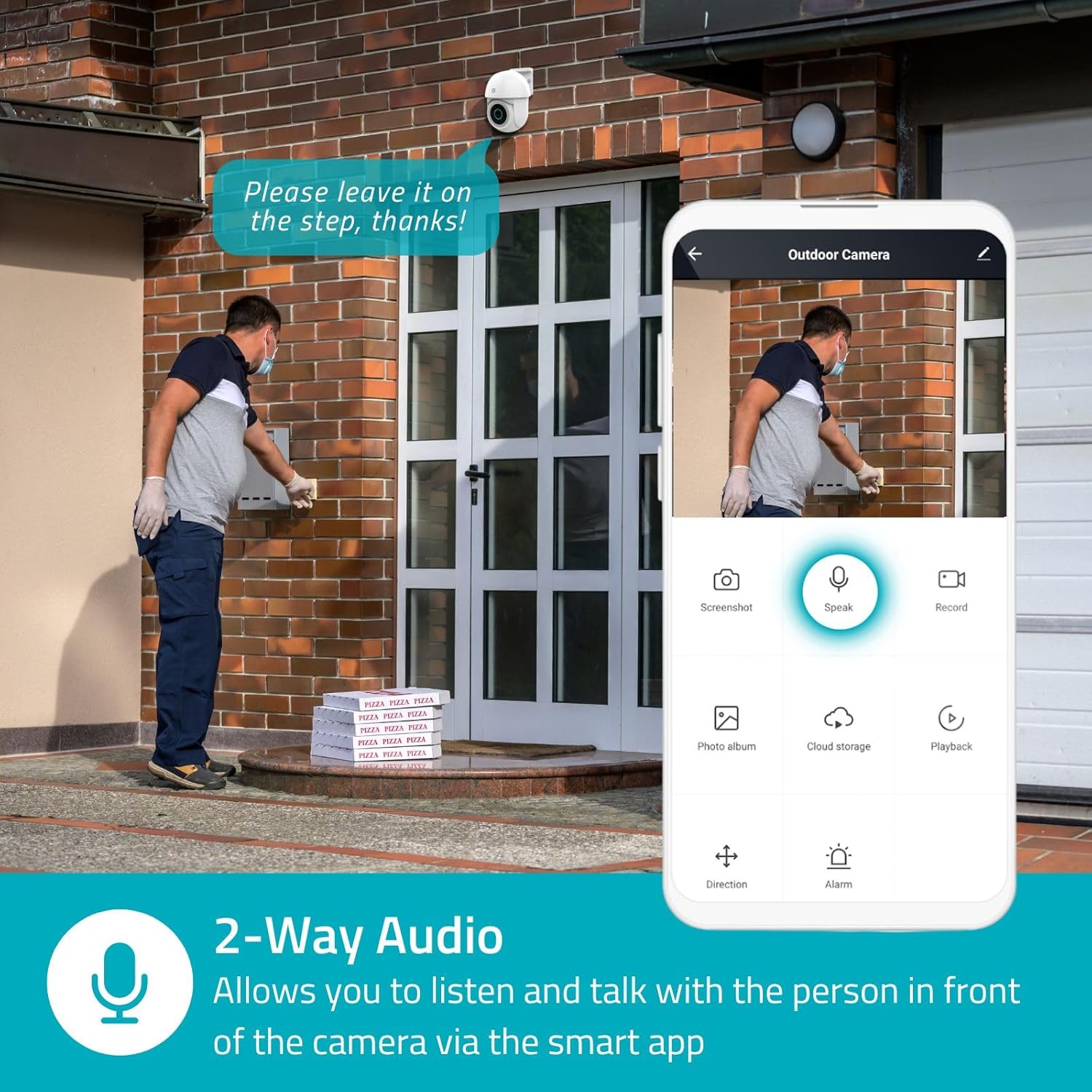
Image 4.3: Two-Way Audio allows you to listen and talk with individuals in front of the camera.
4.4. നൈറ്റ് വിഷൻ
ക്യാമറ രണ്ട് നൈറ്റ് വിഷൻ മോഡുകളെ പിന്തുണയ്ക്കുന്നു:
- കളർ നൈറ്റ് വിഷൻ: Achieved using dimmable white LEDs, providing full-color images in low light.
- ഇൻഫ്രാറെഡ് നൈറ്റ് വിഷൻ: Standard black and white night vision using infrared LEDs, effective up to 10 meters (33 feet).

Image 4.4: Comparison of Day Mode and Night Mode, illustrating the camera's 3MP resolution and 10m night vision capability.
4.5. Spotlight and Siren
When motion is detected, you can configure the camera to activate its white LEDs (spotlight) and/or a siren. This can deter intruders or provide illumination.

Image 4.5: The camera's light and siren can be activated upon motion detection to deter unwanted visitors.
4.6. റെക്കോർഡിംഗും പ്ലേബാക്കും
Recordings can be stored on a microSD card (up to 256GB) or via optional cloud storage. Access and playback recorded footage through the Nedis SmartLife app.
4.7. സ്വകാര്യത മോഡ്
Activate Privacy Mode in the app to temporarily disable recording and live view when you are home, ensuring your privacy.
4.8. സ്മാർട്ട് ഹോം ഇന്റഗ്രേഷൻ
The camera is compatible with Google Home and Amazon Alexa, allowing for voice control and integration into your smart home ecosystem.
5. പരിപാലനം
- വൃത്തിയാക്കൽ: ക്യാമറ ലെൻസും ബോഡിയും മൃദുവായ, d തുണി ഉപയോഗിച്ച് സൌമ്യമായി തുടയ്ക്കുക.amp തുണി. കഠിനമായ രാസവസ്തുക്കളോ ഉരച്ചിലുകളുള്ള ക്ലീനറുകളോ ഉപയോഗിക്കരുത്.
- ഫേംവെയർ അപ്ഡേറ്റുകൾ: Regularly check the Nedis SmartLife app for available firmware updates to ensure optimal performance and security.
- വൈദ്യുതി വിതരണം: പവർ അഡാപ്റ്ററിനും കേബിളിനും കേടുപാടുകൾ സംഭവിച്ചിട്ടില്ലെന്ന് ഉറപ്പാക്കുക.
6. പ്രശ്നപരിഹാരം
6.1. ക്യാമറ വൈഫൈയിലേക്ക് കണക്റ്റ് ചെയ്യുന്നില്ല.
- നിങ്ങളുടെ വൈഫൈ നെറ്റ്വർക്ക് 2.4 GHz ആണെന്ന് ഉറപ്പാക്കുക. ക്യാമറ 5 GHz വൈഫൈ പിന്തുണയ്ക്കുന്നില്ല.
- Check that the Wi-Fi password is entered correctly.
- സജ്ജീകരണ സമയത്ത് ക്യാമറ നിങ്ങളുടെ വൈഫൈ റൂട്ടറിന് അടുത്തായി വയ്ക്കുക.
- നിങ്ങളുടെ റൂട്ടറും ക്യാമറയും പുനരാരംഭിക്കുക.
6.2. മോശം വീഡിയോ നിലവാരം
- Check your Wi-Fi signal strength. A weak signal can affect video quality.
- ക്യാമറ ലെൻസ് വൃത്തിയുള്ളതാണെന്നും തടസ്സങ്ങളില്ലെന്നും ഉറപ്പാക്കുക.
- Adjust the video resolution settings in the app if your network bandwidth is limited.
6.3. Motion Detection Not Working
- Verify that motion detection is enabled in the app settings.
- Check the sensitivity settings and detection zones.
- ക്യാമറകളെ തടയുന്ന ഭൗതിക തടസ്സങ്ങളൊന്നുമില്ലെന്ന് ഉറപ്പാക്കുക. view.
6.4. No Audio or Two-Way Audio Issues
- ആപ്പിലെ മൈക്രോഫോണും സ്പീക്കർ വോളിയം ക്രമീകരണങ്ങളും പരിശോധിക്കുക.
- Ensure your smartphone's microphone is not muted when speaking through the app.
- തത്സമയ ഓഡിയോ ട്രാൻസ്മിഷനായി നെറ്റ്വർക്ക് കണക്റ്റിവിറ്റി പരിശോധിക്കുക.
7 സ്പെസിഫിക്കേഷനുകൾ
| ഫീച്ചർ | സ്പെസിഫിക്കേഷൻ |
|---|---|
| മോഡൽ നമ്പർ | WIFICO22CWT |
| റെസലൂഷൻ | 3 MP (1296p) |
| കണക്റ്റിവിറ്റി | വൈഫൈ (2.4 GHz) |
| Pan/Tilt Function | അതെ |
| കാലാവസ്ഥാ പ്രൂഫ് റേറ്റിംഗ് | IP65 |
| നൈറ്റ് വിഷൻ | Color (white LEDs) & IR (up to 10m) |
| ടു-വേ ഓഡിയോ | അതെ |
| സ്റ്റോറേജ് ഓപ്ഷനുകൾ | MicroSD (up to 256GB, not included), Cloud Storage (optional) |
| പവർ ഇൻപുട്ട് | 5V DC |
| അളവുകൾ (L x W x H) | 10 x 8.3 x 11 സെ.മീ |
| ഭാരം | 292 ഗ്രാം |
| പ്രത്യേക സവിശേഷതകൾ | Human Detection, Auto-Tracking, Spotlight, Siren, Privacy Mode, Onvif support |
| അനുയോജ്യത | ഗൂഗിൾ ഹോം, ആമസോൺ അലക്സ |
8. വാറൻ്റിയും പിന്തുണയും
This product comes with a standard manufacturer's warranty. For detailed warranty information, please refer to the warranty card included in your package or visit the official NEDIS webസൈറ്റ്.
For technical support, troubleshooting assistance, or further inquiries, please contact NEDIS customer service through their official webസൈറ്റ് അല്ലെങ്കിൽ ഉൽപ്പന്ന പാക്കേജിംഗിൽ നൽകിയിരിക്കുന്ന ബന്ധപ്പെടാനുള്ള വിവരങ്ങൾ.
ഓൺലൈൻ ഉറവിടങ്ങൾ:
- സന്ദർശിക്കുക നെഡിസ് webസൈറ്റ് for product updates and support.
- Check the Nedis SmartLife app for FAQs and in-app support options.


