ആമുഖം
The Mibro Kids Watch Phone P6 is a children's smartwatch designed for communication, safety, and activity tracking. It features 4G connectivity, a 2MP camera, 7-in-1 GPS location tracking, SOS alert capabilities, and a durable, waterproof design. This manual provides essential information for setting up, operating, and maintaining your Mibro P6 smartwatch.
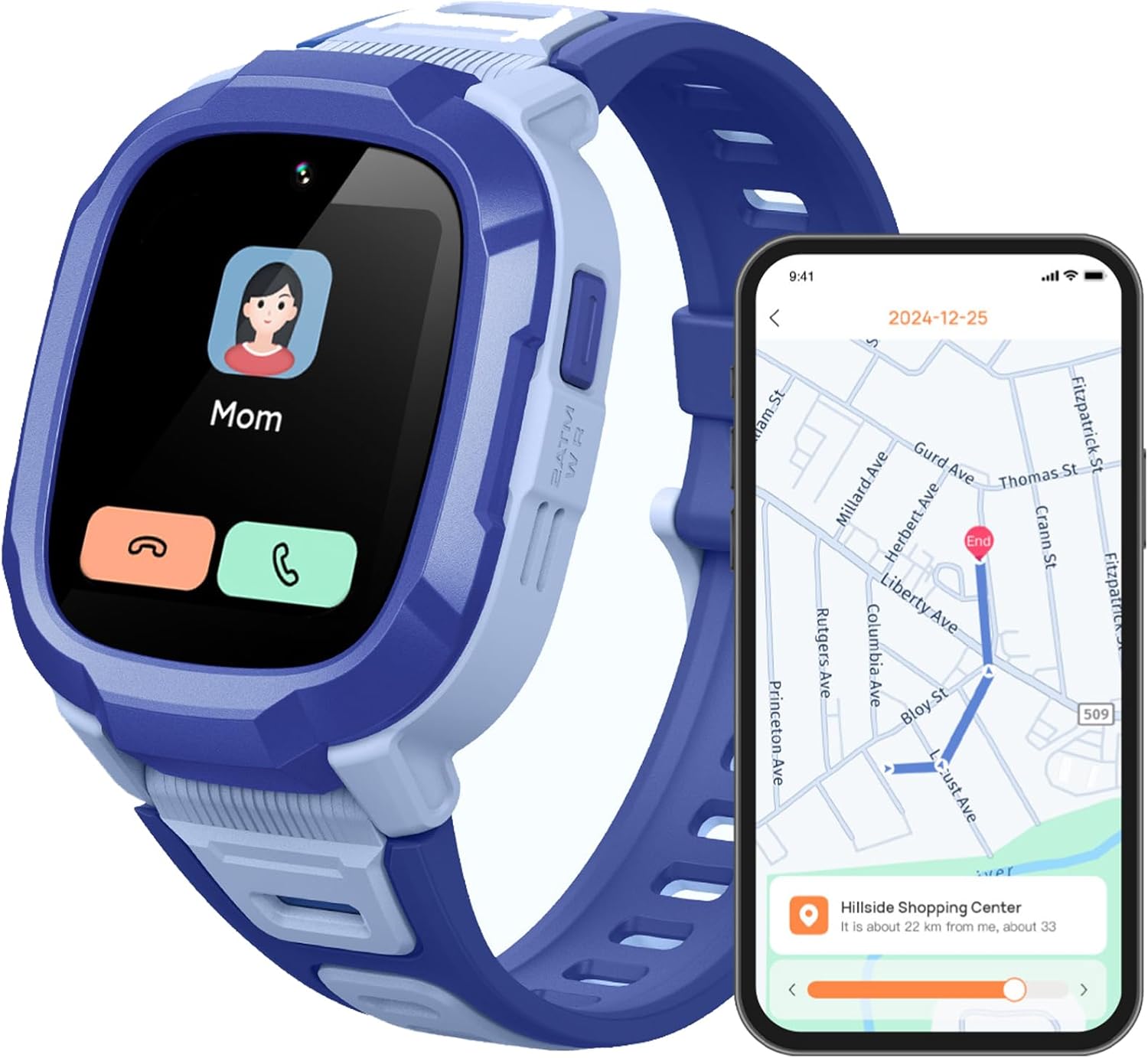
Image: The Mibro Kids Watch Phone P6, highlighting its communication and location tracking features.
ബോക്സിൽ എന്താണുള്ളത്
പാക്കേജ് തുറക്കുമ്പോൾ, ഇനിപ്പറയുന്ന എല്ലാ ഇനങ്ങളും ഉൾപ്പെടുത്തിയിട്ടുണ്ടെന്ന് ഉറപ്പാക്കുക:
- Mibro Kids Watch Phone P6 (Blue)
- വാച്ച് ബാൻഡ് (മുൻകൂട്ടി ഘടിപ്പിച്ചത്)
- ചാർജിംഗ് കേബിൾ (USB)
- ഉപയോക്തൃ മാനുവൽ
- 1 സി ബാറ്ററി (മുൻകൂട്ടി ഇൻസ്റ്റാൾ ചെയ്തത്)

ചിത്രം: കഴിഞ്ഞുview of the Mibro P6 packaging and its included accessories.
സജ്ജമാക്കുക
1. വാച്ച് ചാർജ് ചെയ്യുന്നു
Before first use, fully charge the watch. Connect the provided USB charging cable to the watch's charging port and a compatible USB power adapter (not included). A full charge takes approximately 2.5 hours. The watch has a 900 mAh battery capacity, offering up to 5 days of daily use and 8 days of standby time.

Image: Visual representation of the watch's long battery life and 900 mAh capacity.
2. സിം കാർഡ് ഇൻസ്റ്റാളേഷൻ
The Mibro P6 requires a 4G LTE SIM card for communication features (SIM card not included). Carefully open the SIM card slot cover on the side of the watch and insert the SIM card as indicated by the diagram on the device. Ensure it is securely seated before closing the cover.
3. Initial Power On and App Pairing
Press and hold the power button to turn on the watch. Follow the on-screen instructions to complete the initial setup. To manage the watch's features, including contacts, safety zones, and tracking, download the dedicated parent application on your smartphone. Scan the QR code displayed on the watch or found in the manual to download the app and pair your device.
പ്രവർത്തന നിർദ്ദേശങ്ങൾ

ചിത്രം: കഴിഞ്ഞുview of the Mibro P6's main smart features for kids.
ആശയവിനിമയ സവിശേഷതകൾ
- Two-Way Video and Phone Calls: The watch supports 4G LTE for stable calls and high-quality video communication with pre-approved contacts. Use the touch screen to navigate to the call interface and select a contact.
- വോയ്സ് ചാറ്റ്: Engage in voice messages with designated contacts through the watch.
- Rejecting Calls from Strangers: Parents can configure the watch through the app to only accept calls from pre-set contacts, enhancing child safety.
- സന്ദേശ ഓർമ്മപ്പെടുത്തലുകൾ: The watch can display message notifications.
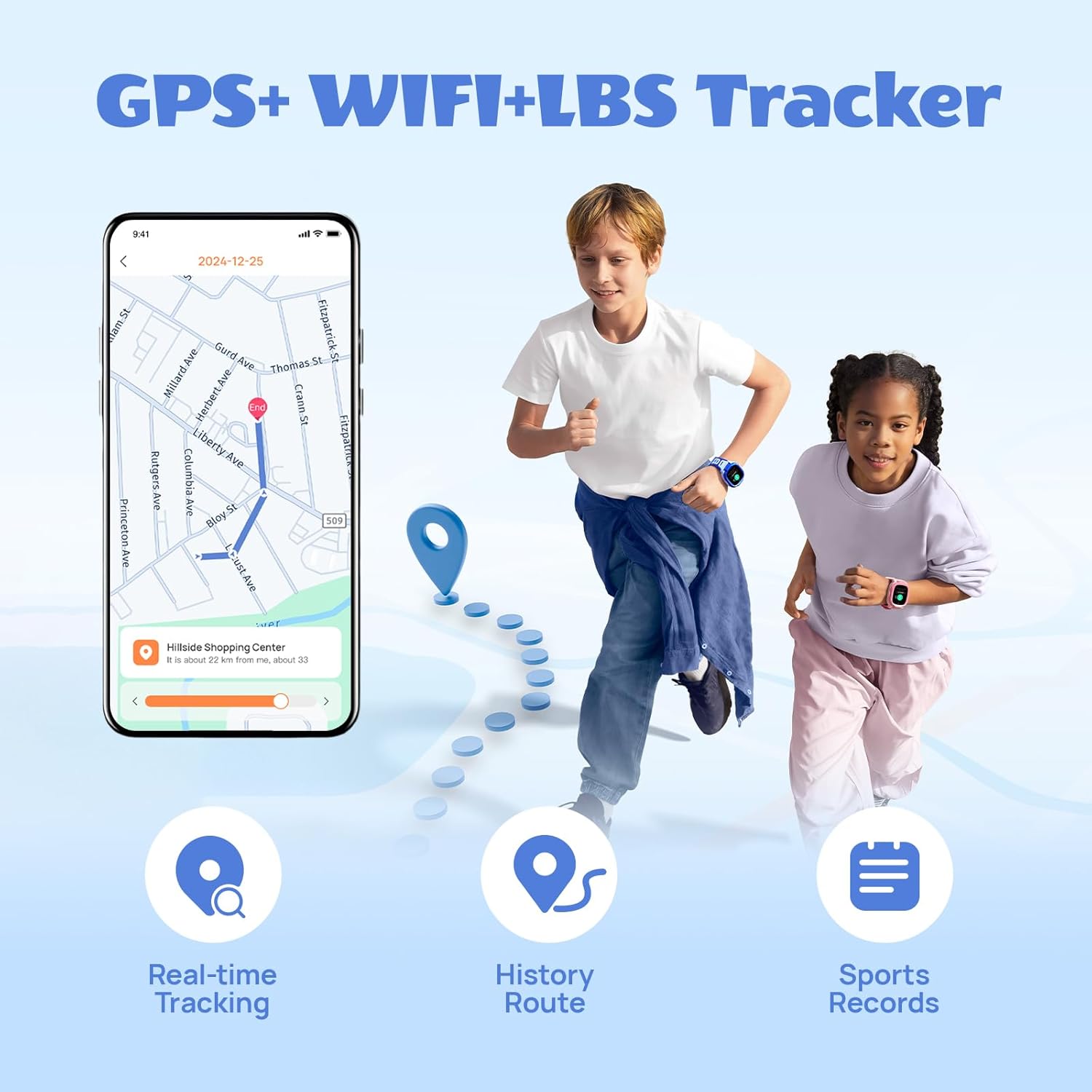
Image: Demonstrates the two-way video call feature and 4G connectivity of the watch.

Image: Illustrates the feature to reject calls from unknown numbers, managed via the parent app.
Safety and Location Tracking
- 7 Location Modes: The watch utilizes GPS, GLONASS, LBS, Wi-Fi, G-Sensor, AI, and photo tracking for accurate real-time location monitoring. Parents can view the child's current position and historical routes via the app.
- SOS എമർജൻസി ബട്ടൺ: In an emergency, the child can press and hold the SOS button for 3 seconds. The watch will automatically send their current location to designated contacts and initiate a 7-second recording.
- Safety Zones: Set up virtual safe zones (e.g., home, school) in the parent app. You will receive notifications when your child enters or leaves these predefined areas.
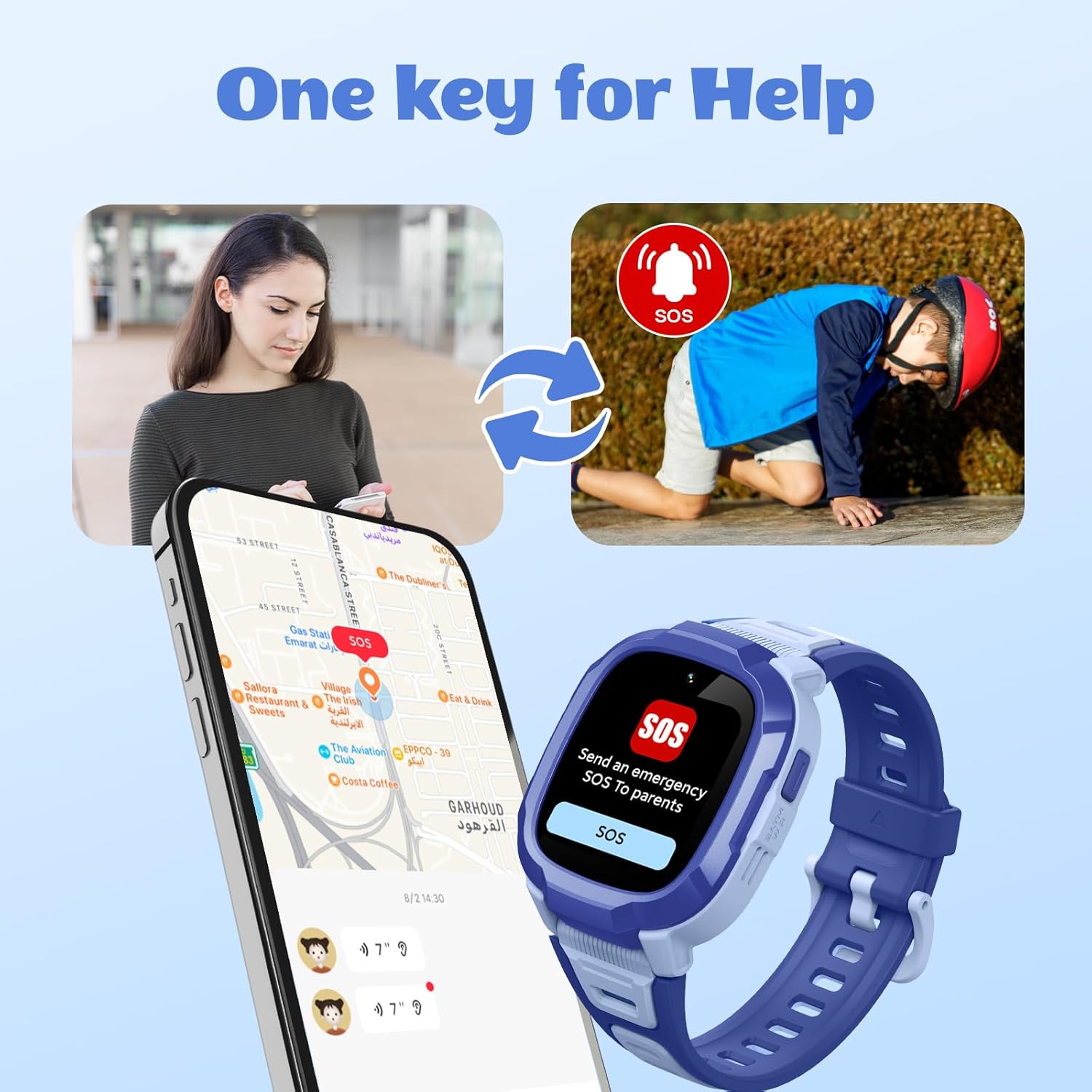
Image: Depicts the multi-mode GPS tracking capabilities, including real-time tracking and route history.

Image: Illustrates the one-key SOS emergency call function and how it alerts parents.

Image: Shows the interface for setting up safety zones and receiving location-based reminders.
അധിക സവിശേഷതകൾ
- Class Mode (Anti-disturbing): Parents can set specific time periods during which the watch will limit functions to only contact parents and send SOS/positioning, ensuring the child focuses on school.
- ക്യാമറയും വീഡിയോയും: The 2MP wide-angle camera allows for taking photos and recording videos.
- സ്പോർട്സ് ട്രാക്കിംഗ്: The watch includes five different sports modes to track physical activity.
- Personalize Watch Dials: Kids can choose from various watch faces or use their own pictures for customization.
- Bump-to-Friend: A feature allowing children to add friends by "bumping" watches together.
- ടോർച്ച്/ഫ്ലാഷ്ലൈറ്റ്: The watch includes a built-in flashlight function.
- അലാറം ക്ലോക്ക്: Set alarms for reminders or daily routines.
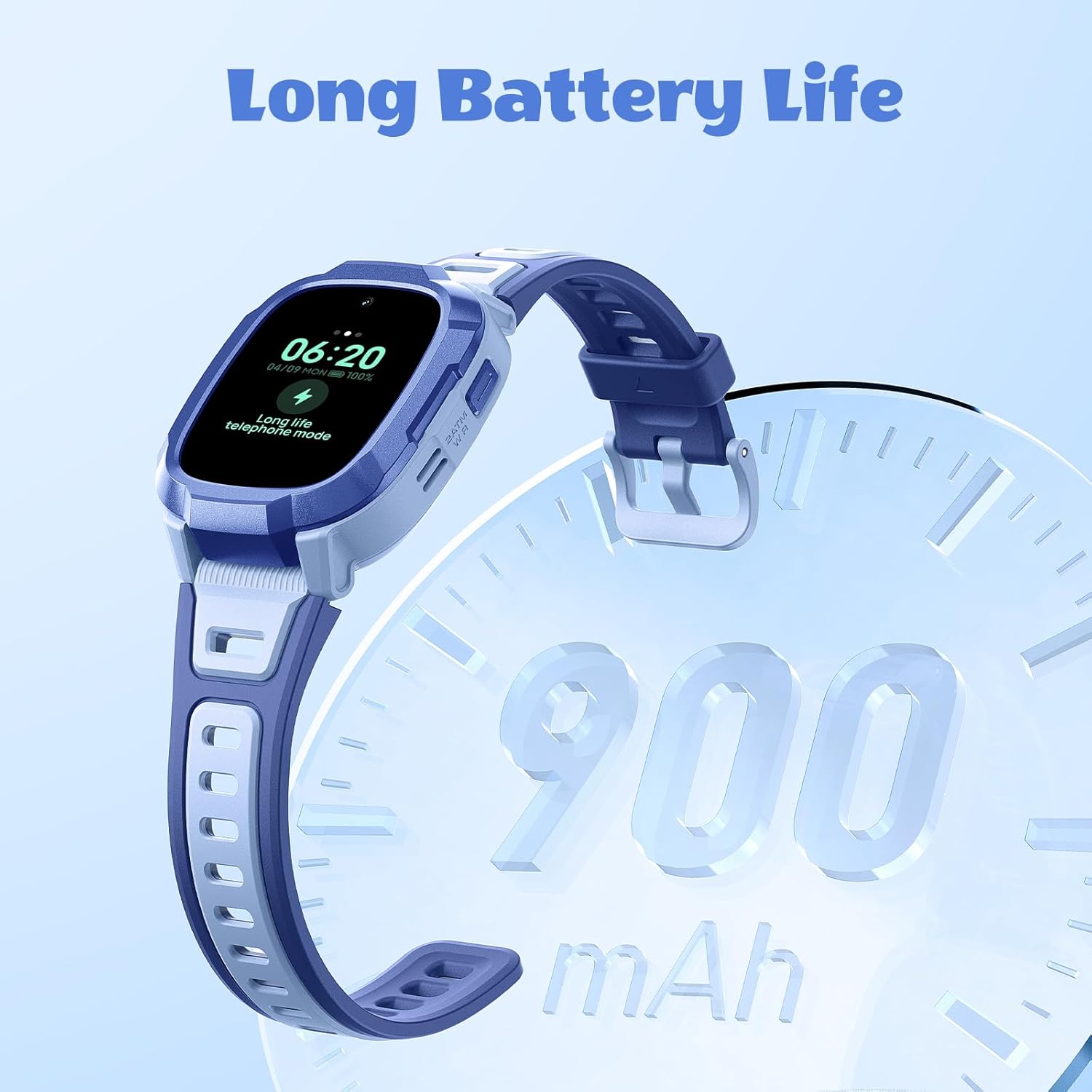
Image: Demonstrates the Class Mode (Anti-disturbing) feature, which helps children focus during school hours.
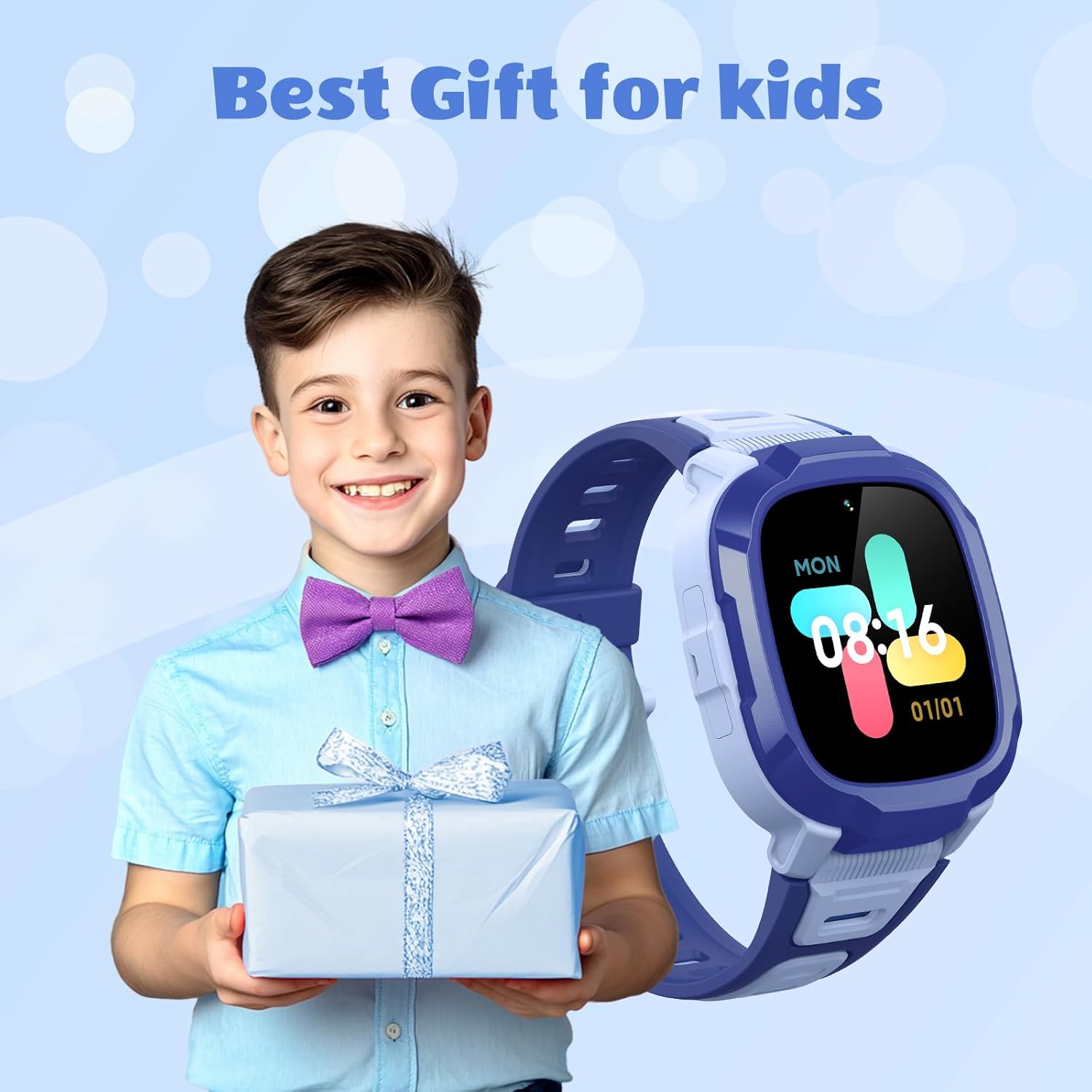
Image: Highlights the camera and video recording capabilities of the watch.

Image: Shows the variety of customizable watch dials available for the Mibro P6.

Image: Depicts the message reminder and camera functions of the watch.
മെയിൻ്റനൻസ്
ജല പ്രതിരോധം
The Mibro P6 has a 2ATM waterproof certification, meaning it is water resistant up to 20 meters. It can withstand splashes, rain, and daily moisture like hand washing. However, avoid prolonged immersion in water, hot water, or steam, as this may damage the device. Ensure the SIM card slot cover is securely closed to maintain water resistance.

Image: Visual representation of the watch's 2ATM waterproof rating.
വൃത്തിയാക്കൽ
മൃദുവായ, ഡി ക്ലീനർ ഉപയോഗിച്ച് വാച്ചും സ്ട്രാപ്പും പതിവായി തുടയ്ക്കുക.amp തുണി. ഫിനിഷിനെ നശിപ്പിക്കുന്ന കഠിനമായ രാസവസ്തുക്കളോ ഉരച്ചിലുകളോ ഉപയോഗിക്കുന്നത് ഒഴിവാക്കുക.
ബാറ്ററി കെയർ
To prolong battery life, avoid exposing the watch to extreme temperatures. Charge the watch using only the provided cable. If the watch will not be used for an extended period, charge it to about 50% before storing.
ട്രബിൾഷൂട്ടിംഗ്
| പ്രശ്നം | സാധ്യമായ കാരണം | പരിഹാരം |
|---|---|---|
| വാച്ച് ഓണാകുന്നില്ല | ബാറ്ററി ചാർജ് കുറവാണ്; പവർ ബട്ടൺ അധികം നേരം അമർത്തിയിട്ടില്ല. | കുറഞ്ഞത് 30 മിനിറ്റെങ്കിലും വാച്ച് ചാർജ് ചെയ്യുക. പവർ ബട്ടൺ 5-10 സെക്കൻഡ് അമർത്തിപ്പിടിക്കുക. |
| കോളുകൾ വിളിക്കാനോ സ്വീകരിക്കാനോ കഴിയില്ല | No SIM card; SIM card not properly installed; No network signal; Contacts not set in app; "Reject unknown calls" enabled | Ensure a 4G SIM card is installed correctly. Check network signal strength. Add contacts via the parent app. Disable "Reject unknown calls" if necessary. |
| കൃത്യമല്ലാത്ത ലൊക്കേഷൻ ട്രാക്കിംഗ് | Poor GPS signal (indoors/dense areas); Limited Wi-Fi/LBS coverage | Move to an open area for better GPS signal. Ensure Wi-Fi is enabled if available. Location accuracy varies by environment. |
| Watch not connecting to app | Bluetooth/network issues; Incorrect pairing process | Ensure both watch and phone have network connectivity. Restart both devices. Re-attempt pairing process as per setup instructions. |
| ചെറിയ ബാറ്ററി ലൈഫ് | Frequent calls/video calls; High brightness; Constant GPS tracking | Reduce call frequency. Adjust screen brightness. Optimize GPS tracking frequency in the app. |
സ്പെസിഫിക്കേഷനുകൾ
| ഫീച്ചർ | വിശദാംശങ്ങൾ |
|---|---|
| മോഡലിൻ്റെ പേര് | Mibro P6 |
| ഇനം മോഡൽ നമ്പർ | DE-P6-Kidwatch-Blue |
| ബ്രാൻഡ് | മിബ്രോ |
| ഓപ്പറേറ്റിംഗ് സിസ്റ്റം | ആൻഡ്രോയിഡ് വെയർ 2.9 |
| കണക്റ്റിവിറ്റി ടെക്നോളജി | Bluetooth, 4G LTE |
| പ്രത്യേക സവിശേഷതകൾ | Video Call, GPS, SOS Alert, 2ATM Waterproof, Camera |
| ക്യാമറ | 2 മെഗാപിക്സൽ |
| ജിപിഎസ് | Built-in GPS (7 Location Modes) |
| ജല പ്രതിരോധം | 2ATM (20 മീറ്റർ വരെ) |
| ബാറ്ററി ശേഷി | 900 മില്ലിamp മണിക്കൂർ (mAh) |
| ബാറ്ററി തരം | ലിഥിയം അയോൺ (1 സി ബാറ്ററി ഉൾപ്പെടുത്തിയിരിക്കുന്നു) |
| മെമ്മറി സ്റ്റോറേജ് കപ്പാസിറ്റി | 128 MB |
| ആകൃതി | ദീർഘചതുരം |
| പാക്കേജ് അളവുകൾ | 11.3 x 11.1 x 6.9 സെ.മീ |
| ഇനത്തിൻ്റെ ഭാരം | 56.6 ഗ്രാം |
Image: Technical drawing illustrating the dimensions of the Mibro P6 smartwatch.
വാറൻ്റിയും പിന്തുണയും
For warranty information and technical support, please refer to the official Mibro website or contact Mibro customer service directly. Keep your purchase receipt as proof of purchase for warranty claims.
Manufacturer: Mibro
കൂടുതൽ സഹായത്തിന്, സന്ദർശിക്കുക Mibro Store on Amazon.


