1. ആമുഖം
Thank you for choosing the Vonztek Wireless Headset. This manual provides essential information for the proper setup, operation, and maintenance of your headset. Please read it thoroughly before use to ensure optimal performance and longevity of your device.
2. പാക്കേജ് ഉള്ളടക്കം
നിങ്ങളുടെ പാക്കേജിൽ എല്ലാ ഇനങ്ങളും ഉണ്ടെന്ന് ഉറപ്പാക്കുക:
- Vonztek Wireless Headset
- Type-C Charge Cable x1
- USB ഡോംഗിൾ x1
3. ഉൽപ്പന്നം കഴിഞ്ഞുview
The Vonztek Wireless Headset (Model XSY-BT882M-BJ-D-NEW2) is designed for business and work-from-home environments, offering clear communication and comfortable wear. It features AI Noise Canceling for the microphone and Passive Noise Cancellation for the earpieces.

Figure 3.1: Vonztek Wireless Headset with included accessories.
പ്രധാന സവിശേഷതകൾ:
- മികച്ച സ്റ്റീരിയോ സൗണ്ട്: Equipped with 40mm dynamic drivers for clear audio reproduction.
- സുഖപ്രദമായ ഡിസൈൻ: Ultra-soft memory foam ear cushions and an adjustable one-piece steel headband ensure comfort during extended use.
- Bidirectional Microphone with AI Noise Canceling: The flexible 270° rotatable microphone arm can be positioned on either side and features AI noise cancellation to focus on your voice, reducing background noise.
- വിശാലമായ അനുയോജ്യത: Connects to cellphones and desktops via Bluetooth 5.3 or the included USB dongle.
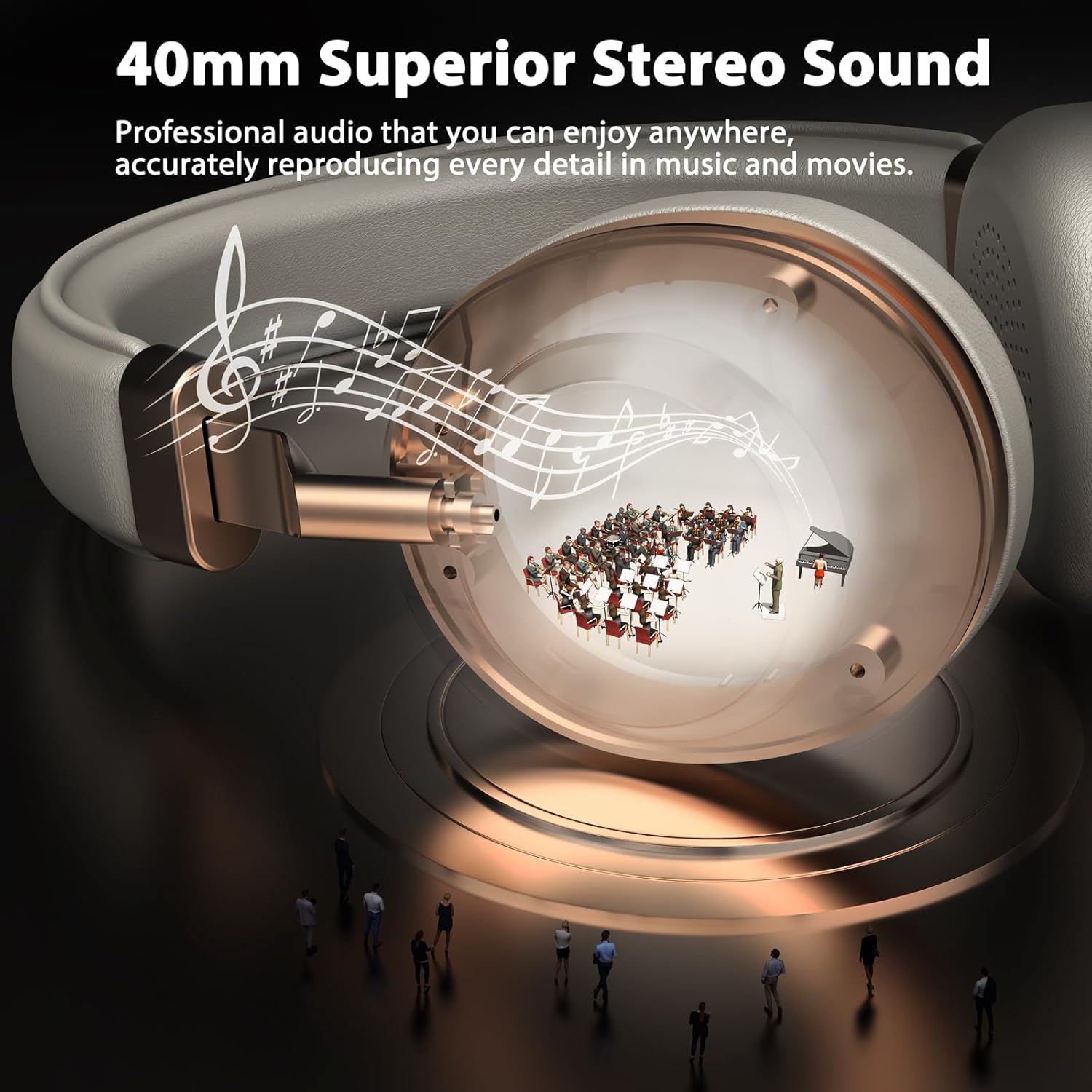
Figure 3.2: 40mm Superior Stereo Sound.
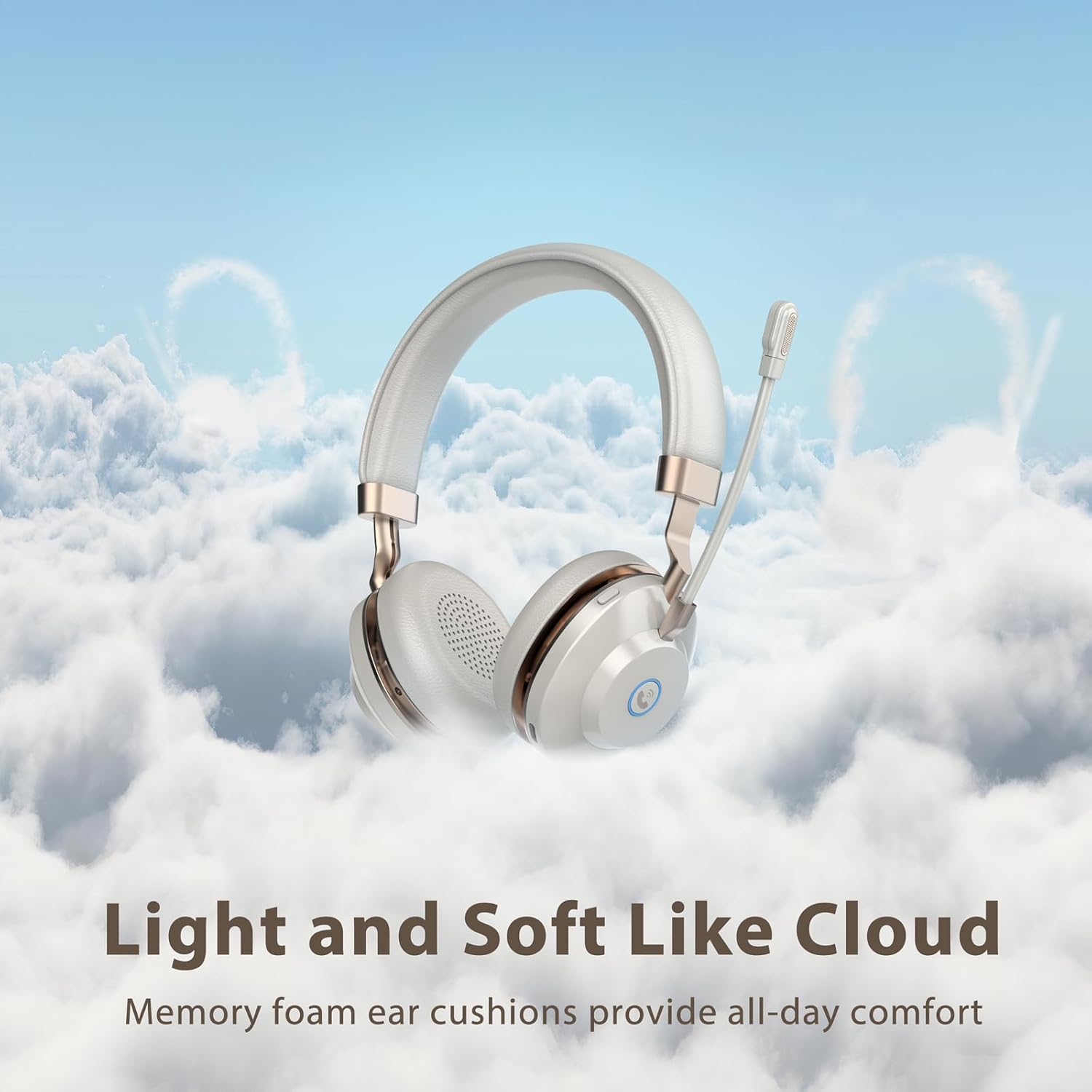
Figure 3.3: Light and Soft Design for Comfort.

Figure 3.4: Bidirectional Microphone with Noise Cancellation.
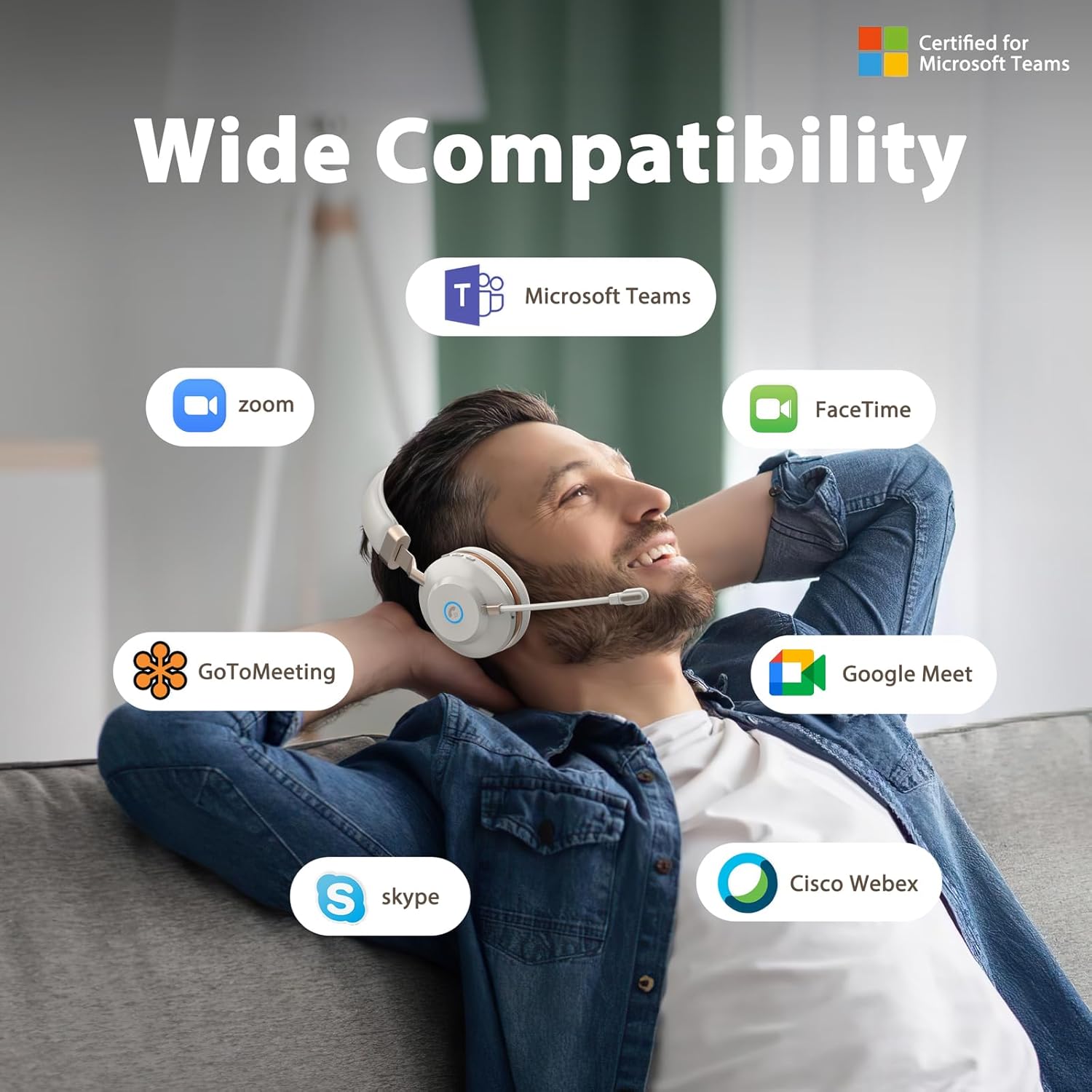
Figure 3.5: Wide Compatibility with Communication Platforms.
4. സജ്ജീകരണം
4.1 ഹെഡ്സെറ്റ് ചാർജ് ചെയ്യുന്നു
Before first use, fully charge the headset. Connect the provided Type-C charge cable to the headset's charging port and the other end to a USB power source (e.g., computer USB port, wall adapter). A full charge takes approximately 2 hours.
4.2 യുഎസ്ബി ഡോംഗിൾ വഴി ബന്ധിപ്പിക്കൽ
- നിങ്ങളുടെ കമ്പ്യൂട്ടറിൽ ലഭ്യമായ ഒരു USB പോർട്ടിലേക്ക് USB ഡോംഗിൾ പ്ലഗ് ചെയ്യുക.
- പവർ ബട്ടൺ അമർത്തിപ്പിടിച്ചുകൊണ്ട് ഹെഡ്സെറ്റ് പവർ ചെയ്യുക.
- The headset will automatically connect to the dongle. An indicator light on the headset will confirm connection (refer to LED indicator section in operating instructions for details).
4.3 ബ്ലൂടൂത്ത് വഴി ബന്ധിപ്പിക്കുന്നു
- ഹെഡ്സെറ്റ് പവർ ഓഫ് ആണെന്ന് ഉറപ്പാക്കുക.
- Press and hold the power button until the LED indicator flashes rapidly (usually blue and red), indicating pairing mode.
- On your device (e.g., cellphone, computer), enable Bluetooth and search for new devices.
- Select "Vonztek Headset" from the list of available devices.
- Once connected, the LED indicator will show a steady blue light or flash slowly. The Bluetooth range is up to 15 meters.
5. പ്രവർത്തന നിർദ്ദേശങ്ങൾ
5.1 പവർ ഓൺ/ഓഫ്
- പവർ ഓൺ: പവർ ബട്ടൺ 3 സെക്കൻഡ് അമർത്തിപ്പിടിക്കുക.
- പവർ ഓഫ്: പവർ ബട്ടൺ 3 സെക്കൻഡ് അമർത്തിപ്പിടിക്കുക.
5.2 വോളിയം നിയന്ത്രണം
- വോളിയം കൂട്ടുക: '+' ബട്ടൺ അമർത്തുക.
- വോളിയം താഴേക്ക്: '-' ബട്ടൺ അമർത്തുക.
5.3 മൈക്രോഫോൺ ഉപയോഗം
- The microphone arm is flexible and can be rotated 270° to be worn on either the left or right side. Adjust it to position the microphone close to your mouth for optimal voice pickup.
- The AI Noise Canceling feature is automatically active to reduce background noise during calls.
5.4 കോൾ മാനേജ്മെന്റ്
- ഉത്തരം/അവസാന കോൾ: Press the multi-function button (often indicated by a phone icon).
- കോൾ നിരസിക്കുക: മൾട്ടി-ഫംഗ്ഷൻ ബട്ടൺ 2 സെക്കൻഡ് അമർത്തിപ്പിടിക്കുക.
5.5 മീഡിയ നിയന്ത്രണം
- പ്ലേ/താൽക്കാലികമായി നിർത്തുക: Press the multi-function button.
- അടുത്ത ട്രാക്ക്: '+' ബട്ടൺ അമർത്തിപ്പിടിക്കുക.
- മുമ്പത്തെ ട്രാക്ക്: '-' ബട്ടൺ അമർത്തിപ്പിടിക്കുക.
6. പരിപാലനം
- വൃത്തിയാക്കൽ: ഹെഡ്സെറ്റ് വൃത്തിയാക്കാൻ മൃദുവായതും ഉണങ്ങിയതുമായ തുണി ഉപയോഗിക്കുക. അബ്രസീവ് ക്ലീനറുകളോ ലായകങ്ങളോ ഉപയോഗിക്കരുത്.
- സംഭരണം: ഹെഡ്സെറ്റ് നേരിട്ട് സൂര്യപ്രകാശം ഏൽക്കാത്തതും ഉയർന്ന താപനില ഏൽക്കാത്തതുമായ ഒരു തണുത്ത വരണ്ട സ്ഥലത്ത് സൂക്ഷിക്കുക.
- ബാറ്ററി കെയർ: ബാറ്ററി ലൈഫ് നിലനിർത്താൻ, പതിവായി ഉപയോഗിക്കുന്നില്ലെങ്കിലും ഹെഡ്സെറ്റ് പതിവായി ചാർജ് ചെയ്യുക. ദീർഘനേരം ബാറ്ററി പൂർണ്ണമായും ഡിസ്ചാർജ് ചെയ്യുന്നത് ഒഴിവാക്കുക.
- ജല പ്രതിരോധം: This headset is not water resistant. Avoid exposure to liquids.
7. പ്രശ്നപരിഹാരം
| പ്രശ്നം | സാധ്യമായ കാരണം | പരിഹാരം |
|---|---|---|
| ഹെഡ്സെറ്റ് പവർ ഓണാക്കുന്നില്ല | കുറഞ്ഞ ബാറ്ററി | Charge the headset for at least 30 minutes. |
| ബ്ലൂടൂത്ത് വഴി ബന്ധിപ്പിക്കാൻ കഴിയില്ല | Headset not in pairing mode; Device Bluetooth off; Out of range | Ensure headset is in pairing mode (flashing blue/red LED). Turn on Bluetooth on your device. Move closer to your device (within 15 meters). |
| ശബ്ദമോ മോശം ശബ്ദ നിലവാരമോ ഇല്ല | Volume too low; Incorrect audio output selected; Headset not properly connected | Increase volume on headset and device. Check audio settings on your device to ensure Vonztek Headset is selected as output. Reconnect the headset. |
| മൈക്രോഫോൺ പ്രവർത്തിക്കുന്നില്ല | Microphone muted; Incorrect input device selected | Ensure microphone is not muted. Check audio input settings on your device to ensure Vonztek Headset is selected as input. |
8 സ്പെസിഫിക്കേഷനുകൾ
| ഫീച്ചർ | വിശദാംശങ്ങൾ |
|---|---|
| മോഡലിൻ്റെ പേര് | XSY-BT882M-BJ-D-NEW2 |
| കണക്റ്റിവിറ്റി ടെക്നോളജി | വയർലെസ് (ബ്ലൂടൂത്ത്) |
| വയർലെസ് കമ്മ്യൂണിക്കേഷൻ ടെക്നോളജി | ബ്ലൂടൂത്ത് 5.3 |
| ബ്ലൂടൂത്ത് ശ്രേണി | 15 മീറ്റർ |
| ഓഡിയോ ഡ്രൈവർ വലിപ്പം | 40 മില്ലിമീറ്റർ |
| ശബ്ദ നിയന്ത്രണം | AI Noise Cancellation (Mic), Passive Noise Cancellation (Earpiece) |
| ബാറ്ററി ലൈഫ് | 45 മണിക്കൂർ |
| ചാർജിംഗ് സമയം | 2 മണിക്കൂർ |
| ഹെഡ്ഫോണുകൾ ജാക്ക് | ടൈപ്പ്-സി (ചാർജ് ചെയ്യുന്നതിന്) |
| സംവേദനക്ഷമത | 118 ഡി.ബി |
| പ്രതിരോധം | 32 ഓം |
| മെറ്റീരിയൽ | Faux Leather, Plastic, Stainless Steel |
| ഇനത്തിൻ്റെ ഭാരം | 13.1 ഔൺസ് |
| അനുയോജ്യമായ ഉപകരണങ്ങൾ | Cellphones, Desktops |
9. വാറൻ്റിയും പിന്തുണയും
For warranty information or technical support, please refer to the contact details provided with your purchase or visit the official Vonztek webസൈറ്റ്. വാറന്റി ക്ലെയിമുകൾക്കായി നിങ്ങളുടെ വാങ്ങലിന്റെ തെളിവ് സൂക്ഷിക്കുക.


