1. ആമുഖം
Thank you for choosing the Crayola Kids Crayon Bluetooth Wireless Portable Speaker. This manual provides essential information for the safe and efficient operation of your speaker. Please read these instructions carefully before use and retain them for future reference.
2. ഉൽപ്പന്നം കഴിഞ്ഞുview
2.1 പാക്കേജ് ഉള്ളടക്കം
- Crayola Kids Crayon Bluetooth Wireless Portable Speaker
- പവർ കേബിൾ (USB-C)
- ഉപയോക്തൃ മാനുവൽ (ഈ പ്രമാണം)
2.2 സ്പീക്കർ സവിശേഷതകൾ
- സ്ഥിരമായ വയർലെസ് കണക്ഷനുള്ള ബ്ലൂടൂത്ത് 5.3
- 20W Peak Power HD Sound
- 1500mAh Battery for portable use
- True Wireless Stereo (TWS) Pairing for dual speaker audio
- Integrated FM Radio Tuner
- User-friendly controls for volume and playback
- USB-C ചാർജിംഗ് പോർട്ട്
2.3 ഉൽപ്പന്ന ഡയഗ്രം

ചിത്രം: മുൻഭാഗം view of the Crayola Crayon Speaker with labels indicating the charging port and control buttons for BT/FM mode, volume, and power.
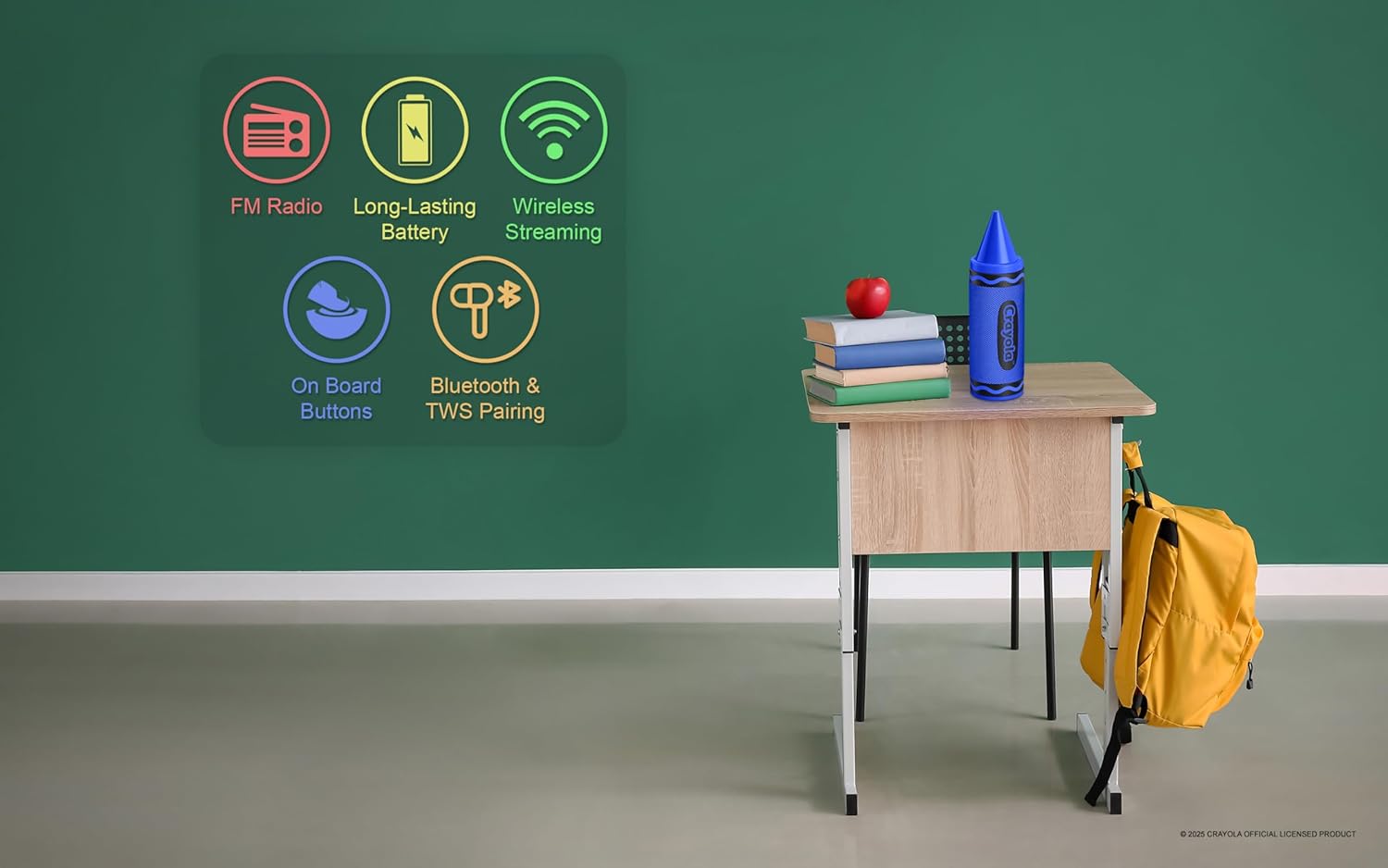
Image: Graphic illustrating the speaker's key features: FM Radio, Long-Lasting Battery, Wireless Streaming, On Board Buttons, and Bluetooth & TWS Pairing.
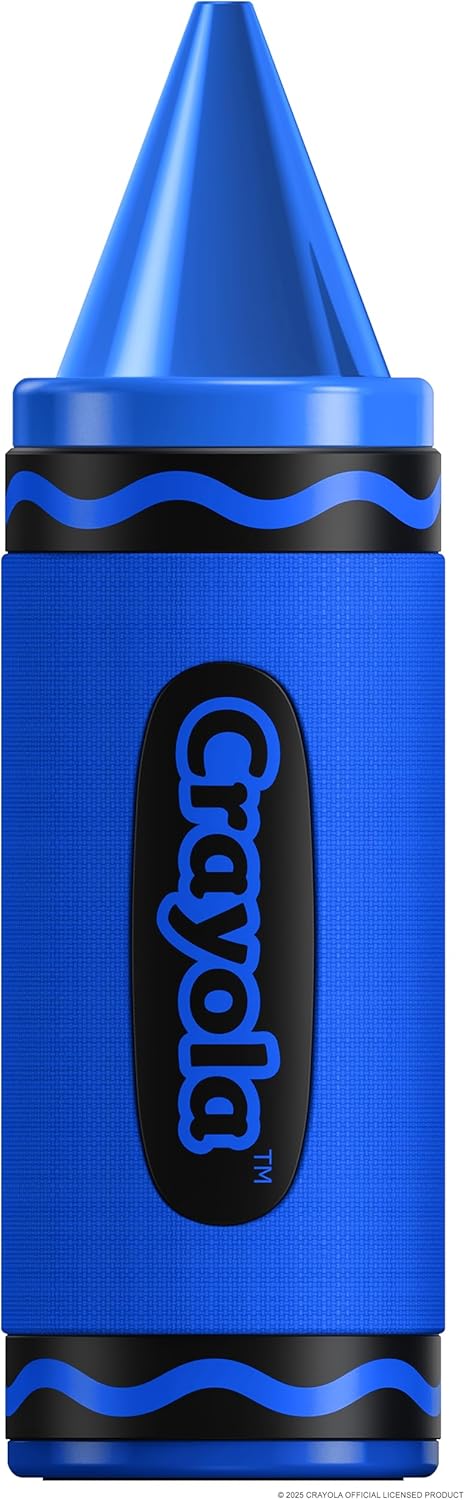
Image: A standalone blue Crayola Crayon Bluetooth Speaker, showcasing അതിന്റെ ഡിസൈൻ.
3. സജ്ജീകരണം
3.1 സ്പീക്കർ ചാർജ് ചെയ്യുന്നു
- Connect the provided USB-C power cable to the charging port on the speaker.
- USB-C കേബിളിന്റെ മറ്റേ അറ്റം അനുയോജ്യമായ ഒരു USB പവർ അഡാപ്റ്ററുമായി (ഉൾപ്പെടുത്തിയിട്ടില്ല) അല്ലെങ്കിൽ ഒരു കമ്പ്യൂട്ടർ USB പോർട്ടുമായി ബന്ധിപ്പിക്കുക.
- ചാർജ് ചെയ്യുമ്പോൾ ചാർജിംഗ് ഇൻഡിക്കേറ്റർ ലൈറ്റ് പ്രകാശിക്കും. പൂർണ്ണമായി ചാർജ് ചെയ്തുകഴിഞ്ഞാൽ അത് ഓഫാകും അല്ലെങ്കിൽ നിറം മാറും.
- ഒരു ഫുൾ ചാർജ് ഏകദേശം 3 മണിക്കൂർ പ്ലേടൈം നൽകുന്നു.
3.2 പവർ ഓൺ/ഓഫ്
- പവർ ഓണാക്കാൻ: Long press the Power button for 3 seconds. You will hear an audible indicator.
- പവർ ഓഫ് ചെയ്യാൻ: Long press the Power button for 3 seconds. You will hear an audible indicator.
4. പ്രവർത്തന നിർദ്ദേശങ്ങൾ
4.1 ബ്ലൂടൂത്ത് ജോടിയാക്കൽ
- Ensure the speaker is powered on and in Bluetooth mode. If not, double press the Power button to switch modes until you hear the Bluetooth pairing prompt.
- നിങ്ങളുടെ മൊബൈൽ ഉപകരണത്തിൽ (സ്മാർട്ട്ഫോൺ, ടാബ്ലെറ്റ് മുതലായവ), ബ്ലൂടൂത്ത് പ്രവർത്തനക്ഷമമാക്കി ലഭ്യമായ ഉപകരണങ്ങൾക്കായി തിരയുക.
- Select "Crayola Speaker" from the list of devices.
- ജോടിയാക്കിക്കഴിഞ്ഞാൽ, സ്പീക്കർ കണക്ഷൻ വിജയകരമാണെന്ന് സൂചിപ്പിക്കും.
4.2 ട്രൂ വയർലെസ് സ്റ്റീരിയോ (TWS) ജോടിയാക്കൽ
TWS allows you to connect two Crayola Crayon speakers for a stereo sound experience.
- രണ്ട് സ്പീക്കറുകളും ഓണാക്കിയിട്ടുണ്ടെന്നും ഏതെങ്കിലും ബ്ലൂടൂത്ത് ഉപകരണവുമായി ബന്ധിപ്പിച്ചിട്ടില്ലെന്നും ഉറപ്പാക്കുക.
- On one speaker (this will be the primary speaker), triple press the Power button. The speaker will enter TWS pairing mode.
- The two speakers will automatically search for and connect to each other. You will hear a confirmation tone once connected.
- Once TWS is established, connect your mobile device to the primary speaker via Bluetooth as described in Section 4.1.
4.3 എഫ്എം റേഡിയോ മോഡ്
- Power on the speaker. Double press the Power button to switch to FM Radio mode.
- In FM mode, short press the Power button to automatically search for and save available radio channels.
- Use the 'Previous Music/Channel' and 'Next Music/Channel' buttons to navigate through saved stations.
4.4 നിയന്ത്രണ പ്രവർത്തനങ്ങൾ
| ബട്ടൺ | ആക്ഷൻ | ഫംഗ്ഷൻ |
|---|---|---|
| പവർ ബട്ടൺ | ദീർഘനേരം അമർത്തുക (3സെ) | പവർ ഓൺ/ഓഫ് |
| പവർ ബട്ടൺ | Short Press (FM Mode) | Search channels automatically |
| പവർ ബട്ടൺ | ഇരട്ട പ്രസ്സ് | Switch Modes (Bluetooth/FM) |
| പവർ ബട്ടൺ | ട്രിപ്പിൾ പ്രസ്സ് | Open/Off TWS Pairing |
| Previous Music/Channel | ഷോർട്ട് പ്രസ്സ് | Previous Music Track / Previous FM Channel |
| Previous Music/Channel | ലോംഗ് പ്രസ്സ് | വോളിയം ഡൗൺ |
| Next Music/Channel | ഷോർട്ട് പ്രസ്സ് | Next Music Track / Next FM Channel |
| Next Music/Channel | ലോംഗ് പ്രസ്സ് | വോളിയം കൂട്ടുക |
5. പരിപാലനം
5.1 വൃത്തിയാക്കൽ
- മൃദുവായതും ഉണങ്ങിയതുമായ തുണി ഉപയോഗിച്ച് സ്പീക്കർ തുടയ്ക്കുക.
- അബ്രാസീവ് ക്ലീനറുകൾ, ആൽക്കഹോൾ, കെമിക്കൽ ലായകങ്ങൾ എന്നിവ ഉപയോഗിക്കരുത്, കാരണം ഇവ ഉപരിതലത്തിന് കേടുവരുത്തും.
- Avoid getting moisture into any openings. This product is not waterproof.
5.2 സംഭരണം
- നേരിട്ടുള്ള സൂര്യപ്രകാശത്തിൽ നിന്നും കടുത്ത താപനിലയിൽ നിന്നും മാറി തണുത്തതും വരണ്ടതുമായ സ്ഥലത്ത് സ്പീക്കർ സൂക്ഷിക്കുക.
- ദീർഘനേരം സൂക്ഷിക്കുകയാണെങ്കിൽ, ബാറ്ററിയുടെ ആരോഗ്യം നിലനിർത്താൻ ഇടയ്ക്കിടെ (ഉദാഹരണത്തിന്, ഓരോ 3 മാസത്തിലും) ബാറ്ററി ചാർജ് ചെയ്യുക.
6. പ്രശ്നപരിഹാരം
| പ്രശ്നം | സാധ്യമായ കാരണം | പരിഹാരം |
|---|---|---|
| സ്പീക്കർ ഓണാക്കില്ല | ബാറ്ററി തീർന്നു | നൽകിയിരിക്കുന്ന USB-C കേബിൾ ഉപയോഗിച്ച് സ്പീക്കർ ചാർജ് ചെയ്യുക. |
| ശബ്ദമില്ല | വോളിയം വളരെ കുറവാണ് അല്ലെങ്കിൽ നിശബ്ദമാണ് | സ്പീക്കറിലും കണക്റ്റുചെയ്ത ഉപകരണത്തിലും ശബ്ദം വർദ്ധിപ്പിക്കുക. |
| ബ്ലൂടൂത്ത് ജോടിയാക്കൽ പരാജയപ്പെടുന്നു | Speaker is not in pairing mode or too far from device | Ensure speaker is in Bluetooth pairing mode. Move speaker closer to your device (within 10 meters). Turn off and on Bluetooth on your device. |
| TWS ജോടിയാക്കൽ പരാജയപ്പെട്ടു | Speakers are already connected to another device | TWS ജോടിയാക്കൽ ആരംഭിക്കുന്നതിന് മുമ്പ് രണ്ട് സ്പീക്കറുകളും ഏതെങ്കിലും ബ്ലൂടൂത്ത് ഉപകരണങ്ങളിൽ നിന്ന് വിച്ഛേദിക്കപ്പെട്ടിട്ടുണ്ടെന്ന് ഉറപ്പാക്കുക. |
| മോശം എഫ്എം റേഡിയോ സ്വീകരണം | ദുർബലമായ സിഗ്നൽ | Relocate the speaker to an area with better signal reception. |
7 സ്പെസിഫിക്കേഷനുകൾ
| ഫീച്ചർ | വിശദാംശങ്ങൾ |
|---|---|
| മോഡൽ നമ്പർ | CBT450 |
| ബ്ലൂടൂത്ത് പതിപ്പ് | 5.3 |
| സ്പീക്കർ ഔട്ട്പുട്ട് പവർ | 20W കൊടുമുടി |
| ഡ്രൈവർ വലിപ്പം | 52 മി.മീ |
| ഫ്രീക്വൻസി പ്രതികരണം | 80Hz-18kHz |
| സിഗ്നൽ-ടു-നോയിസ് അനുപാതം | >85 ഡിബി |
| ബാറ്ററി ശേഷി | 1500 mAh |
| കളിസമയം | 3 മണിക്കൂർ വരെ (ഒറ്റ ചാർജിൽ) |
| ചാർജിംഗ് പോർട്ട് | USB-C |
| ഉൽപ്പന്ന അളവുകൾ (D x W x H) | 2.8" x 2.8" x 9.3" |
| ഇനത്തിൻ്റെ ഭാരം | 12.3 ഔൺസ് |
| മെറ്റീരിയൽ | പ്ലാസ്റ്റിക് |
| വാട്ടർപ്രൂഫ് | ഇല്ല |

Image: A diagram illustrating the speaker's dimensions: 2.8 inches wide, 9.3 inches high, and 2.8 inches deep.
8. വാറൻ്റിയും പിന്തുണയും
This product comes with a standard manufacturer's warranty. For specific warranty details, please refer to the documentation included with your purchase or contact the retailer. For technical support or further assistance, please contact Crayola customer service through their official webസൈറ്റ് അല്ലെങ്കിൽ നിങ്ങളുടെ ഉൽപ്പന്നത്തിനൊപ്പം നൽകിയിരിക്കുന്ന ബന്ധപ്പെടാനുള്ള വിവരങ്ങൾ.


