ആമുഖം
This manual provides detailed instructions for the Walfront MMDVM Digital Voice Modem. This device features a 3.5-inch color screen and supports various digital modes including DMR, D-Star, YSF (C4FM), P25, NXDN, and POCSAG. It is designed for digital data, voice communication, remote control, and voice gateway functions, offering versatile connectivity for amateur radio enthusiasts.
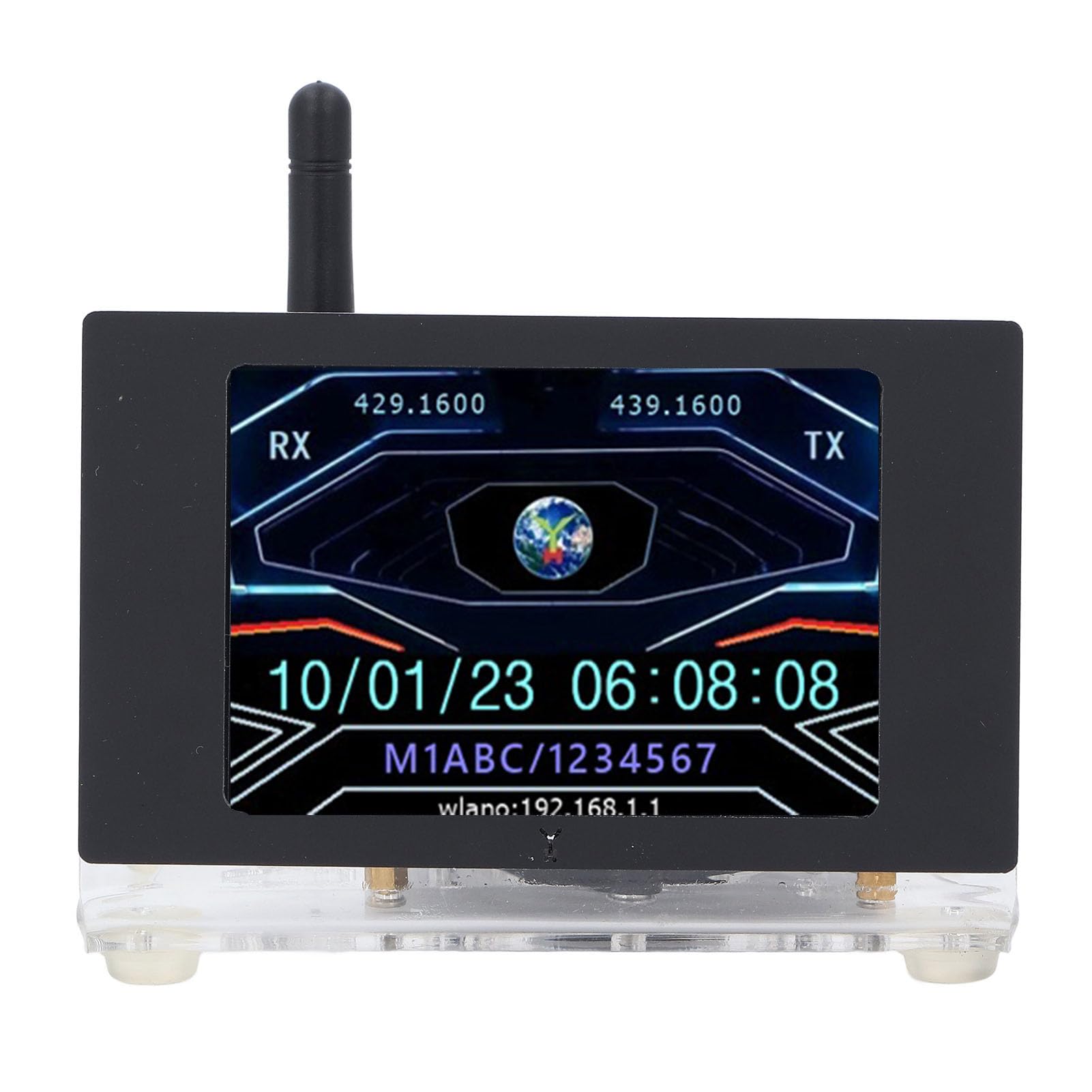
ചിത്രം 1: മുൻഭാഗം view of the Walfront MMDVM Digital Voice Modem, showing the display and antenna.
സജ്ജമാക്കുക
Follow these steps to set up your MMDVM Digital Voice Modem:
- ഉപകരണം അൺപാക്ക് ചെയ്യുക: Carefully remove the MMDVM Digital Voice Modem and its components from the packaging. Ensure all items listed in the package contents are present.
- മെമ്മറി കാർഡ് ചേർക്കുക: Locate the memory card slot (typically on the main board or Raspberry Pi ZeroW). Insert the provided 16GB memory card into the slot. This card contains the necessary operating system and software for the modem.
- ആന്റിന ഘടിപ്പിക്കുക: Screw the included antenna onto the SMA connector on the MMDVM board. Ensure it is securely fastened but do not overtighten.
- പവർ കണക്ഷൻ: Connect a 5V 2A power supply (not included) to the external Mini (for Android) port. Use a compatible USB cable. The device will power on automatically.
- പ്രാരംഭ ബൂട്ട്: Allow the device to boot up. The 3.5-inch color screen will display boot progress and then the operational interface.
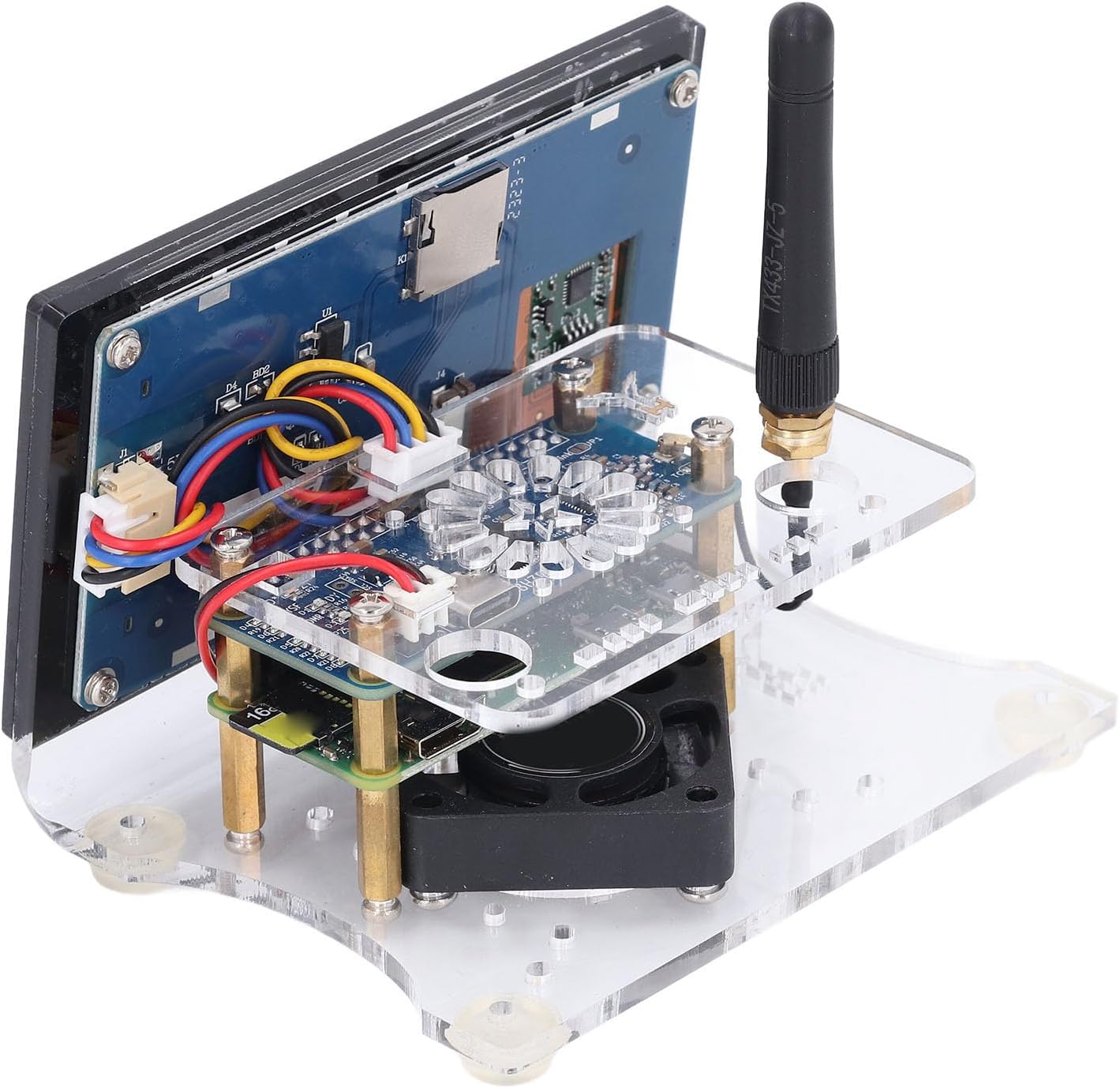
ചിത്രം 2: വശം view illustrating the antenna connection point and power input port.

ചിത്രം 3: ആന്തരിക view of the MMDVM board, highlighting the memory card slot and cooling fan.
പ്രവർത്തന നിർദ്ദേശങ്ങൾ
The MMDVM Digital Voice Modem supports multiple digital modes and provides a clear display for monitoring activities.
- പിന്തുണയ്ക്കുന്ന മോഡുകൾ: The device is compatible with DMR, D-Star, YSF (C4FM), P25, NXDN, and POCSAG modes. Configuration of these modes is typically done via a web interface accessible through a connected computer on the same network. Refer to the specific software documentation for detailed mode setup.
- ഡിസ്പ്ലേ മോണിറ്ററിംഗ്: The 3.5-inch color screen provides real-time information, including RX/TX frequencies, call signs, network status (e.g., WLAN IP address), and system time. Monitor this display for operational status and activity.
- ശബ്ദ ആശയവിനിമയം: Once configured for a specific digital mode and connected to a network, the modem acts as a hotspot, allowing your digital radio to communicate with other users over the internet.
- റിമോട്ട് കൺട്രോൾ: The device can be managed remotely via its web interface, allowing for configuration changes and monitoring from a computer or mobile device.
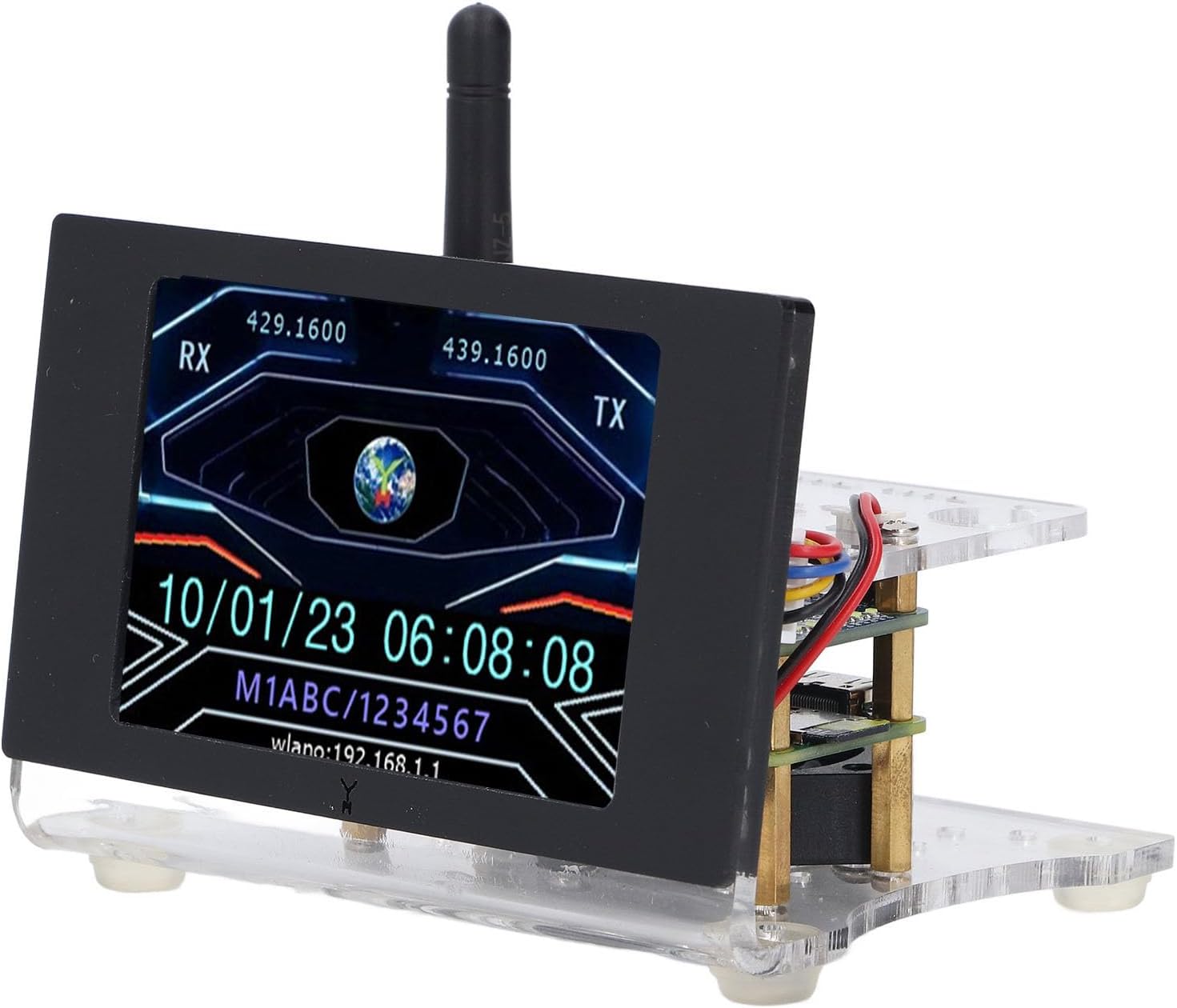
Figure 4: The 3.5-inch color screen displaying RX/TX frequencies, date, time, and WLAN IP address.
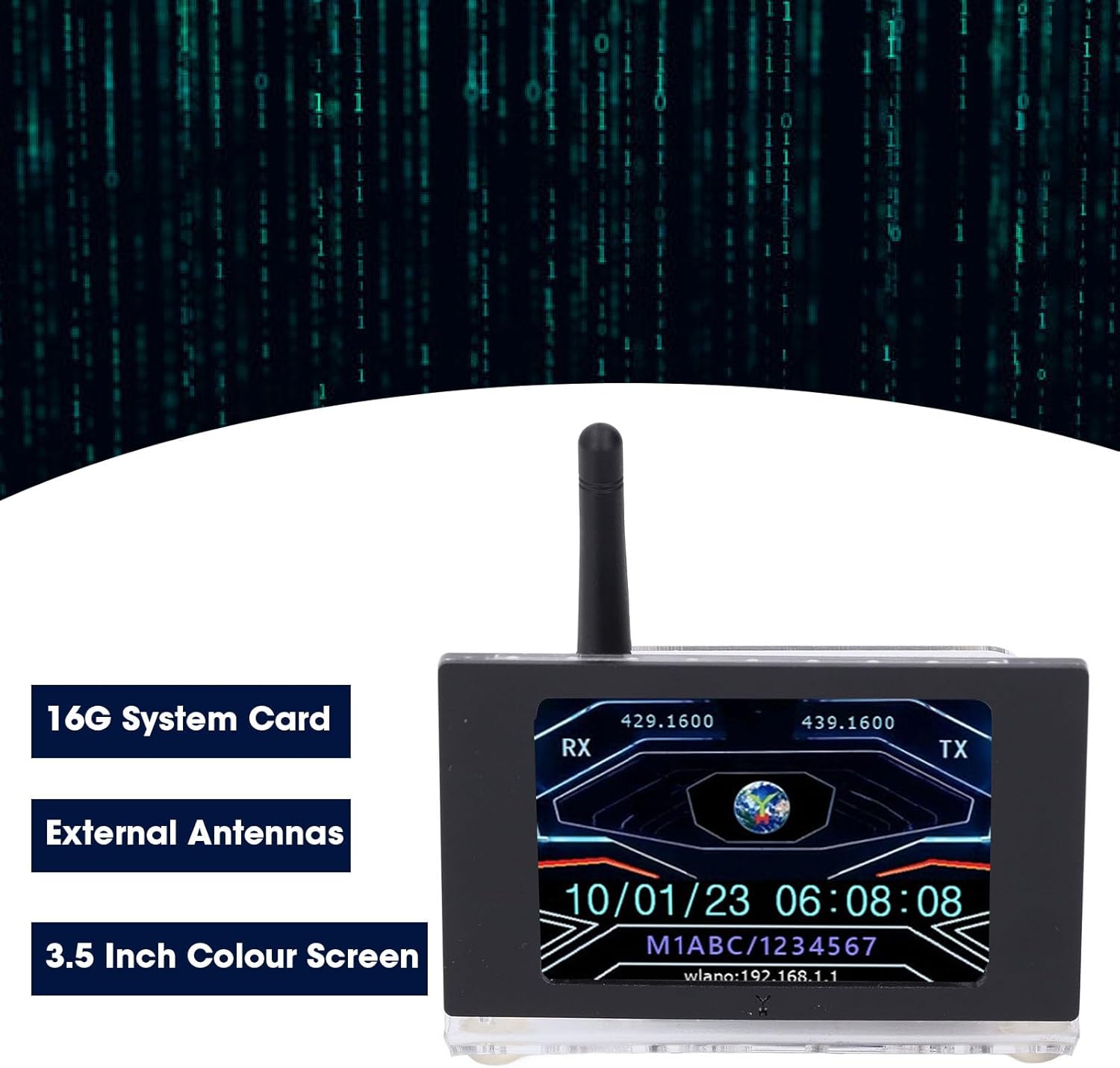
Figure 5: Visual representation of the modem's main features: 16GB system card, external antennas, and the color screen.
മെയിൻ്റനൻസ്
To ensure the longevity and optimal performance of your MMDVM Digital Voice Modem, consider the following maintenance tips:
- വൃത്തിയാക്കൽ: Gently wipe the exterior of the device and the screen with a soft, dry, lint-free cloth. Avoid using liquid cleaners or abrasive materials.
- ഫേംവെയർ/സോഫ്റ്റ്വെയർ അപ്ഡേറ്റുകൾ: Regularly check for and apply any available firmware or software updates for the MMDVM software. These updates often include performance improvements, bug fixes, and new features. Refer to the software's official documentation for update procedures.
- പരിസ്ഥിതി വ്യവസ്ഥകൾ: Operate the device in a well-ventilated area to prevent overheating. Avoid exposing it to extreme temperatures, humidity, or direct sunlight.
- ആന്റിന കെയർ: Ensure the antenna is always connected when the device is powered on to prevent damage to the radio frequency (RF) circuitry.
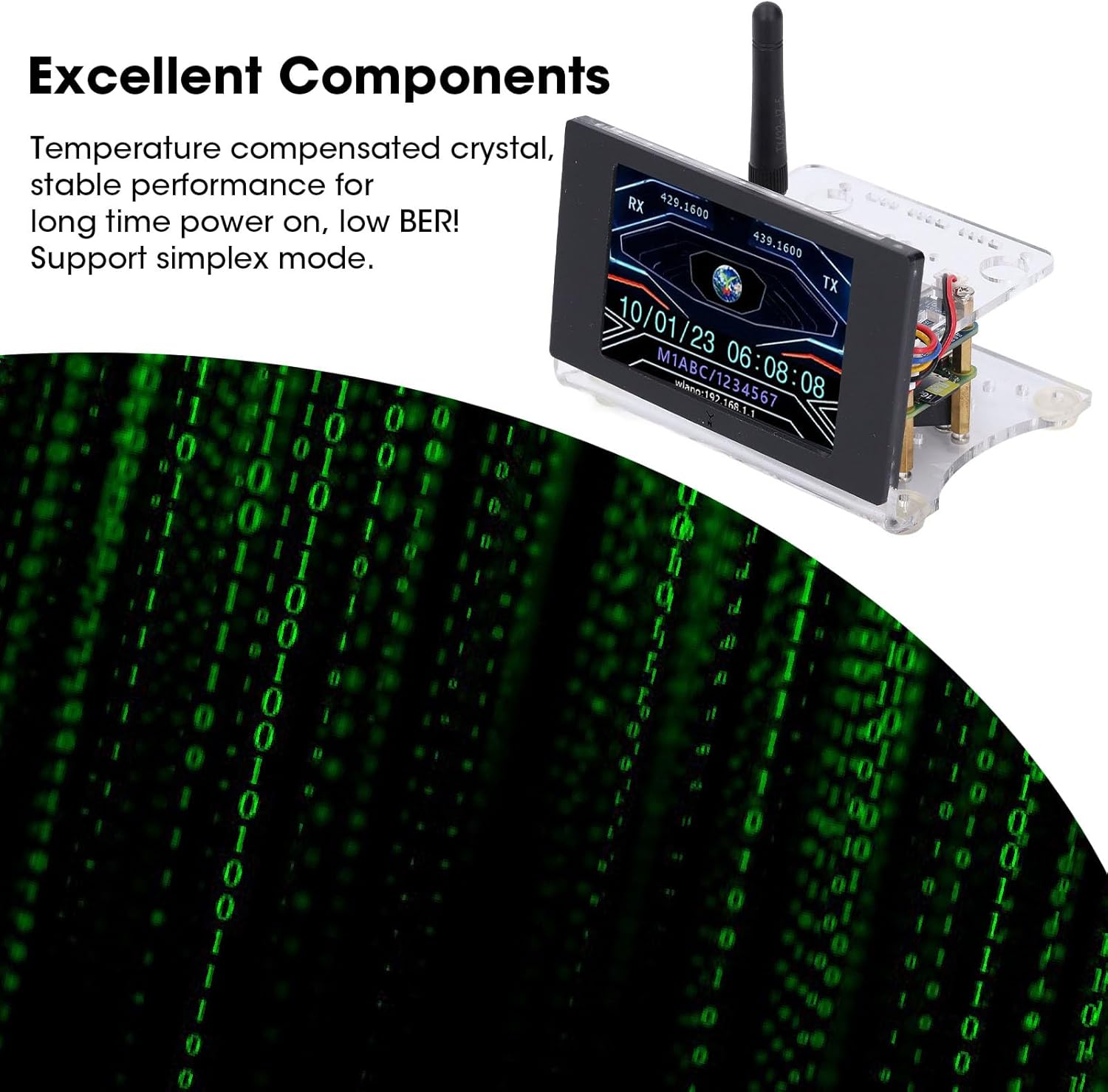
Figure 6: Highlighting the internal components, including the temperature-compensated crystal, which contributes to stable performance and low BER.
ട്രബിൾഷൂട്ടിംഗ്
If you encounter issues with your MMDVM Digital Voice Modem, refer to the following common troubleshooting steps:
- ഉപകരണം പവർ ചെയ്യുന്നില്ല:
- Ensure the 5V 2A power supply is correctly connected and functioning.
- Verify the power cable is not damaged.
- സ്ക്രീനിൽ ഡിസ്പ്ലേ ഇല്ല:
- പവർ കണക്ഷൻ പരിശോധിക്കുക.
- Ensure the display ribbon cable is securely connected to the main board.
- No Network Connection (WLAN/Ethernet):
- Confirm Wi-Fi credentials are correctly entered in the configuration.
- Ensure your router is functioning and within range.
- If using Ethernet, check the cable connection and router status.
- Restart the device and your network equipment.
- Poor Voice Quality or No Signal:
- ആന്റിന സുരക്ഷിതമായി ഘടിപ്പിച്ചിട്ടുണ്ടെന്ന് ഉറപ്പാക്കുക.
- Check the frequency settings in your MMDVM software configuration.
- Ensure your digital radio is correctly configured for the hotspot's frequency and mode.
- Confirm internet connectivity for the hotspot.
സ്പെസിഫിക്കേഷനുകൾ
| ഫീച്ചർ | സ്പെസിഫിക്കേഷൻ |
|---|---|
| മോഡൽ നമ്പർ | WALFRONTikuwh8p4sv |
| ഫ്രീക്വൻസി ബാൻഡ് | U Band (420.000-434.900 MHz, 438.100-470.000 MHz) |
| പിന്തുണയ്ക്കുന്ന മോഡുകൾ | ഡിഎംആർ, ഡി-സ്റ്റാർ, വൈഎസ്എഫ് (സി4എഫ്എം), പി25, എൻഎക്സ്ഡിഎൻ, പോക്സാഗ് |
| ഔട്ട്പുട്ട് പവർ | 20mW |
| ഡിസ്പ്ലേ സ്ക്രീൻ | 3.5 ഇഞ്ച് കളർ സ്ക്രീൻ |
| വൈദ്യുതി വിതരണം | External Mini (for Android) Port 5V 2A (Power Supply Not Included) |
| മെമ്മറി കാർഡ് | 16GB Memory Card (Shipped with Memory Card) |
| പ്രധാന ബോർഡ് | For Pi ZeroW, MMDVM Blue Board Hotspot Board |
| ഇനത്തിൻ്റെ ഭാരം | 9.5 ഔൺസ് |
| പാക്കേജ് അളവുകൾ | 6.69 x 4.33 x 3.94 ഇഞ്ച് |

Figure 7: Physical dimensions of the MMDVM Digital Voice Modem.
വാറൻ്റി വിവരങ്ങൾ
Specific warranty details for the Walfront MMDVM Digital Voice Modem are not provided in the product information. Please refer to the retailer's return policy or contact Walfront customer support for warranty inquiries.
പിന്തുണ
For further assistance, technical support, or additional information regarding your Walfront MMDVM Digital Voice Modem, please contact the seller or manufacturer directly. You may also find community support and resources online for MMDVM devices and digital amateur radio.
വീഡിയോ 1: ഒരു ചെറിയ പ്രീview demonstrating an MMDVM Duplex Hotspot Board, similar to the core component of this device. This video provides a visual overview of the board's appearance and potential applications in ham radio.
