1. ഉൽപ്പന്നം കഴിഞ്ഞുview
The Crucial X10 Portable SSD provides high-performance external storage designed for fast data transfers and robust durability. It is compatible with a wide range of devices, including PCs, Macs, and Android devices, making it ideal for professionals, content creators, and gamers.
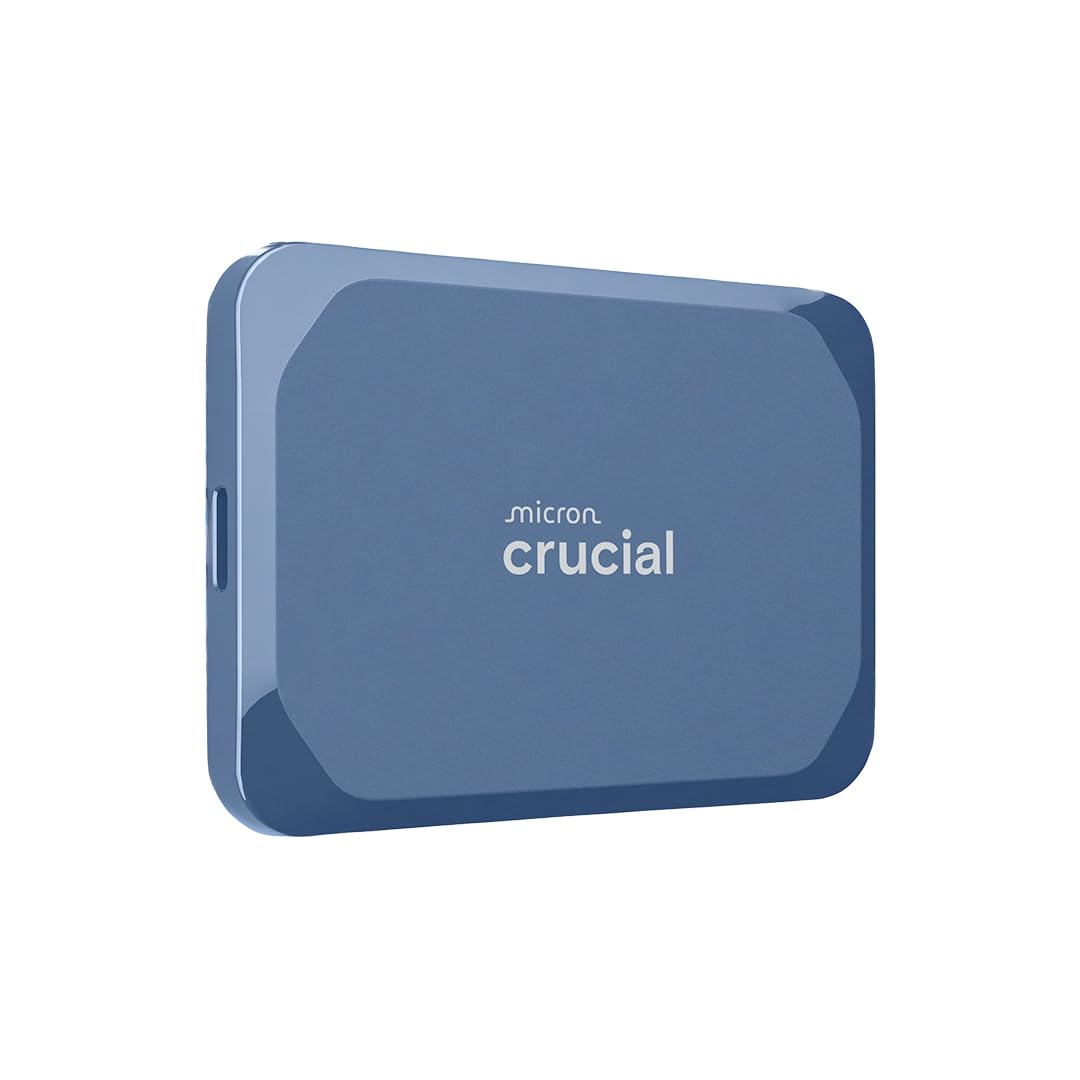
Image: The Crucial X10 Portable SSD, a compact blue external solid state drive.
2. ബോക്സിൽ എന്താണുള്ളത്?
- Crucial X10 Portable SSD (2TB, Blue)
- യുഎസ്ബി-സി മുതൽ സി കേബിൾ വരെ
3. സജ്ജീകരണവും കണക്ഷനും
The Crucial X10 Portable SSD is designed for easy plug-and-play functionality. Follow these steps to connect your device:
- Locate the USB-C port on your computer (Windows, Mac, Linux) or compatible device (iPad Pro, Chromebook, Android, PS4, PS5, Xbox).
- Connect one end of the provided USB-C to C cable to the Crucial X10 Portable SSD.
- Connect the other end of the USB-C to C cable to the USB-C port on your device.
- The SSD should be automatically recognized by your operating system. If your device only has USB-A ports, a USB-C to A adapter (not included) will be required.

Image: The Crucial X10 Portable SSD connected to various devices, demonstrating broad compatibility.
4. പ്രവർത്തന നിർദ്ദേശങ്ങൾ
File കൈമാറ്റം
Once connected, the Crucial X10 Portable SSD will appear as an external drive on your device. You can drag and drop files, copy and paste, or use your system's backup software to transfer data to and from the SSD. The drive supports read speeds of up to 2,100MB/s, enabling rapid transfer of large files such as high-resolution photos, videos, and games.
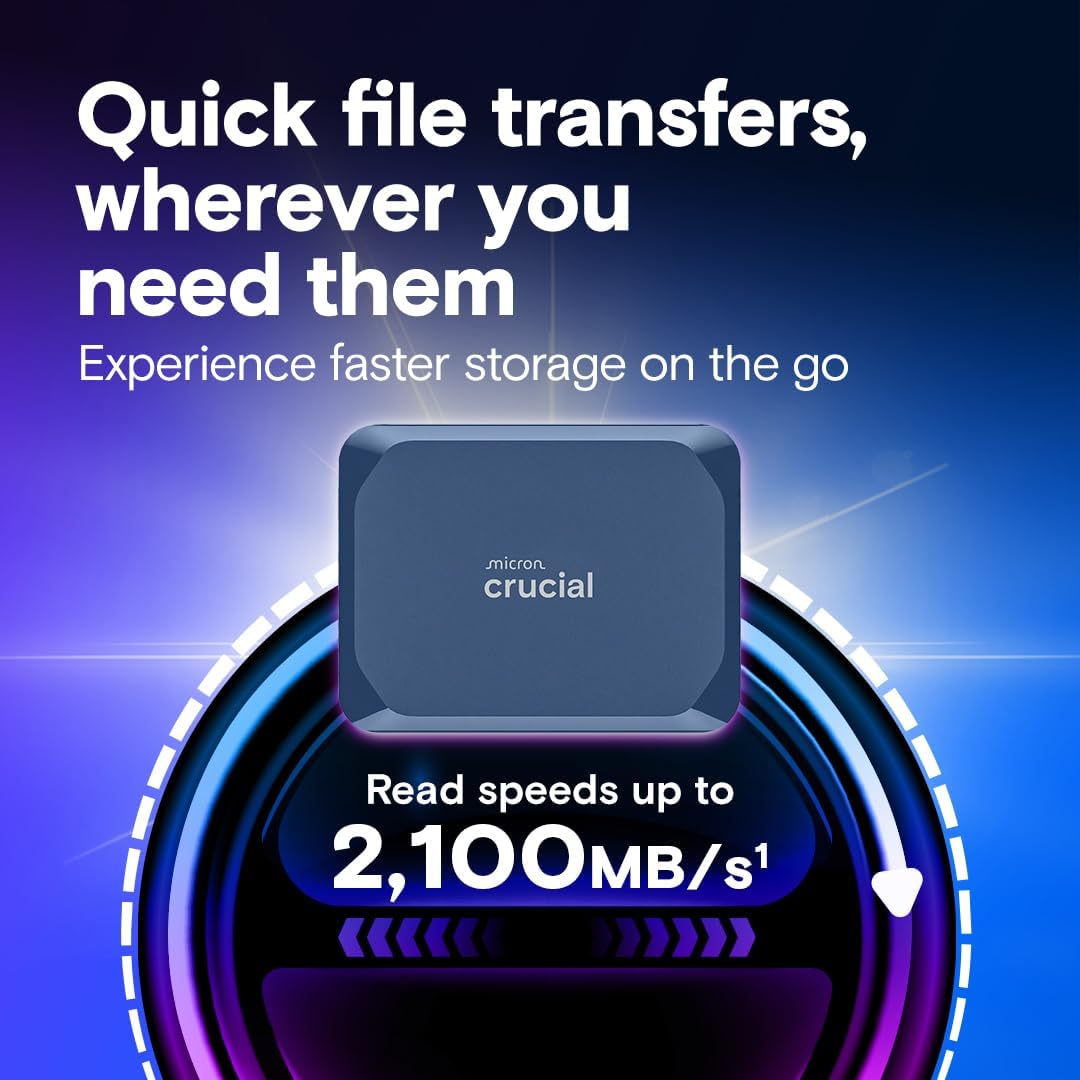
Image: A visual representation highlighting the Crucial X10's fast read speeds of up to 2,100MB/s.
ഡ്യൂറബിലിറ്റി സവിശേഷതകൾ
The Crucial X10 is built for durability and reliability. It features IP65-rated dust and water resistance, protecting your data from environmental elements. Additionally, it is drop-resistant from heights of up to 9.8 feet (3 meters), making it suitable for use in various conditions.

Image: The Crucial X10 Portable SSD shown in a challenging environment, illustrating its dust and water resistance.
5. പരിപാലനവും പരിചരണവും
- വൃത്തിയാക്കൽ: Use a soft, dry cloth to clean the exterior of the SSD. Avoid using harsh chemicals or abrasive materials.
- സംഭരണം: നേരിട്ടുള്ള സൂര്യപ്രകാശത്തിൽ നിന്നും കടുത്ത താപനിലയിൽ നിന്നും അകന്ന് തണുത്തതും വരണ്ടതുമായ സ്ഥലത്ത് SSD സൂക്ഷിക്കുക.
- സോഫ്റ്റ്വെയർ: Register your product to access bonus software, including three months of Mylio Photos+ and Acronis True Image, for enhanced data management and backup solutions.
- സുരക്ഷിതമായ എജക്ഷൻ: Always safely eject the SSD from your device before disconnecting it to prevent data corruption.
6. പ്രശ്നപരിഹാരം
- ഡ്രൈവ് തിരിച്ചറിയാൻ കഴിഞ്ഞിട്ടില്ല:
- യുഎസ്ബി-സി കേബിൾ എസ്എസ്ഡിയിലേക്കും നിങ്ങളുടെ ഉപകരണത്തിലേക്കും സുരക്ഷിതമായി ബന്ധിപ്പിച്ചിട്ടുണ്ടെന്ന് ഉറപ്പാക്കുക.
- Try connecting the SSD to a different USB-C port on your device.
- Test with a different compatible USB-C cable if available.
- Verify that your device's operating system is up to date.
- മന്ദഗതിയിലുള്ള ട്രാൻസ്ഫർ വേഗത:
- Ensure your device's USB-C port supports USB 3.2 Gen 2x2 for optimal performance. Older USB standards will result in lower speeds.
- Avoid using USB hubs, as they can sometimes reduce transfer speeds. Connect directly to the device's port.
- പശ്ചാത്തലത്തിൽ പ്രവർത്തിക്കുന്ന, സിസ്റ്റം റിസോഴ്സുകൾ ഉപയോഗിക്കുന്ന ഏതെങ്കിലും അനാവശ്യ ആപ്ലിക്കേഷനുകൾ അടയ്ക്കുക.
- ഡാറ്റ അഴിമതി:
- Always safely eject the SSD before disconnecting it.
- Ensure the SSD is not exposed to extreme physical shock or prolonged submersion in water beyond its IP65 rating.
7 സ്പെസിഫിക്കേഷനുകൾ
| ബ്രാൻഡ് | നിർണായകമായ |
| പരമ്പര | X10 പോർട്ടബിൾ എസ്എസ്ഡി |
| മോഡൽ നമ്പർ | CT2000X10SSD9-02 |
| ഡിജിറ്റൽ സ്റ്റോറേജ് കപ്പാസിറ്റി | 2 ടി.ബി |
| ഹാർഡ് ഡിസ്ക് ഇന്റർഫേസ് | USB-C |
| കണക്റ്റിവിറ്റി ടെക്നോളജി | USB |
| വായന വേഗത | 2,100MB/s വരെ |
| ഈട് | IP65 Dust and Water Resistant, Drop resistant up to 9.8 ft (3 meters) |
| അനുയോജ്യമായ ഉപകരണങ്ങൾ | Desktop, Gaming Console, Laptop, Tablet (Windows, Mac, Android, Linux, PS4, PS5, Xbox) |
| ഇനത്തിൻ്റെ ഭാരം | 1.13 ഔൺസ് |
| ഉൽപ്പന്ന അളവുകൾ (LxWxH) | 1.96 x 2.55 x 0.39 ഇഞ്ച് |
| നിറം | നീല |
8. ഔദ്യോഗിക ഉൽപ്പന്ന വീഡിയോ
വീഡിയോ: ഒരു ഉദ്യോഗസ്ഥൻview of the Crucial X10 External SSD, showcasing അതിന്റെ സവിശേഷതകളും ഗുണങ്ങളും.
9. വാറൻ്റിയും പിന്തുണയും
The Crucial X10 Portable SSD comes with a 3-year limited warranty. For detailed warranty information, product registration, and technical support, please visit the official Crucial webസൈറ്റ്.
കൂടുതൽ വിവരങ്ങളും പിന്തുണയും നിങ്ങൾക്ക് ഇവിടെ കണ്ടെത്താനാകും Crucial Store on Amazon.


