ആമുഖം
This manual provides detailed instructions for setting up, operating, and maintaining your Motorola Razr Plus 2025 foldable smartphone. It is designed to help users of all experience levels, including beginners and seniors, understand and utilize the device's full capabilities. Please read this guide thoroughly to ensure optimal performance and a seamless user experience.
1. ഡിവൈസ് ഓവർview
The Motorola Razr Plus 2025 is a state-of-the-art foldable smartphone featuring a large internal OLED display and a versatile external screen. Its innovative design combines powerful performance with portability.
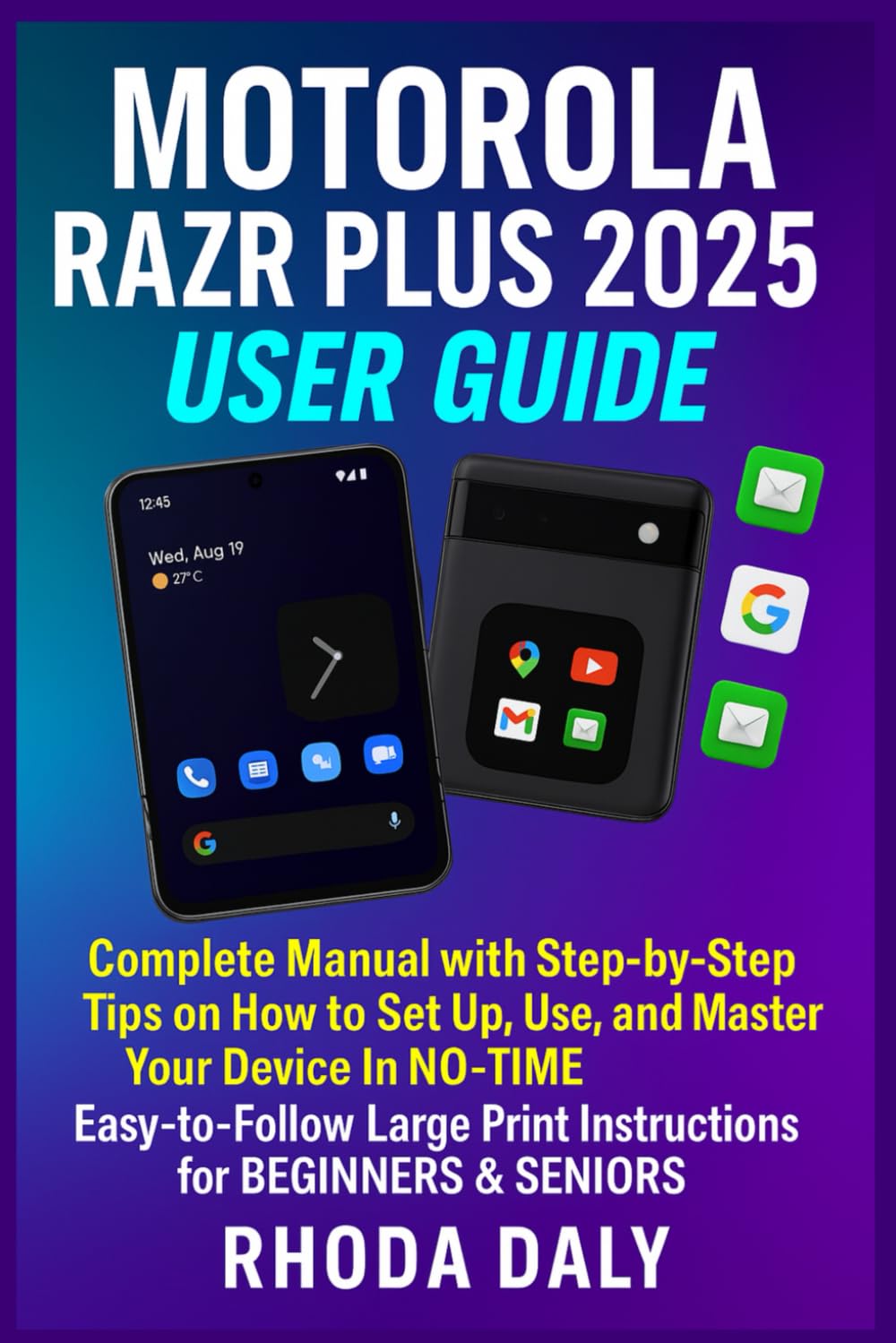
Image 1.1: Front cover of the Motorola Razr Plus 2025 User Guide. This image displays the title "Motorola Razr Plus 2025 User Guide" prominently, indicating the comprehensive nature of the manual.
Image 1.2: Back cover of the Motorola Razr Plus 2025 User Guide. This image shows additional descriptive text about the guide's content and the ISBN barcode.
2. സജ്ജീകരണവും പ്രാരംഭ കോൺഫിഗറേഷനും
Follow these steps to set up your new Motorola Razr Plus 2025 and prepare it for use.
2.1 പവർ ഓണും ഓഫും
- പവർ ഓണാക്കാൻ: Press and hold the Power button (usually on the side) until the Motorola logo appears.
- പവർ ഓഫ് ചെയ്യാൻ: പവർ ബട്ടൺ അമർത്തിപ്പിടിക്കുക, തുടർന്ന് സ്ക്രീനിൽ ദൃശ്യമാകുന്ന ഓപ്ഷനുകളിൽ നിന്ന് "പവർ ഓഫ്" തിരഞ്ഞെടുക്കുക.
2.2 Wi-Fi-ലേക്ക് ബന്ധിപ്പിക്കുന്നു
- പോകുക ക്രമീകരണങ്ങൾ.
- ടാപ്പ് ചെയ്യുക നെറ്റ്വർക്കും ഇൻ്റർനെറ്റും.
- തിരഞ്ഞെടുക്കുക വൈഫൈ and toggle it On.
- ലിസ്റ്റിൽ നിന്ന് നിങ്ങൾക്ക് ആവശ്യമുള്ള വൈഫൈ നെറ്റ്വർക്ക് തിരഞ്ഞെടുത്ത് ആവശ്യപ്പെടുകയാണെങ്കിൽ പാസ്വേഡ് നൽകുക.
2.3 Setting Up Your Google Account
A Google account is essential for accessing apps, services, and backups.
- During initial setup, you will be prompted to sign in with your Google account. Enter your email and password.
- If you skip this step or need to add an account later, go to ക്രമീകരണങ്ങൾ > അക്കൗണ്ടുകൾ > അക്കൗണ്ട് ചേർക്കുക > ഗൂഗിൾ.
2.4 Personalizing Your Device
- വാൾപേപ്പർ: പോകുക ക്രമീകരണങ്ങൾ > വാൾപേപ്പറും ശൈലിയും.
- Ringtones & Sounds: Adjust notification and call sounds in ക്രമീകരണങ്ങൾ > ശബ്ദവും വൈബ്രേഷനും.
- ഡിസ്പ്ലേ ക്രെമീകരണങ്ങൾ: Customize brightness, font size, and display mode in ക്രമീകരണങ്ങൾ > പ്രദർശിപ്പിക്കുക.
3. നിങ്ങളുടെ ഉപകരണം പ്രവർത്തിപ്പിക്കുന്നു
Understand the key features and how to navigate your Motorola Razr Plus 2025.
3.1 Using the Main Display (6.9-inch OLED)
The large internal OLED display is your primary interface for apps, browsing, and media consumption. It offers vibrant colors and deep blacks.
- നാവിഗേഷൻ: Use gestures (swipe up for home, swipe from side for back) or the traditional three-button navigation bar.
- മൾട്ടിടാസ്കിംഗ്: മുകളിലേക്ക് സ്വൈപ്പ് ചെയ്ത് താഴെ നിന്ന് പിടിക്കുക view സമീപകാല ആപ്പുകൾ.
3.2 Utilizing the External Screen (4-inch)
The external screen provides quick access to notifications, widgets, and even some apps without unfolding the phone.
- അറിയിപ്പുകൾ: താഴേക്ക് സ്വൈപ്പ് ചെയ്യുക view അറിയിപ്പുകൾ.
- വിജറ്റുകൾ: Swipe left or right to access various widgets like weather, calendar, and music controls.
- പെട്ടെന്നുള്ള മറുപടി: Respond to messages directly from the external screen.
3.3 Camera and Photo Tips
Capture stunning photos and videos with the advanced camera system.
- പ്രധാന ക്യാമറ (50MP): Ideal for high-resolution photos in various lighting conditions. Tap to focus, pinch to zoom.
- Telephoto Lens (50MP): Use for optical zoom to capture distant subjects with clarity.
- മുൻ ക്യാമറ (32MP): Perfect for high-quality selfies and video calls.
- ക്യാമറ മോഡുകൾ: Explore modes like Portrait, Night Vision, Panorama, and Pro mode for advanced controls.
3.4 പ്രവേശനക്ഷമത സവിശേഷതകൾ
The Motorola Razr Plus 2025 includes features to enhance usability for all, especially seniors.
- വലിയ പ്രിന്റ്: Adjust font size in ക്രമീകരണങ്ങൾ > പ്രദർശിപ്പിക്കുക > ഫോണ്ട് വലിപ്പം.
- വോയ്സ് കമാൻഡുകൾ: Activate Google Assistant by saying "Hey Google" or by long-pressing the power button (if configured).
- മാഗ്നിഫിക്കേഷൻ: Enable screen magnification in ക്രമീകരണങ്ങൾ > പ്രവേശനക്ഷമത > മാഗ്നിഫിക്കേഷൻ.
4. Maintenance and Battery Management
Proper care and efficient battery usage will extend the life of your device.
4.1 Battery-Saving Techniques
- സ്ക്രീൻ തെളിച്ചം കുറയ്ക്കുക.
- പ്രവർത്തനക്ഷമമാക്കുക ബാറ്ററി സേവർ മോഡ് ഇൻ ക്രമീകരണങ്ങൾ > ബാറ്ററി.
- പശ്ചാത്തല ആപ്പ് പുതുക്കൽ പരിമിതപ്പെടുത്തുക.
- ഉപയോഗത്തിലില്ലാത്തപ്പോൾ Wi-Fi, Bluetooth, GPS എന്നിവ ഓഫാക്കുക.
4.2 Fast Charging (68W)
Your device supports 68W fast charging. Use the official Motorola charger and cable for optimal charging speed and safety.
- Connect the charger to the USB-C port at the bottom of the phone.
- ചാർജർ പ്രവർത്തിക്കുന്ന ഒരു പവർ ഔട്ട്ലെറ്റിലേക്ക് പ്ലഗ് ചെയ്തിട്ടുണ്ടെന്ന് ഉറപ്പാക്കുക.
4.3 പൊതുവായ ഉപകരണ പരിചരണം
- മൃദുവായതും ഉണങ്ങിയതുമായ തുണി ഉപയോഗിച്ച് ഉപകരണം വൃത്തിയായി സൂക്ഷിക്കുക.
- തീവ്രമായ താപനിലയിലോ നേരിട്ടുള്ള സൂര്യപ്രകാശത്തിലോ ഉപകരണം ദീർഘനേരം തുറന്നുകാട്ടുന്നത് ഒഴിവാക്കുക.
- Protect the foldable screen from sharp objects and excessive pressure.
5. പൊതുവായ പ്രശ്നങ്ങൾ പരിഹരിക്കുന്നു
നിങ്ങൾ നേരിട്ടേക്കാവുന്ന പൊതുവായ പ്രശ്നങ്ങളെ ഈ വിഭാഗം അഭിസംബോധന ചെയ്യുകയും പരിഹാരങ്ങൾ നൽകുകയും ചെയ്യുന്നു.
5.1 ഉപകരണം പ്രതികരിക്കുന്നില്ല
- Perform a force restart: Press and hold the Power button for approximately 10-15 seconds until the device restarts.
5.2 കണക്റ്റിവിറ്റി പ്രശ്നങ്ങൾ (വൈ-ഫൈ/ബ്ലൂടൂത്ത്)
- Toggle Wi-Fi or Bluetooth off and on again.
- നിങ്ങളുടെ ഉപകരണം പുനരാരംഭിക്കുക.
- നെറ്റ്വർക്ക്/ഉപകരണം മറന്ന് വീണ്ടും കണക്റ്റുചെയ്യുക.
5.3 ബാറ്ററി വേഗത്തിൽ തീർന്നു പോകുന്നു
- Review battery-saving techniques in Section 4.1.
- പരിശോധിക്കുക ക്രമീകരണങ്ങൾ > ബാറ്ററി > ബാറ്ററി ഉപയോഗം പവർ-ആകർഷകമായ ആപ്പുകൾ തിരിച്ചറിയാൻ.
6 സ്പെസിഫിക്കേഷനുകൾ
Key technical specifications of the Motorola Razr Plus 2025.
| ഫീച്ചർ | വിശദാംശങ്ങൾ |
|---|---|
| പ്രധാന ഡിസ്പ്ലേ | 6.9-ഇഞ്ച് OLED |
| ബാഹ്യ ഡിസ്പ്ലേ | 4-ഇഞ്ച് |
| പ്രധാന ക്യാമറ | 50എംപി |
| ടെലിഫോട്ടോ ലെൻസ് | 50എംപി |
| മുൻ ക്യാമറ | 32എംപി |
| ഫാസ്റ്റ് ചാർജിംഗ് | 68W Technology |
| ISBN-13 (User Guide) | 979-8316413621 |
| ഭാഷ | ഇംഗ്ലീഷ് |
| Publication Date (User Guide) | ഏപ്രിൽ 1, 2025 |
7. വാറൻ്റി വിവരങ്ങൾ
Motorola provides a limited warranty for its devices. For detailed warranty terms and conditions, please refer to the official Motorola website or the warranty card included with your device. Keep your proof of purchase for warranty claims.
8. പിന്തുണയും സമ്പർക്കവും
കൂടുതൽ സഹായം, സാങ്കേതിക പിന്തുണ അല്ലെങ്കിൽ സേവന അന്വേഷണങ്ങൾ എന്നിവയ്ക്കായി, ദയവായി ഔദ്യോഗിക മോട്ടറോള പിന്തുണ സന്ദർശിക്കുക. website or contact their customer service. You can typically find contact information on the Motorola webസൈറ്റ് അല്ലെങ്കിൽ പാക്കേജിംഗ് മെറ്റീരിയലുകളിൽ.
- ഓൺലൈൻ പിന്തുണ: സന്ദർശിക്കുക www.motorola.com/support (ഉദാampലിങ്ക്, യഥാർത്ഥ ലിങ്ക് വ്യത്യാസപ്പെടാം).
- കസ്റ്റമർ സർവീസ്: Refer to your region's Motorola webപ്രാദേശിക കോൺടാക്റ്റ് നമ്പറുകൾക്കായുള്ള സൈറ്റ്.