1. ആമുഖം
This manual provides detailed instructions for the proper use and maintenance of your ORICO A10 2TB External Solid State Drive. Please read this manual thoroughly before using the product to ensure optimal performance and longevity. The ORICO A10 is a high-speed, portable storage solution designed for seamless data transfer across various devices.
2. ഉൽപ്പന്നം കഴിഞ്ഞുview
പ്രധാന സവിശേഷതകൾ
- Lightning-Fast Transfer Speeds: Achieve read/write speeds up to 1050MB/s for efficient handling of large files.
- Dual-Port 2-in-1 Design: Equipped with both USB-C and USB-A connectors for broad compatibility without adapters.
- 90° Click-Stop Rotating Design: Ensures secure connections and protects unused ports.
- 4K 120 fps ProRes Support: Ideal for direct external recording and editing with compatible devices like iPhone 16 Pro Max.
- Massive 2TB Storage Capacity: Ample space for high-resolution photos, 4K videos, and data backups.
- Durable Zinc Alloy Casing: Provides shockproof protection and efficient heat dissipation.
ബോക്സിൽ എന്താണുള്ളത്
- ORICO A10 2TB External SSD
- ഉപയോക്തൃ മാനുവൽ
- Lanyard (may be included with some packages)

Image: The ORICO A10 2TB External SSD, showcasing its compact design and dual USB-A and USB-C connectors.
3. സജ്ജീകരണം
The ORICO A10 SSD is designed for plug-and-play functionality, requiring no driver installation for most operating systems.
നിങ്ങളുടെ ഉപകരണത്തിലേക്ക് കണക്റ്റുചെയ്യുന്നു
- Identify the appropriate port on your device: USB-A or USB-C.
- Rotate the ORICO A10 SSD to expose the correct connector (USB-A or USB-C). The 90° click-stop mechanism will secure the connector in place.
- Gently insert the SSD into the corresponding port on your computer, smartphone, tablet, or other compatible device.
- The device should automatically recognize the SSD. You may receive a notification indicating that a new storage device has been connected.

ചിത്രം: ക്ലോസ്-അപ്പ് view of the ORICO A10 SSD highlighting its versatile USB-A and USB-C interfaces.

Image: The ORICO A10 SSD illustrating its 360-degree rotating design with 90-degree click-stops for secure positioning.
4. പ്രവർത്തന നിർദ്ദേശങ്ങൾ
ഡാറ്റ കൈമാറ്റം
Once connected, the ORICO A10 SSD will appear as an external drive on your device. You can drag and drop files, പകർത്തി ഒട്ടിക്കുക, അല്ലെങ്കിൽ നിങ്ങളുടെ ഉപകരണത്തിന്റെ file management system to transfer data to and from the SSD.
- കമ്പ്യൂട്ടറുകൾക്ക് (വിൻഡോസ്/മാക്ഒഎസ്): Open 'File Explorer' (Windows) or 'Finder' (macOS), locate the ORICO drive, and manage your files.
- For Smartphones/Tablets (Android/iOS): Use the device's native file manager app (e.g., 'Files' on iOS, 'My Files' on Android) to access and transfer data.
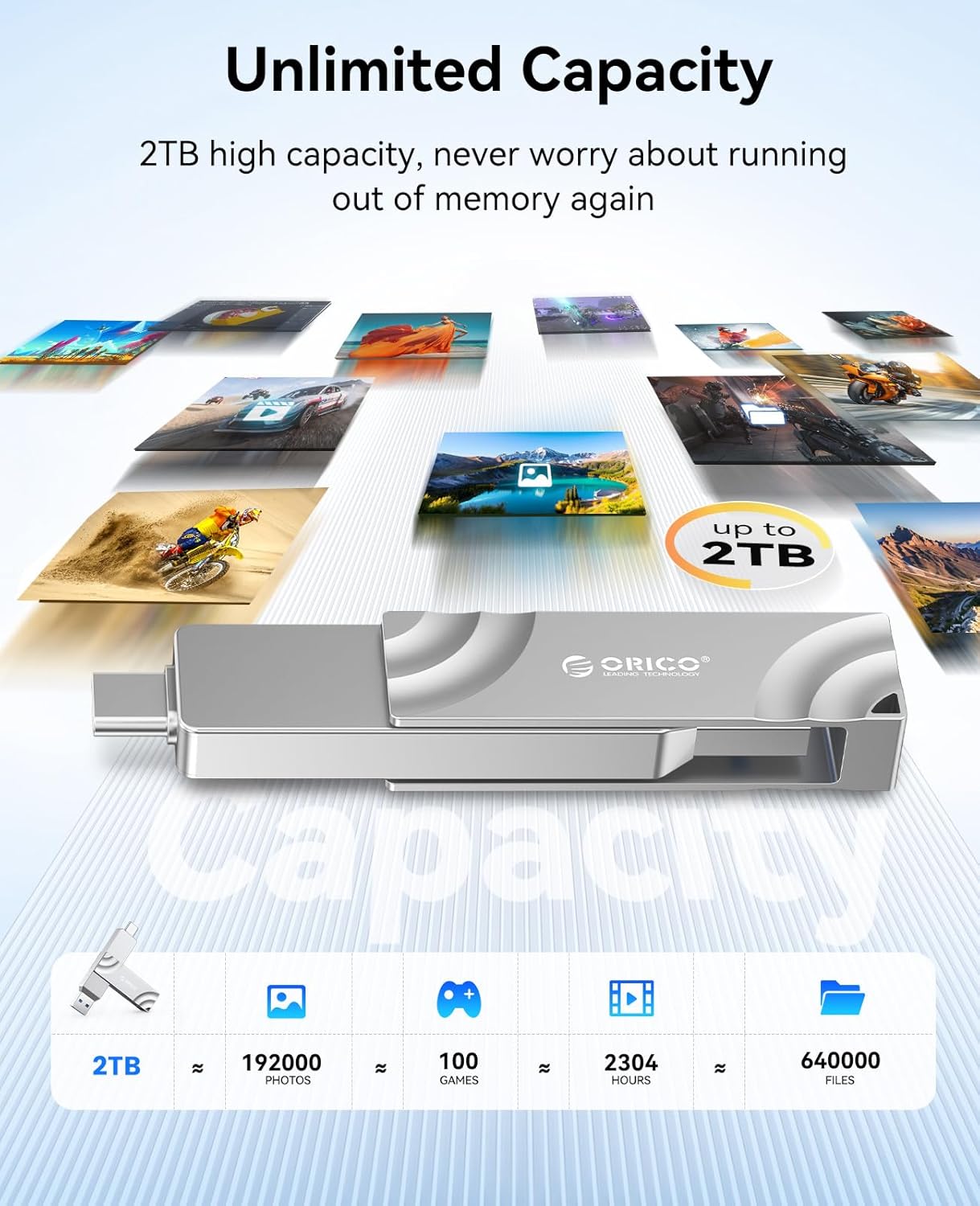
Image: The ORICO A10 SSD connected to a laptop, demonstrating its use for fast file കൈമാറ്റങ്ങൾ.

Image: The ORICO A10 SSD connected directly to an iPhone, enabling direct storage and access to files.
4K ProRes Recording with iPhone
The ORICO A10 SSD supports direct 4K 120 fps ProRes recording with compatible iPhone models (e.g., iPhone 15 Pro/Pro Max, iPhone 16 Pro/Pro Max).
- Connect the ORICO A10 SSD to your iPhone via the USB-C port.
- നിങ്ങളുടെ iPhone-ൽ Camera ആപ്പ് തുറക്കുക.
- Ensure ProRes recording is enabled in your iPhone's camera settings (Settings > Camera > Formats > Apple ProRes).
- Select 'ProRes HDR' or the desired ProRes format within the Camera app.
- Begin recording. Your 4K ProRes video will be saved directly to the ORICO A10 SSD.
ഔദ്യോഗിക ഉൽപ്പന്ന വീഡിയോകൾ
Video: Demonstrates the wide compatibility of the ORICO A10 SSD with G201 USB-A and USB-C ports across various devices.
Video: Highlights the 1050MB/s dual-port rotating metal portable SSD, showcasing its speed and design.
Video: Illustrates the high-speed capabilities of the external solid state drive for various applications.
Video: Shows the G201 External SSD's compatibility with mobile phones, facilitating easy data management.
5. പരിപാലനം
- സുരക്ഷിതമായ നീക്കം: Always safely eject or unmount the SSD from your device before physically disconnecting it to prevent data corruption.
- താപനില: The zinc alloy casing is designed for heat dissipation, but the device may become warm during prolonged high-speed transfers. This is normal. Avoid covering the device during use.
- വൃത്തിയാക്കൽ: SSD യുടെ പുറംഭാഗം വൃത്തിയാക്കാൻ മൃദുവായതും ഉണങ്ങിയതുമായ തുണി ഉപയോഗിക്കുക. ദ്രാവക ക്ലീനറുകളോ ഉരച്ചിലുകളുള്ള വസ്തുക്കളോ ഒഴിവാക്കുക.
- സംഭരണം: നേരിട്ടുള്ള സൂര്യപ്രകാശത്തിൽ നിന്നും കടുത്ത താപനിലയിൽ നിന്നും അകന്ന് തണുത്തതും വരണ്ടതുമായ സ്ഥലത്ത് SSD സൂക്ഷിക്കുക.

Image: The ORICO A10 SSD's robust zinc alloy shell, designed for durability and effective heat dissipation.
6. പ്രശ്നപരിഹാരം
- SSD തിരിച്ചറിഞ്ഞിട്ടില്ല:
- Ensure the SSD is fully inserted into the USB port.
- നിങ്ങളുടെ ഉപകരണത്തിൽ മറ്റൊരു USB പോർട്ട് പരീക്ഷിക്കുക.
- Test the SSD on another compatible device to rule out device-specific issues.
- For computers, check 'Disk Management' (Windows) or 'Disk Utility' (macOS) to see if the drive is detected but unformatted.
- മന്ദഗതിയിലുള്ള ട്രാൻസ്ഫർ വേഗത:
- Ensure you are using a USB 3.2 Gen 2 compatible port on your device for maximum speed. Older USB 2.0 or 3.0 ports will result in slower speeds.
- സിസ്റ്റം ഉറവിടങ്ങൾ ഉപയോഗിക്കുന്നതോ പശ്ചാത്തല ഡാറ്റ കൈമാറ്റം നടത്തുന്നതോ ആയ മറ്റ് ആപ്ലിക്കേഷനുകൾ അടയ്ക്കുക.
- The performance can vary based on the file size and type (many small files transfer slower than one large file).
- ഡാറ്റ അഴിമതി:
- Always use the 'Safely Remove Hardware' option (Windows) or 'Eject' (macOS) before disconnecting the SSD.
- Avoid physical shocks or drops to the device.
7 സ്പെസിഫിക്കേഷനുകൾ
| ബ്രാൻഡ് | ഒറിക്കോ |
| മോഡൽ സീരീസ് | A10 |
| ശേഷി | 2 ടി.ബി |
| ഇൻ്റർഫേസ് | USB-C, USB-A (Dual-Port) |
| കണക്റ്റിവിറ്റി ടെക്നോളജി | USB 3.2 Gen 2 |
| Read/Write Speeds | 1050MB/s വരെ |
| അളവുകൾ (LxWxH) | 3.15 x 0.39 x 0.63 ഇഞ്ച് |
| ഇനത്തിൻ്റെ ഭാരം | 2.89 ഔൺസ് |
| മെറ്റീരിയൽ | സിങ്ക് അലോയ് |
| പ്രത്യേക സവിശേഷതകൾ | Backward Compatible, Hot Swappable, Portable, 90° Click-Stop Rotating Design |
| അനുയോജ്യമായ ഉപകരണങ്ങൾ | Desktop, Gaming Console, Laptop, Smartphone, Tablet (iPhone 15/16/17 Series, Mac, Android) |
8. വാറൻ്റിയും പിന്തുണയും
വാറൻ്റി വിവരങ്ങൾ
Your ORICO A10 External SSD is covered by a manufacturer's warranty. Please refer to the warranty card included with your product or visit the official ORICO webവിശദമായ വാറന്റി നിബന്ധനകൾക്കും വ്യവസ്ഥകൾക്കും സൈറ്റ് സന്ദർശിക്കുക. വാറന്റി ക്ലെയിമുകൾക്കായി നിങ്ങളുടെ വാങ്ങലിന്റെ തെളിവ് സൂക്ഷിക്കുക.
ഉപഭോക്തൃ പിന്തുണ
സാങ്കേതിക സഹായം, ട്രബിൾഷൂട്ടിംഗ്, അല്ലെങ്കിൽ ഉൽപ്പന്ന അന്വേഷണങ്ങൾ എന്നിവയ്ക്കായി, ദയവായി ORICO ഉപഭോക്തൃ പിന്തുണയെ അവരുടെ ഔദ്യോഗിക വിലാസത്തിലൂടെ ബന്ധപ്പെടുക. website or the contact information provided on your product packaging. Online resources, FAQs, and driver downloads (if applicable) may also be available on the ORICO support page.


