1. ആമുഖം
The OSCOO T10 External SSD Hard Drive is a high-performance portable storage device designed for fast data transfer and reliable storage across various platforms. Featuring dual USB-C and USB-A connectivity, it offers broad compatibility with smartphones, tablets, laptops, and gaming consoles. Its robust zinc alloy construction ensures durability and efficient heat dissipation.
പ്രധാന സവിശേഷതകൾ:
- ജ്വലിക്കുന്ന-വേഗത്തിലുള്ള പ്രകടനം: Experience lightning-speed transfers up to 1100MB/s, ideal for 4K videos, RAW photos, and large design files.
- 4K ProRes Recording Support: Supports 4K 120fps ProRes recording on compatible iPhone series (15/16/17), enabling direct high-quality video capture.
- Ultimate Connectivity: Dual USB-C and USB-A ports provide seamless compatibility with a wide range of devices without needing adapters.
- കരുത്തുറ്റതും വിശ്വസനീയവും: Constructed from premium zinc alloy for shock resistance, effective heat dissipation, and silent operation, protecting your data in various environments.
- Smart & User-Friendly: Incorporates advanced features like TRIM support, SMART monitoring, LDPC ECC error correction, and wear leveling for long-lasting performance.
2. ബോക്സിൽ എന്താണുള്ളത്?
നിങ്ങളുടെ പാക്കേജിലെ ഉള്ളടക്കങ്ങൾ പരിശോധിക്കുക. ഏതെങ്കിലും ഇനങ്ങൾ നഷ്ടപ്പെട്ടിട്ടുണ്ടെങ്കിലോ കേടായിട്ടുണ്ടെങ്കിലോ, ഉപഭോക്തൃ പിന്തുണയുമായി ബന്ധപ്പെടുക.
- OSCOO T10 External SSD Hard Drive (2TB)
- USB Cable (integrated or separate, depending on model variation)
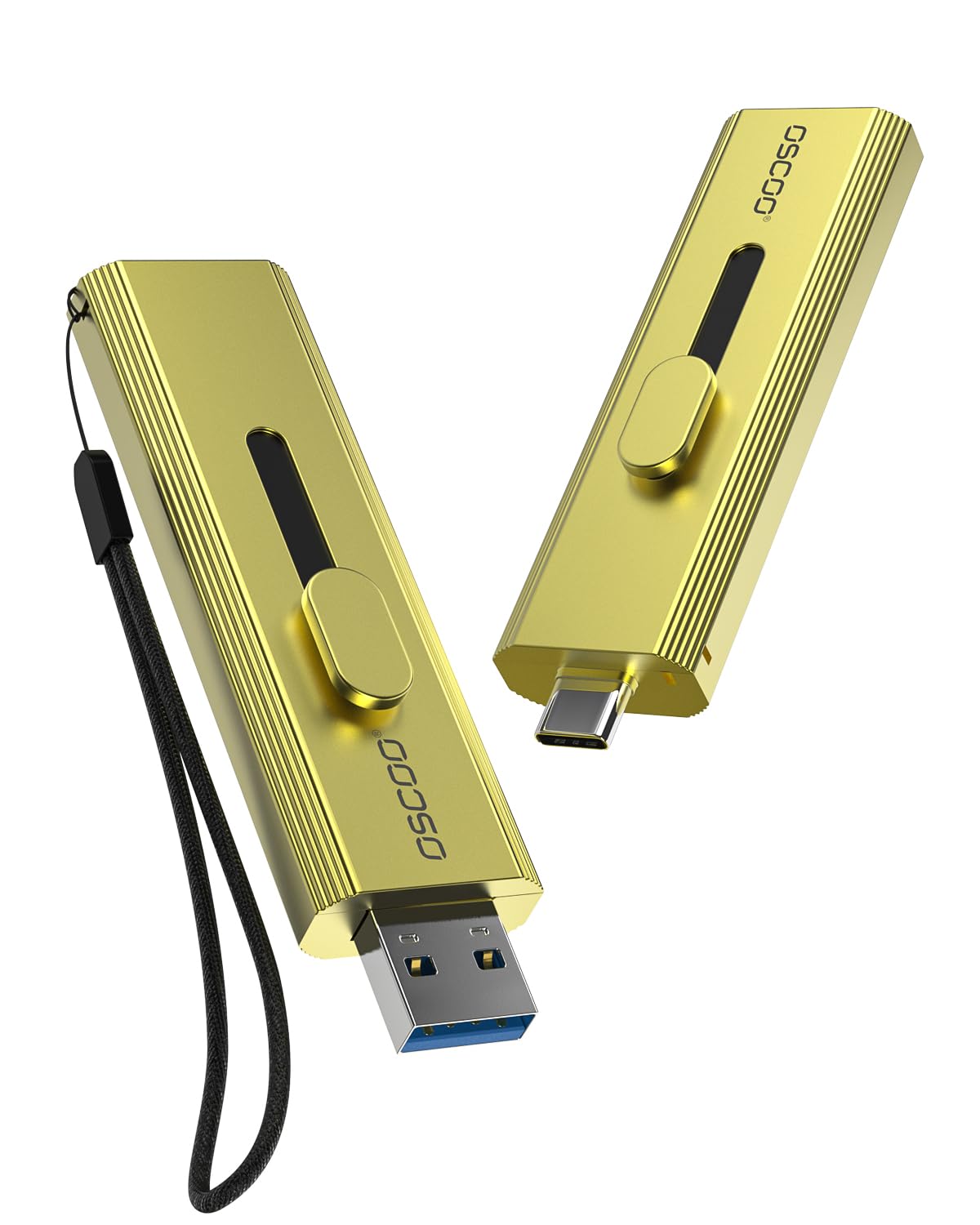
Image: The OSCOO T10 External SSD Hard Drive, showcasing അതിന്റെ ഒതുക്കമുള്ള ഡിസൈൻ.
3. സജ്ജീകരണം
The OSCOO T10 is designed for plug-and-play functionality. No drivers are typically required for most operating systems.
3.1 ഒരു ഉപകരണത്തിലേക്ക് ബന്ധിപ്പിക്കുന്നു
- Identify the appropriate port on your device:
- For USB-C compatible devices (e.g., iPhone 15/16/17, modern laptops, tablets), extend the USB-C connector from the SSD.
- For USB-A compatible devices (e.g., older laptops, desktops, gaming consoles), extend the USB-A connector from the SSD.
- Gently insert the extended connector into the corresponding port on your device.
- The device should automatically detect the OSCOO T10. You may see a notification indicating a new storage device has been connected.

Image: The OSCOO T10 showing its dual USB-A and USB-C connectors, ready for connection.
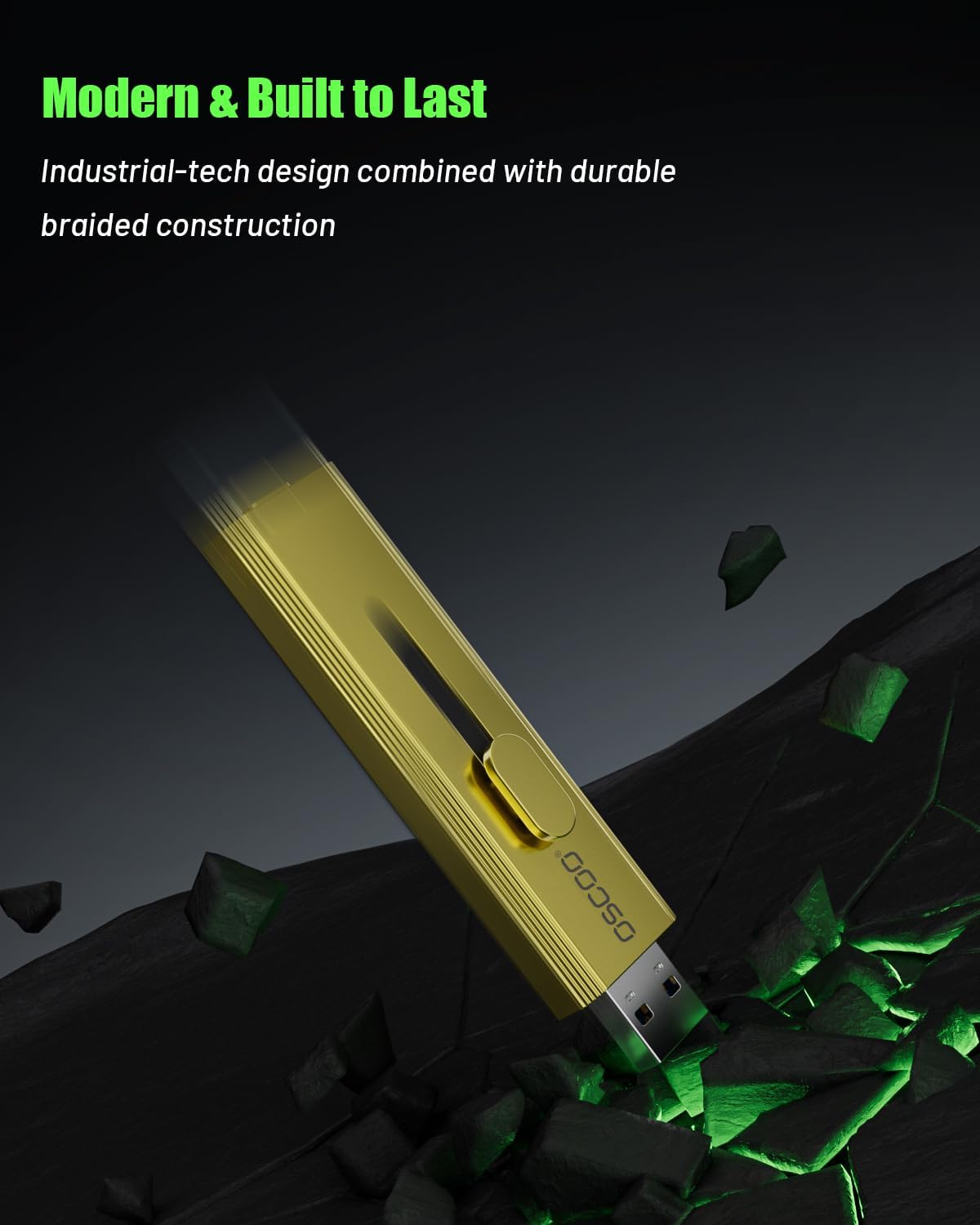
Image: The OSCOO T10 connected to an iPhone via its USB-C port.

Image: The OSCOO T10 connected to a laptop via its USB-A port.
4. പ്രവർത്തന നിർദ്ദേശങ്ങൾ
The OSCOO T10 allows for easy file transfer and direct recording. Ensure your device's operating system is up-to-date for optimal compatibility and performance.
4.1 File Transfer (General)
Once connected, the OSCOO T10 will appear as an external drive in your device's file manager (e.g., File Explorer on Windows, Finder on Mac, Files app on iOS/Android). You can drag and drop files to and from the drive as you would with any other external storage.

Image: The OSCOO T10 being used for mobile data backup with a smartphone.
4.2 Direct 4K ProRes Recording (iPhone 15/16/17 Series)
For compatible iPhone models, the OSCOO T10 can be used for direct 4K 120fps ProRes video recording. Connect the SSD to your iPhone via the USB-C port. Open the Camera app, select video mode, and ensure ProRes recording is enabled. The iPhone will automatically detect the external SSD as the recording destination.

Image: The OSCOO T10 connected to a smartphone, illustrating its use for storage expansion and direct recording.
4.3 Video Tutorial: Product Usage Guidance
For a visual guide on how to use the OSCOO T10 with various devices, please watch the official product usage video below.
Video: Official OSCOO T10 Product Usage Guidance. This video demonstrates how to connect the SSD to iOS and Android devices and transfer files.
5. പരിപാലനം
Proper care ensures the longevity and optimal performance of your OSCOO T10 SSD.
- ശാരീരിക സംരക്ഷണം: While the zinc alloy casing offers durability, avoid dropping the device or subjecting it to extreme physical impact.
- താപനില: Operate and store the SSD within recommended temperature ranges (typically 0°C to 70°C operating, -40°C to 85°C storage). Avoid prolonged exposure to direct sunlight or extreme heat/cold.
- വൃത്തിയാക്കൽ: Use a soft, dry cloth to clean the exterior. Do not use liquid cleaners or solvents. Ensure the connectors are free from dust and debris.
- സുരക്ഷിതമായ എജക്ഷൻ: Always safely eject the SSD from your device before disconnecting it to prevent data corruption.
- ഫേംവെയർ അപ്ഡേറ്റുകൾ: Periodically check the OSCOO official webഒപ്റ്റിമൽ പ്രകടനവും അനുയോജ്യതയും ഉറപ്പാക്കാൻ ലഭ്യമായ ഏതെങ്കിലും ഫേംവെയർ അപ്ഡേറ്റുകൾക്കായുള്ള സൈറ്റ്.
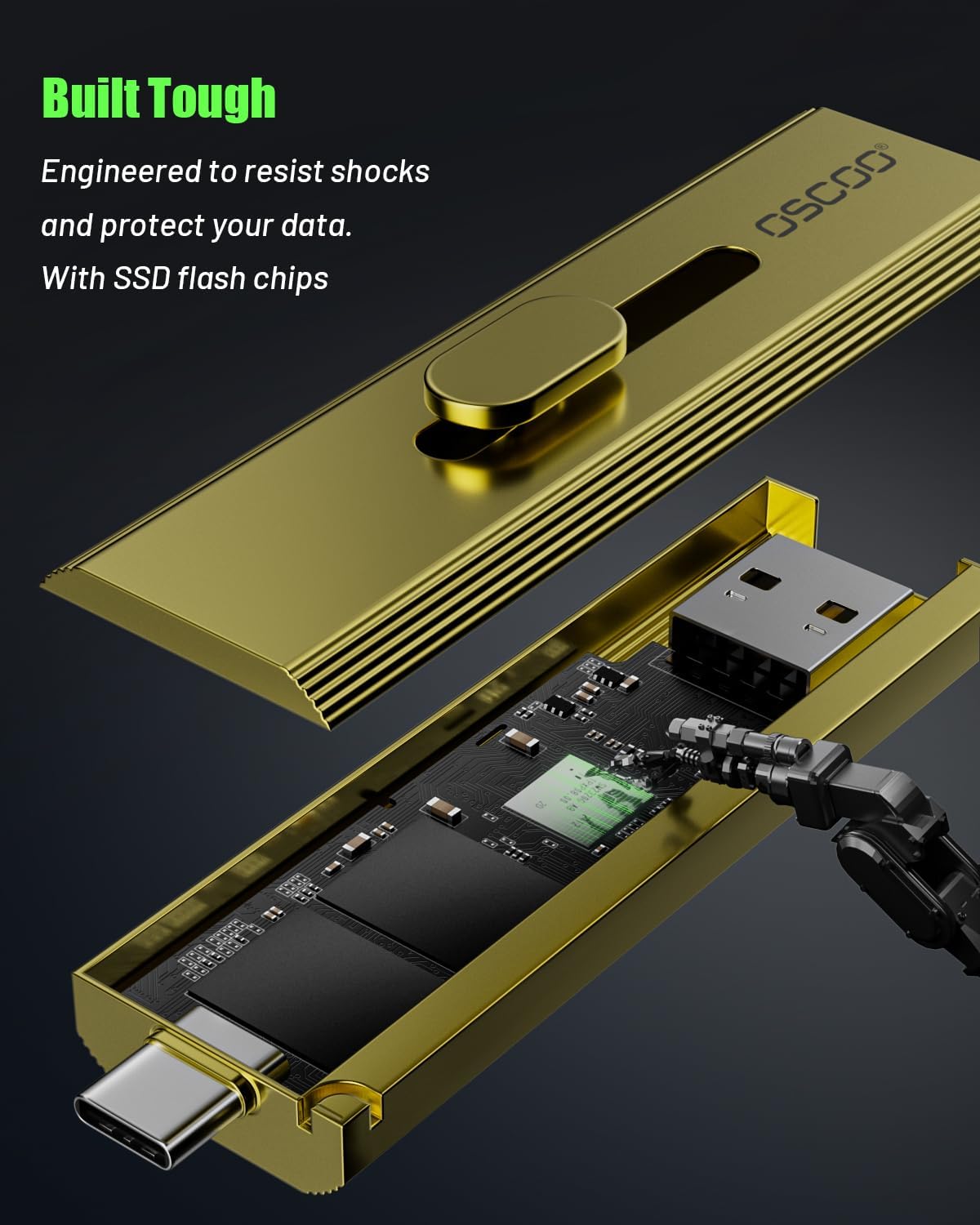
ചിത്രം: പൊട്ടിത്തെറിച്ച ഒരു view of the OSCOO T10, highlighting its internal SSD flash chips and robust construction.
6. പ്രശ്നപരിഹാരം
If you encounter issues with your OSCOO T10, refer to the following common solutions:
| പ്രശ്നം | സാധ്യമായ പരിഹാരം | ||||||||||||
|---|---|---|---|---|---|---|---|---|---|---|---|---|---|
| ഉപകരണം SSD തിരിച്ചറിഞ്ഞില്ല. |
| ||||||||||||
| മന്ദഗതിയിലുള്ള ട്രാൻസ്ഫർ വേഗത. |
| ||||||||||||
| ഉപയോഗിക്കുമ്പോൾ SSD ചൂടാകുന്നു. |
അനുബന്ധ രേഖകൾ - T10
|


