1. ആമുഖം
This manual provides essential information for setting up, operating, maintaining, and troubleshooting your PRITOM TAB10 Android 14 Tablet. Please read it thoroughly to ensure proper use and to maximize your device's performance.
The PRITOM TAB10 is a 10.1-inch tablet featuring the Android 14 Go operating system, a Quad-Core processor, 32GB of internal storage (expandable), and a 6000mAh battery. It is designed for general use, including browsing, media consumption, and light gaming.
2. ഡിവൈസ് ഓവർview

ചിത്രം: മുന്നിലും പിന്നിലും view of the PRITOM TAB10 Tablet, showcasing its sleek design and rear camera.

Image: Diagram illustrating the location of the headphone jack, volume buttons, power button, front camera, USB-C port, rear camera, flash, and speakers on the PRITOM TAB10 Tablet.
നിങ്ങളുടെ ടാബ്ലെറ്റിന്റെ ഭൗതിക ഘടകങ്ങളുമായി പരിചയപ്പെടുക:
- ഹെഡ്ഫോൺ ജാക്ക്: വയർഡ് ഹെഡ്ഫോണുകൾ ബന്ധിപ്പിക്കുന്നതിന്.
- വോളിയം +/-: ഓഡിയോ ഔട്ട്പുട്ട് ലെവൽ ക്രമീകരിക്കുന്നു.
- പവർ ഓൺ/ഓഫ്: Press and hold to power on/off or restart. Short press to sleep/wake.
- മുൻ ക്യാമറ: വീഡിയോ കോളുകൾക്കും സെൽഫികൾക്കും.
- യുഎസ്ബി-സി പോർട്ട്: ചാർജിംഗിനും ഡാറ്റ കൈമാറ്റത്തിനും.
- പിൻ ക്യാമറ: ഫോട്ടോകളും വീഡിയോകളും എടുക്കുന്നതിന്.
- ഫ്ലാഷ്: Provides illumination for the rear camera.
- സ്പീക്കറുകൾ: ഓഡിയോ ഔട്ട്പുട്ടിനായി.
- മൈക്രോ എസ്ഡി കാർഡ് സ്ലോട്ട്: For expanding storage (supports up to 512GB TF Card, not included).
3. സജ്ജീകരണം
3.1 അൺബോക്സിംഗ്
Upon opening the package, ensure all components are present. The standard package includes the PRITOM TAB10 Tablet and a charger.
3.2 ഉപകരണം ചാർജ് ചെയ്യുന്നു
Before first use, fully charge your tablet. Connect the provided charger to the USB-C port on the tablet and plug it into a power outlet. The battery indicator on the screen will show charging status.
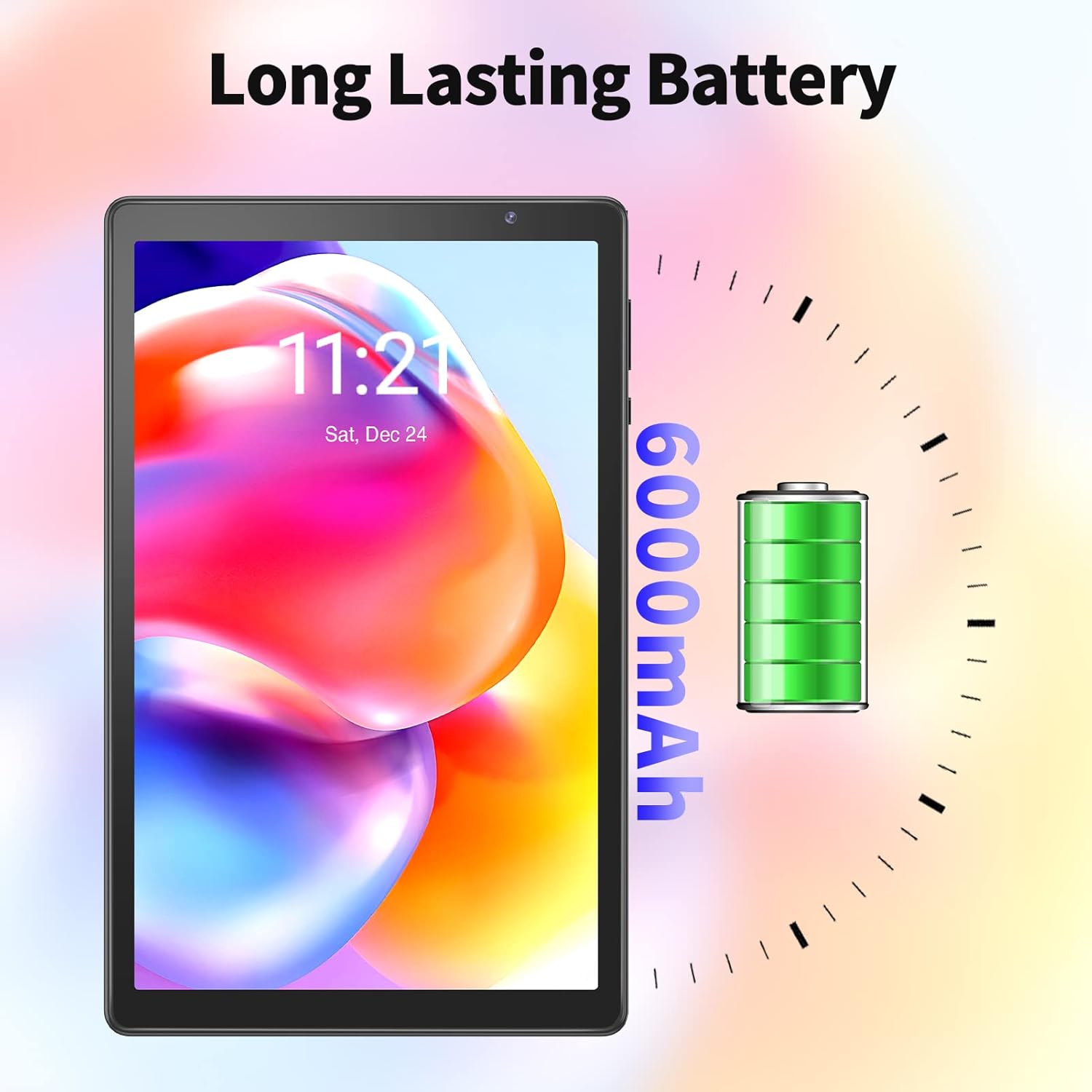
Image: The PRITOM TAB10 Tablet screen showing a battery icon and '6000mAh' indicating its battery capacity.
3.3 പ്രാരംഭ പവർ ഓൺ
Press and hold the Power On/Off button until the PRITOM logo appears on the screen. The tablet will boot up to the initial setup screen.
3.4 പ്രാരംഭ സജ്ജീകരണം
Follow the on-screen prompts to configure your tablet:
- ഭാഷ തിരഞ്ഞെടുക്കൽ: നിങ്ങൾ തിരഞ്ഞെടുത്ത ഭാഷ തിരഞ്ഞെടുക്കുക.
- Wi-Fi കണക്ഷൻ: Select your Wi-Fi network and enter the password. The tablet supports 802.11ac and 802.11n wireless standards.
- Google അക്കൗണ്ട്: നിങ്ങളുടെ ഗൂഗിൾ അക്കൗണ്ട് ഉപയോഗിച്ച് സൈൻ ഇൻ ചെയ്യുകയോ പുതിയൊരെണ്ണം സൃഷ്ടിക്കുകയോ ചെയ്യുക. ഗൂഗിൾ പ്ലേ സ്റ്റോറും മറ്റ് ഗൂഗിൾ സേവനങ്ങളും ആക്സസ് ചെയ്യുന്നതിന് ഇത് ആവശ്യമാണ്.
- തീയതിയും സമയവും: ശരിയായ തീയതിയും സമയവും സജ്ജമാക്കുക.
- സുരക്ഷ: ഉപകരണ സുരക്ഷയ്ക്കായി ഒരു സ്ക്രീൻ ലോക്ക് (പിൻ, പാറ്റേൺ അല്ലെങ്കിൽ പാസ്വേഡ്) സജ്ജീകരിക്കുക.
4. പ്രവർത്തന നിർദ്ദേശങ്ങൾ
4.1 അടിസ്ഥാന നാവിഗേഷൻ
The PRITOM TAB10 uses a capacitive touchscreen. Common gestures include tapping, swiping, pinching (for zoom), and long-pressing.
4.2 Android 14 Go System
Your tablet runs on the stable Android 14 Go system, optimized for efficient performance on devices with 4GB RAM. This system ensures quick app launches and smooth video playback.

Image: The PRITOM TAB10 Tablet displaying the Android 14 interface with multiple application icons, indicating access to Google Play Store apps.
4.3 ആപ്പ് മാനേജ്മെന്റ്
As a GMS Certified device, you can download thousands of applications from the Google Play Store, including popular apps like Netflix, YouTube, and Skype. To install apps, open the Play Store, search for your desired app, and tap 'Install'.
4.4 ക്യാമറ ഉപയോഗം
The tablet features a 2.0 MP front camera and a 2.0 MP rear camera. Open the Camera app to take photos or record videos. Tap the screen to focus and press the shutter button to capture.
4.5 സംഭരണ വികസനം
The tablet comes with 32GB of internal storage. If more space is needed, you can insert a Micro SD card (up to 512GB, not included) into the dedicated slot to store additional pictures, videos, and files.
4.6 ഡിസ്പ്ലേ സവിശേഷതകൾ
The 10.1-inch HD IPS display offers a resolution of 1280 x 800 pixels, providing clear images and rich colors. The Eye Health mode filters out blue light to reduce visual fatigue and optimizes backlight for a more comfortable viewഅനുഭവം.
5. പരിപാലനം
5.1 ടാബ്ലെറ്റ് വൃത്തിയാക്കൽ
Use a soft, lint-free cloth to clean the screen and body of the tablet. Avoid using harsh chemicals or abrasive materials, as these can damage the device.
5.2 സോഫ്റ്റ്വെയർ അപ്ഡേറ്റുകൾ
Periodically check for system updates in the tablet's settings. Keeping your software up-to-date ensures optimal performance, security, and access to new features.
5.3 ബാറ്ററി കെയർ
To prolong battery life, avoid exposing the tablet to extreme temperatures. It is recommended to fully charge the tablet before it completely drains. The 6000mAh battery provides up to 8 hours of mixed use.
6. പ്രശ്നപരിഹാരം
If you encounter issues with your PRITOM TAB10 Tablet, refer to the following common solutions:
- ഉപകരണം പവർ ചെയ്യുന്നില്ല: Ensure the tablet is sufficiently charged. Connect the charger and wait a few minutes before attempting to power on again.
- മന്ദഗതിയിലുള്ള പ്രകടനം: Close unused applications, clear cache, or restart the tablet. Consider uninstalling rarely used apps to free up storage.
- വൈഫൈ കണക്റ്റിവിറ്റി പ്രശ്നങ്ങൾ: Check if Wi-Fi is enabled in settings. Restart your router and the tablet. Ensure you are within range of the Wi-Fi signal.
- Applications Crashing/Freezing: Force close the app, clear its cache, or reinstall it. Ensure the tablet's software is up-to-date.
- Tablet Freezes or Enters Boot Loop: If the tablet becomes unresponsive or gets stuck during startup, a factory reset might be necessary. Note: A factory reset will erase all data on the device. സ്ഥിരമായ പ്രശ്നങ്ങൾക്ക്, ഉപഭോക്തൃ പിന്തുണയുമായി ബന്ധപ്പെടുക.
For more detailed troubleshooting, consult general Android device support resources online.
7 സ്പെസിഫിക്കേഷനുകൾ
| ഫീച്ചർ | സ്പെസിഫിക്കേഷൻ |
|---|---|
| മോഡലിൻ്റെ പേര് | M10-TAB10 |
| ഓപ്പറേറ്റിംഗ് സിസ്റ്റം | ആൻഡ്രോയിഡ് 14 |
| സ്ക്രീൻ വലിപ്പം | 10.1 ഇഞ്ച് |
| സ്ക്രീൻ റെസല്യൂഷൻ | 1280 x 800 പിക്സലുകൾ (HD IPS) |
| പ്രോസസ്സർ | Quad-Core (Allwinner) |
| റാം | 4GB (+2GB Expand) |
| ആന്തരിക സംഭരണം | 32 ജിബി |
| വികസിപ്പിക്കാവുന്ന സംഭരണം | Micro SD card slot (up to 512GB TF Card) |
| ബാറ്ററി ശേഷി | 6000mAh |
| ശരാശരി ബാറ്ററി ലൈഫ് | 8 മണിക്കൂർ വരെ |
| മുൻ ക്യാമറ | 2.0 എം.പി |
| പിൻ ക്യാമറ | 2.0 എം.പി |
| വയർലെസ് തരം | 802.11ac, 802.11n |
| ഇനത്തിൻ്റെ ഭാരം | 1.79 പൗണ്ട് |
| ഉൽപ്പന്ന അളവുകൾ | 13 x 8 x 0.4 ഇഞ്ച് |
8. വാറൻ്റിയും പിന്തുണയും
The PRITOM TAB10 Tablet comes with a 1-year worry-free guarantee. If you experience a quality issue with the tablet, it may be returned for a free replacement.
PRITOM is committed to providing reliable customer service and technical support. If you have any problems or require assistance, please do not hesitate to contact PRITOM customer service for on-time technical support.
For support, please refer to the contact information provided with your product packaging or visit the official PRITOM webസൈറ്റ്.


