1. ആമുഖം
Thank you for choosing the KAGEEN 4K GPS Drone. This advanced quadcopter is designed for both beginners and experienced users, offering high-quality aerial photography and stable flight performance. Please read this manual thoroughly before operating the drone to ensure safe and optimal use.
2. ബോക്സിൽ എന്താണുള്ളത്?

ചിത്രം 2.1: ഉൾപ്പെടുത്തിയ ഘടകങ്ങൾ
- Drone ×1
- Touchscreen Remote Controller ×1
- ബാറ്ററി × 2
- Propellers ×8 (2 Pairs)
- ചാർജിംഗ് കേബിൾ × 1
- Screwdriver Kit ×1
- Tool Bag ×1
- നിർദ്ദേശ മാനുവൽ × 1
3. ഉൽപ്പന്നം കഴിഞ്ഞുview
3.1 പ്രധാന സവിശേഷതകൾ
- Under 249g: No FAA registration required for recreational use, making it ideal for travel.
- 4K UHD Camera with Stabilization: Captures smooth, detailed footage with a 3-axis mechanical gimbal and Electronic Image Stabilization (EIS), offering a 110° wide-angle view and ±90° vertical tilt.
- 2 KM Long-Range FPV Transmission: Provides stable, real-time image transmission up to 2 kilometers for extended flight range.
- 5.5" Touchscreen Remote Controller: Features a built-in display, eliminating the need for a smartphone. Includes intuitive controls for one-tap takeoff/landing, speed adjustment, and auto return.
- 46-Min Max Flight Time: Two modular batteries provide up to 23 minutes of flight time each, allowing for extended sessions.
- Dual-Mode Hover Stability: Combines GPS positioning for accurate outdoor flight with optical flow sensors for reliable indoor or low-signal hovering.
- Wind-Resistant Brushless Motors: High-performance brushless motors support up to Level 4 wind resistance for stable flight in challenging conditions.
3.2 വിഷ്വൽ ഓവർview
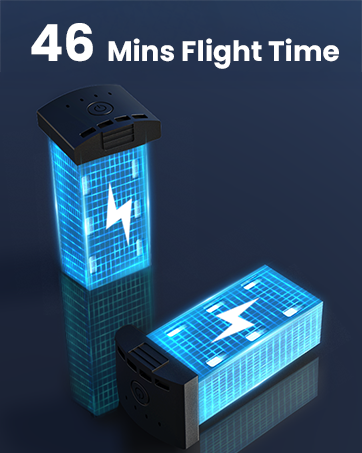
Figure 3.1: Portable Design (Under 249g)

Figure 3.2: 4K Camera with 3-Axis Gimbal & EIS

Figure 3.3: 5.5" Touchscreen Remote Controller

Figure 3.4: Extended Flight Time with Dual Batteries

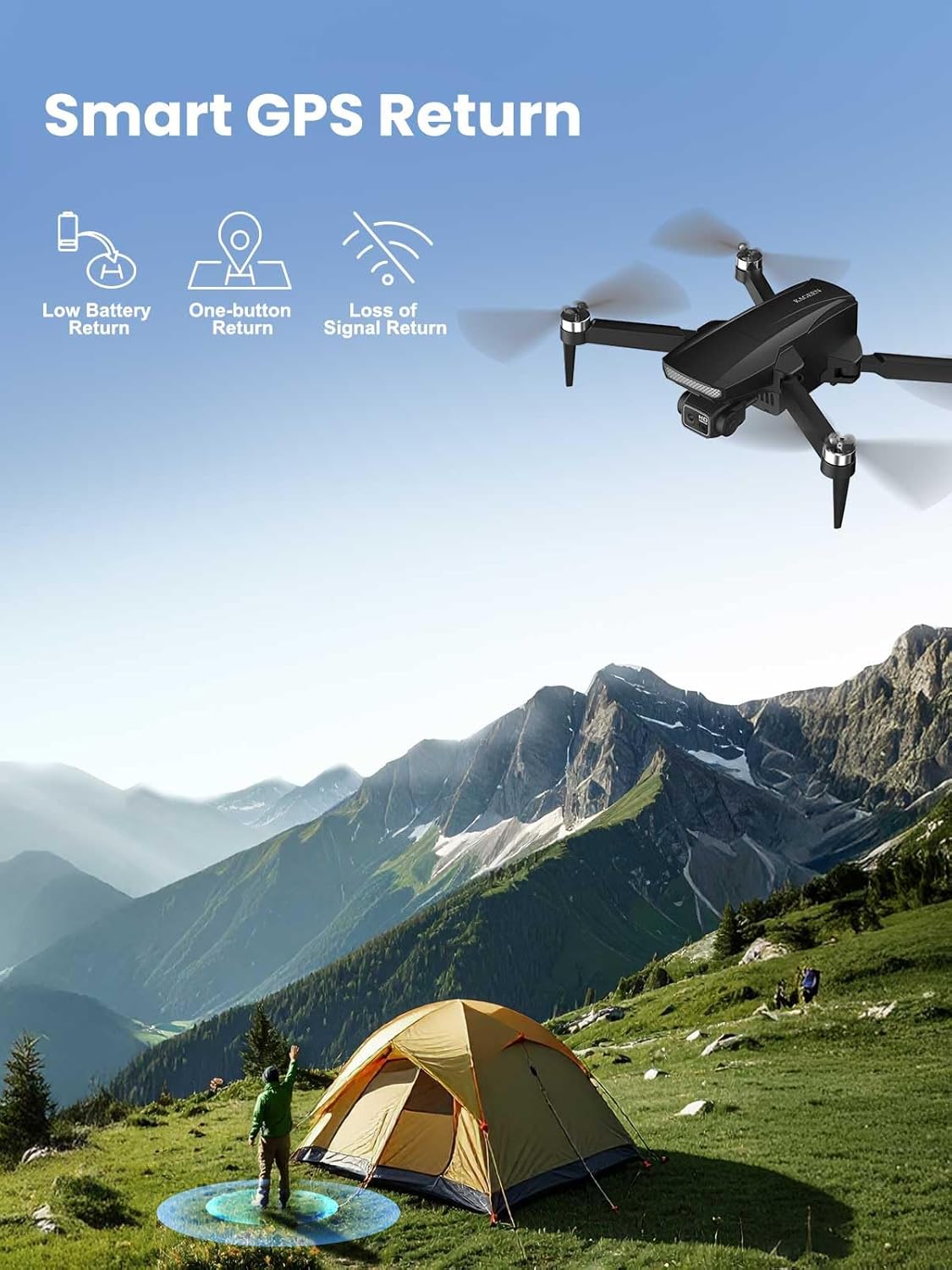
Figure 3.5: Smart GPS Return Features
4. സജ്ജീകരണം
4.1 ഡ്രോൺ തുറക്കൽ
Carefully unfold the drone arms. Ensure all arms click into place securely before flight.

Figure 4.1: Unfolding the Drone
4.2 ബാറ്ററി ഇൻസ്റ്റാളേഷനും ചാർജിംഗും
Insert the fully charged battery into the drone's battery compartment. Connect the charging cable to the battery and a suitable USB power source to charge. The LED indicators on the battery will show the charging status.
ചിത്രം 4.2: ബാറ്ററി ഇൻസ്റ്റാളേഷൻ
4.3 റിമോട്ട് കൺട്രോളർ സജ്ജീകരണം
Power on the remote controller. The 5.5" touchscreen will display the live feed from the drone's camera once connected. Ensure the controller is fully charged before use.

ചിത്രം 4.3: റിമോട്ട് കൺട്രോളർ
4.4 Pre-Flight Calibration
Before each flight, perform a compass calibration. Follow the on-screen instructions on the remote controller. This typically involves rotating the drone horizontally and vertically to calibrate its sensors for accurate positioning.
5. പ്രവർത്തന നിർദ്ദേശങ്ങൾ
5.1 ടേക്ക് ഓഫും ലാൻഡിംഗും
- ഓട്ടോമാറ്റിക് ടേക്ക് ഓഫ്: Press the one-tap takeoff button on the remote controller. The drone will ascend to a safe height and hover.
- ഓട്ടോമാറ്റിക് ലാൻഡിംഗ്: Press the one-tap landing button. The drone will descend and land automatically.
5.2 അടിസ്ഥാന ഫ്ലൈറ്റ് നിയന്ത്രണങ്ങൾ
Use the joysticks on the remote controller to control the drone's movement:
- ഇടത് ജോയിസ്റ്റിക്: ഉയരം (മുകളിലേക്ക്/താഴേക്ക്) ഭ്രമണം (ഇടത്തേക്ക്/വലത്തേക്ക്) എന്നിവ നിയന്ത്രിക്കുന്നു.
- വലത് ജോയിസ്റ്റിക്: മുന്നോട്ടും പിന്നോട്ടും ഇടത്തോട്ടോ വലത്തോട്ടോ ഉള്ള ചലനങ്ങൾ നിയന്ത്രിക്കുന്നു.
5.3 ക്യാമറ പ്രവർത്തനം
The integrated 4K UHD camera captures high-resolution photos and videos. Use the dedicated buttons on the remote controller to:
- ഫോട്ടോ എടുക്കുക: Press the photo button once.
- വീഡിയോ റെക്കോർഡിംഗ് ആരംഭിക്കുക/നിർത്തുക: Press the video button once to start, and again to stop.
- Adjust Gimbal Tilt: Use the scroll wheel on the remote controller to adjust the camera's vertical tilt (±90°).
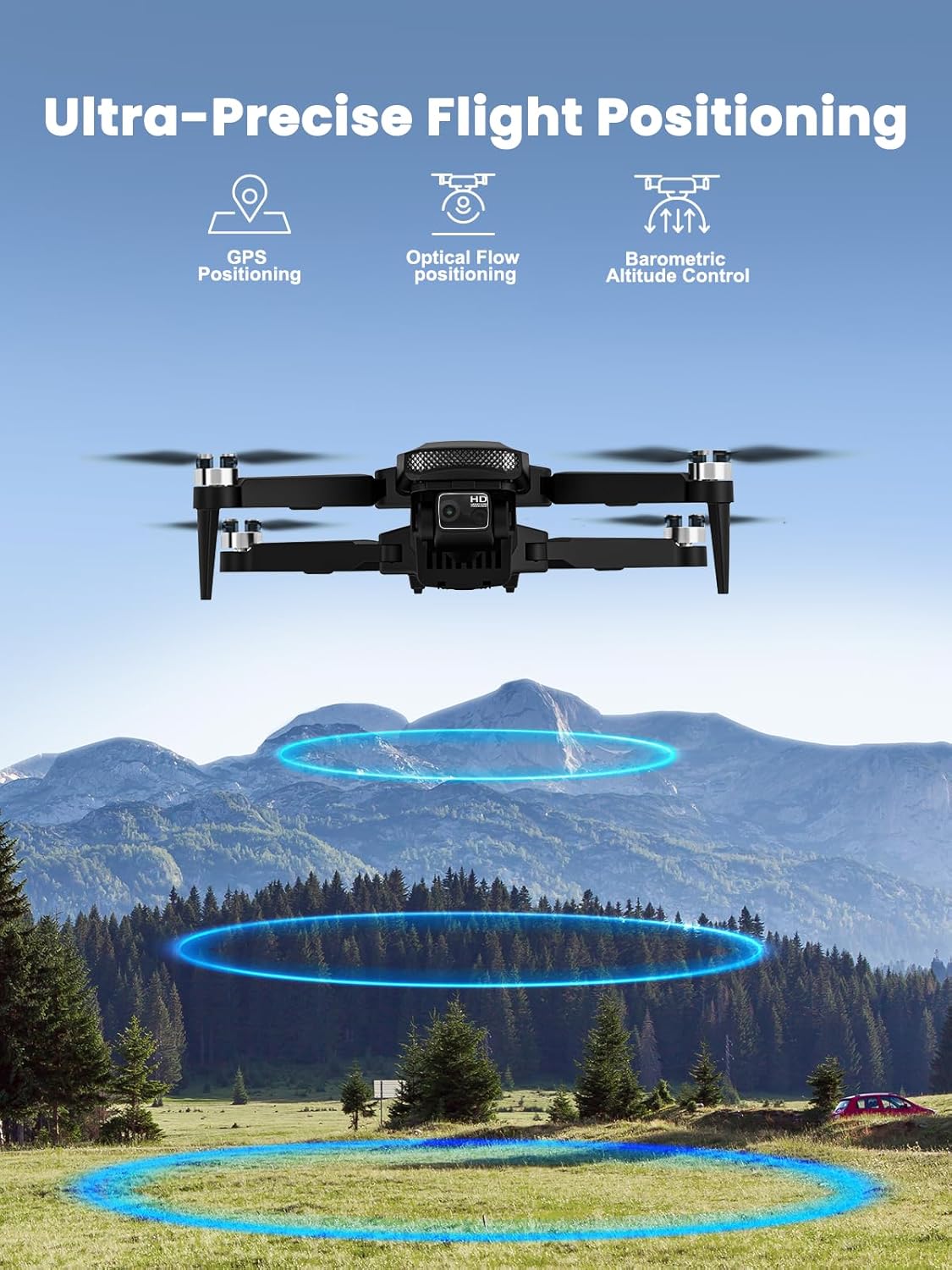
Figure 5.1: Drone Camera Detail
5.4 ഇൻ്റലിജൻ്റ് ഫ്ലൈറ്റ് മോഡുകൾ
The KAGEEN drone features several intelligent flight modes for enhanced creativity and ease of use:
- എന്നെ പിന്തുടരുക: The drone automatically follows the remote controller, capturing dynamic footage.
- ഓർബിറ്റ് മോഡ്: The drone circles a designated point of interest.
- വേപോയിന്റ് ഫ്ലൈറ്റ്: Plan a flight path on the map, and the drone will automatically follow it.

Figure 5.2: Intelligent Flight Modes
5.5 Auto Return Home (RTH)
The drone is equipped with GPS-assisted Auto Return Home. This feature automatically brings the drone back to its takeoff point under the following conditions:
- കുറഞ്ഞ ബാറ്ററി.
- Loss of signal from the remote controller.
- Manually activated by pressing the RTH button on the controller.

Figure 5.3: Auto Return Home
Video 5.1: KAGEEN Drone with Camera for Adults 4K - Product Overview
6. പരിപാലനം
6.1 വൃത്തിയാക്കൽ
Regularly clean the drone body, propellers, and camera lens with a soft, dry cloth. Avoid using liquid cleaners or solvents.
6.2 ബാറ്ററി കെയർ
- Charge batteries fully before each flight.
- ബാറ്ററികൾ അമിതമായി ചാർജ് ചെയ്യുകയോ ഡിസ്ചാർജ് ചെയ്യുകയോ ചെയ്യരുത്.
- നേരിട്ടുള്ള സൂര്യപ്രകാശത്തിൽ നിന്ന് അകലെ തണുത്തതും വരണ്ടതുമായ സ്ഥലത്ത് ബാറ്ററികൾ സൂക്ഷിക്കുക.
6.3 പ്രൊപ്പല്ലർ മാറ്റിസ്ഥാപിക്കൽ
If propellers are damaged, replace them immediately using the provided spare propellers and screwdriver. Ensure correct propeller orientation (A and B types) as indicated in the manual or on the drone arms.
6.4 സംഭരണം
When not in use, fold the drone and store it in its protective carrying case. Remove batteries from the drone and controller for long-term storage.
7. പ്രശ്നപരിഹാരം
- ഡ്രോൺ പ്രവർത്തിക്കുന്നില്ല: ബാറ്ററികൾ പൂർണ്ണമായും ചാർജ്ജ് ചെയ്തിട്ടുണ്ടെന്നും ശരിയായി ചേർത്തിട്ടുണ്ടെന്നും ഉറപ്പാക്കുക.
- GPS സിഗ്നൽ ഇല്ല: Fly in an open outdoor area away from tall buildings or interference. Perform GPS calibration.
- അസ്ഥിരമായ ഫ്ലൈറ്റ്: Recalibrate the compass and gyroscope. Check for damaged propellers.
- Blurry or distorted camera feed: Ensure the camera lens is clean. Check for any physical damage to the gimbal.
- Remote controller screen issues: Ensure the controller is fully charged. If issues persist, contact customer support.
8 സ്പെസിഫിക്കേഷനുകൾ
| ഫീച്ചർ | വിശദാംശങ്ങൾ |
|---|---|
| ബ്രാൻഡ് | KAGEEN |
| മോഡലിൻ്റെ പേര് | KAGEEN 4K Drone (Q5) |
| ഇനത്തിൻ്റെ ഭാരം | 249 ഗ്രാം (8.8 ഔൺസ്) |
| വീഡിയോ ക്യാപ്ചർ റെസല്യൂഷൻ | 4K |
| ക്യാമറ സ്റ്റെബിലൈസേഷൻ | 3-Axis Mechanical Gimbal & EIS |
| FPV ട്രാൻസ്മിഷൻ ശ്രേണി | Up to 2 KM (6500 ft) |
| റിമോട്ട് കൺട്രോളർ | 5.5" Touchscreen Display |
| പരമാവധി ഫ്ലൈറ്റ് സമയം | 46 Minutes (with 2 batteries) |
| മോട്ടോറുകൾ | ബ്രഷ് ഇല്ലാത്ത മോട്ടോറുകൾ |
| പൊസിഷനിംഗ് സിസ്റ്റം | GPS & Optical Flow |
| കാറ്റ് പ്രതിരോധം | ലെവൽ 4 |
| നൈപുണ്യ നില | തുടക്കക്കാരൻ |
| ഉൽപ്പന്ന അളവുകൾ | 9"L x 9"W x 2"H |
9. വാറണ്ടിയും പിന്തുണയും
For warranty information and technical support, please refer to the warranty card included in your product packaging or visit the official KAGEEN webവാറന്റി ക്ലെയിമുകൾക്കുള്ള വാങ്ങലിന്റെ തെളിവായി നിങ്ങളുടെ വാങ്ങൽ രസീത് സൂക്ഷിക്കുക.


