1. ആമുഖം
This manual provides detailed instructions for the setup, operation, and maintenance of your UPERFECT 14.5" 4K UHD Portable Monitor. Please read this manual thoroughly before using the product to ensure optimal performance and longevity.

Image 1.1: UPERFECT 14.5" 4K UHD Portable Monitor.
2. പാക്കേജ് ഉള്ളടക്കം
താഴെ ലിസ്റ്റ് ചെയ്തിരിക്കുന്ന എല്ലാ ഇനങ്ങളും നിങ്ങളുടെ ഉൽപ്പന്ന പാക്കേജിൽ ഉണ്ടെന്ന് ഉറപ്പാക്കുക:
- 1 * 14.5" 4K Portable Monitor
- 1 * Mini HDMI Cable (4K)
- 2 * Type C to Type C Cable
- 1 * PD 30W Power Charger
- 1 * ഉപയോക്തൃ മാനുവൽ
3. ഉൽപ്പന്ന സവിശേഷതകൾ
The UPERFECT 14.5" 4K UHD Portable Monitor offers advanced features for enhanced visual experience and portability:
- Stunning 4K UHD Display: 14.5-inch screen with 3840×2400 resolution and a 16:10 aspect ratio for detailed visuals and increased vertical workspace.
- ഉജ്ജ്വലമായ വർണ്ണ പുനർനിർമ്മാണം: Supports 1.06 billion colors (8-bit + FRC) and 100% sRGB for accurate and smooth color gradients.
- Matte IPS Panel: Anti-glare display with 500 nits brightness, 2000:1 contrast ratio, and 178° wide viewing angles for clear visibility in various lighting conditions.
- വളരെ നേർത്തതും ഭാരം കുറഞ്ഞതുമായ ഡിസൈൻ: Measures just 0.2 inches thick and weighs approximately 1 lb, featuring a durable aluminum frame.
- Smart Cover Stand: Includes a foldable leather smart cover that functions as a protective cover and an adjustable stand.
- പ്ലഗ്-ആൻഡ്-പ്ലേ കണക്റ്റിവിറ്റി: Equipped with dual USB-C and Mini HDMI ports for broad compatibility with laptops, tablets, smartphones, cameras, and gaming consoles without requiring drivers.
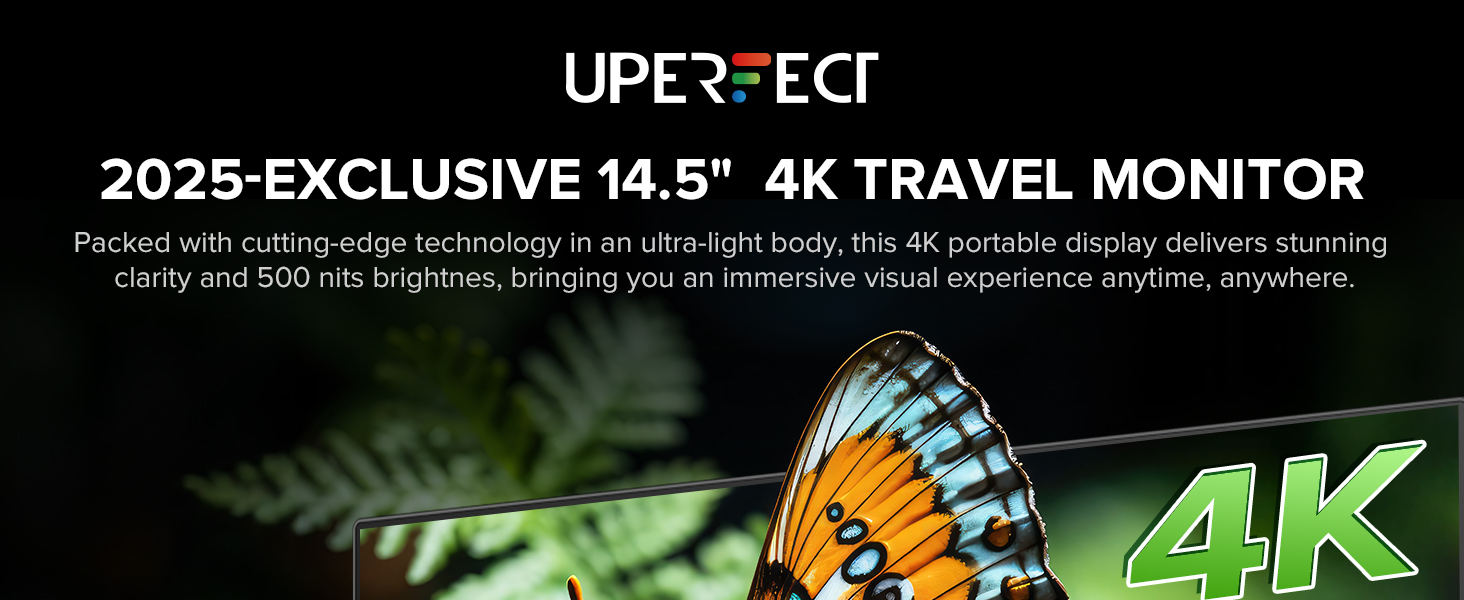
Image 3.1: The monitor's ultra-light aluminum display.
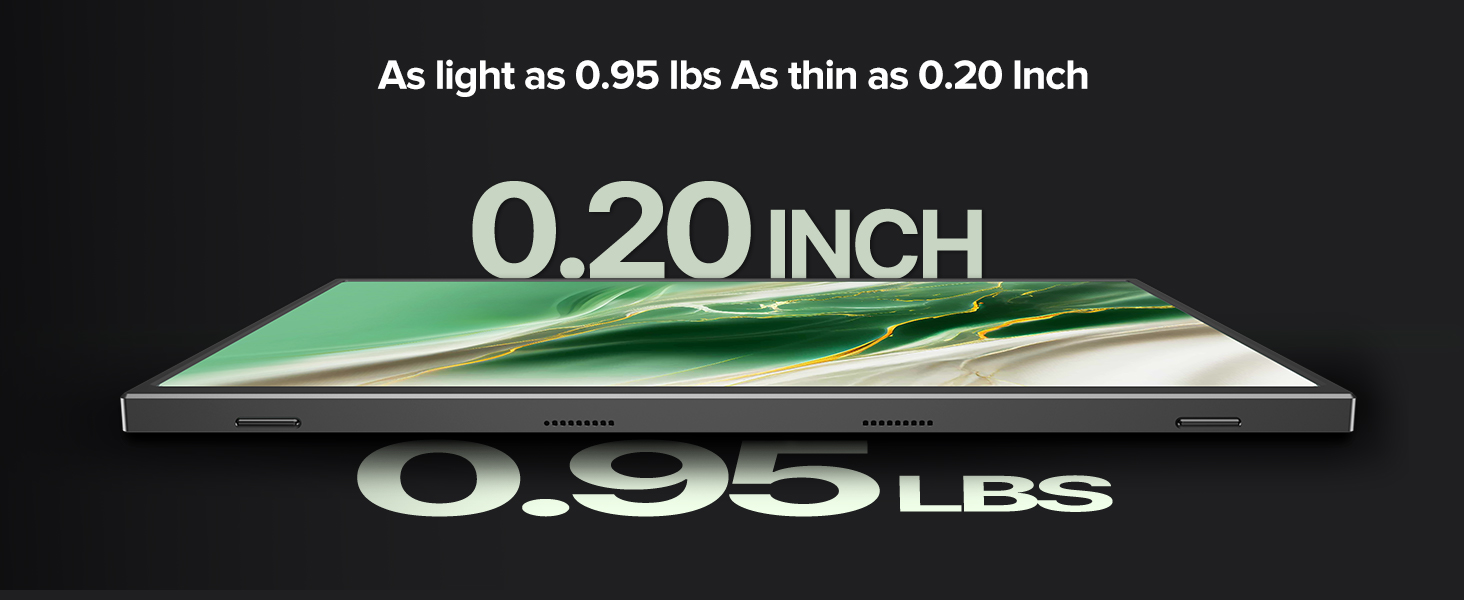
Image 3.2: 4K UHD NanoEdge Precision display.

Image 3.3: Display with 500 Nits Brightness and 1.06 Billion Colors.
4. Monitor Layout and Ports
Familiarize yourself with the physical layout and available ports on your UPERFECT portable monitor:

Image 4.1: Monitor Ports and Controls.
- Type-C (Full-featured USB-C): Two ports for power, video, and data transmission. Compatible with devices like Nintendo Switch, smartphones, iPads, MacBooks, and laptops.
- മിനി HDMI: For video input from PCs, Xbox, PlayStation consoles, and cameras.
- OTG പോർട്ട്: For connecting USB peripherals.
- Up+/Menu/Down Power Buttons: Used for navigating the On-Screen Display (OSD) menu and adjusting settings.
- പവർ/ബാക്ക് ബട്ടൺ: Powers the monitor on/off and acts as a 'back' button in the OSD menu.
- 3.5mm ഓഡിയോ ജാക്ക്: ബാഹ്യ ഹെഡ്ഫോണുകളോ സ്പീക്കറുകളോ ബന്ധിപ്പിക്കുന്നതിന്.
5. സജ്ജീകരണവും കണക്ഷനും
Follow these steps to connect your UPERFECT portable monitor to various devices:
5.1. Connecting to a Laptop/PC (USB-C)
- Ensure your laptop/PC has a full-featured USB-C port that supports DisplayPort Alternate Mode and power delivery.
- Connect one end of the provided Type-C to Type-C cable to your laptop/PC's USB-C port.
- Connect the other end of the Type-C to Type-C cable to one of the monitor's Type-C ports.
- The monitor should automatically detect the signal and power on. If not, press the Power/Back button.
5.2. Connecting to a Laptop/PC (Mini HDMI)
- Connect one end of the provided Mini HDMI cable to the monitor's Mini HDMI port.
- Connect the other end of the Mini HDMI cable to your laptop/PC's HDMI port.
- For power, connect the provided PD 30W Power Charger to the monitor's second Type-C port using a Type-C cable.
- The monitor should display the content. If not, press the Power/Back button.
5.3. Connecting to a Smartphone/Tablet (USB-C)
- Ensure your smartphone/tablet supports DisplayPort Alternate Mode via its USB-C port.
- Connect one end of the provided Type-C to Type-C cable to your smartphone/tablet.
- Connect the other end of the Type-C to Type-C cable to one of the monitor's Type-C ports.
- The monitor will draw power from your device. For extended use, connect the PD 30W Power Charger to the monitor's second Type-C port.

Image 5.1: Monitor connected to a laptop via USB-C.

Image 5.2: Monitor connected to a laptop, showing screen rotation capability.
Image 5.3: Monitor connected to a Nintendo Switch.
6. മോണിറ്റർ പ്രവർത്തിപ്പിക്കുക
6.1. പവർ ഓൺ/ഓഫ്
- To power on the monitor, press the പവർ/ബാക്ക് ബട്ടൺ.
- To power off the monitor, press and hold the പവർ/ബാക്ക് ബട്ടൺ for a few seconds until the screen turns off.
6.2. ഓൺ-സ്ക്രീൻ ഡിസ്പ്ലേ (OSD) മെനു നാവിഗേഷൻ
The OSD menu allows you to adjust various display settings:
- അമർത്തുക Up+/Menu/Down Power OSD മെനു തുറക്കാൻ ബട്ടൺ.
- ഉപയോഗിക്കുക Up+ ഒപ്പം ഡൗൺ പവർ മെനു ഓപ്ഷനുകളിലൂടെ നാവിഗേറ്റ് ചെയ്യാനുള്ള ബട്ടണുകൾ.
- അമർത്തുക Up+/Menu/Down Power button again to select an option or enter a sub-menu.
- അമർത്തുക പവർ/ബാക്ക് ബട്ടൺ to go back to the previous menu or exit the OSD.
6.3. ഓഡിയോ putട്ട്പുട്ട്
The monitor includes built-in speakers and a 3.5mm audio jack:
- ബിൽറ്റ്-ഇൻ സ്പീക്കറുകൾ: Audio will play automatically through the monitor's integrated speakers when connected via HDMI or USB-C.
- 3.5mm ഓഡിയോ ജാക്ക്: Connect headphones or external speakers to this port for private listening or enhanced audio output.
Image 6.1: Monitor with built-in speakers.
7. പരിപാലനം
Proper care ensures the longevity and performance of your monitor:
- സ്ക്രീൻ വൃത്തിയാക്കൽ: മൃദുവായ, ലിന്റ് രഹിത തുണി ഉപയോഗിച്ച് സ്ക്രീൻ സൌമ്യമായി തുടയ്ക്കുക. കഠിനമായ പാടുകൾക്ക്, നേരിയ തോതിൽ dampതുണിയിൽ വെള്ളം അല്ലെങ്കിൽ സ്ക്രീൻ-ക്ലീനിംഗ് ലായനി ഉപയോഗിക്കുക. കഠിനമായ രാസവസ്തുക്കളോ ഉരച്ചിലുകളോ ഉള്ള വസ്തുക്കൾ ഒഴിവാക്കുക.
- ശരീരം വൃത്തിയാക്കൽ: Use a soft, dry cloth to clean the monitor's frame and back.
- സംഭരണം: When not in use, store the monitor in a cool, dry place, preferably in its protective smart cover or a carrying case. Avoid exposing it to extreme temperatures or direct sunlight.
- കൈകാര്യം ചെയ്യൽ: Always handle the monitor by its edges. Avoid applying pressure to the screen.

Image 7.1: Storing the portable monitor in a bag.
8. പ്രശ്നപരിഹാരം
നിങ്ങളുടെ മോണിറ്ററിൽ പ്രശ്നങ്ങൾ നേരിടുകയാണെങ്കിൽ, ഇനിപ്പറയുന്ന പൊതുവായ പ്രശ്നങ്ങളും പരിഹാരങ്ങളും പരിശോധിക്കുക:
- സിഗ്നൽ ഇല്ല / കറുത്ത സ്ക്രീൻ:
- Ensure all cables (USB-C or Mini HDMI and power) are securely connected.
- Verify that your source device (laptop, phone, console) is powered on and outputting a signal.
- If using USB-C, confirm your device's USB-C port supports DisplayPort Alternate Mode.
- Try connecting the monitor to a different device or using different cables to rule out cable or source issues.
- ശക്തിയില്ല:
- If powered via USB-C from a device, ensure the device has sufficient battery or is also connected to power.
- If using the external power adapter, ensure it is properly connected to a working power outlet and the monitor's Type-C power input.
- Press the Power/Back button to ensure the monitor is not just in standby mode.
- Image Flickering / Unstable Display:
- Ensure the cables are not damaged and are properly seated.
- Reduce the display resolution or refresh rate on your source device if it's exceeding the monitor's capabilities or bandwidth of the cable.
- Ensure adequate power supply, especially if the monitor is drawing power from a laptop or phone. Connect the external power adapter if available.
- Color or Brightness Issues:
- Access the OSD menu to adjust brightness, contrast, color temperature, and other display settings.
- Reset display settings to factory defaults via the OSD menu.
- No Sound from Speakers/Headphones:
- Check the volume settings on both the monitor (via OSD) and your source device.
- Ensure headphones are fully plugged into the 3.5mm audio jack.
- Verify that the audio output on your source device is set to the UPERFECT monitor.
9 സ്പെസിഫിക്കേഷനുകൾ
| ഫീച്ചർ | സ്പെസിഫിക്കേഷൻ |
|---|---|
| ഉൽപ്പന്ന അളവുകൾ | 0.39 x 13.98 x 8.66 ഇഞ്ച് |
| ഇനത്തിൻ്റെ ഭാരം | 2.65 പൗണ്ട് |
| ഇനം മോഡൽ നമ്പർ | U27 |
| സ്റ്റാൻഡിംഗ് സ്ക്രീൻ ഡിസ്പ്ലേ വലുപ്പം | 14.5 ഇഞ്ച് |
| വീക്ഷണാനുപാതം | 16:10 |
| വാല്യംtage | 5 വോൾട്ട് |
| റെസലൂഷൻ | 3840 x 2400 പിക്സലുകൾ (4K UHD) |
| ചിത്രത്തിന്റെ തെളിച്ചം | 500 Candela (Nits) |
| മൊത്തം USB പോർട്ടുകൾ | 2 (ടൈപ്പ്-സി) |
| സ്ക്രീൻ ഉപരിതല വിവരണം | മാറ്റ് |
10. വാറൻ്റിയും പിന്തുണയും
UPERFECT products are designed for reliability and performance. For warranty information and technical support, please refer to the official UPERFECT webസൈറ്റ് അല്ലെങ്കിൽ അവരുടെ ഉപഭോക്തൃ സേവനവുമായി നേരിട്ട് ബന്ധപ്പെടുക.
You can visit the UPERFECT Store for more information: UPERFECT Official Store


