1 സുരക്ഷാ വിവരങ്ങൾ
Important safety guidelines for using your COMHOMA Small Standing Desk:
- ഭാര പരിധി 176 പൗണ്ട് കവിയരുത്.
- മേശ ടിപ്പിംഗ് തടയാൻ ശരിയായി നങ്കൂരമിട്ടിട്ടുണ്ടെന്ന് ഉറപ്പാക്കുക.
- Use caution in noise-sensitive environments due to rolling wheels.
- Keep hands clear of moving parts during height and tilt adjustments.
- Ensure all screws and fasteners are tightened before use.
2. ഘടകങ്ങളുടെ പട്ടിക
Verify all parts are present before assembly:
- Desktop (Part 1)
- Side Brackets (Part 2)
- Connecting Rods (Part 3)
- Connecting Bracket (Part 4)
- Barrier Strip (Part 5)
- Angle Adjusters (Part 6)
- Brake Casters (Part E)
- Standard Casters (Part F)
- Star Head Screws (Part G, H)
- അസംബ്ലി ഉപകരണങ്ങൾ (അല്ലെൻ റെഞ്ച്, റെഞ്ച്)
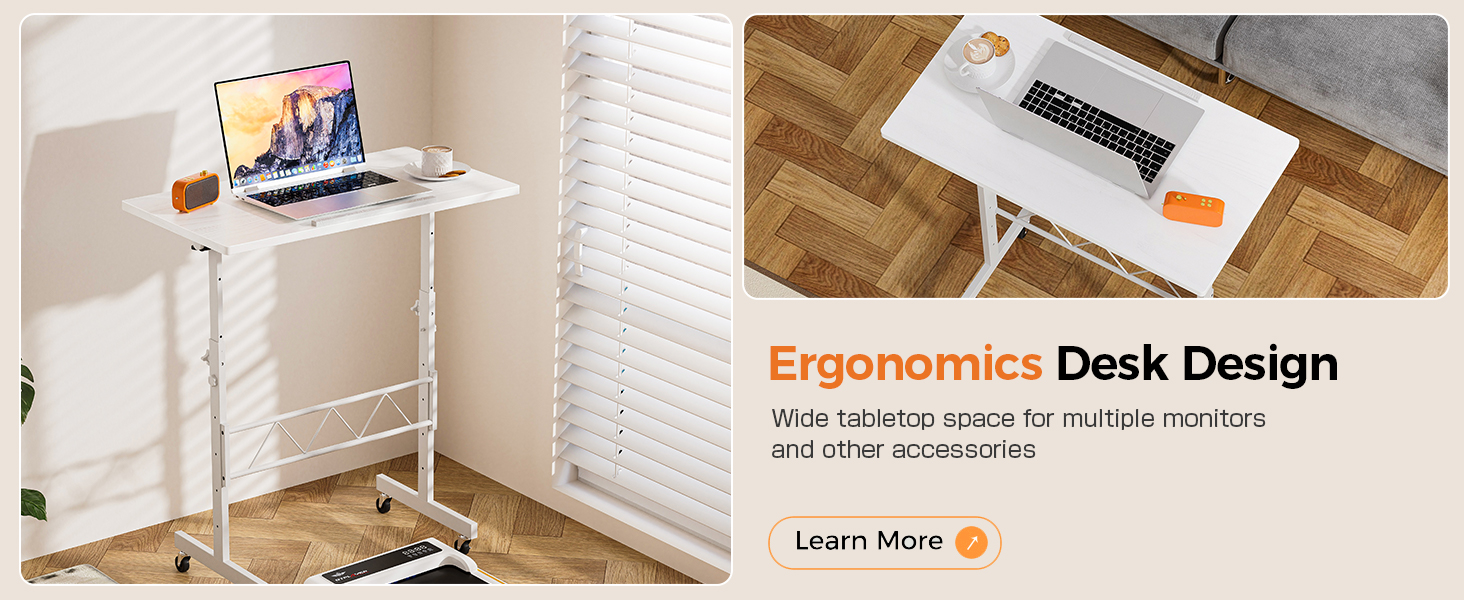
Image: Key components of the COMHOMA Small Standing Desk, including the barrier strip, lockable wheels, rotating handles, tilting tabletop knob, and double balance bar.
3. സജ്ജീകരണ നിർദ്ദേശങ്ങൾ
3.1 അസംബ്ലി
- Install Connecting Bracket: Attach the connecting bracket (Part 4) to the main vertical supports using the provided screws. Ensure it is securely fastened.
- കാസ്റ്ററുകൾ ഇൻസ്റ്റാൾ ചെയ്യുക: Attach the brake casters (Part E) and standard casters (Part F) to the bottom of the desk legs. Use the provided wrench to tighten them.
- Install Angle Adjusters: First, remove the caps from the connecting rods. Then, install the angle adjusters (Part 6) onto the connecting rods.
- Attach Connecting Rods to Side Brackets: Insert the connecting rods (Part 3) into the side brackets (Part 2) and secure them with the star head screws (Part H).
- ഡെസ്ക്ടോപ്പ് അറ്റാച്ചുചെയ്യുക: Place the desktop (Part 1) onto the assembled frame. Ensure the installation direction is correct. Secure the desktop using the remaining screws.
- Install Barrier Strip: Attach the barrier strip (Part 5) to the front edge of the desktop to prevent items from sliding off when tilted.
Recommended number of people for assembly: 1. All assembly tools are included.
4. പ്രവർത്തന നിർദ്ദേശങ്ങൾ
4.1 ഉയരം ക്രമീകരിക്കൽ
The desk offers five gear adjustment options, allowing the height to be adjusted from 30.7 inches to 46.4 inches. To adjust the height, loosen the rotating handles on the side brackets, set the desk to your desired height, and then securely tighten the handles.
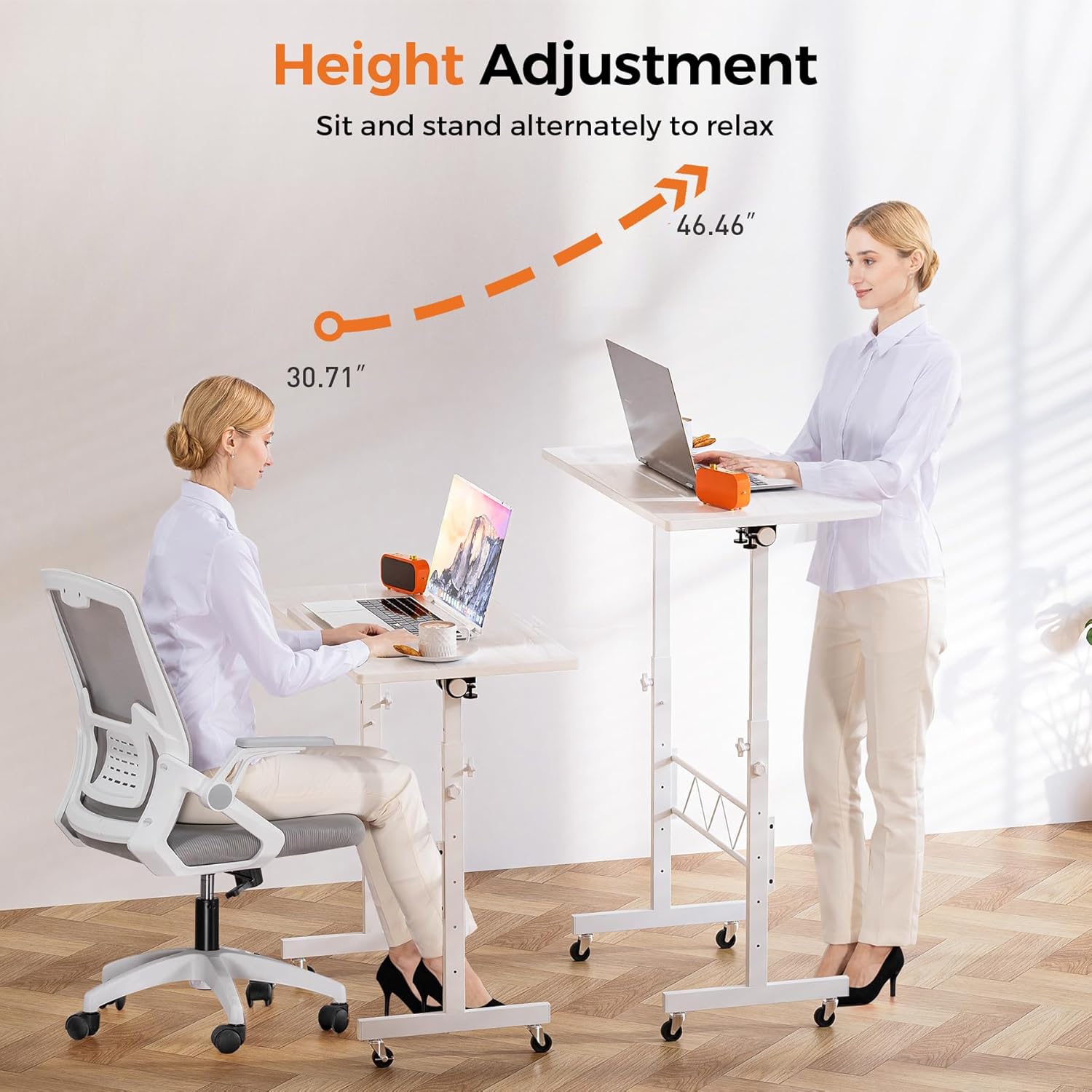
Image: The desk's height can be adjusted between 30.71 inches and 46.46 inches, accommodating both sitting and standing positions.
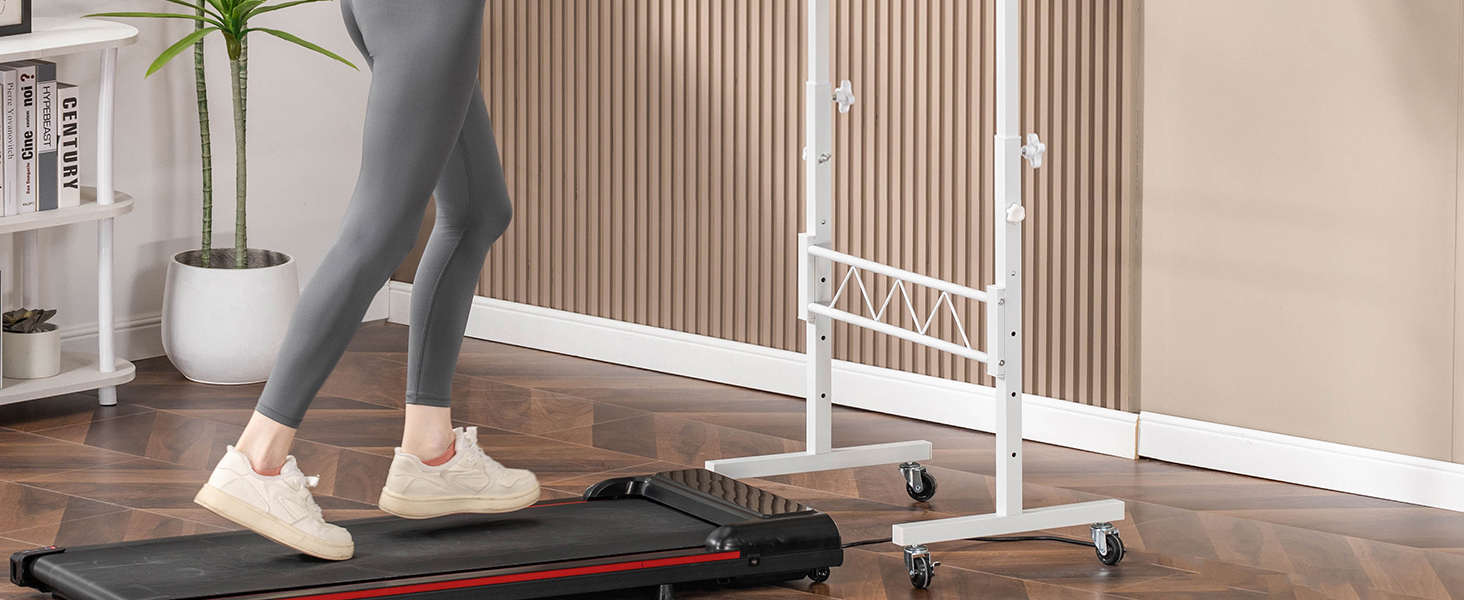
Image: Visual representation of the desk's adjustable height range, highlighting its versatility.
4.2 Tiltable Tabletop
The innovative flip-up design allows for smooth 0-90° adjustment of the tabletop. To tilt the tabletop, loosen the tilting tabletop knob, adjust to the desired angle, and then tighten the knob to secure it. The premium anti-slip edge and barrier strip protect your devices from sliding.

Image: The desk's tabletop can be tilted from 0 to 90 degrees, suitable for various activities like drawing or reading.
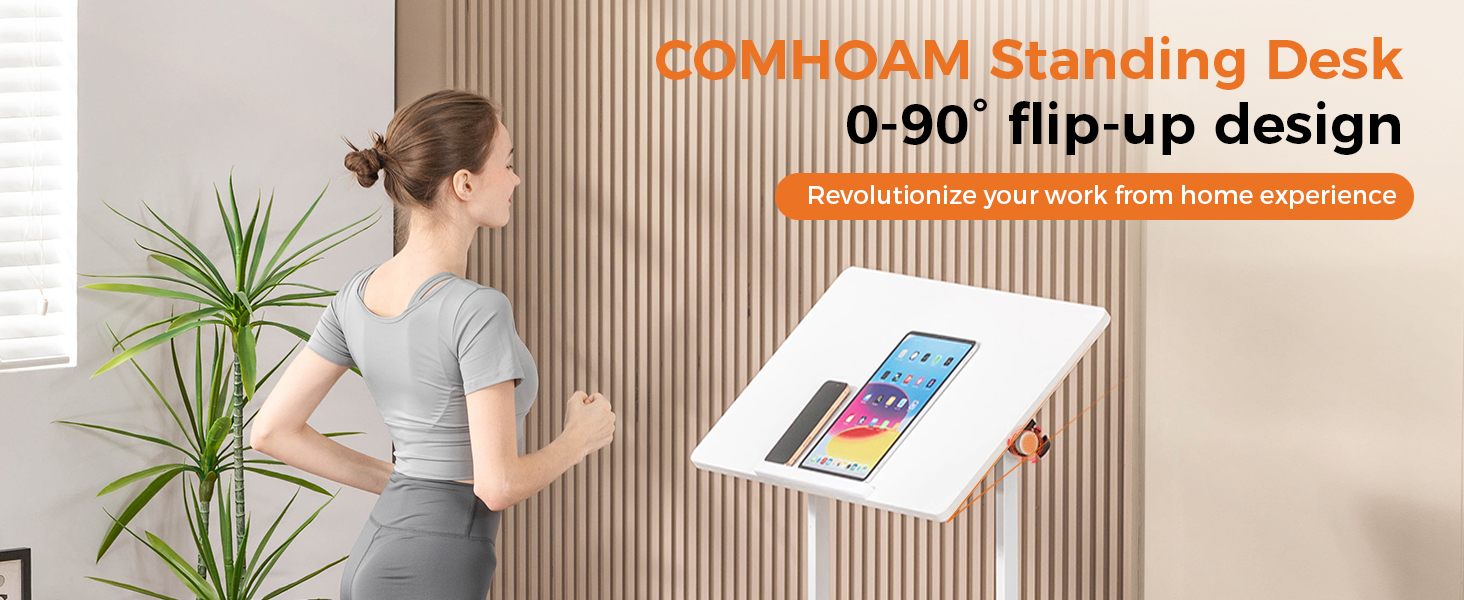
Image: The flip-up design of the desk allows for a 0-90 degree tilt, enhancing ergonomic use.
4.3 ചലനശേഷിയും സ്ഥിരതയും
The desk is equipped with smooth PU rubber wheels for easy movement. Two of the wheels are brake casters, allowing you to lock the desk in place for stability during use. To move the desk, unlock the brake casters. To secure it, engage the brake casters.

Image: The desk features wheels for easy mobility, allowing it to be moved between different locations like a sofa or bed.
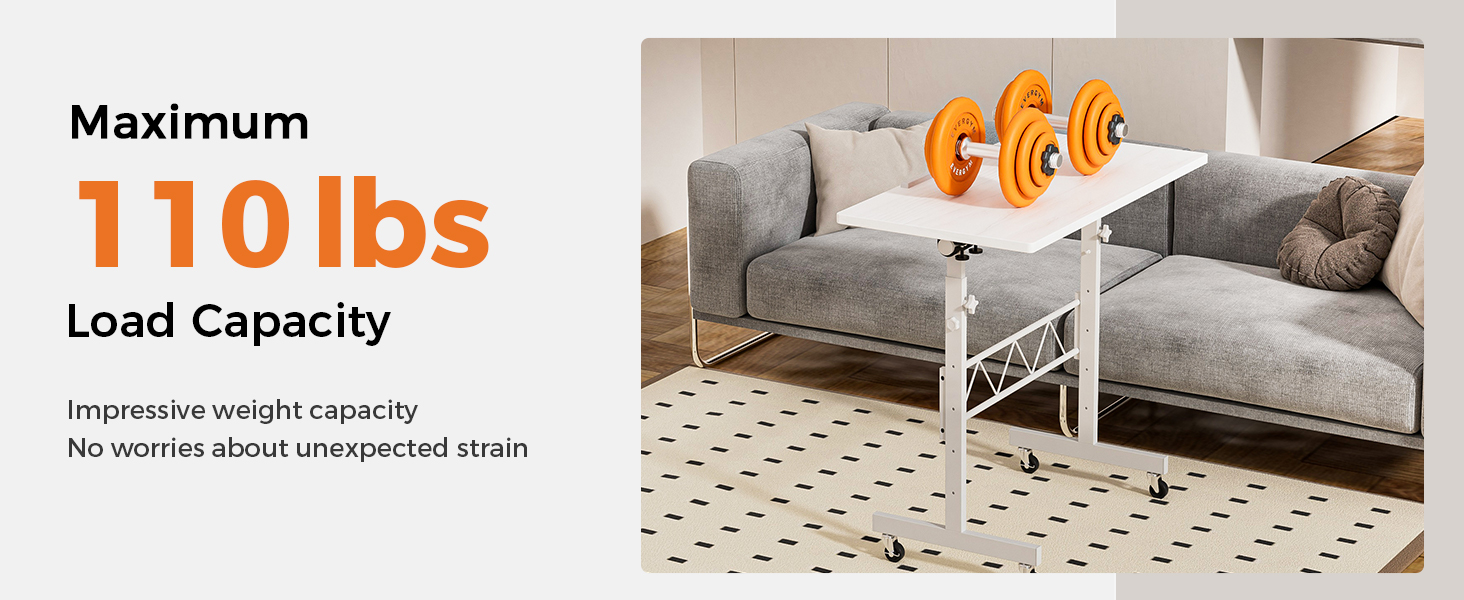
Image: The desk is designed for smooth movement and stability, making it a mobile workstation.
5. പരിപാലനം
- വൃത്തിയാക്കൽ: ഡെസ്ക്ടോപ്പും ഫ്രെയിമും ഒരു സോഫ്റ്റ്, ഡി ക്ലീനർ ഉപയോഗിച്ച് തുടയ്ക്കുക.amp തുണി. ഫിനിഷിനെ തകരാറിലാക്കുന്ന ഉരച്ചിലുകളുള്ള ക്ലീനറുകളോ കഠിനമായ രാസവസ്തുക്കളോ ഒഴിവാക്കുക.
- ഫാസ്റ്റനറുകൾ: എല്ലാ സ്ക്രൂകളും ഫാസ്റ്റനറുകളും ഇറുകിയതാണെന്ന് ഉറപ്പാക്കാൻ ഇടയ്ക്കിടെ പരിശോധിക്കുക. സ്ഥിരത നിലനിർത്താൻ ആവശ്യമെങ്കിൽ വീണ്ടും മുറുക്കുക.
- കാസ്റ്ററുകൾ: Keep casters free of debris to ensure smooth rolling. Lubricate if needed.
- ഭാര പരിധി: Do not exceed the maximum weight recommendation of 176 pounds to prevent damage or instability.
6. പ്രശ്നപരിഹാരം
| പ്രശ്നം | സാധ്യമായ കാരണം | പരിഹാരം |
|---|---|---|
| മേശ ഇളകിയിരിക്കുന്നു. | Loose fasteners. Uneven surface. | Ensure all screws and bolts are tightened. Move desk to a flat, even surface. |
| ഉയരം ക്രമീകരിക്കുന്നതിൽ ബുദ്ധിമുട്ട്. | Handles not fully loosened. Obstruction in adjustment mechanism. | Ensure rotating handles are completely loosened. Check for any obstructions and clear them. |
| Tabletop does not tilt smoothly. | Tilting knob too tight. Mechanism dirty. | Loosen the tilting tabletop knob. Clean the tilting mechanism if dirt or debris is present. |
| കാസ്റ്ററുകൾ സുഗമമായി ഉരുളുന്നില്ല. | Debris in casters. Brakes engaged. | Remove any debris from the casters. Ensure brake casters are disengaged. |
7 സ്പെസിഫിക്കേഷനുകൾ
- ബ്രാൻഡ്: കോംഹോമ
- മോഡൽ നമ്പർ: CO-DH005
- നിറം: Pure-white
- മെറ്റീരിയൽ: Wood (Top Material Type), Metal (Base Material)
- ഉൽപ്പന്ന അളവുകൾ (D x W x H): 15.75"D x 31.5"W x 30.71"H
- ക്രമീകരിക്കാവുന്ന ഉയരം പരിധി: 30.7" - 46.4"
- പരമാവധി ടിൽറ്റ് ആംഗിൾ: 90 ഡിഗ്രി
- പരമാവധി ഭാരം ശുപാർശ: 176 പൗണ്ട്
- ഇനത്തിൻ്റെ ഭാരം: 12.88 പൗണ്ട്
- ഉൾപ്പെടുത്തിയ ഘടകങ്ങൾ: ചക്രം
- അസംബ്ലി ആവശ്യമാണ്: അതെ
- ലിഫ്റ്റിംഗ് മെക്കാനിസം: മാനുവൽ
8. വാറണ്ടിയും പിന്തുണയും
വാറൻ്റി: Free replacement or refund within 30 days. Free replacement or repair within 1 year.
പിന്തുണ: If you have any questions or suggestions, please feel free to contact COMHOMA customer service. We are committed to ensuring customer satisfaction.
കൂടുതൽ സഹായത്തിന്, ദയവായി സന്ദർശിക്കുക COMHOMA Store.


