1. ആമുഖം
This manual provides detailed instructions for the installation, operation, and maintenance of your BlackVue DR770X-2CH II Dash Cam. Please read this manual thoroughly before using the product to ensure proper functionality and to maximize your user experience. The BlackVue DR770X-2CH II is a dual Full HD dash camera designed to record both front and rear views of your vehicle, offering enhanced visual clarity, Wi-Fi connectivity, cloud remote access, and smart parking mode features.
2. ഉൽപ്പന്നം കഴിഞ്ഞുview കൂടാതെ പ്രധാന സവിശേഷതകൾ
The BlackVue DR770X-2CH II Dash Cam is equipped with advanced technology to provide reliable vehicle surveillance. Key features include:
- Stunning Dual Full HD Recording: Captures crystal-clear detail with a 60fps Full HD front camera and 30fps Full HD rear camera, ensuring sharp footage from both directions for safety and event documentation.
- Advanced Visual Clarity: Features Sony STARVIS sensors and enhanced image tuning for high-quality video with rich detail and reduced noise. License plates and critical details are captured clearly, even in low light, utilizing efficient H.264 encoding.
- Effortless Video Playback via Wi-Fi & Cloud: Allows easy access and viewing of Cloud-stored videos on your smartphone via Wi-Fi, eliminating the need to remove the memory card. With a Wi-Fi hotspot or the optional CM100G LTE module (sold separately), the dashcam uploads footage to BlackVue Cloud in real-time. Enjoy Live View, Remote Playback, Auto Backup, GPS Tracking, and Push Notifications through the BlackVue App.
- USB-C Power Cable Kit for Seamless Installation: Enables quick setup with the included USB-C power cable, providing a secure connection, tidy cable management, and smooth vehicle integration.
- Large Storage Capacity Up to 1TB: Supports BlackVue microSD cards up to 1TB, allowing for extended high-resolution recording and longer Parking Mode sessions, minimizing the risk of overwriting important footage (1TB microSD card sold separately).
- Smart Event Detection with G-Sensor & GPS (10s Pre-Event Buffer): Automatically detects impacts, sudden movements, and overspeeding, saving footage from 10 seconds before each event. Up to 50 files are protected from being overwritten. A built-in Supercapacitor ensures data is safely saved in case of power loss.
- 24/7 Smart Parking Surveillance: When the vehicle is off, the dash cam enters Parking Mode to record motion or impact-triggered events. Time Lapse mode provides continuous recording while minimizing storage usage (Hardwiring required).
3. സജ്ജീകരണവും ഇൻസ്റ്റാളേഷനും
Proper installation is crucial for optimal performance of your BlackVue DR770X-2CH II Dash Cam. The system includes a front camera, a rear camera, and a USB-C power cable for connection.
3.1 ഫ്രണ്ട് ക്യാമറ ഇൻസ്റ്റലേഷൻ
Mount the front camera on the windshield, ideally behind the rearview കണ്ണാടി, വ്യക്തത ഉറപ്പാക്കാൻ view of the road ahead without obstructing your driving visibility. Use the provided adhesive mount for a secure attachment.
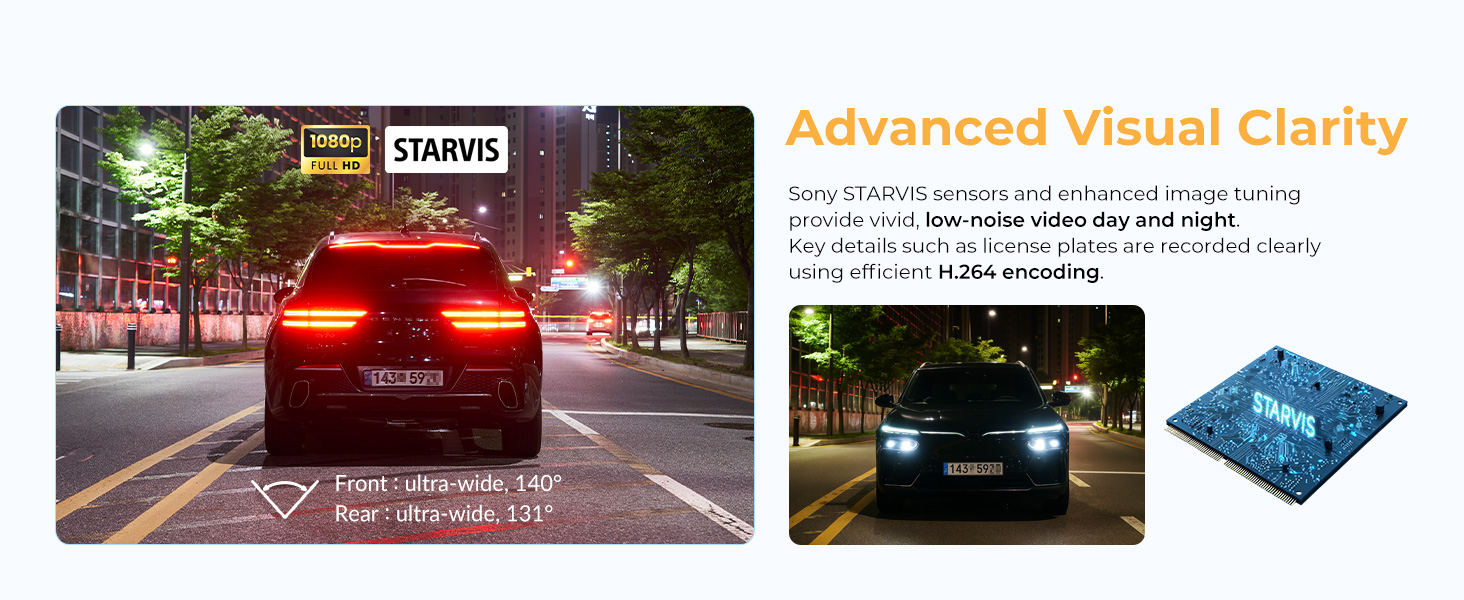
Image: The USB-C power cable kit for easy and secure installation of the dash cam.
3.2 പിൻ ക്യാമറ ഇൻസ്റ്റലേഷൻ
Install the rear camera on the rear windshield, ensuring it has an unobstructed view. Connect the rear camera to the front camera using the provided coaxial cable. Route the cable carefully along the vehicle's interior trim to keep it tidy and out of the way.
3.3 പവർ കണക്ഷൻ
Connect the front camera to your vehicle's power source using the included USB-C power cable. For 24/7 Smart Parking Surveillance, hardwiring the dash cam to your vehicle's fuse box is required. Refer to the full user manual for detailed hardwiring instructions or consult a professional installer.
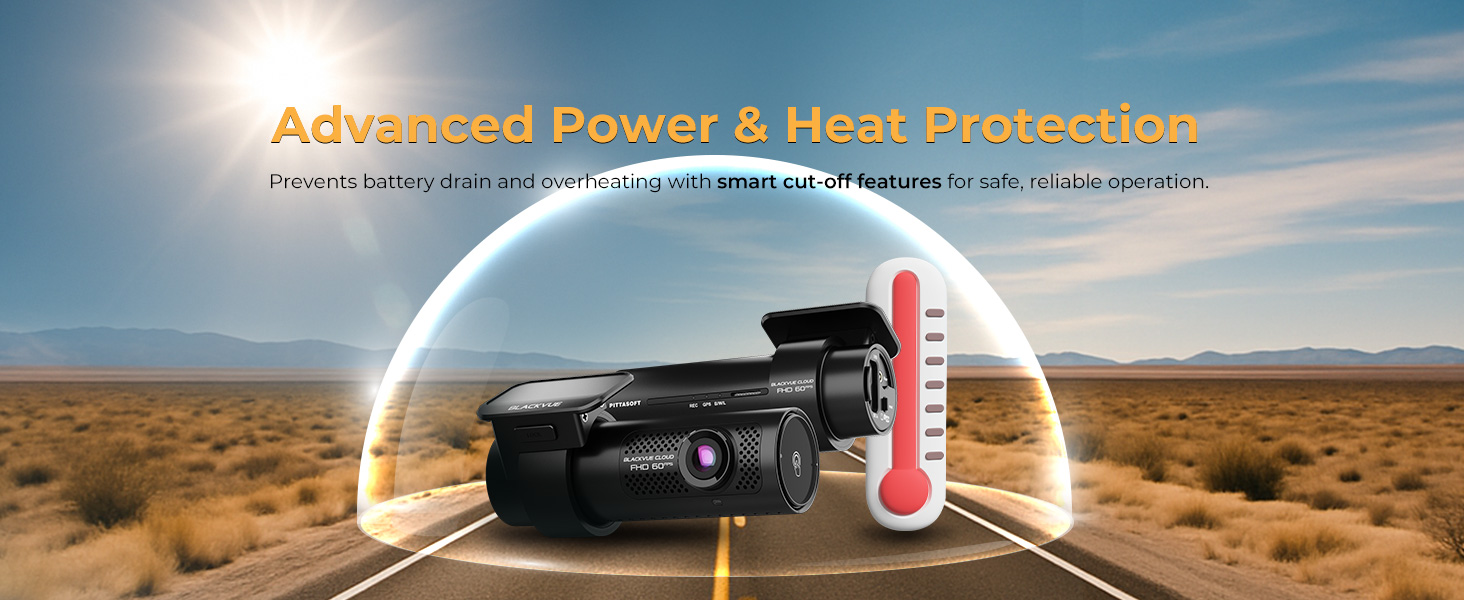
Image: Illustration of the USB-C power cable and cigarette lighter adapter for quick and easy installation in any vehicle.
3.4 മൈക്രോ എസ്ഡി കാർഡ് ചേർക്കൽ
Insert the provided BlackVue microSD card into the designated slot on the dash cam. Ensure it is inserted correctly until it clicks into place. The dash cam supports up to 1TB microSD cards for extended recording.
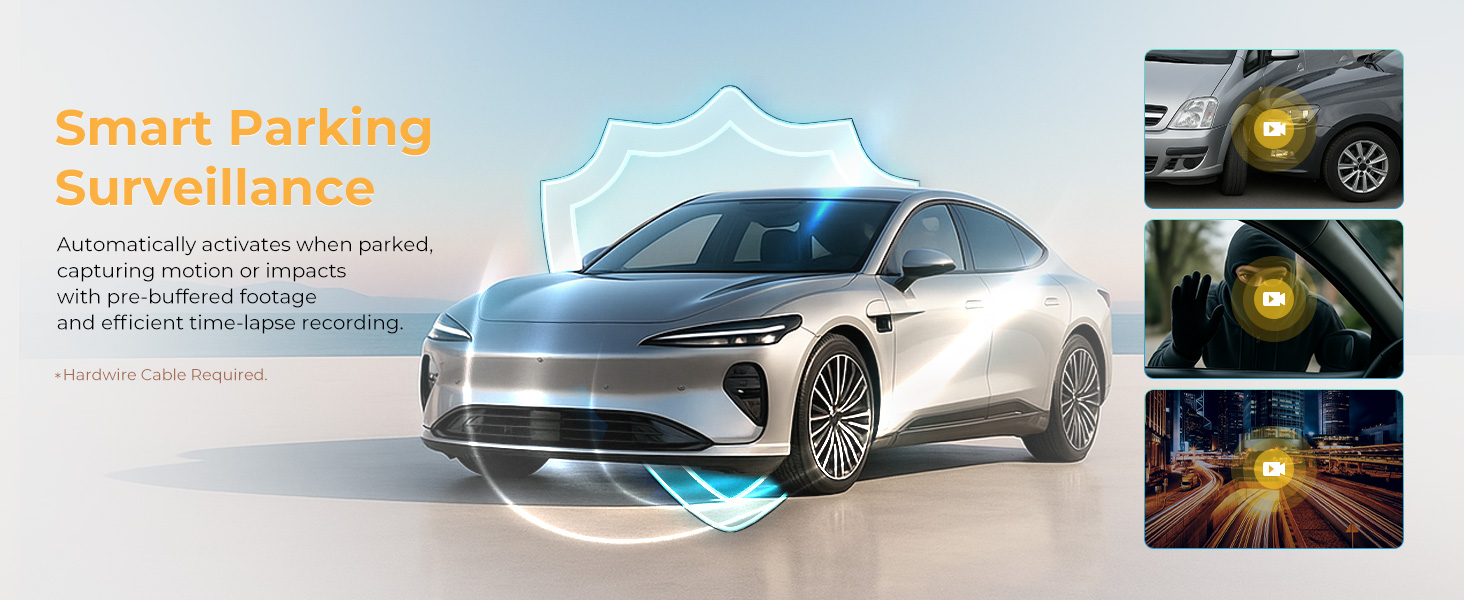
Image: The dash cam with a BlackVue microSD card, illustrating its large storage capacity of up to 1TB for extended recording.
4. പ്രവർത്തന നിർദ്ദേശങ്ങൾ
4.1 ഓട്ടോമാറ്റിക് റെക്കോർഡിംഗ്
Once powered on, the BlackVue DR770X-2CH II automatically begins recording. It records continuously in a loop, overwriting the oldest files when the microSD card is full, unless those files are marked as event recordings.
4.2 ഇവന്റ് റെക്കോർഡിംഗ്
The built-in G-Sensor detects impacts or sudden changes in speed, triggering event recordings. These recordings include a 10-second pre-event buffer and are protected from being overwritten. The dash cam can protect up to 50 event files.
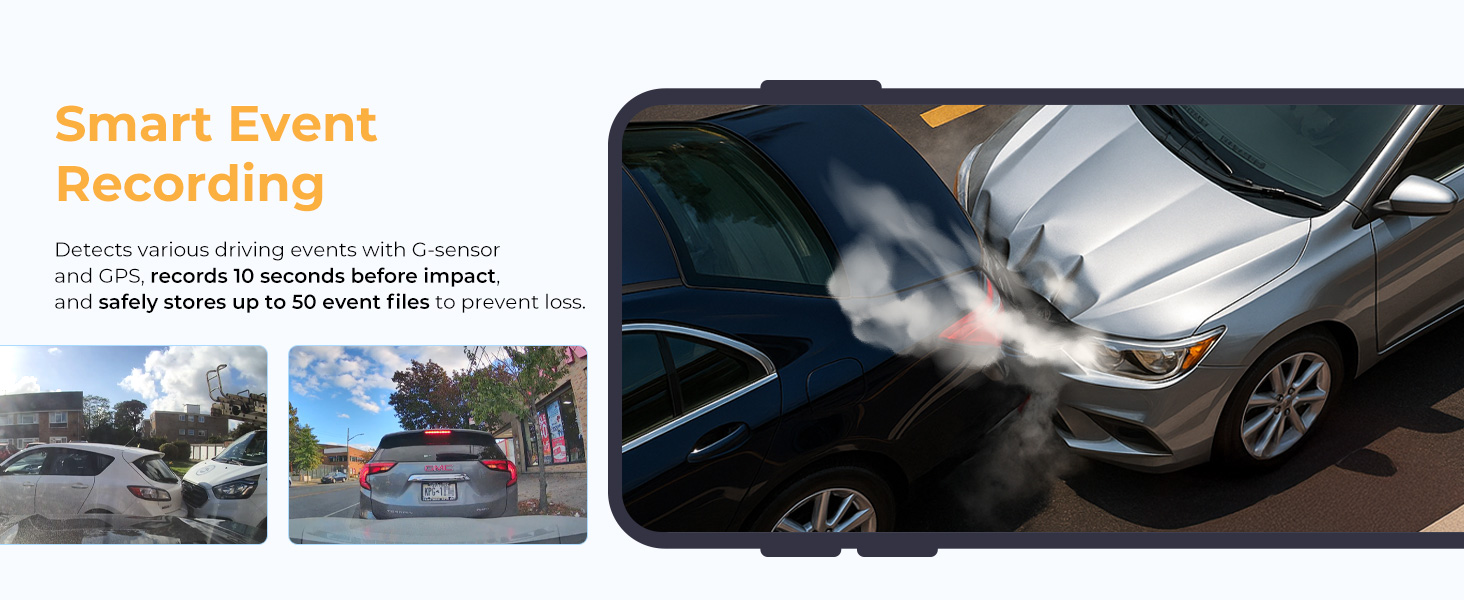
Image: Visual representation of smart event detection, showing a car collision and other driving scenarios captured by the dash cam's G-Sensor and GPS.
4.3 ജിപിഎസ് പ്രവർത്തനം
സംയോജിത ജിപിഎസ് മൊഡ്യൂൾ നിങ്ങളുടെ വാഹനത്തിന്റെ വേഗതയും ലൊക്കേഷൻ ഡാറ്റയും രേഖപ്പെടുത്തുന്നു, അത് ആകാം viewed during video playback using the BlackVue Viewer software or app.
4.4 Supercapacitor
In the event of a sudden power loss, the dash cam's supercapacitor provides enough power to safely save the current recording file before shutting down, preventing data corruption.
5. BlackVue Cloud and Wi-Fi Connectivity
The BlackVue DR770X-2CH II offers seamless connectivity for remote access and convenient video management.
5.1 വൈഫൈ കണക്ഷൻ
Connect your smartphone to the dash cam via Wi-Fi to access recorded videos, adjust settings, and view തത്സമയംtage. This eliminates the need to remove the microSD card for basic operations.
5.2 BlackVue Cloud Services
For remote access features, connect your dash cam to the BlackVue Cloud using a Wi-Fi hotspot or the optional CM100G LTE module (sold separately). Cloud features include:
- തത്സമയം View: എവിടെനിന്നും നിങ്ങളുടെ വാഹനം തത്സമയം നിരീക്ഷിക്കുക.
- റിമോട്ട് പ്ലേബാക്ക്: Access and play back recorded videos stored in the cloud.
- Auto Backup: Automatically upload important event fileമേഘത്തിലേക്കുള്ള എസ്.
- ജിപിഎസ് ട്രാക്കിംഗ്: View your vehicle's location and route history.
- പുഷ് അറിയിപ്പുകൾ: Receive alerts for detected events directly on your smartphone.
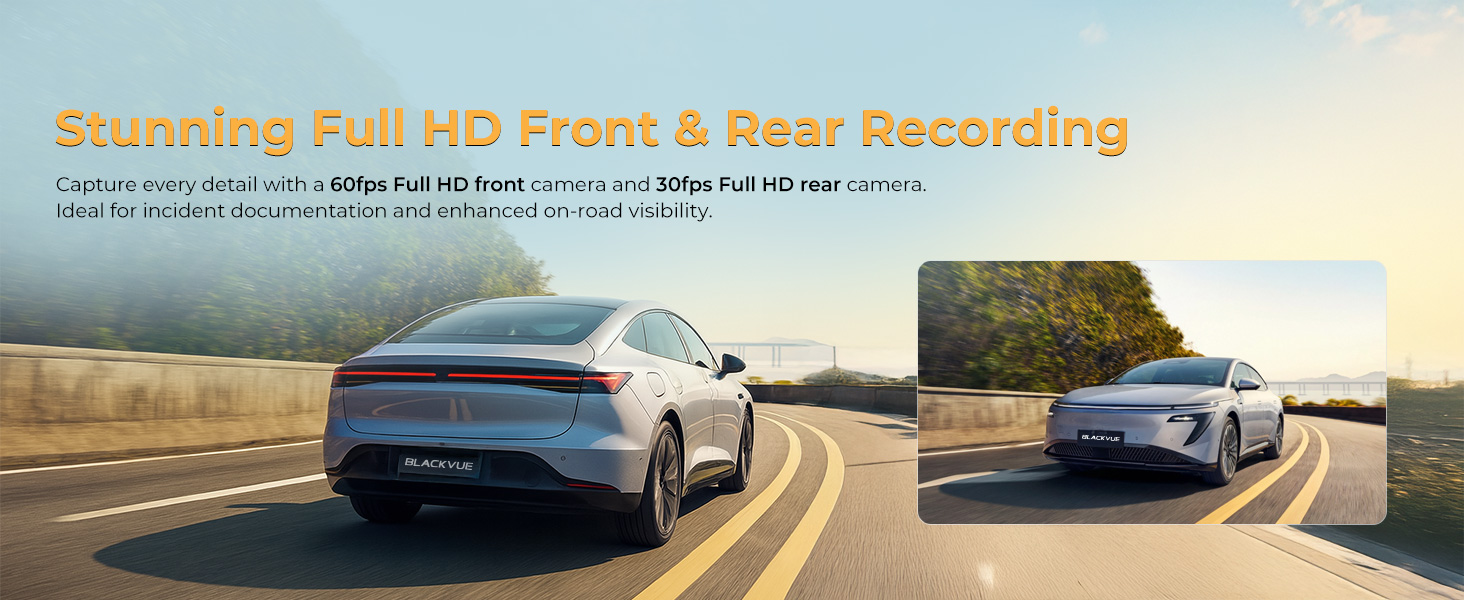
Image: A smartphone screen displaying the BlackVue app, showing connectivity to the dash cam and various cloud features like Live View പുഷ് അറിയിപ്പുകൾ.
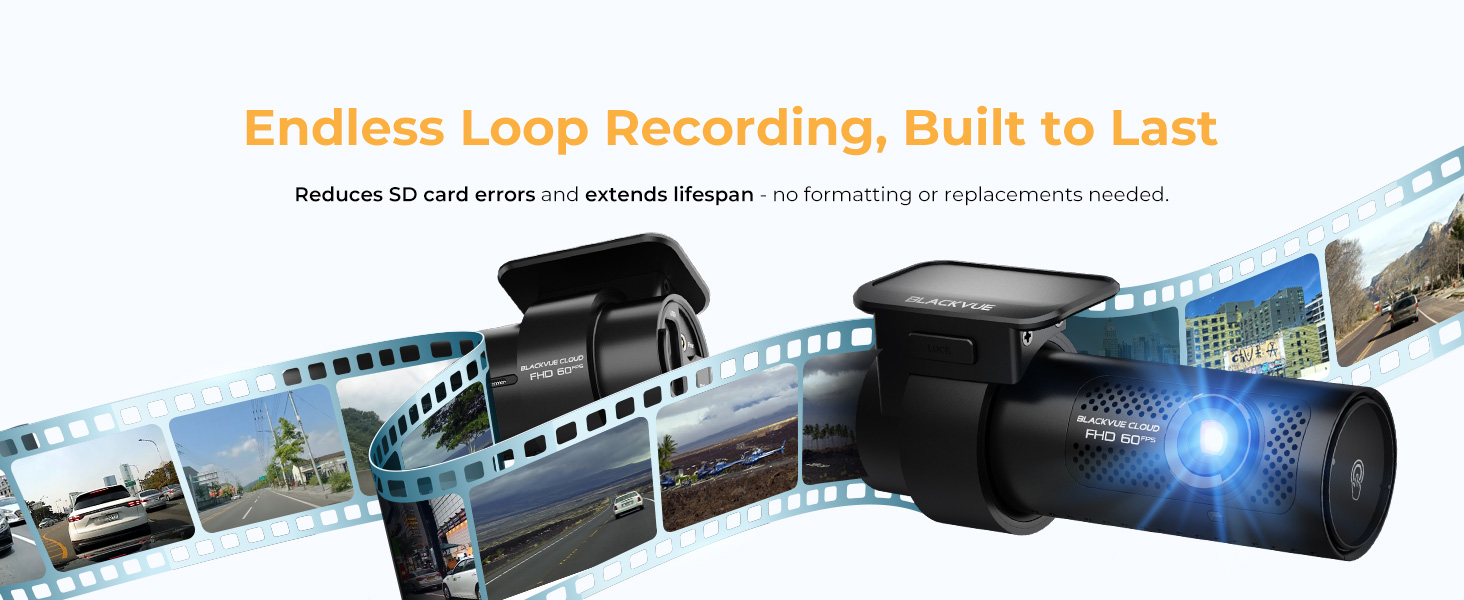
Image: An illustration of the BlackVue Cloud service, showing a smartphone connected to the dash cam with icons representing features like Live View, Push Notifications, Cloud Backup, Download Videos, Change Settings, and Firmware Update.
6. പാർക്കിംഗ് മോഡ്
The BlackVue DR770X-2CH II features 24/7 Smart Parking Surveillance to protect your vehicle when it's parked.
6.1 സജീവമാക്കൽ
Parking Mode automatically activates when the vehicle's ignition is turned off. For continuous power and full Parking Mode functionality, hardwiring the dash cam to the vehicle's power supply is necessary.
6.2 റെക്കോർഡിംഗ് മോഡുകൾ
- ചലനം കണ്ടെത്തൽ: Records when motion is detected by the camera.
- ആഘാതം കണ്ടെത്തൽ: Records when an impact is detected by the G-Sensor.
- ടൈം ലാപ്സ്: Provides continuous recording at a low frame rate, minimizing storage usage while maintaining coverage.

Image: A car protected by a shield icon, with smaller images below showing scenarios like a car being bumped, a person approaching the car, and a time-lapse recording of a city street at night, illustrating 24/7 Smart Parking Surveillance.
7. പരിപാലനം
Regular maintenance ensures the longevity and optimal performance of your dash cam.
7.1 മൈക്രോ എസ്ഡി കാർഡ് മാനേജ്മെന്റ്
The BlackVue DR770X-2CH II features endless loop recording, which reduces SD card errors and extends its lifespan, often eliminating the need for frequent formatting or replacements. However, it is recommended to periodically check the card's health and back up important footage.
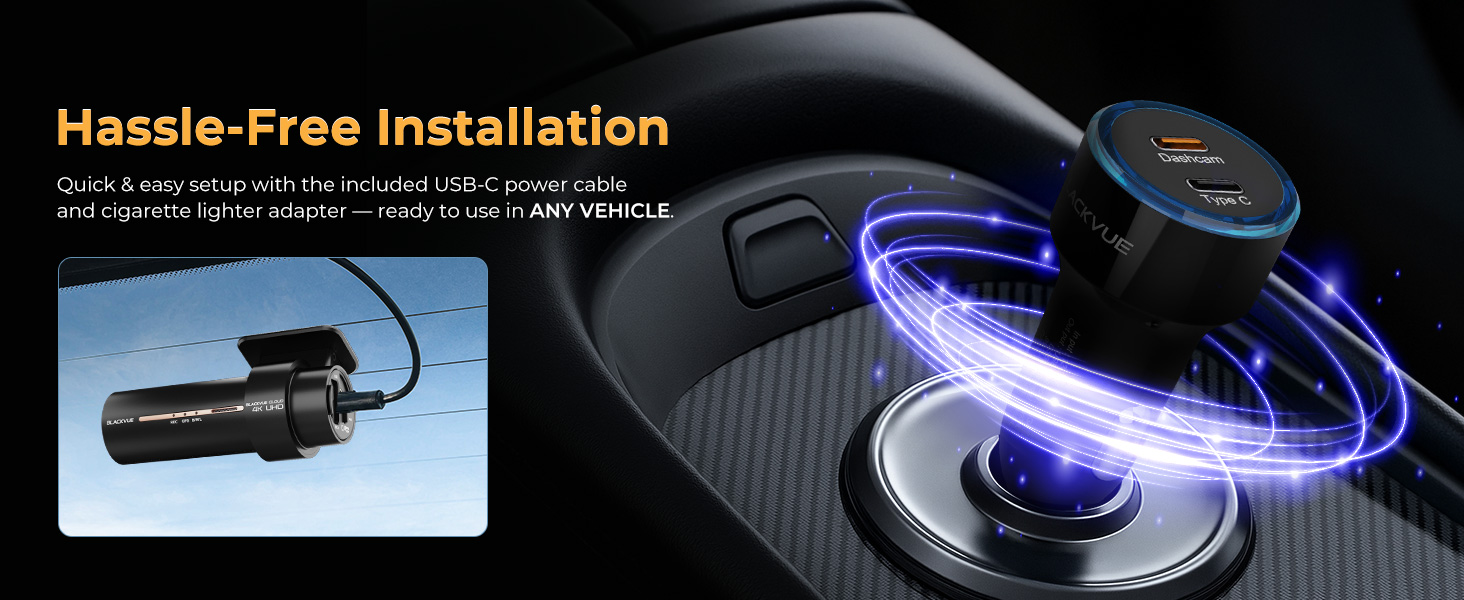
Image: A visual representation of endless loop recording, showing a film strip with various driving scenes, emphasizing the durability and continuous recording capability of the dash cam.
7.2 വൃത്തിയാക്കൽ
Gently clean the camera lenses with a soft, lint-free cloth. Avoid using harsh chemicals that could damage the lens coating.
7.3 ഫേംവെയർ അപ്ഡേറ്റുകൾ
ബ്ലാക്ക്വ്യൂ ആപ്പ് വഴി ഫേംവെയർ അപ്ഡേറ്റുകൾക്കായി ഇടയ്ക്കിടെ പരിശോധിക്കുക അല്ലെങ്കിൽ website to ensure your dash cam has the latest features and performance improvements.
8. പ്രശ്നപരിഹാരം
If you encounter issues with your BlackVue DR770X-2CH II, refer to the following common solutions. For more detailed troubleshooting, consult the comprehensive user manual available on the BlackVue webസൈറ്റ്.
- ഡാഷ് കാം ഓണാക്കുന്നില്ല: Check the power cable connection to both the dash cam and the vehicle's power outlet. Ensure the vehicle's ignition is on if not hardwired.
- റെക്കോർഡിംഗ് പ്രശ്നങ്ങൾ: Ensure the microSD card is properly inserted and not full. Try formatting the microSD card (this will erase all data). If issues persist, try a different BlackVue-approved microSD card.
- Wi-Fi കണക്ഷൻ പ്രശ്നങ്ങൾ: Ensure Wi-Fi is enabled on the dash cam and your smartphone. Try restarting both devices.
- Cloud Connectivity Issues: Verify your vehicle has an active Wi-Fi hotspot or that the optional CM100G LTE module is correctly installed and has a data plan. Check your internet connection.
- മോശം വീഡിയോ നിലവാരം: Ensure camera lenses are clean. Check settings in the BlackVue App to confirm recording resolution is set to Full HD.
9 സ്പെസിഫിക്കേഷനുകൾ
Below are the technical specifications for the BlackVue DR770X-2CH II Dash Cam:
| ഫീച്ചർ | സ്പെസിഫിക്കേഷൻ |
|---|---|
| മോഡലിൻ്റെ പേര് | DR770X-2CH II |
| വീഡിയോ ക്യാപ്ചർ റെസല്യൂഷൻ | 1080p (പൂർണ്ണ HD) |
| Front Camera Frame Rate | 60fps |
| Rear Camera Frame Rate | 30fps |
| കണക്റ്റിവിറ്റി ടെക്നോളജി | വൈഫൈ |
| പ്രത്യേക സവിശേഷതകൾ | Dual Full HD Recording, Effortless Video Playback via Wi-Fi & Cloud, Smart Parking Mode, Sony STARVIS Sensor, USB-C Power Connection |
| ഉൽപ്പന്ന അളവുകൾ | 2.4"D x 5.2"W x 1.9"H |
| ഇനത്തിൻ്റെ ഭാരം | 1.81 പൗണ്ട് |
| മൗണ്ടിംഗ് തരം | മ Bra ണ്ട് ബ്രാക്കറ്റ് |
| നിറം | കറുപ്പ് |
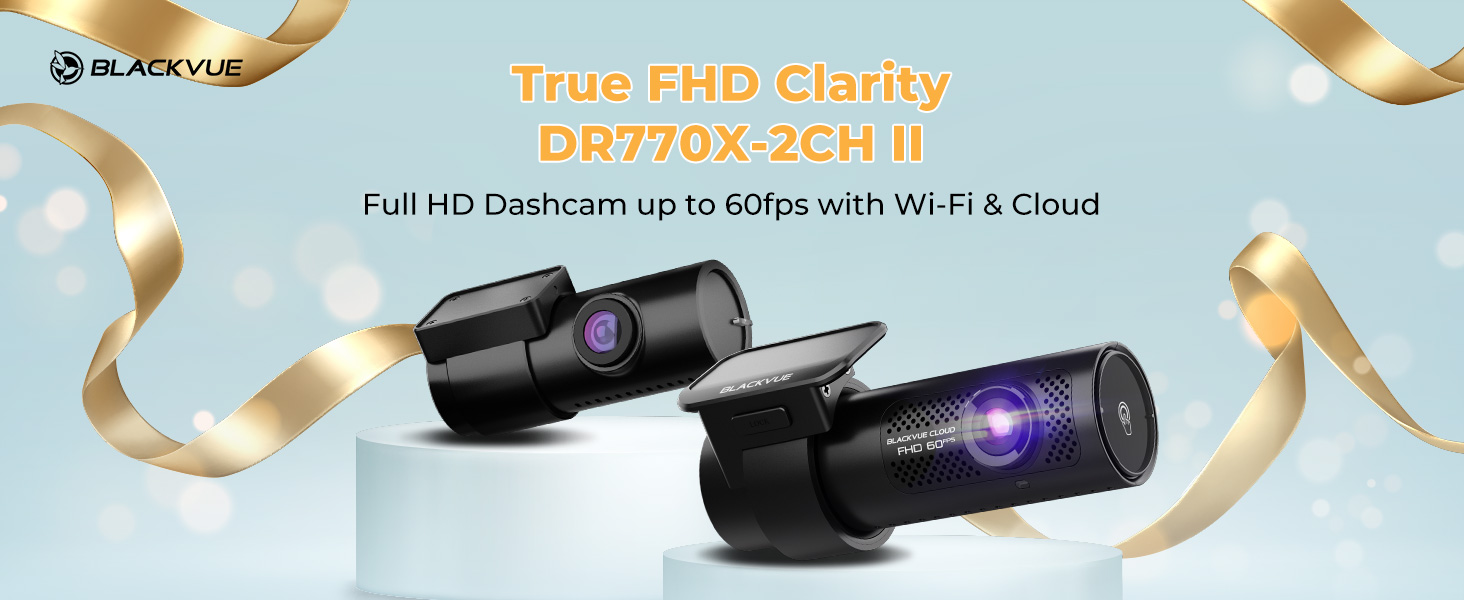
Image: A split image showing the front and rear views captured by the dash cam, highlighting the stunning dual Full HD recording at 60fps for the front and 30fps for the rear, both with STARVIS sensors.
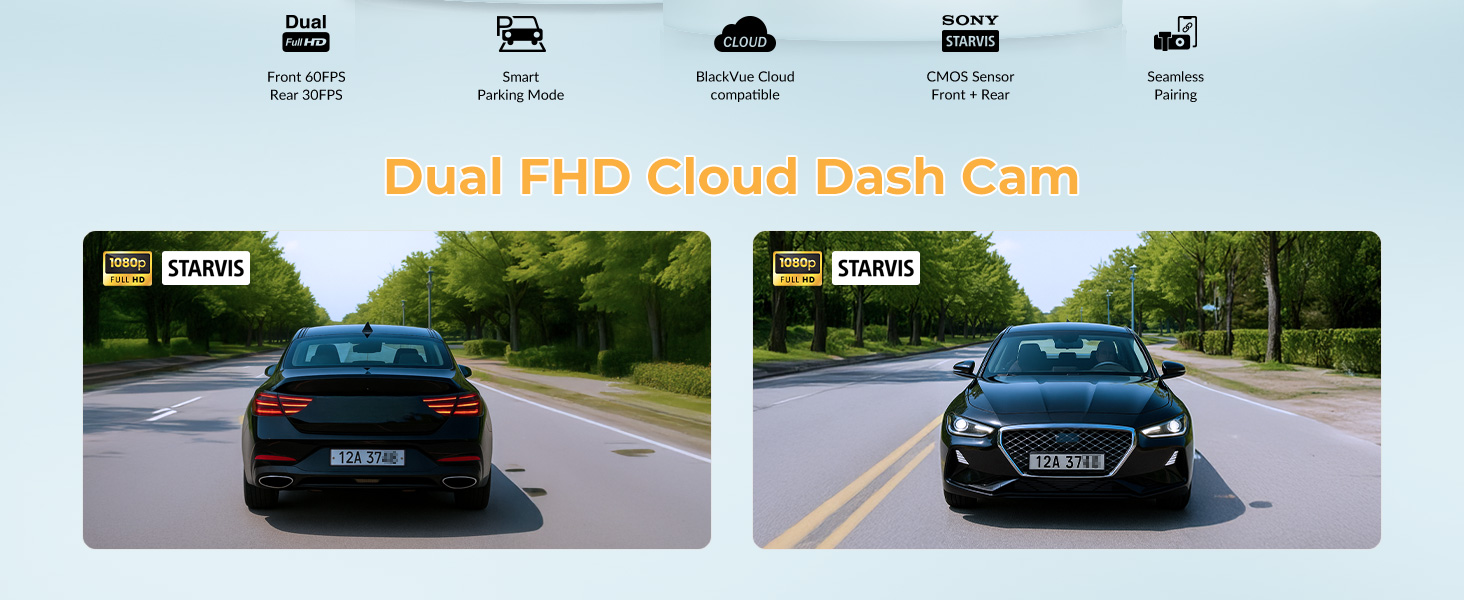
Image: A night scene showing a car from behind, demonstrating advanced visual clarity with Sony STARVIS sensors, capturing clear license plates even in low light. Also shows front and rear aperture and field of view വിശദാംശങ്ങൾ.
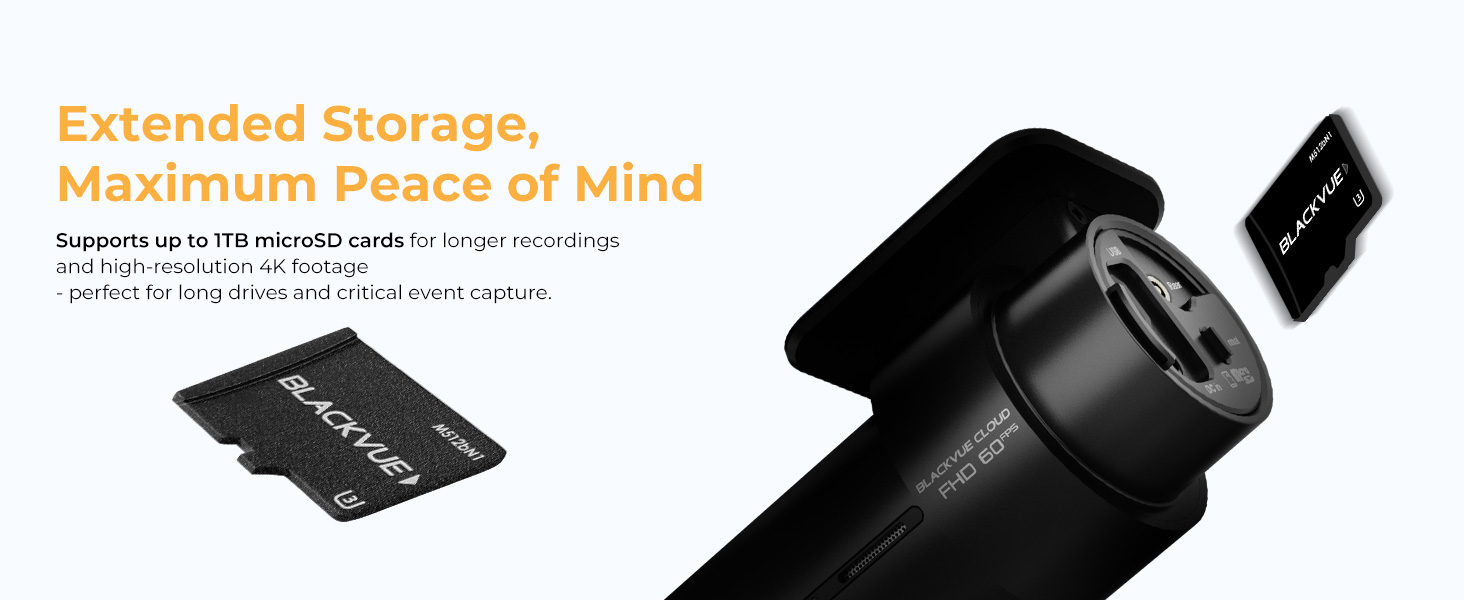
Image: The sleek, cylindrical design of the BlackVue dash cam, highlighting its compact form factor and 360-degree mount for unobtrusive installation.
Image: An illustration depicting the dash cam under a protective dome in a desert environment with a thermometer, symbolizing advanced power and heat protection features to prevent battery drain and overheating.
10. ഔദ്യോഗിക ഉൽപ്പന്ന വീഡിയോ
Video: An official BlackVue video showcasing the DR II Series dash cams, highlighting their features, design, and capabilities. This video provides a visual overview ഉൽപ്പന്ന നിരയുടെ.
11. വാറൻ്റിയും പിന്തുണയും
For warranty information, please refer to the official BlackVue website or the documentation included with your product. BlackVue provides customer support for technical assistance and inquiries. You can typically find support contact details on the manufacturer's webസൈറ്റ്.


