ആമുഖം
The DEERC G650 RC Plane Private Jet is designed for enthusiasts seeking a blend of realistic design and stable flight performance. Inspired by luxury Gulfstream-style jets, this 3-channel remote control aircraft features a 6-axis gyro stabilizer for effortless control, making it suitable for both beginners and experienced pilots.
Constructed from durable EPP foam, the G650 is lightweight yet resilient, capable of withstanding minor bumps and crashes. Enjoy extended flight times of up to 20 minutes with the included high-capacity 350mAh LiPo batteries. The plane also comes with a display stand, making it a collectible item when not in flight.
ബോക്സിൽ എന്താണുള്ളത്
- Plane (1)
- ബാറ്ററി (2)
- ചാർജറുകൾ (1)
- ഉൽപ്പന്ന മാനുവൽ (1)
- റിമോട്ട് (1)
- Landing Gear (1 set)
- ഫാൻ ബ്ലേഡ് (2)
- USB കേബിൾ (1)
- Display Stand (1)
സജ്ജമാക്കുക
1. കൺട്രോളർ ബാറ്ററി ഇൻസ്റ്റാളേഷൻ
The remote controller requires 3 AAA batteries (not included). Open the battery compartment on the back of the controller using the provided screwdriver. Insert the batteries, ensuring correct polarity, then close the compartment.
Video: Controller Battery Installation and Plane Assembly Overview. This video demonstrates how to install AAA batteries into the remote controller and provides a general overview of the plane's assembly process.
2. Plane Assembly
Connect the main wing to the fuselage. Ensure the wire from the wing is properly plugged into the fuselage connector. Secure the wing using the provided screws. Attach the tail fins by sliding them into their designated slots. Install the front and rear landing gear by gently squeezing the metal wires and inserting them into the corresponding holes on the underside of the plane.
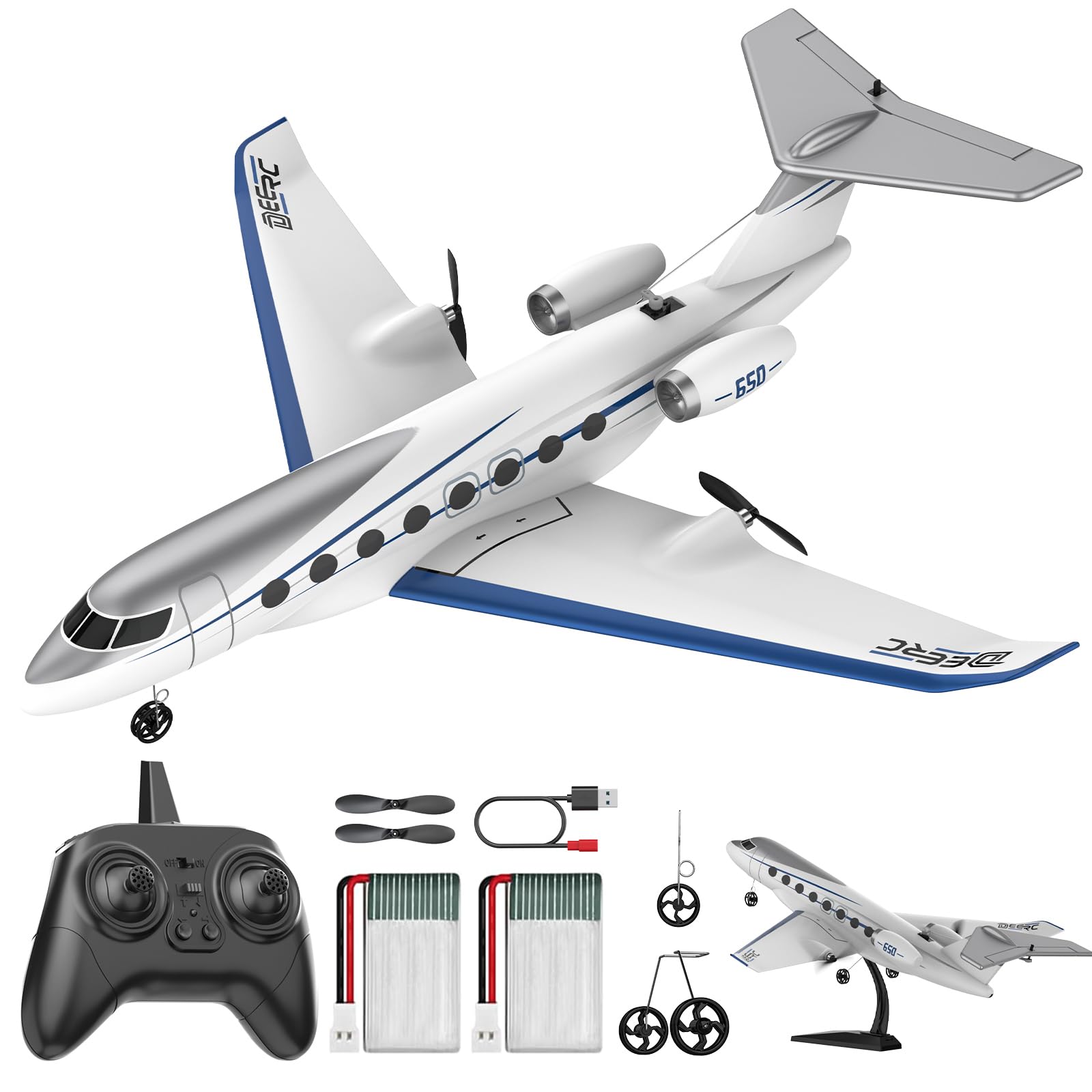
Image: The DEERC G650 RC Plane Private Jet fully assembled with landing gear and its display stand. The plane features a sleek white and blue design.
3. Battery Connection & Installation
Open the battery compartment on the plane. Connect the plane's battery to the internal connector. Carefully tuck the battery and wires into the compartment and close the cover securely.
4. Controller Pairing
Turn on the remote controller. Then, turn on the plane using the on/off switch located on its underside. The lights on both the controller and the plane should flash. To pair, push the left joystick on the controller all the way up, then all the way down. The lights should become solid, indicating a successful connection.
Video: Assembly, Test Flight, Usage, and Review of DeeRC Remote Control Plane. This video provides a comprehensive guide to assembling the RC plane, its initial test flight, and general usage tips.
പ്രവർത്തിക്കുന്നു
Take-off Modes
The G650 RC Plane supports two take-off methods:
- Hand-thrown Take-off: Hold the plane firmly and gently toss it forward while applying full throttle. The 6-axis gyro will assist in stabilizing the flight.
- ഗ്രൗണ്ട് ടേക്ക് ഓഫ്: Place the plane on a smooth, flat surface (like concrete or a short grass runway). Apply full throttle and allow the plane to gain speed for lift-off.

Image: Visual guide demonstrating the two available take-off modes: hand-thrown and ground take-off.
ഫ്ലൈറ്റ് നിയന്ത്രണങ്ങൾ
The 3-channel control allows for basic maneuvers and advanced stunts. The left joystick controls throttle (up/down) and steering (left/right). The right joystick controls pitch (up/down) and roll (left/right). The 6-axis gyro stabilizer ensures stable and smooth flight, making it easier to perform 360° stunt rolls and maintain control.
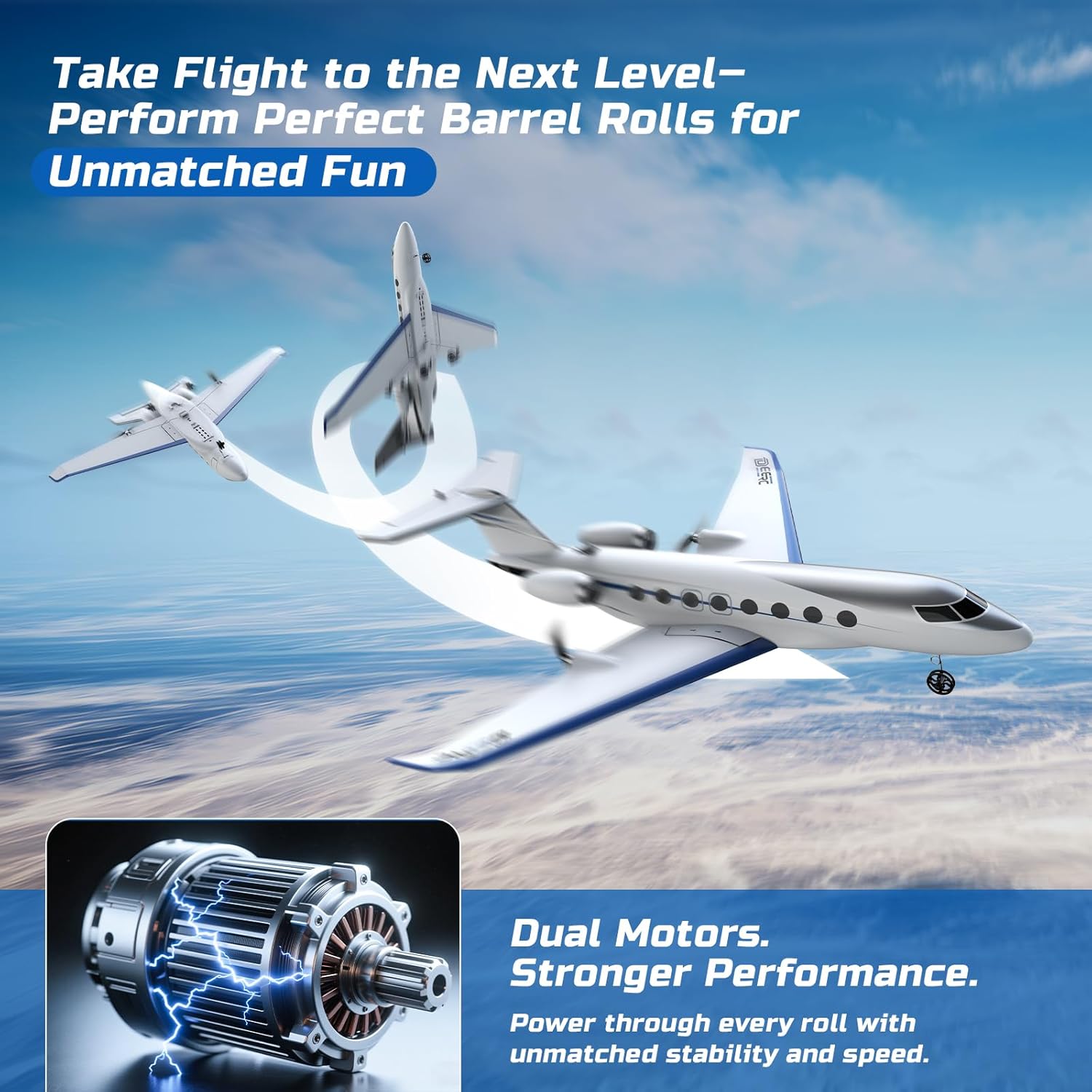
Image: The DEERC G650 RC Plane executing a barrel roll, emphasizing its dual motors for stronger performance and stable gyro flight.
Battery Life & Low Battery Alert
The plane provides up to 20 minutes of continuous flight per battery. The remote controller features a low battery alert to notify you when the plane's battery is running low, allowing you to safely land the aircraft.
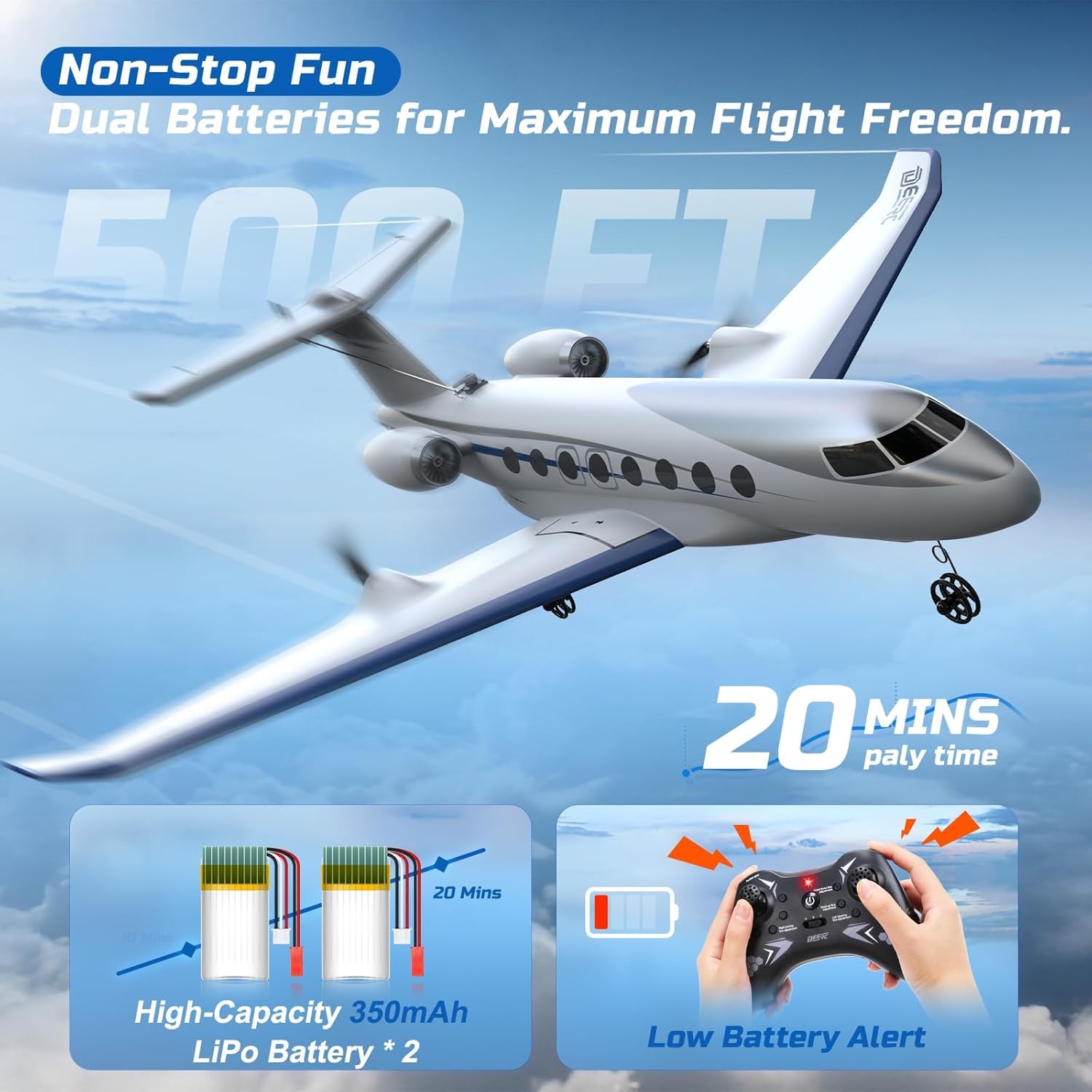
Image: Illustration highlighting the dual 350mAh LiPo batteries for extended flight time and the low battery alert feature on the remote controller.
മെയിൻ്റനൻസ്
EPP Foam Durability
The aircraft is constructed from flexible EPP material, which is designed to be lightweight yet tough enough to handle minor impacts. In case of damage, specialized foam glue can be used for repairs.
ബാറ്ററി ചാർജിംഗ് മുൻകരുതലുകൾ
Always keep away from flammable objects when charging the battery. Ensure the charger is used correctly and disconnect the battery once fully charged to prevent overcharging.
ട്രബിൾഷൂട്ടിംഗ്
- Difficulty with Take-off: Ensure you have sufficient runway space (approximately 40-60ft for ground take-off) and apply full throttle. For hand-thrown take-off, a firm, level toss is recommended.
- Unstable Flight/Difficulty Turning: The 6-axis gyro stabilizer is designed for stability. If experiencing instability, ensure the plane is properly assembled and the control surfaces are moving freely. For turning, ensure adequate speed is maintained.
- കുറഞ്ഞ ഫ്ലൈറ്റ് സമയം: Ensure batteries are fully charged before each flight. The product includes two batteries to extend flight sessions.
- Damage from Crashes: The EPP foam is durable, but severe impacts can cause damage. Use appropriate foam-safe adhesive for repairs.
- കൺട്രോളർ പ്രതികരിക്കുന്നില്ല: Check that both the controller and plane are powered on and successfully paired. Ensure controller batteries are fresh.
സ്പെസിഫിക്കേഷനുകൾ
- ഉൽപ്പന്ന അളവുകൾ: 16.1 x 4.7 x 17.1 ഇഞ്ച്
- ഇനത്തിൻ്റെ ഭാരം: 1.32 പൗണ്ട്
- ഇനം മോഡൽ നമ്പർ: US-Z67
- നിർമ്മാതാവ് ശുപാർശ ചെയ്യുന്ന പ്രായം: 14 വർഷവും അതിൽ കൂടുതലും
- ബാറ്ററികൾ: 2 നിലവാരമില്ലാത്ത ബാറ്ററി ബാറ്ററികൾ ആവശ്യമാണ് (ഉൾപ്പെടുത്തിയിരിക്കുന്നു)
- നിർമ്മാതാവ്: DEERC
വാറൻ്റിയും പിന്തുണയും
If for any reason you are unhappy with any product by us, please do not hesitate to contact us. We take full ownership and responsibility for the quality of our products and will do our very best to solve your problem quickly and efficiently!


