1. ആമുഖം
The HyperX SoloCast 2 is a compact USB condenser microphone designed for clear audio capture in various applications, including gaming, streaming, and content creation. It features a plug-and-play design for ease of use and integrates essential components for optimal performance.

Image: The HyperX SoloCast 2 USB Condenser Microphone in black, shown on its tiltable desktop stand.
2. പാക്കേജ് ഉള്ളടക്കം
പാക്കേജിൽ എല്ലാ ഇനങ്ങളും ഉണ്ടെന്ന് ഉറപ്പാക്കുക:
- HyperX SoloCast 2 USB Condenser Microphone
- Detachable Tiltable Stand
- USB-C മുതൽ USB-A കേബിൾ വരെ
- ദ്രുത ആരംഭ ഗൈഡ് (ഈ മാനുവൽ)
3. സജ്ജീകരണം
3.1 മൈക്രോഫോൺ ബന്ധിപ്പിക്കുന്നു
- Place the HyperX SoloCast 2 on a stable surface using its integrated tiltable stand, or attach it to a compatible mic arm using the built-in 3/8" or 5/8" threads.
- Connect the USB-C end of the provided cable to the USB-C port on the back of the microphone.
- Connect the USB-A end of the cable to an available USB-A port on your computer (PC or Mac).
- The microphone is plug-and-play and should be automatically recognized by your operating system.
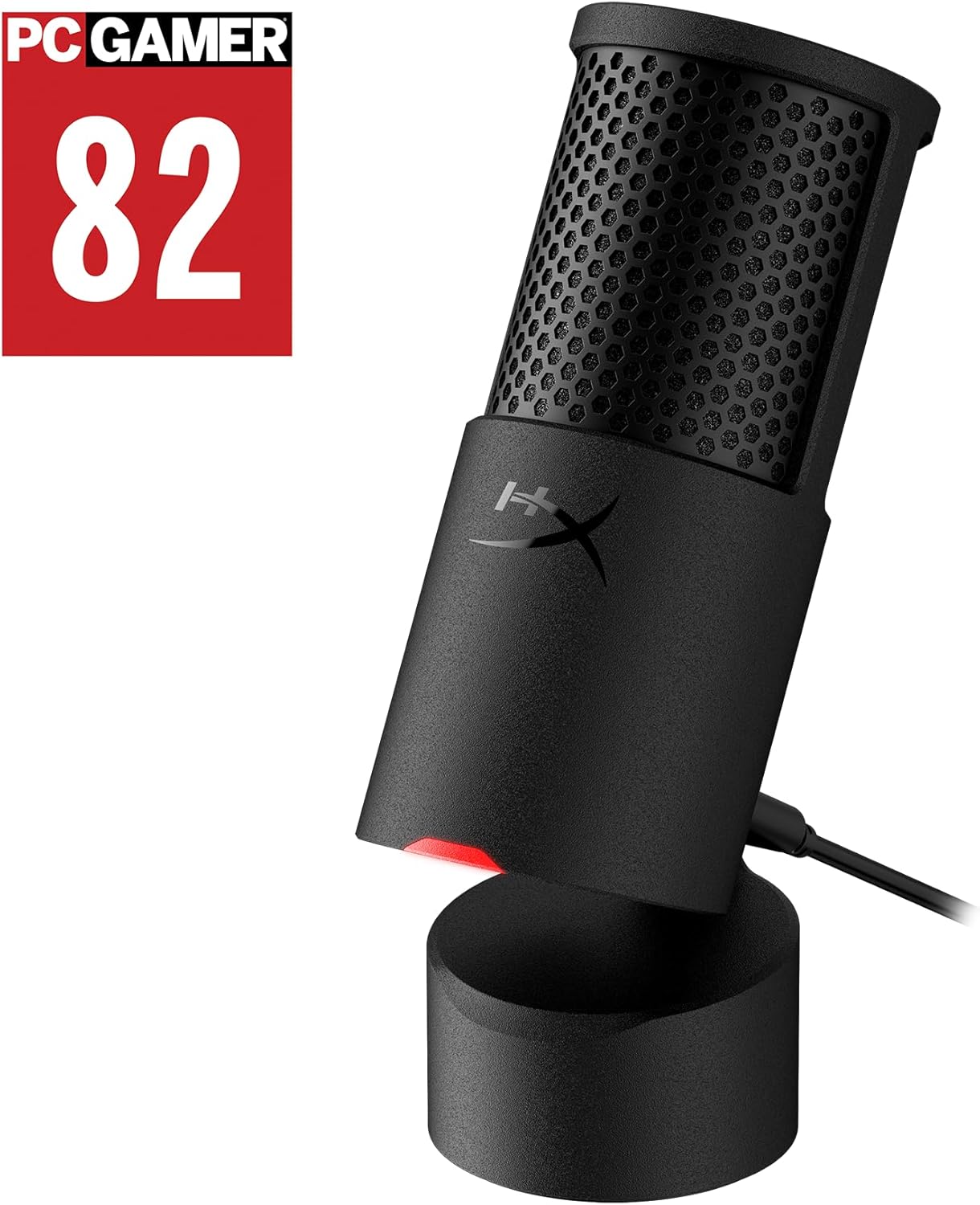
Image: The HyperX SoloCast 2 microphone connected to a laptop via its USB cable.
3.2 Software Installation (HyperX NGENUITY)
For advanced customization and access to audio filters, download and install the HyperX NGENUITY software from the official HyperX website. This software allows you to fine-tune microphone settings.
- ഔദ്യോഗിക ഹൈപ്പർഎക്സ് സന്ദർശിക്കുക webസൈറ്റ്.
- Navigate to the support or downloads section for the SoloCast 2.
- Download and install the HyperX NGENUITY software for your operating system (Windows PC required for initial DSP setup).
4. പ്രവർത്തന നിർദ്ദേശങ്ങൾ
4.1 അടിസ്ഥാന പ്രവർത്തനം
- Tap-to-Mute with LED Indicator: The top of the microphone features a touch-sensitive mute button. Tap it to mute or unmute the microphone. A red LED indicator on the front of the microphone will illuminate when the microphone is active (live) and turn off when muted.
- ചരിക്കാവുന്ന സ്റ്റാൻഡ്: The included stand allows you to tilt the microphone to adjust its angle, directing it towards your voice source for optimal sound capture.
- കാർഡിയോയിഡ് പോളാർ പാറ്റേൺ: The microphone utilizes a cardioid polar pattern, which primarily captures sound from the front while reducing pickup from the sides and rear. This is ideal for focused vocal recording, minimizing background noise.
- Internal Shock Mount & Pop Filter: The microphone is engineered with a built-in internal shock mount to reduce vibrations and an integrated foam pop filter to minimize plosive sounds, ensuring clearer audio.
- Mic Arm Mounting: For increased versatility, the microphone includes built-in 3/8" and 5/8" threads, allowing it to be easily mounted on compatible microphone arms.

Image: Close-up of the HyperX SoloCast 2 showing the tap-to-mute area and the LED indicator for live (red) and muted (off) states.
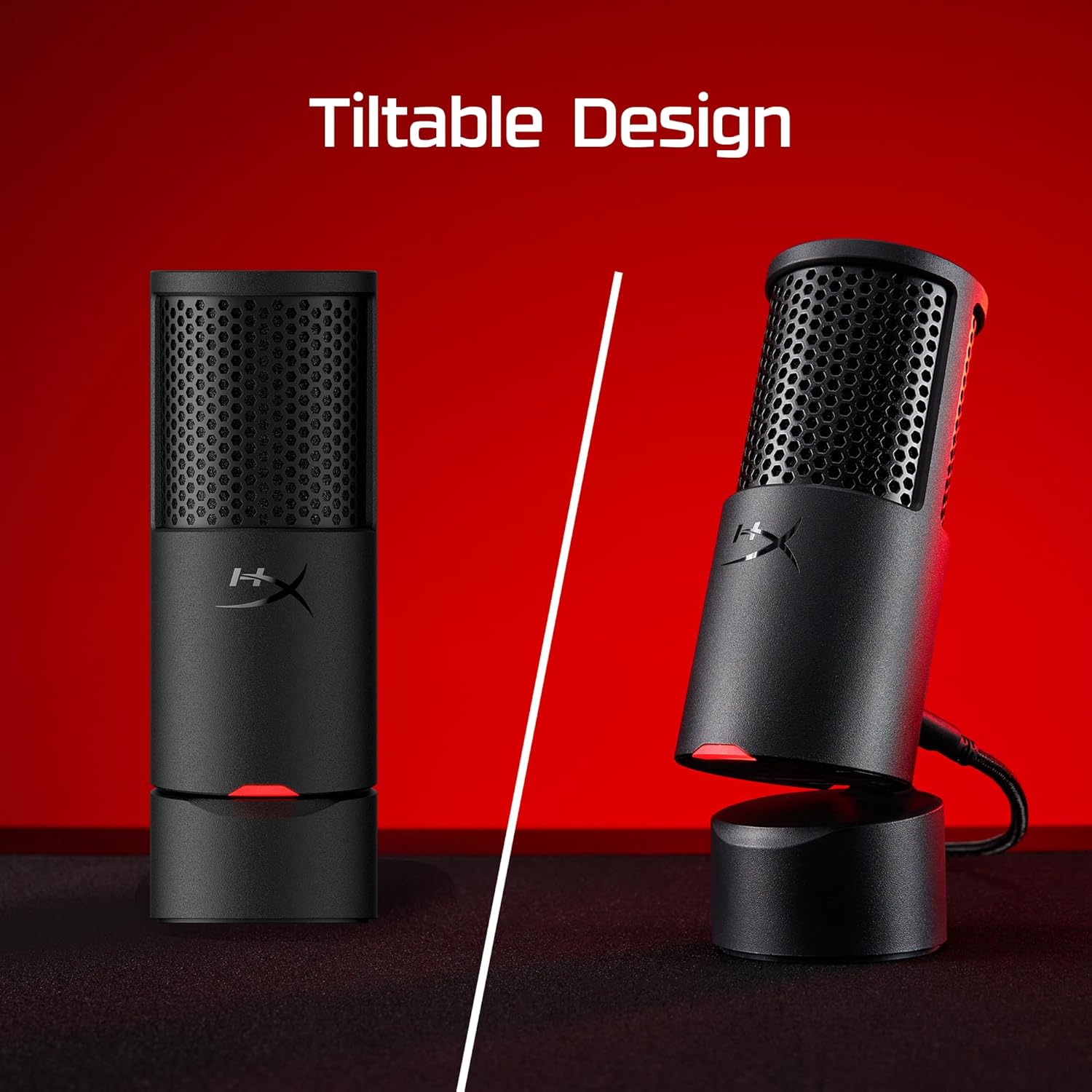
Image: The HyperX SoloCast 2 shown in both upright and tilted positions on its stand.
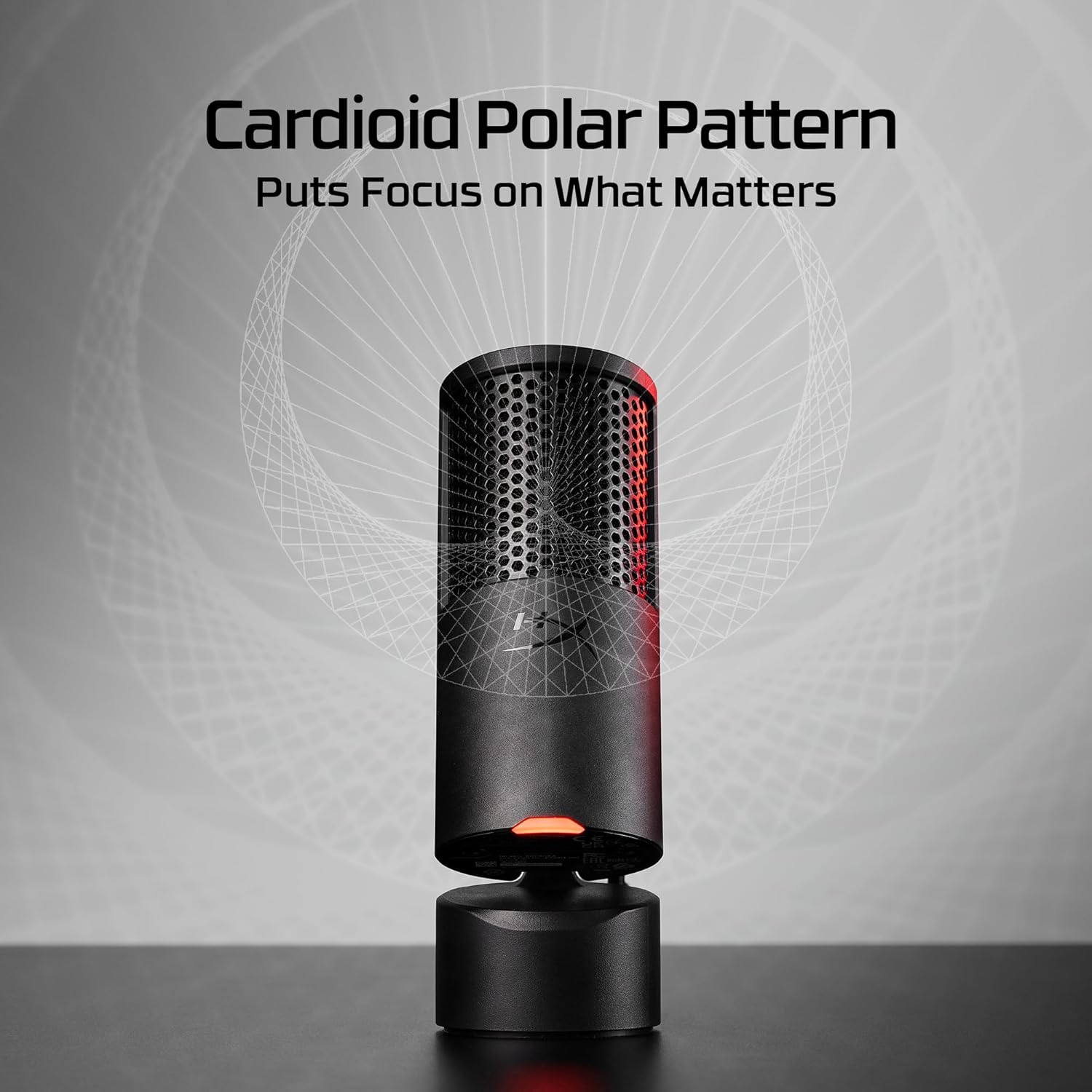
Image: A visual representation of the cardioid polar pattern, showing the microphone's primary sound pickup direction.

ചിത്രം: വിശദമായ ഒരു ചിത്രം view of the internal shock mount mechanism within the HyperX SoloCast 2 microphone.
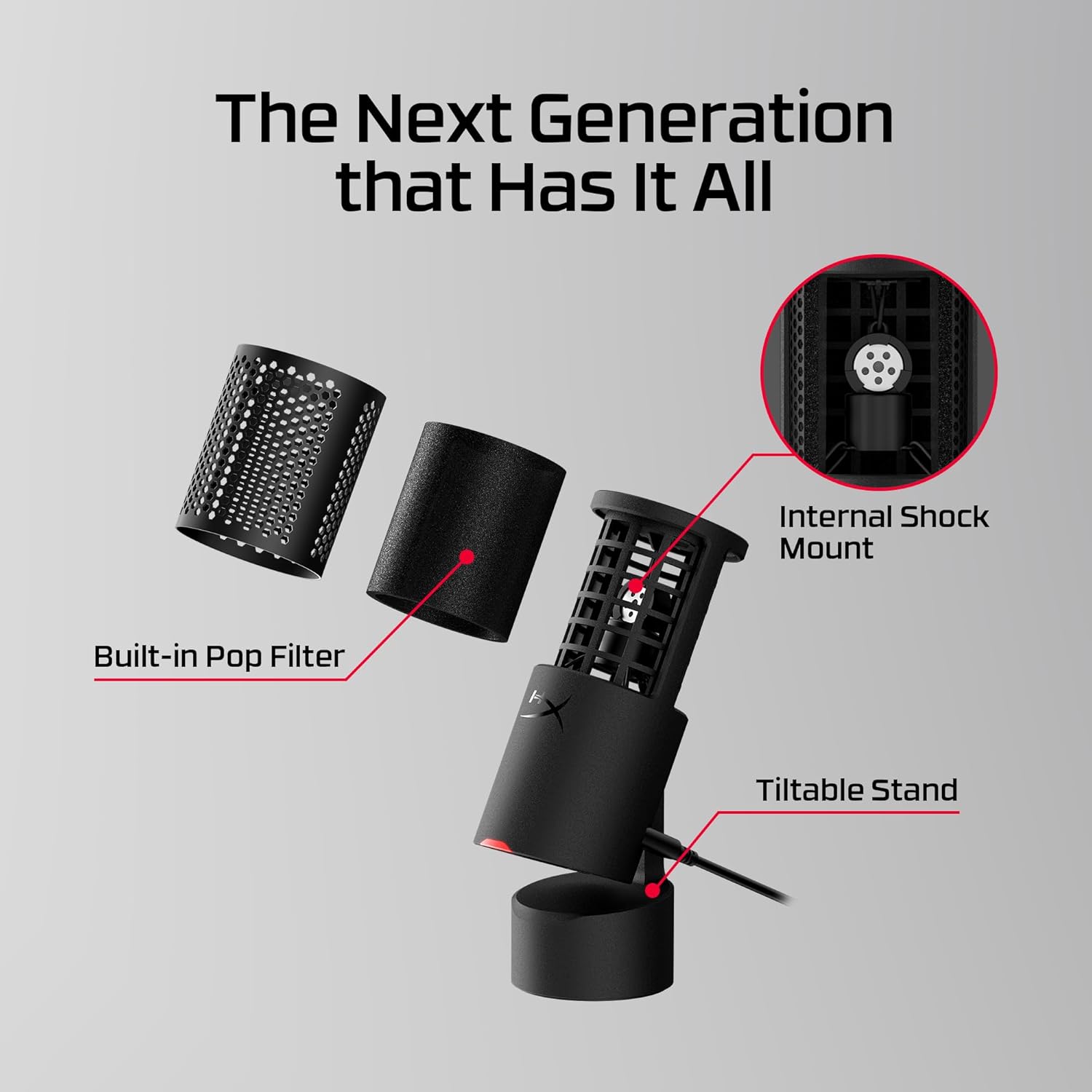
Image: An exploded diagram showing the built-in pop filter, internal shock mount, and tiltable stand components of the microphone.
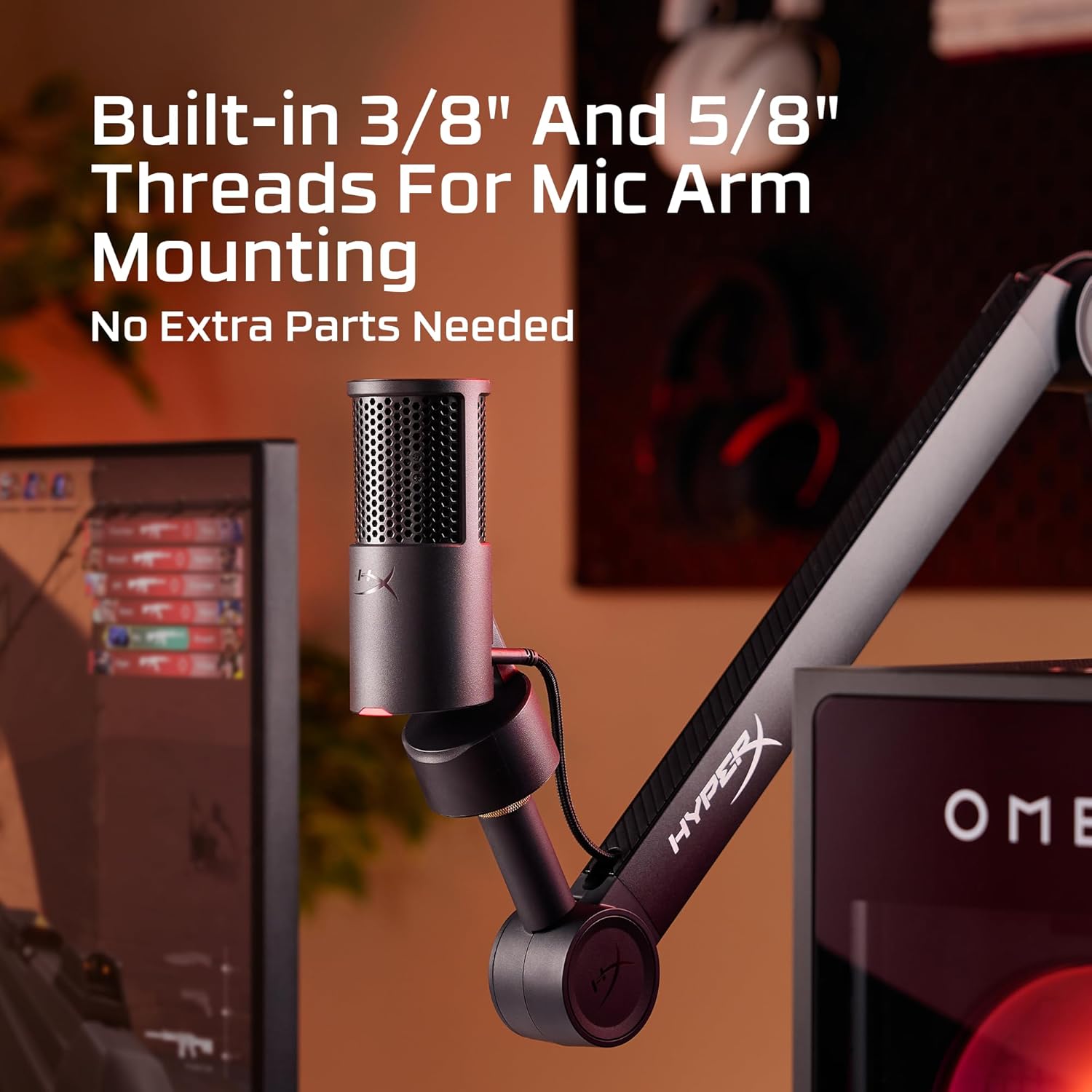
Image: The HyperX SoloCast 2 microphone attached to a professional microphone arm, demonstrating its mounting capability.
4.2 Advanced Settings (HyperX NGENUITY Software)
The HyperX NGENUITY software provides access to various digital signal processing (DSP) features to enhance your audio:
- മൈക്ക് നേട്ടം: Adjust the input sensitivity of the microphone.
- Frequency Filters: Apply High-Pass or Low-Pass filters to remove unwanted low or high-frequency sounds.
- സാന്നിധ്യ ബൂസ്റ്റ്: Enhance vocal clarity and presence.
- AI നോയ്സ് റിഡക്ഷൻ: Reduce ambient background noise using artificial intelligence.
- കംപ്രസർ: Control the dynamic range of your audio, making loud sounds quieter and quiet sounds louder for a more consistent output.
- ലിമിറ്റർ: Prevent audio from exceeding a certain level, avoiding clipping and distortion.
Settings configured in NGENUITY are saved to the microphone's onboard memory, allowing them to persist even when connected to different devices.
5. പരിപാലനം
To ensure the longevity and optimal performance of your HyperX SoloCast 2 microphone:
- വൃത്തിയാക്കൽ: Use a soft, dry cloth to wipe the exterior of the microphone. Avoid using harsh chemicals or abrasive materials.
- സംഭരണം: ഉപയോഗത്തിലില്ലാത്തപ്പോൾ, ഉയർന്ന താപനിലയിൽ നിന്നും നേരിട്ടുള്ള സൂര്യപ്രകാശത്തിൽ നിന്നും മാറി വൃത്തിയുള്ളതും വരണ്ടതുമായ അന്തരീക്ഷത്തിൽ മൈക്രോഫോൺ സൂക്ഷിക്കുക.
- കൈകാര്യം ചെയ്യൽ: Handle the microphone with care to prevent physical damage. Although it has an internal shock mount, excessive force can still cause damage.
6. പ്രശ്നപരിഹാരം
If you encounter issues with your HyperX SoloCast 2, try the following solutions:
- No Sound/Microphone Not Detected:
- യുഎസ്ബി കേബിൾ മൈക്രോഫോണിലേക്കും കമ്പ്യൂട്ടറിലേക്കും സുരക്ഷിതമായി ബന്ധിപ്പിച്ചിട്ടുണ്ടെന്ന് ഉറപ്പാക്കുക.
- നിങ്ങളുടെ കമ്പ്യൂട്ടറിൽ മറ്റൊരു USB പോർട്ട് പരീക്ഷിക്കുക.
- Check your computer's sound settings to ensure the HyperX SoloCast 2 is selected as the default input device.
- Verify the microphone is not muted (red LED should be illuminated).
- നിങ്ങളുടെ കമ്പ്യൂട്ടർ പുനരാരംഭിക്കുക.
- Poor Audio Quality/Background Noise:
- മൈക്രോഫോൺ നിങ്ങൾക്ക് നേരെ അഭിമുഖമായി ശരിയായി സ്ഥാപിച്ചിട്ടുണ്ടെന്ന് ഉറപ്പാക്കുക.
- Adjust the microphone gain in your operating system's sound settings or via HyperX NGENUITY software.
- Utilize the AI Noise Reduction and frequency filters in the HyperX NGENUITY software.
- നിങ്ങളുടെ റെക്കോർഡിംഗ് പരിതസ്ഥിതിയിൽ ആംബിയന്റ് നോയ്സ് കുറയ്ക്കുക.
- Tap-to-Mute Not Responding:
- മൈക്രോഫോൺ ശരിയായി കണക്റ്റുചെയ്തിട്ടുണ്ടെന്നും പവർ ഓണാക്കിയിട്ടുണ്ടെന്നും ഉറപ്പാക്കുക.
- USB കേബിൾ വിച്ഛേദിച്ച് വീണ്ടും കണക്റ്റുചെയ്യാൻ ശ്രമിക്കുക.
- If using HyperX NGENUITY, ensure the software is up-to-date.
7 സ്പെസിഫിക്കേഷനുകൾ
| ഫീച്ചർ | വിവരണം |
|---|---|
| ബ്രാൻഡ് | ഹൈപ്പർഎക്സ് |
| മോഡൽ നമ്പർ | AR0A0AA |
| കണക്റ്റിവിറ്റി | USB (USB-C to USB-A) |
| മൈക്രോഫോൺ തരം | USB കണ്ടൻസർ |
| പോളാർ പാറ്റേൺ | കാർഡിയോഓയിഡ് |
| Sampലിംഗ് നിരക്ക് | 96kHz വരെ |
| ബിറ്റ് ഡെപ്ത് | 24-ബിറ്റ് |
| പ്രത്യേക സവിശേഷതകൾ | Tap-to-Mute with LED Indicator, Internal Shock Mount, Built-in Pop Filter, Tiltable Stand, 3/8" and 5/8" Mic Arm Threads, HyperX NGENUITY Software Compatibility (for DSP features) |
| ഭാരം | 330 ഗ്രാം (ഏകദേശം 11.6 ഔൺസ്) |
| നിറം | കറുപ്പ് |
| യു.പി.സി | 198701525790 |
8. വാറൻ്റിയും പിന്തുണയും
The HyperX SoloCast 2 USB Condenser Microphone comes with a manufacturer's warranty. For detailed warranty information, product support, and service inquiries, please visit the official HyperX support webസൈറ്റ് അല്ലെങ്കിൽ അവരുടെ ഉപഭോക്തൃ സേവനവുമായി ബന്ധപ്പെടുക.
ഓൺലൈൻ പിന്തുണ: www.hyperx.com/support (ഹൈപ്പർഎക്സ്)


