ഉൽപ്പന്നം കഴിഞ്ഞുview
The NGTeco Smart Time Card is designed for seamless and accurate employee attendance tracking when used with compatible NGTeco time clock models. Crafted from high-quality, environmentally friendly PVC, these cards offer exceptional durability and reliability in various work environments.

Image: NGTeco Smart Time Card shown with compatible time clock models MB1, MB2, TC1, and TC2, illustrating its wide range of applications.
പ്രധാന സവിശേഷതകൾ
- അനുയോജ്യത: Specifically designed for NGTeco time clock models MB1, MB2, TC1, TC2, TC3, and TC7.
- നീണ്ടുനിൽക്കുന്ന നിർമ്മാണം: Made from premium, eco-friendly PVC material, offering a smooth surface, waterproof protection, and fracture resistance.
- സാധാരണ വലുപ്പം: Credit Card Size (CR80 Standard) measuring 85mm x 54mm (3.35" x 2.12") with a thickness of 0.86mm (0.03"), compliant with ISO standards.
- ഉയർന്ന കൃത്യത: Ensures real-time monitoring with 99.9% accuracy and seamless 0.5-second tap clock-in.
സ്പെസിഫിക്കേഷനുകൾ
| ആട്രിബ്യൂട്ട് | വിശദാംശങ്ങൾ |
|---|---|
| ബ്രാൻഡ് | NGTeco |
| മോഡൽ നമ്പർ | NG-TC1MB2 |
| മെറ്റീരിയൽ | പോളി വിനൈൽ ക്ലോറൈഡ് (PVC) |
| ഉൽപ്പന്ന അളവുകൾ | 85mm x 54mm x 0.86mm (3.35" x 2.12" x 0.03") |
| പ്രത്യേക ഫീച്ചർ | Waterproof, Fracture Resistant |
| അനുയോജ്യത | NGTeco MB1, MB2, TC1, TC2, TC3, TC7 Time Clocks |

Image: A close-up of the NGTeco Smart Time Card detailing its credit card size (CR80 Standard) and 0.86mm thickness, compliant with ISO standards.
സജ്ജമാക്കുക
To utilize your NGTeco Smart Time Cards, you must first set up your compatible NGTeco time clock and register the cards through the NGTeco Office App. The app facilitates device connection, employee management, and time card assignment.
Initial Device Setup & App Connection
- പവർ ഓൺ: Connect your NGTeco time clock to a power source.
- അപ്ലിക്കേഷൻ ഡൗൺലോഡുചെയ്യുക: Download the 'NGTeco Office' app from the Google Play Store or Apple App Store.
- അക്കൗണ്ട് സൃഷ്ടിക്കുക: ഒരു പുതിയ അക്കൗണ്ടിനായി സൈൻ അപ്പ് ചെയ്യുക അല്ലെങ്കിൽ നിങ്ങൾക്ക് ഇതിനകം ഒന്ന് ഉണ്ടെങ്കിൽ ലോഗിൻ ചെയ്യുക.
- ഉപകരണം ചേർക്കുക: In the app, select 'Add Device'. You can either scan the QR code displayed on your time clock's screen or use Bluetooth to connect.
- നെറ്റ്വർക്ക് കോൺഫിഗറേഷൻ: Configure the network settings (Wi-Fi or Ethernet) for your time clock through the app.
- ബൈൻഡ് ഉപകരണം: Bind the time clock to your organization's site within the app.
Employee and Time Card Registration
- Add Employee: In the NGTeco Office app, navigate to 'Employee Management' and add new employees by entering their details (Person ID, Name, Department).
- Register Time Card: For each employee, select their profile in the app. Choose 'Card' as the verification method.
- Scan Card: When prompted by the app, hold the NGTeco Smart Time Card under the time clock's scanner. Repeat this process as instructed by the device until registration is confirmed.
- Assign Time Sheet: Create or assign a time sheet to the employee, defining their work schedule and pay periods.
Video: An unboxing and initial setup guide for the NGTeco TC2 Cloud Time Clock, demonstrating how to connect the device and register users via the NGTeco Office app.
Video: A detailed unboxing video for an NGTeco Time Clock, showing the components included and initial power-up sequence.
Video: A step-by-step guide on how to get started with the NGTeco Cloud Time Clock TC4, covering initial setup and app integration.
Operating the Smart Time Card
Once registered, employees can use their NGTeco Smart Time Card to quickly and accurately clock in and out of their shifts. The card's RFID technology ensures a rapid response time.
Clock-In/Out Procedure
- Approach Time Clock: Ensure the time clock is powered on and ready for use.
- Tap Card: Hold the NGTeco Smart Time Card firmly against the designated scanning area on the time clock.
- സ്ഥിരീകരണം: The time clock will emit an audible signal and/or display a visual confirmation (e.g., "Thank You") indicating a successful clock-in or clock-out.
- കൃത്യത: The system records the exact time of the tap with 99.9% accuracy, ensuring precise attendance records.
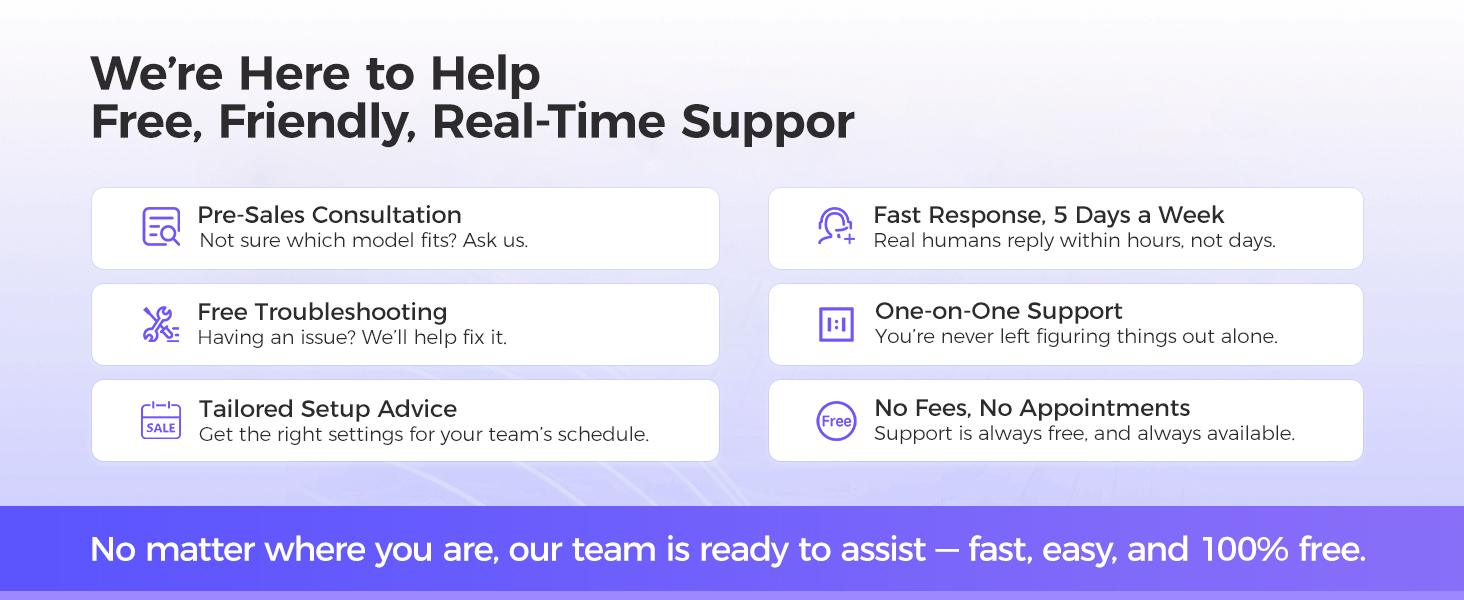
Image: A hand tapping the NGTeco Smart Time Card on a time clock, highlighting the accurate and efficient clock-in process.
പരിചരണവും പരിപാലനവും
The NGTeco Smart Time Card is designed for durability and longevity. Following these simple care instructions will help maintain its performance and appearance.
പൊതുവായ പരിചരണ നുറുങ്ങുകൾ
- വാട്ടർപ്രൂഫ്: The card is waterproof, making it resistant to spills and moisture. However, prolonged submersion is not recommended.
- മോടിയുള്ള: Its PVC construction provides exceptional fracture resistance. Avoid bending the card excessively to prevent damage.
- വൃത്തിയാക്കൽ: Wipe the card with a soft, damp cloth to remove dirt or smudges. Avoid using harsh chemicals or abrasive materials.
- സംഭരണം: Store cards in a clean, dry place away from extreme temperatures and direct sunlight when not in use.

Image: The NGTeco Smart Time Card partially submerged in water, illustrating its waterproof and durable design.
ട്രബിൾഷൂട്ടിംഗ്
If you encounter any issues with your NGTeco Smart Time Card, refer to the following common troubleshooting steps.
പൊതുവായ പ്രശ്നങ്ങളും പരിഹാരങ്ങളും
- കാർഡ് വായിക്കുന്നില്ല:
- Ensure the card is placed correctly on the time clock's scanning area.
- Check if the time clock is powered on and functioning correctly.
- Verify that the card is not damaged (e.g., severe bends, cracks).
- ആപ്പ് കണക്റ്റിവിറ്റി പ്രശ്നങ്ങൾ:
- Ensure your mobile device's Bluetooth is enabled when adding the device.
- Check the time clock's Wi-Fi or Ethernet connection status.
- Restart the NGTeco Office app and/or the time clock device.
- Employee Not Registered:
- Confirm that the employee's details and time card have been successfully registered in the NGTeco Office app.
- Ensure the correct time card is being used by the registered employee.
വാറൻ്റിയും പിന്തുണയും
NGTeco is committed to providing excellent customer service and reliable products. Your Smart Time Card comes with comprehensive support to ensure your satisfaction.
പിന്തുണാ വിശദാംശങ്ങൾ
- വാറൻ്റി: Includes a 1-year warranty from the date of purchase.
- സാങ്കേതിക സഹായം: Lifetime technical support is available for all NGTeco products.
- ബന്ധപ്പെടേണ്ട സമയം: Our support team is available Monday to Friday, from 6 AM to 6 PM EST.

Image: A friendly customer support representative wearing a headset, symbolizing NGTeco's commitment to lifetime technical support.

Image: A graphic displaying NGTeco's customer support business hours: 9:00 AM - 6:00 PM EST, Monday - Friday.


