1. ആമുഖം
Thank you for choosing LC-dolida Bluetooth Headphones. This manual provides essential information for setting up, operating, and maintaining your device. Please read it carefully to ensure optimal performance and longevity of your headphones.
These wireless headphones are designed for comfort and extended use, featuring a long battery life and Bluetooth 5.4 connectivity for stable audio transmission.
2. പാക്കേജ് ഉള്ളടക്കം
- LC-dolida Bluetooth Headphones
- യുഎസ്ബി ചാർജിംഗ് കേബിൾ
- ഉപയോക്തൃ മാനുവൽ
3. ഉൽപ്പന്നം കഴിഞ്ഞുview
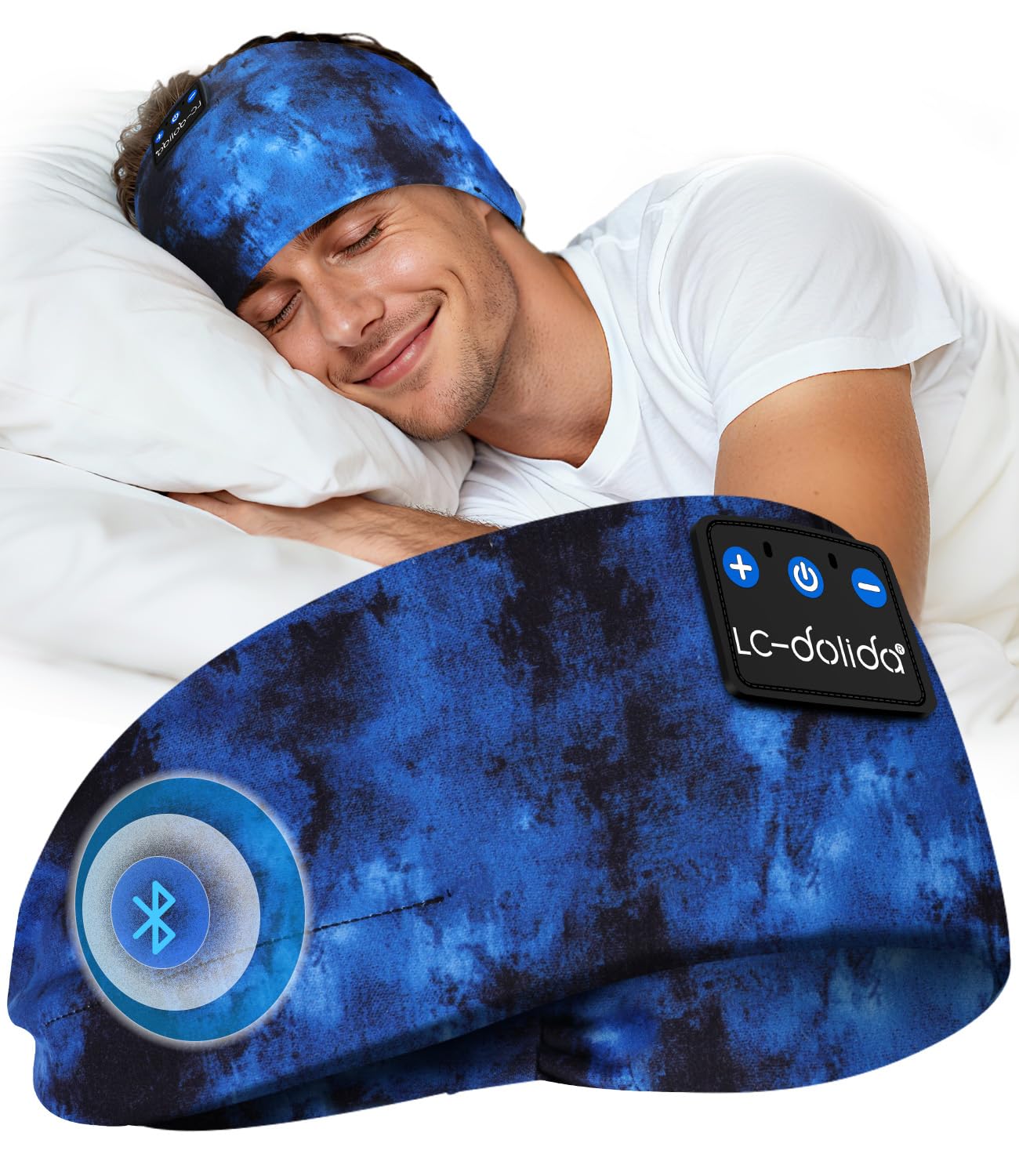
Familiarize yourself with the components of your LC-dolida Bluetooth Headphones.

ചിത്രം 3.1: LC-dolida Bluetooth Headphones in use, showcasing the comfortable headband and integrated audio components.

ചിത്രം 3.2: Design features for comfort, including dispersed pressure and a secure wrap around the head.
The headphones feature a soft, breathable headband with integrated speakers. Control buttons are typically located on the side of the headband for easy access to power, volume, and playback functions. A charging port is also integrated for convenient power replenishment.
4. സജ്ജീകരണം
4.1 ഹെഡ്ഫോണുകൾ ചാർജ് ചെയ്യുന്നു
Before first use, fully charge your headphones. Connect the provided USB charging cable to the charging port on the headphones and to a USB power source (e.g., computer, wall adapter).
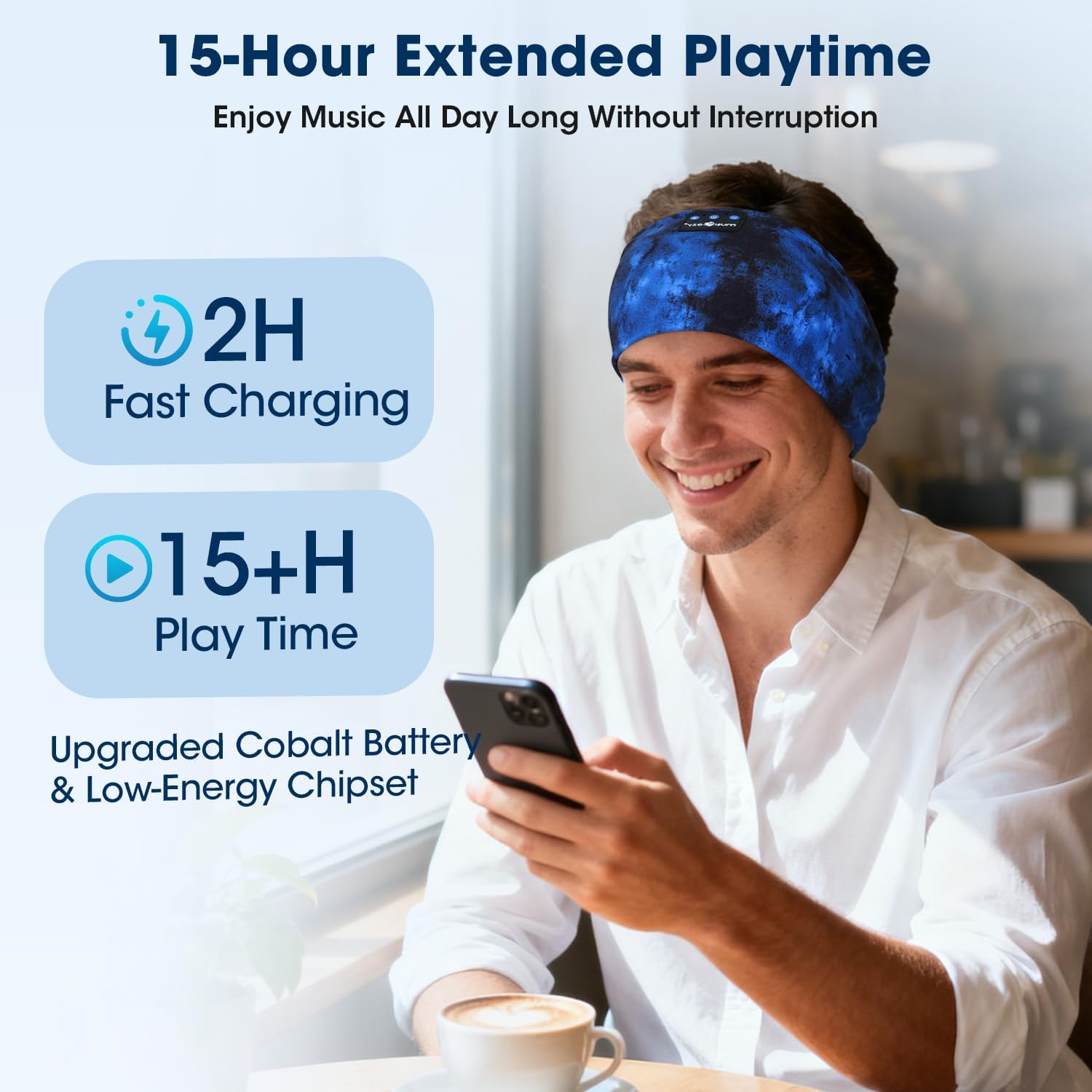
- ഒരു ഫുൾ ചാർജിന് ഏകദേശം 2 മണിക്കൂർ എടുക്കും.
- 3 മിനിറ്റ് ക്വിക്ക് ചാർജ്ജ് 1.5 മണിക്കൂർ വരെ ശ്രവണ സമയം നൽകുന്നു.
- LED ഇൻഡിക്കേറ്റർ ചാർജിംഗ് സ്റ്റാറ്റസ് കാണിക്കും (ഉദാ: ചാർജ് ചെയ്യുന്നതിന് ചുവപ്പ്, പൂർണ്ണമായി ചാർജ് ചെയ്തതിന് നീല).
ചിത്രം 4.1: Charging and battery life details, showing 2 hours for a full charge and over 15 hours of playtime.
4.2 ബ്ലൂടൂത്ത് ജോടിയാക്കൽ
നിങ്ങളുടെ ഹെഡ്ഫോണുകൾ ഒരു ഉപകരണവുമായി ബന്ധിപ്പിക്കാൻ:
- ഹെഡ്ഫോണുകൾ ചാർജ് ചെയ്തിട്ടുണ്ടെന്നും പവർ ഓഫ് ചെയ്തിട്ടുണ്ടെന്നും ഉറപ്പാക്കുക.
- ജോടിയാക്കൽ മോഡ് സൂചിപ്പിക്കുന്ന LED ഇൻഡിക്കേറ്റർ നീലയും ചുവപ്പും നിറങ്ങളിൽ മിന്നുന്നത് വരെ പവർ ബട്ടൺ അമർത്തിപ്പിടിക്കുക.
- നിങ്ങളുടെ ഉപകരണത്തിൽ (സ്മാർട്ട്ഫോൺ, ടാബ്ലെറ്റ് മുതലായവ), ബ്ലൂടൂത്ത് പ്രവർത്തനക്ഷമമാക്കി ലഭ്യമായ ഉപകരണങ്ങൾക്കായി തിരയുക.
- Select "LC-dolida B0FLX7FYB2" (or similar name) from the list of found devices.
- Once connected, the LED indicator will typically flash blue slowly or turn solid blue.
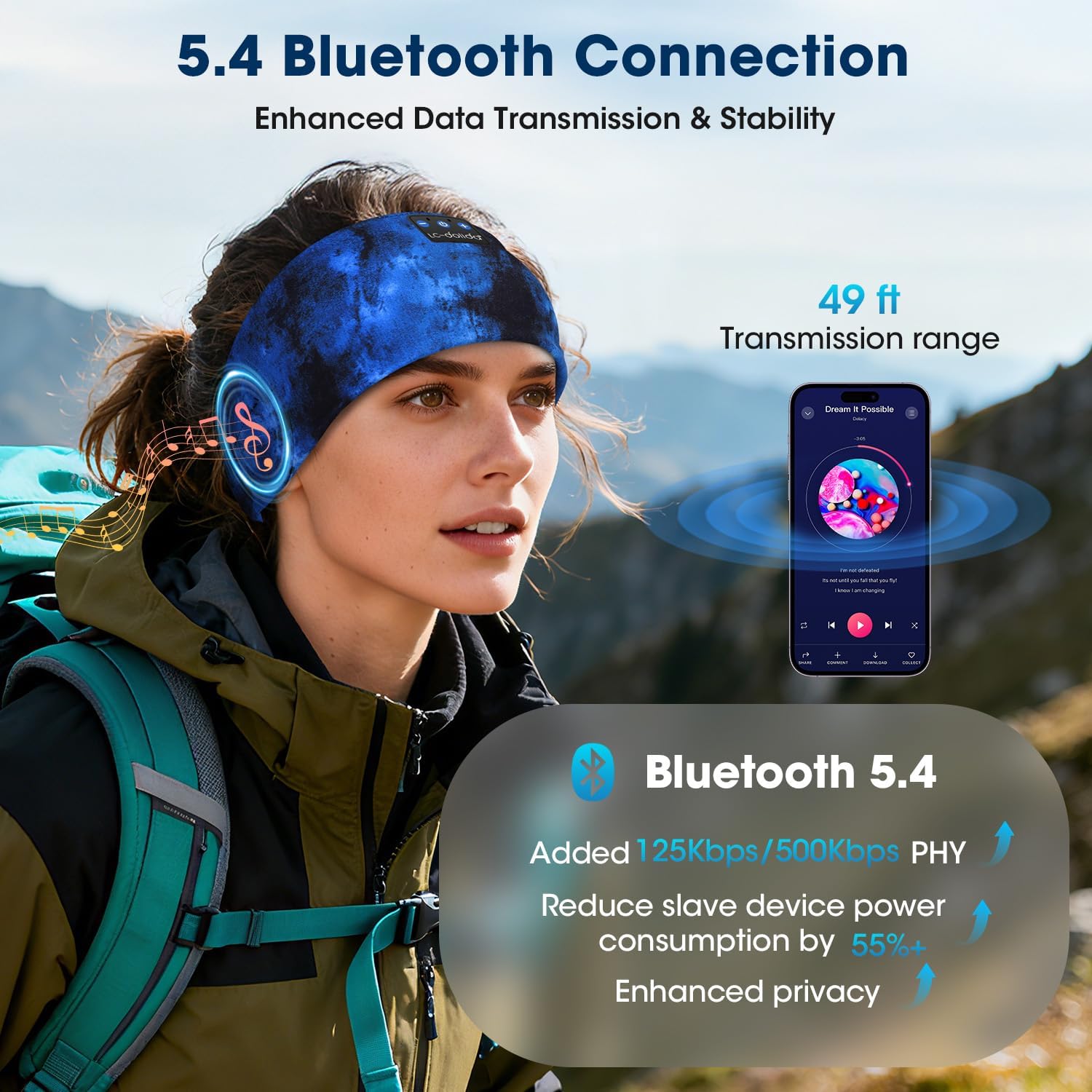
The headphones utilize Bluetooth 5.4 for enhanced data transmission and stability, offering a transmission range of up to 49 feet (approximately 15 meters).

ചിത്രം 4.2: Bluetooth 5.4 connectivity details, highlighting improved data rates and power efficiency.
5. പ്രവർത്തന നിർദ്ദേശങ്ങൾ
5.1 പവർ ഓൺ/ഓഫ്
- പവർ ഓൺ: പവർ ബട്ടൺ 3 സെക്കൻഡ് അമർത്തിപ്പിടിക്കുക. LED ഇൻഡിക്കേറ്റർ നീല നിറത്തിൽ മിന്നിമറയും.
- പവർ ഓഫ്: പവർ ബട്ടൺ 3 സെക്കൻഡ് അമർത്തിപ്പിടിക്കുക. LED ഇൻഡിക്കേറ്റർ ചുവപ്പ് നിറത്തിൽ മിന്നിമറയുകയും തുടർന്ന് ഓഫാകുകയും ചെയ്യും.
5.2 മ്യൂസിക് പ്ലേബാക്ക്
- പ്ലേ/താൽക്കാലികമായി നിർത്തുക: മൾട്ടി-ഫംഗ്ഷൻ ബട്ടൺ ഒരിക്കൽ അമർത്തുക.
- അടുത്ത ട്രാക്ക്: വോളിയം അപ്പ് ബട്ടൺ അമർത്തിപ്പിടിക്കുക.
- മുമ്പത്തെ ട്രാക്ക്: വോളിയം ഡൗൺ ബട്ടൺ അമർത്തിപ്പിടിക്കുക.
- വോളിയം കൂട്ടുക: വോളിയം അപ്പ് ബട്ടൺ ചുരുക്കി അമർത്തുക.
- വോളിയം താഴേക്ക്: വോളിയം ഡൗൺ ബട്ടൺ ചുരുക്കി അമർത്തുക.
5.3 കോൾ മാനേജ്മെന്റ്
The built-in microphone allows for hands-free calling.
- മറുപടി കോൾ: മൾട്ടി-ഫംഗ്ഷൻ ബട്ടൺ ഒരിക്കൽ അമർത്തുക.
- കോൾ അവസാനിപ്പിക്കുക: ഒരു കോൾ സമയത്ത് മൾട്ടി-ഫംഗ്ഷൻ ബട്ടൺ ഒരിക്കൽ അമർത്തുക.
- കോൾ നിരസിക്കുക: മൾട്ടി-ഫംഗ്ഷൻ ബട്ടൺ 2 സെക്കൻഡ് അമർത്തിപ്പിടിക്കുക.
- വോയ്സ് അസിസ്റ്റന്റിനെ സജീവമാക്കുക: മൾട്ടി-ഫംഗ്ഷൻ ബട്ടൺ ഇരട്ട-അമർത്തുക.
ചിത്രം 5.1: Hands-free calling functionality with the built-in microphone.
5.4 ഹെഡ്ഫോണുകൾ ധരിക്കൽ
The headband is designed for an ergonomic fit and is adjustable to accommodate various head sizes, typically ranging from 20.5 to 23.6 inches in circumference. Position the headband comfortably over your head, ensuring the speakers are aligned with your ears for optimal sound.

ചിത്രം 5.2: Adjustable headband size for a comfortable fit.
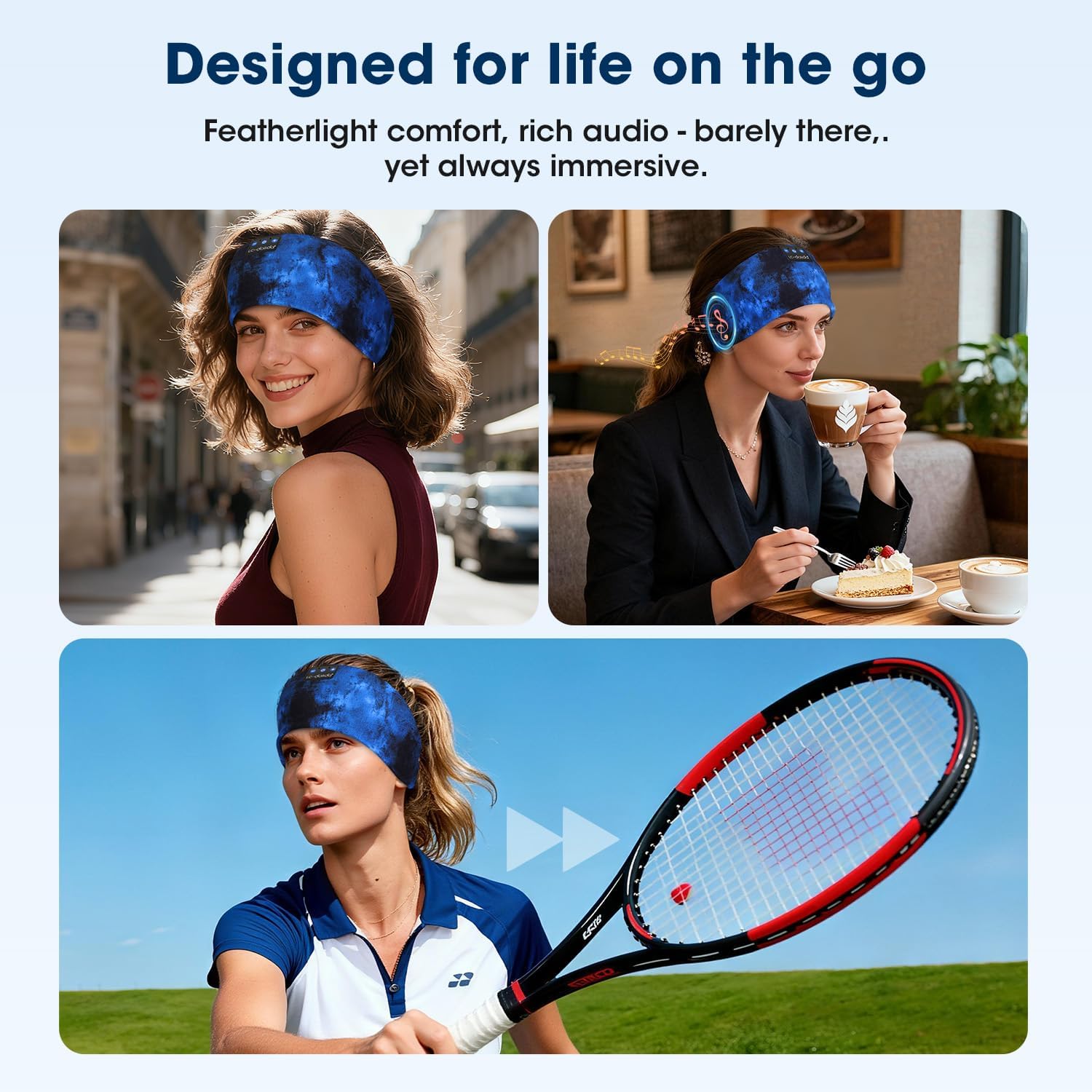
ചിത്രം 5.3: Headphones designed for versatile use in different environments.
6. പരിപാലനം
6.1 വൃത്തിയാക്കൽ
The headband is made from advanced breathable, moisture-wicking, and quick-dry material. For cleaning, gently wipe the headband with a damp cloth. Ensure the electronic components (speakers, control panel) do not come into contact with excessive moisture. Allow to air dry completely before use.
ചിത്രം 6.1: Close-up of the breathable fabric used in the headband.
6.2 സംഭരണം
Store the headphones in a cool, dry place away from direct sunlight and extreme temperatures. Avoid placing heavy objects on top of the headphones to prevent damage.
7. പ്രശ്നപരിഹാരം
- ഹെഡ്ഫോണുകൾ ഓണാക്കുന്നില്ല: ഹെഡ്ഫോണുകൾ പൂർണ്ണമായും ചാർജ് ചെയ്തിട്ടുണ്ടെന്ന് ഉറപ്പാക്കുക. ഒരു പവർ സ്രോതസ്സിലേക്ക് കണക്റ്റ് ചെയ്ത് വീണ്ടും ശ്രമിക്കുക.
- ഉപകരണവുമായി ജോടിയാക്കാൻ കഴിയില്ല:
- നിങ്ങളുടെ ഉപകരണത്തിൽ ബ്ലൂടൂത്ത് പ്രവർത്തനക്ഷമമാക്കിയിട്ടുണ്ടെന്ന് ഉറപ്പാക്കുക.
- ഹെഡ്ഫോണുകൾ ജോടിയാക്കൽ മോഡിലാണെന്ന് ഉറപ്പാക്കുക (LED നീലയും ചുവപ്പും നിറത്തിൽ മിന്നുന്നു).
- ഹെഡ്ഫോണുകൾ നിങ്ങളുടെ ഉപകരണത്തിന് അടുത്തേക്ക് നീക്കുക.
- ഹെഡ്ഫോണുകളും ഉപകരണവും ഓഫാക്കി ഓണാക്കുക, തുടർന്ന് വീണ്ടും ജോടിയാക്കാൻ ശ്രമിക്കുക.
- ശബ്ദമില്ല:
- ഹെഡ്ഫോണുകളിലും കണക്റ്റുചെയ്ത ഉപകരണത്തിലും വോളിയം ലെവലുകൾ പരിശോധിക്കുക.
- ഹെഡ്ഫോണുകൾ ബ്ലൂടൂത്ത് വഴി ശരിയായി ബന്ധിപ്പിച്ചിട്ടുണ്ടെന്ന് ഉറപ്പാക്കുക.
- വ്യത്യസ്തമായ ഒരു ആപ്ലിക്കേഷനിൽ നിന്നോ ഉറവിടത്തിൽ നിന്നോ ഓഡിയോ പ്ലേ ചെയ്യാൻ ശ്രമിക്കുക.
- മോശം ശബ്ദ നിലവാരം അല്ലെങ്കിൽ ഇടവിട്ടുള്ള കണക്ഷൻ:
- ഹെഡ്ഫോണുകൾക്കും നിങ്ങളുടെ ഉപകരണത്തിനും ഇടയിൽ തടസ്സങ്ങളൊന്നുമില്ലെന്ന് ഉറപ്പാക്കുക.
- തടസ്സം സൃഷ്ടിച്ചേക്കാവുന്ന മറ്റ് വയർലെസ് ഉപകരണങ്ങളിൽ നിന്ന് മാറുക.
- Ensure the headphones are within the 49-foot transmission range.
8 സ്പെസിഫിക്കേഷനുകൾ
| ബ്രാൻഡ് | എൽസി-ഡോളിഡ |
| മോഡൽ നമ്പർ | B0FLX7FYB2 |
| കണക്റ്റിവിറ്റി ടെക്നോളജി | വയർലെസ് (ബ്ലൂടൂത്ത്) |
| വയർലെസ് ടെക്നോളജി | ബ്ലൂടൂത്ത് 5.4 |
| ചെവി പ്ലേസ്മെൻ്റ് | On-Ear (integrated into headband) |
| ജല പ്രതിരോധ നില | വെള്ളത്തെ പ്രതിരോധിക്കുന്ന |
| നിയന്ത്രണ രീതി | ശബ്ദം |
| ബാറ്ററി ലൈഫ് | 15 മണിക്കൂർ വരെ |
| ദ്രുത ചാർജ്ജ് | 1.5 മണിക്കൂർ പ്ലേബാക്കിന് 3 മിനിറ്റ് |
| അളവുകൾ | 20 x 10.1 x 2.7 സെ.മീ |
| ഭാരം | 90 ഗ്രാം |
9 സുരക്ഷാ വിവരങ്ങൾ
- ഹെഡ്ഫോണുകൾ തീവ്രമായ താപനിലയിലോ ഈർപ്പത്തിലോ തുറന്നുകാട്ടരുത്.
- ഹെഡ്ഫോണുകൾ താഴെയിടുകയോ ശക്തമായ ആഘാതങ്ങൾക്ക് വിധേയമാക്കുകയോ ചെയ്യുന്നത് ഒഴിവാക്കുക.
- ഹെഡ്ഫോണുകൾ ഡിസ്അസംബ്ലിംഗ് ചെയ്യാനോ പരിഷ്ക്കരിക്കാനോ ശ്രമിക്കരുത്, കാരണം ഇത് വാറന്റി അസാധുവാക്കുകയും കേടുപാടുകൾ വരുത്തുകയും ചെയ്തേക്കാം.
- കുട്ടികൾക്ക് ലഭ്യമാകാതെ സൂക്ഷിക്കുക.
- പ്രാദേശിക ചട്ടങ്ങൾക്കനുസൃതമായി ഉൽപ്പന്നം ഉത്തരവാദിത്തത്തോടെ വിനിയോഗിക്കുക.
10. വാറൻ്റിയും പിന്തുണയും
For warranty information or technical support, please refer to the documentation included with your purchase or contact LC-dolida customer service through their official webഉൽപ്പന്നം വാങ്ങിയ സൈറ്റ് അല്ലെങ്കിൽ റീട്ടെയിലർ.


