ആമുഖം
This manual provides essential information for setting up, operating, maintaining, and troubleshooting your HP 15 Laptop. Please read this guide thoroughly to ensure proper use and to maximize the performance and longevity of your device.

ചിത്രം: കഴിഞ്ഞുview of the HP 15 Laptop highlighting its main components and features.
സജ്ജമാക്കുക
1. Initial Power-On and Windows 11 Pro Setup
- Connect the provided AC power adapter to the laptop and a power outlet.
- ലാപ്ടോപ്പ് ലിഡ് തുറന്ന് പവർ ബട്ടൺ അമർത്തുക.
- Windows 11 Pro സജ്ജീകരണം പൂർത്തിയാക്കാൻ ഓൺ-സ്ക്രീൻ നിർദ്ദേശങ്ങൾ പാലിക്കുക. ഇതിൽ നിങ്ങളുടെ പ്രദേശം, ഭാഷ, ഒരു Wi-Fi നെറ്റ്വർക്കിലേക്ക് കണക്റ്റുചെയ്യൽ, ഒരു ഉപയോക്തൃ അക്കൗണ്ട് സൃഷ്ടിക്കൽ എന്നിവ ഉൾപ്പെടുന്നു.
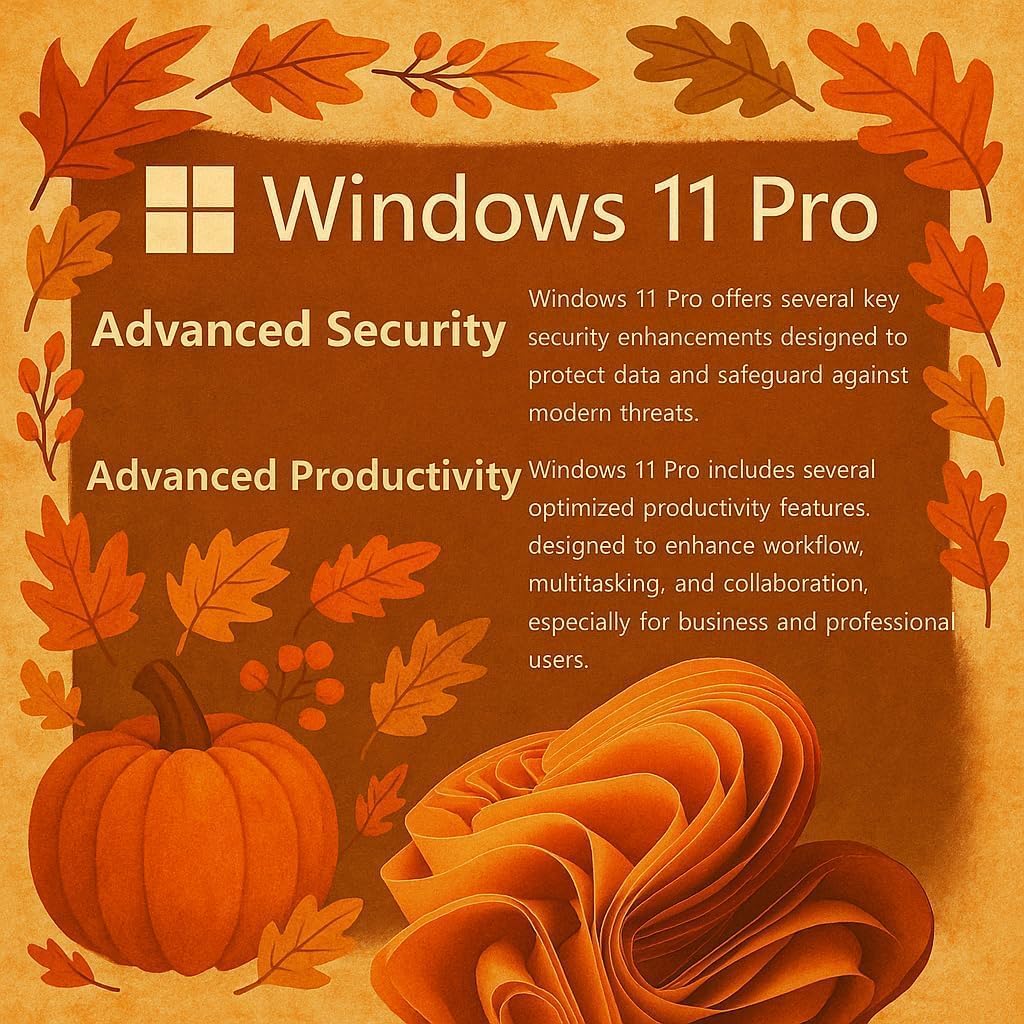
Image: Visual representation of Windows 11 Pro features, emphasizing security and productivity.
2. Microsoft Office 365 Activation
Your laptop includes Microsoft Office 365. To activate it:
- Locate the instructions included in your package for redeeming your Microsoft Office license key.
- Follow the provided steps to install and activate Word, Excel, PowerPoint, Outlook, and other Office applications.
3. Connecting Peripherals and External Devices
The HP 15 Laptop offers various ports for connectivity:
- USB Type-C (5Gbps): For modern USB-C devices and data transfer.
- USB Type-A (5Gbps): Two ports for standard USB devices like mice, keyboards, or external drives.
- HDMI 1.4b: ബാഹ്യ ഡിസ്പ്ലേകളിലേക്കോ പ്രൊജക്ടറുകളിലേക്കോ കണക്റ്റുചെയ്യുക.
- SD Media Card Reader: കൈമാറുന്നതിന് fileSD കാർഡുകളിൽ നിന്നുള്ള ങ്ങൾ.
- ഹെഡ്ഫോൺ / മൈക്രോഫോൺ കോംബോ ജാക്ക്: ഓഡിയോ ഇൻപുട്ട്/ഔട്ട്പുട്ടിനായി.
- എസി പവർ പോർട്ട്: പവർ അഡാപ്റ്റർ ബന്ധിപ്പിക്കുന്നതിന്.

ചിത്രം: വിശദമായത് view ലാപ്ടോപ്പിന്റെ സൈഡ് പ്രോയിൽ നിന്ന്files, indicating the location and type of each port and slot.
നിങ്ങളുടെ HP 15 ലാപ്ടോപ്പ് പ്രവർത്തിപ്പിക്കുന്നു
1. ഡിസ്പ്ലേ സവിശേഷതകൾ
The 15.6-inch Full HD (1920 x 1080) IPS display features narrow bezels and an anti-glare coating for comfortable viewing. It provides clear and vibrant visuals for various tasks.

Image: Visual comparison demonstrating the superior clarity of the 1080p Full HD display.
2. പ്രകടനവും മൾട്ടിടാസ്കിംഗും
Your HP 15 Laptop is equipped with an Intel N4120 Quad-Core Processor, capable of turbo boosting up to 2.6 GHz, and Intel UHD Graphics. With 16GB DDR4 RAM and a 512GB SSD, it delivers responsive performance for daily computing tasks, multitasking, and quick application loading.

ചിത്രം: വിശദമായത് view of the Intel Celeron N4120 Processor specifications.
3. Using Copilot AI
The laptop is Copilot AI-ready, integrating an AI assistant within Windows and Microsoft 365. Copilot helps streamline tasks, generate content, and enhance productivity. Access it through the Windows interface to utilize its features.

Image: The Copilot AI interface on the Windows desktop.
4. വയർലെസ് കണക്റ്റിവിറ്റി
The laptop supports Realtek RTL8822CE 802.11ac (2x2) Wi-Fi for internet access and Bluetooth 5.0 for connecting wireless peripherals like headphones or speakers.
മെയിൻ്റനൻസ്
1. നിങ്ങളുടെ ലാപ്ടോപ്പ് വൃത്തിയാക്കൽ
- മൃദുവായ, ലിൻ്റ് രഹിത തുണി ഉപയോഗിക്കുകampഡിസ്പ്ലേ വൃത്തിയാക്കാൻ വെള്ളമോ സ്ക്രീൻ ക്ലീനറോ ഉപയോഗിച്ച് നനയ്ക്കുക.
- കീബോർഡിനും ഷാസിക്കും മൃദുവായ തുണി ഉപയോഗിക്കുക. കഠിനമായ രാസവസ്തുക്കളോ ഉരച്ചിലുകളോ ഉള്ള വസ്തുക്കൾ ഒഴിവാക്കുക.
- വൃത്തിയാക്കുന്നതിനുമുമ്പ് ലാപ്ടോപ്പ് പവർ ഓഫ് ചെയ്തിട്ടുണ്ടെന്നും പ്ലഗ് ഊരിവെച്ചിട്ടുണ്ടെന്നും ഉറപ്പാക്കുക.
2. ബാറ്ററി പരിചരണം
- ബാറ്ററി ആയുസ്സ് വർദ്ധിപ്പിക്കുന്നതിന്, ഉയർന്ന താപനില ഒഴിവാക്കുക.
- Periodically allow the battery to discharge to around 20% before recharging.
- ലാപ്ടോപ്പ് ദീർഘനേരം സൂക്ഷിക്കുകയാണെങ്കിൽ, ബാറ്ററി ഏകദേശം 50% വരെ ചാർജ്ജ് ചെയ്തിട്ടുണ്ടെന്ന് ഉറപ്പാക്കുക.
3. സോഫ്റ്റ്വെയർ അപ്ഡേറ്റുകൾ
നിങ്ങളുടെ സിസ്റ്റത്തിൽ ഏറ്റവും പുതിയ സുരക്ഷാ പാച്ചുകളും പ്രകടന മെച്ചപ്പെടുത്തലുകളും ഉണ്ടെന്ന് ഉറപ്പാക്കാൻ വിൻഡോസ് അപ്ഡേറ്റുകൾ പതിവായി പരിശോധിച്ച് ഇൻസ്റ്റാൾ ചെയ്യുക. പോകുക ക്രമീകരണങ്ങൾ > വിൻഡോസ് അപ്ഡേറ്റ് അപ്ഡേറ്റുകൾ കൈകാര്യം ചെയ്യാൻ.
ട്രബിൾഷൂട്ടിംഗ്
പൊതുവായ പ്രശ്നങ്ങളും പരിഹാരങ്ങളും
- ലാപ്ടോപ്പ് പവർ ഓൺ ആകുന്നില്ല: Ensure the AC adapter is securely connected and the power outlet is functional. Try a different outlet. If using battery, ensure it has sufficient charge.
- പ്രദർശന പ്രശ്നങ്ങൾ (ചിത്രമില്ല, മിന്നൽ): ലാപ്ടോപ്പ് പുനരാരംഭിക്കുക. ഒരു ബാഹ്യ മോണിറ്ററുമായി ബന്ധിപ്പിച്ചിട്ടുണ്ടെങ്കിൽ, അത് വിച്ഛേദിക്കാൻ ശ്രമിക്കുക. വിൻഡോസിലെ ഡിസ്പ്ലേ ക്രമീകരണങ്ങൾ പരിശോധിക്കുക.
- Wi-Fi കണക്ഷൻ ഇല്ല: Verify Wi-Fi is enabled in Windows settings. Restart your router and modem. Check for updated Wi-Fi drivers.
- മന്ദഗതിയിലുള്ള പ്രകടനം: Close unnecessary applications. Check Task Manager for resource-intensive processes. Ensure sufficient free space on the SSD. Run a disk cleanup.
For more detailed troubleshooting or issues not covered here, please refer to the official HP support webസൈറ്റ് സന്ദർശിക്കുക അല്ലെങ്കിൽ HP ഉപഭോക്തൃ സേവനവുമായി ബന്ധപ്പെടുക.
സ്പെസിഫിക്കേഷനുകൾ
| ഫീച്ചർ | വിശദാംശങ്ങൾ |
|---|---|
| ബ്രാൻഡ് | HP |
| മോഡലിൻ്റെ പേര് | G9 |
| സ്ക്രീൻ വലിപ്പം | 15.6 ഇഞ്ച് |
| സ്ക്രീൻ റെസല്യൂഷൻ | 1920 x 1080 പിക്സലുകൾ (ഫുൾ എച്ച്ഡി) |
| പ്രോസസ്സർ | Intel N4120 (2.6 GHz Celeron, 4 Cores) |
| റാം | 16 GB DDR4 |
| ഹാർഡ് ഡ്രൈവ് | 512 ജിബി എസ്എസ്ഡി (പിസിഐഇ x 4) |
| ഗ്രാഫിക്സ് കോപ്രൊസസർ | ഇന്റൽ യുഎച്ച്ഡി ഗ്രാഫിക്സ് (ഇന്റഗ്രേറ്റഡ്) |
| ഓപ്പറേറ്റിംഗ് സിസ്റ്റം | വിൻഡോസ് 11 പ്രോ |
| വയർലെസ് തരം | 802.11ac, ബ്ലൂടൂത്ത് 5.0 |
| USB പോർട്ടുകൾ | 1 x യുഎസ്ബി ടൈപ്പ്-സി, 2 x യുഎസ്ബി ടൈപ്പ്-എ |
| HDMI പോർട്ട് | 1 x HDMI 1.4b |
| കാർഡ് റീഡർ | SD Media Card Reader |
| പ്രത്യേക സവിശേഷതകൾ | Anti Glare Coating, HD Audio, Memory Card Slot, Numeric Keypad |
| നിറം | വെള്ളി |
| ഇനത്തിൻ്റെ ഭാരം | 6 പൗണ്ട് |
| ഉൽപ്പന്ന അളവുകൾ | 14.09 x 0.78 x 9.53 ഇഞ്ച് |
വാറൻ്റിയും പിന്തുണയും
1. ഉൽപ്പന്ന വാറൻ്റി
Your HP 15 Laptop is covered by a standard manufacturer's warranty. Please refer to the warranty documentation included with your product for specific terms, conditions, and duration. Keep your proof of purchase for warranty claims.
2. സാങ്കേതിക പിന്തുണ
സാങ്കേതിക സഹായം, ഡ്രൈവർ ഡൗൺലോഡുകൾ, അല്ലെങ്കിൽ കൂടുതൽ പിന്തുണയ്ക്ക്, ദയവായി ഔദ്യോഗിക HP പിന്തുണ സന്ദർശിക്കുക. website. You may need your product's serial number, typically found on a label on the bottom of the laptop or in the system information within Windows.
HP പിന്തുണ Webസൈറ്റ്: support.hp.com