Welcome to Your Samsung Galaxy M17 5G
This manual provides essential information for setting up, operating, and maintaining your new Samsung Galaxy M17 5G smartphone. Please read it thoroughly to ensure optimal performance and longevity of your device.
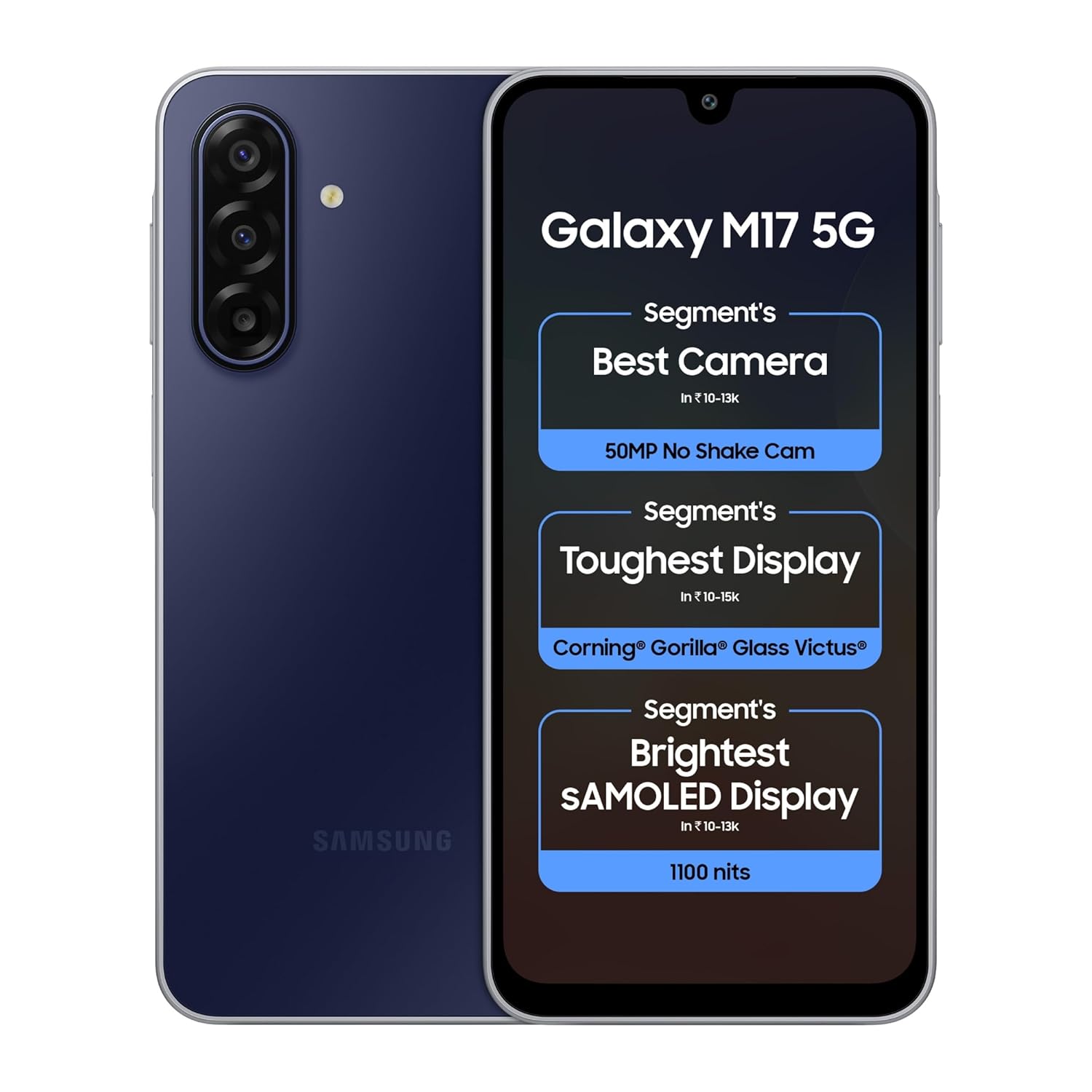
Image: Samsung Galaxy M17 5G smartphone, Sapphire Black variant, front and rear view.
ആമുഖം
ബോക്സിൽ എന്താണുള്ളത്
- Samsung Galaxy M17 5G Smartphone
- Data Cable (USB Type-C to Type-C)
- സിം എജക്ഷൻ പിൻ
- ദ്രുത ആരംഭ ഗൈഡ്

Image: Contents of the product packaging, showing the Galaxy M17 5G phone, a Type-C to Type-C data cable, and a SIM ejection pin.
Note: A charger is not included in the box and must be purchased separately.
ഉപകരണ ലേഔട്ട്
Familiarize yourself with the physical components of your Galaxy M17 5G.
- മുൻഭാഗം: Display, Front Camera, Earpiece.
- പിൻഭാഗം: Triple Camera Module, LED Flash, Samsung Logo.
- വശങ്ങൾ: Volume Buttons, Power/Side Key (with Fingerprint Sensor), SIM/microSD Card Tray, USB Type-C Port, Speaker, Microphone.
ചിത്രം: മുന്നിലും പിന്നിലും view of the Samsung Galaxy M17 5G, highlighting its slim design and camera module.
Inserting SIM and microSD Card
- നിങ്ങളുടെ ഉപകരണത്തിന്റെ വശത്ത് സിം കാർഡ് ട്രേ കണ്ടെത്തുക.
- ട്രേ തുറക്കാൻ അതിനടുത്തുള്ള ചെറിയ ദ്വാരത്തിലേക്ക് സിം എജക്ഷൻ പിൻ തിരുകുക.
- സ്വർണ്ണ കോൺടാക്റ്റുകൾ താഴേക്ക് അഭിമുഖീകരിക്കുന്ന തരത്തിൽ നിങ്ങളുടെ നാനോ-സിം കാർഡ്(കൾ) അല്ലെങ്കിൽ മൈക്രോ എസ്ഡി കാർഡ് ട്രേയിൽ വയ്ക്കുക.
- ട്രേ അതിന്റെ സ്ഥാനത്ത് ക്ലിക്ക് ആകുന്നതുവരെ സ്ലോട്ടിലേക്ക് പതുക്കെ തിരികെ തള്ളുക.
പവർ ഓണും പ്രാരംഭ സജ്ജീകരണവും
- Press and hold the Power/Side Key until the Samsung logo appears.
- നിങ്ങളുടെ ഭാഷ തിരഞ്ഞെടുക്കുന്നതിനും, വൈഫൈയിലേക്ക് കണക്റ്റുചെയ്യുന്നതിനും, നിങ്ങളുടെ Google അക്കൗണ്ട് സജ്ജീകരിക്കുന്നതിനും ഓൺ-സ്ക്രീൻ നിർദ്ദേശങ്ങൾ പാലിക്കുക.
- You can also transfer data from a previous device during this process.
പ്രധാന സവിശേഷതകൾ
ക്യാമറ സിസ്റ്റം
The Galaxy M17 5G features a versatile triple camera system designed for various photography needs.
- 50MP OIS Main Camera: Capture clear and stable photos and videos with Optical Image Stabilization (OIS).
- 5MP അൾട്രാ-വൈഡ് ക്യാമറ: Expand your perspective with wide-angle shots.
- 2MP മാക്രോ ക്യാമറ: Capture intricate details up close.
- 13MP മുൻ ക്യാമറ: For high-quality selfies and video calls.

ചിത്രം: വിശദമായത് view of the 50MP OIS camera system on the Galaxy M17 5G, emphasizing its stabilization capabilities.
Immersive Display
Experience vibrant visuals on the 6.7-inch Super AMOLED display.
- വലിപ്പം: 6.7 ഇഞ്ച് (17.01 സെ.മീ)
- തരം: സൂപ്പർ അമോലെഡ്
- റെസലൂഷൻ: FHD+ (1080 x 2340 pixels)
- തെളിച്ചം: Up to 1100 nits for clear visibility even in bright sunlight.
- പുതുക്കൽ നിരക്ക്: 90Hz for smooth scrolling and animations.
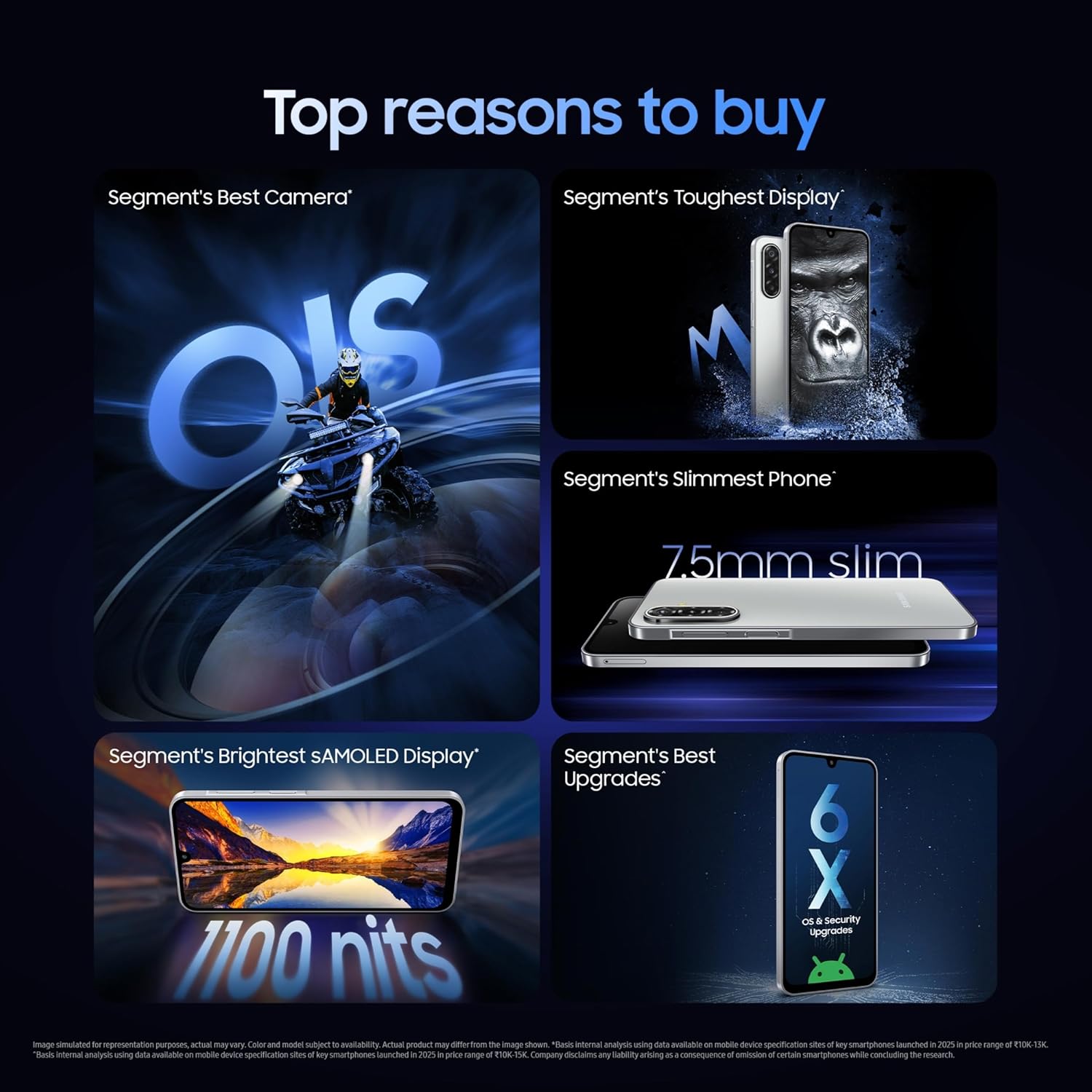
Image: The bright 6.7-inch Super AMOLED display of the Samsung Galaxy M17 5G, showcasing its vivid colors and high visibility.
മെച്ചപ്പെടുത്തിയ ഈട്
The device is built to withstand daily use.
- Gorilla Glass Victus: Provides enhanced scratch and drop resistance for the display.
- IP54 റേറ്റിംഗ്: Offers protection against dust and splashes of water.

Image: The Samsung Galaxy M17 5G highlighting its Gorilla Glass Victus display and IP54 water and dust resistance.
ശക്തമായ പ്രകടനം
Equipped with a robust processor and the latest Android OS.
- പ്രോസസ്സർ: Exynos 1330 Octa-Core (2.4GHz, 2GHz) for smooth multitasking.
- ഓപ്പറേറ്റിംഗ് സിസ്റ്റം: Android 15 with One UI 7.0.
- റാം: Available in 4GB, 6GB, and 8GB configurations.
- സംഭരണം: 128GB internal storage, expandable via microSD.

Image: The Samsung Galaxy M17 5G with visual representation of its powerful performance, powered by the Exynos 1330 processor.
AI കഴിവുകൾ
Leverage intelligent features for enhanced usability.
- Google ഉപയോഗിച്ച് തിരയാനുള്ള സർക്കിൾ: നിങ്ങളുടെ സ്ക്രീനിലെ വസ്തുക്കളെ വട്ടമിട്ട് വിവരങ്ങൾ വേഗത്തിൽ തിരയുക.
- ജെമിനി ലൈവ്: Utilize advanced AI for various tasks.

Image: The Samsung Galaxy M17 5G illustrating the 'Circle to Search with Google' feature for quick information retrieval.
Software Upgrades and Security
Stay updated and secure with long-term support.
- OS Upgrades: 6 generations of Android OS upgrades.
- സുരക്ഷാ അപ്ഡേറ്റുകൾ: 6 years of security updates.
- നോക്സ് സുരക്ഷ: Multi-layered security platform to protect your data.
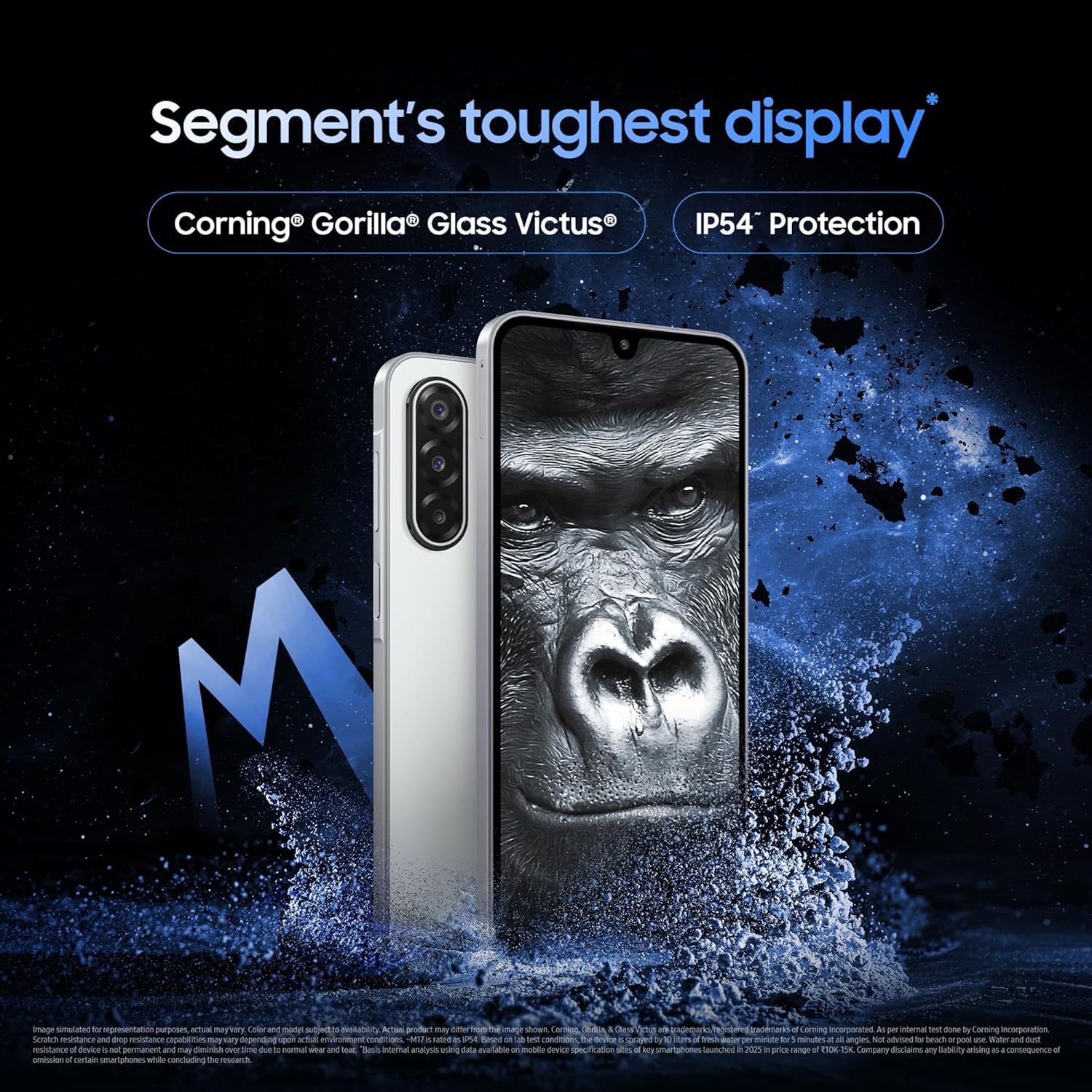
Image: The Samsung Galaxy M17 5G displaying a graphic indicating 6 generations of OS and security upgrades.
ദീർഘകാലം നിലനിൽക്കുന്ന ബാറ്ററി
Power through your day with a large battery and fast charging support.
- ശേഷി: 5000mAh (സാധാരണ).
- ചാർജിംഗ്: Supports 25W fast charging (charger sold separately).
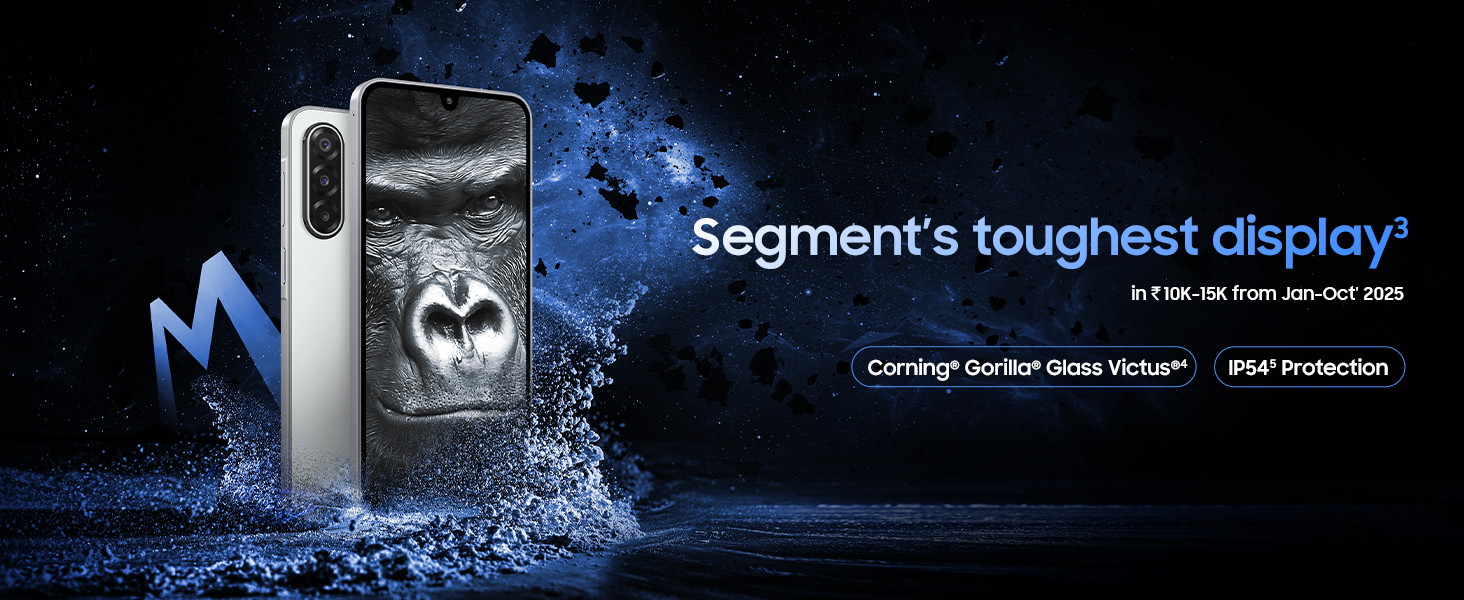
Image: The Samsung Galaxy M17 5G illustrating its 5000mAh battery capacity and 25W fast charging capability.
കണക്റ്റിവിറ്റി
- നെറ്റ്വർക്ക്: 5G capable.
- വയർലെസ്: Bluetooth, Wi-Fi.
- മറ്റുള്ളവ: NFC, USB Type-C, GPS.
നിങ്ങളുടെ ഉപകരണം ഉപയോഗിക്കുന്നു
നാവിഗേഷൻ
- ടച്ച് സ്ക്രീൻ: Interact with the device using taps, swipes, and gestures.
- സൈഡ് കീ: Configurable for various functions, including power on/off and quick app launch.
- വോളിയം കീകൾ: Adjust media volume, ringtone volume, and navigate menus in some applications.
ക്യാമറ ഉപയോഗം
Open the Camera app to access various modes like Photo, Video, Portrait, Pro, and more. Tap the shutter button to capture images or start/stop video recording.
സുരക്ഷാ സവിശേഷതകൾ
- ഫിംഗർപ്രിന്റ് സെൻസർ: Integrated into the side key for quick and secure unlocking.
- മുഖം തിരിച്ചറിയൽ: Unlock your device using your face.
- പിൻ/പാറ്റേൺ/പാസ്വേഡ്: Standard security options.
പരിപാലനവും പരിചരണവും
നിങ്ങളുടെ ഉപകരണം വൃത്തിയാക്കുന്നു
നിങ്ങളുടെ ഫോണിന്റെ സ്ക്രീനും ബോഡിയും വൃത്തിയാക്കാൻ മൃദുവായ, ലിന്റ് രഹിത തുണി ഉപയോഗിക്കുക. കഠിനമായ രാസവസ്തുക്കളോ ഉരച്ചിലുകളോ ഉള്ള വസ്തുക്കൾ ഒഴിവാക്കുക.
വെള്ളവും പൊടിയും പ്രതിരോധം (IP54)
The Galaxy M17 5G is rated IP54 for dust and splash resistance. This means it is protected against limited dust ingress and water splashes from any direction. It is അല്ല advised for beach or pool use, and water and dust resistance may diminish over time due to normal wear and tear.
സോഫ്റ്റ്വെയർ അപ്ഡേറ്റുകൾ
നിങ്ങളുടെ ഉപകരണത്തിൽ ഏറ്റവും പുതിയ ഫീച്ചറുകൾ, സുരക്ഷാ പാച്ചുകൾ, പ്രകടന മെച്ചപ്പെടുത്തലുകൾ എന്നിവ ഉണ്ടെന്ന് ഉറപ്പാക്കാൻ സോഫ്റ്റ്വെയർ അപ്ഡേറ്റുകൾ പതിവായി പരിശോധിച്ച് ഇൻസ്റ്റാൾ ചെയ്യുക. നിങ്ങൾക്ക് സാധാരണയായി ഈ ഓപ്ഷൻ ഇതിൽ കണ്ടെത്താനാകും ക്രമീകരണങ്ങൾ > സോഫ്റ്റ്വെയർ അപ്ഡേറ്റ്.
ട്രബിൾഷൂട്ടിംഗ്
പൊതുവായ പ്രശ്നങ്ങളും പരിഹാരങ്ങളും
- ഉപകരണം ഓണാക്കുന്നില്ല: ബാറ്ററി ചാർജ്ജ് ചെയ്തിട്ടുണ്ടെന്ന് ഉറപ്പാക്കുക. വീണ്ടും പവർ ഓൺ ചെയ്യാൻ ശ്രമിക്കുന്നതിന് മുമ്പ് ഒരു ചാർജറുമായി കണക്റ്റ് ചെയ്ത് കുറച്ച് മിനിറ്റ് കാത്തിരിക്കുക.
- ആപ്പുകൾ ക്രാഷാകുകയോ മരവിക്കുകയോ ചെയ്യുന്നു: ആപ്പ് അടച്ച് റീസ്റ്റാർട്ട് ചെയ്യുക. പ്രശ്നം നിലനിൽക്കുകയാണെങ്കിൽ, ആപ്പിന്റെ കാഷെ മായ്ക്കുക അല്ലെങ്കിൽ വീണ്ടും ഇൻസ്റ്റാൾ ചെയ്യുക.
- മന്ദഗതിയിലുള്ള പ്രകടനം: Close unused apps, clear cache, or restart the device. Consider freeing up storage space.
- നെറ്റ്വർക്ക് കണക്റ്റിവിറ്റി പ്രശ്നങ്ങൾ: Check your SIM card, restart your device, or reset network settings.
- ബാറ്ററി വേഗത്തിൽ തീർന്നു: Reduce screen brightness, disable unnecessary features (GPS, Bluetooth, Wi-Fi when not in use), or check for power-hungry apps in battery settings.
For more detailed troubleshooting, refer to the Samsung support webസൈറ്റ് അല്ലെങ്കിൽ ഉപഭോക്തൃ സേവനവുമായി ബന്ധപ്പെടുക.
സ്പെസിഫിക്കേഷനുകൾ
| ഫീച്ചർ | വിശദാംശങ്ങൾ |
|---|---|
| മോഡൽ നമ്പർ | SM-M176B |
| ഓപ്പറേറ്റിംഗ് സിസ്റ്റം | ആൻഡ്രോയിഡ് 15.0 |
| പ്രോസസ്സർ | Exynos 1330 S5E8535 Octa-Core (2.4 GHz) |
| റാം | 4 GB (other variants available) |
| ആന്തരിക സംഭരണം | 128 ജിബി (വികസിപ്പിക്കാവുന്നത്) |
| പ്രദർശിപ്പിക്കുക | 6.7 inches Super AMOLED, FHD+ (1080 x 2340), 90Hz Refresh Rate |
| പിൻ ക്യാമറ | 50MP OIS (F1.8) Main + 5MP (F2.2) Ultra Wide + 2MP Macro |
| മുൻ ക്യാമറ | 13MP (F2.0) |
| ബാറ്ററി ശേഷി | 5000 mAh |
| ചാർജിംഗ് | 25W Fast Charging Support |
| കണക്റ്റിവിറ്റി | 5G, Bluetooth, NFC, USB Type-C, Wi-Fi, GPS |
| ഈട് | Corning Gorilla Glass Victus, IP54 Rating |
| അളവുകൾ | 0.75 x 7.79 x 16.44 സെ.മീ |
| ഭാരം | 192 ഗ്രാം |
| നിറം | Sapphire Black (other colors available) |
വാറൻ്റിയും പിന്തുണയും
നിർമ്മാതാവിന്റെ വാറന്റി
Your Samsung Galaxy M17 5G is covered by a manufacturer's warranty. Please refer to the warranty card included in your product packaging for specific terms and conditions.
കസ്റ്റമർ സർവീസ്
For technical assistance, repairs, or further inquiries, please contact Samsung customer support. Samsung offers over 3000 service touchpoints and 24x7 support.
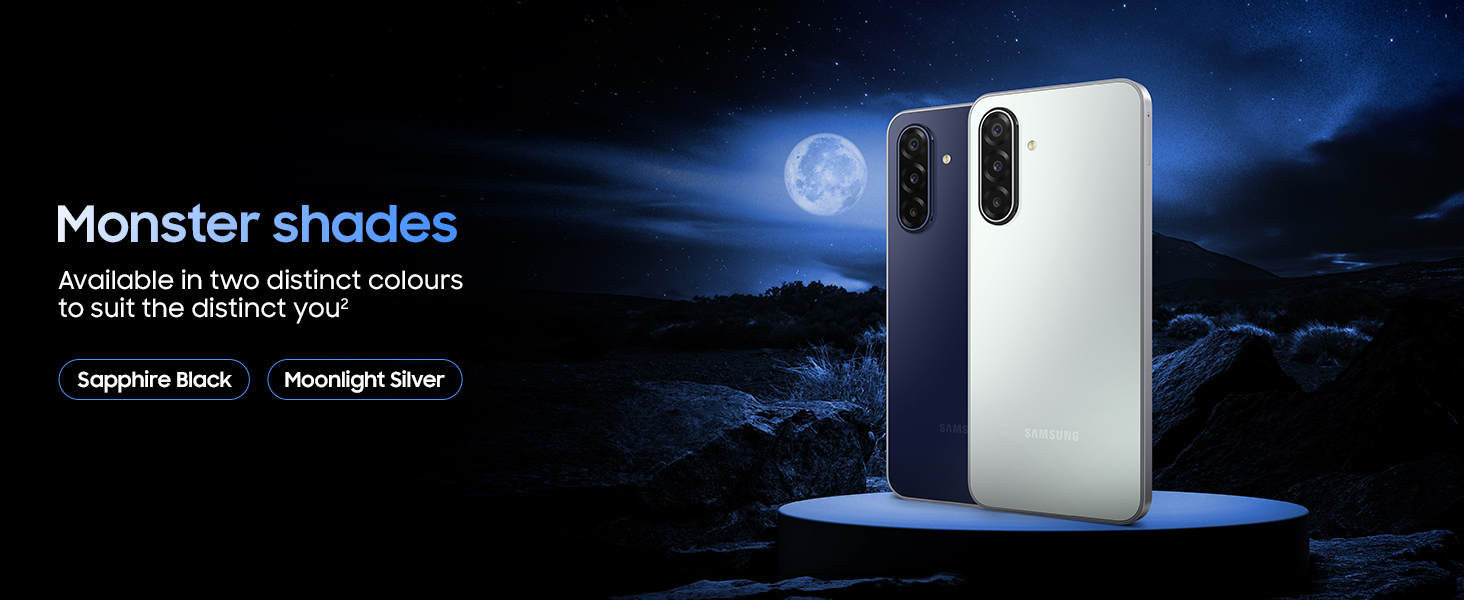
Image: A map illustrating Samsung's extensive network of over 3000 service touchpoints across India, offering 24x7 support.
You can find more information on the official Samsung India website or by emailing support.india@samsung.com.


