1. ആമുഖം
Welcome to the FUNYET 16-inch Laptop Computer NY-08 user manual. This guide provides essential information for setting up, operating, maintaining, and troubleshooting your new laptop. Designed for versatility and performance, the FUNYET NY-08 is equipped with an Intel 13th Gen N150 processor, ample memory, and a vibrant display to support your daily computing needs, from productivity to entertainment.
Figure 1: The FUNYET 16-inch Laptop Computer, showcasing its sleek design and large display.
2. സജ്ജീകരണം
2.1 അൺബോക്സിംഗും പ്രാരംഭ പരിശോധനയും
പാക്കേജിംഗിൽ നിന്ന് എല്ലാ ഘടകങ്ങളും ശ്രദ്ധാപൂർവ്വം നീക്കം ചെയ്യുക. ഇനിപ്പറയുന്ന ഇനങ്ങൾ ഉണ്ടെന്ന് ഉറപ്പാക്കുക:
- FUNYET 16-inch Laptop Computer
- എസി അഡാപ്റ്റർ
- ഉപയോക്തൃ മാനുവൽ (ഈ പ്രമാണം)
- വാറൻ്റി കാർഡ്
2.2 Powering On and First Boot
Connect the AC adapter to the laptop's DC port and a power outlet. Press the power button to turn on the laptop. Follow the on-screen instructions to complete the initial Windows 11 Pro setup, including language, region, and user account creation.
Figure 2: The laptop displaying the Windows 11 Pro operating system during initial setup.
2.3 Wi-Fi-ലേക്ക് ബന്ധിപ്പിക്കുന്നു
During the Windows setup or afterwards, navigate to the network settings. Select your desired Wi-Fi network from the list, enter the password if prompted, and click 'Connect'.
3. നിങ്ങളുടെ ലാപ്ടോപ്പ് പ്രവർത്തിപ്പിക്കുക
3.1 വിൻഡോസ് 11 പ്രോ ഓവർview
Your FUNYET laptop comes with Windows 11 Pro pre-installed, offering enhanced security, productivity features, and a redesigned user interface. Explore the Start Menu, Taskbar, and Widgets for a personalized experience.
3.2 കീബോർഡും ടച്ച്പാഡും
The laptop features a full-size backlit keyboard for comfortable typing in various lighting conditions and a numeric keypad for efficient data entry. The integrated touchpad supports multi-touch gestures for navigation. A fingerprint scanner is integrated for secure and quick login.
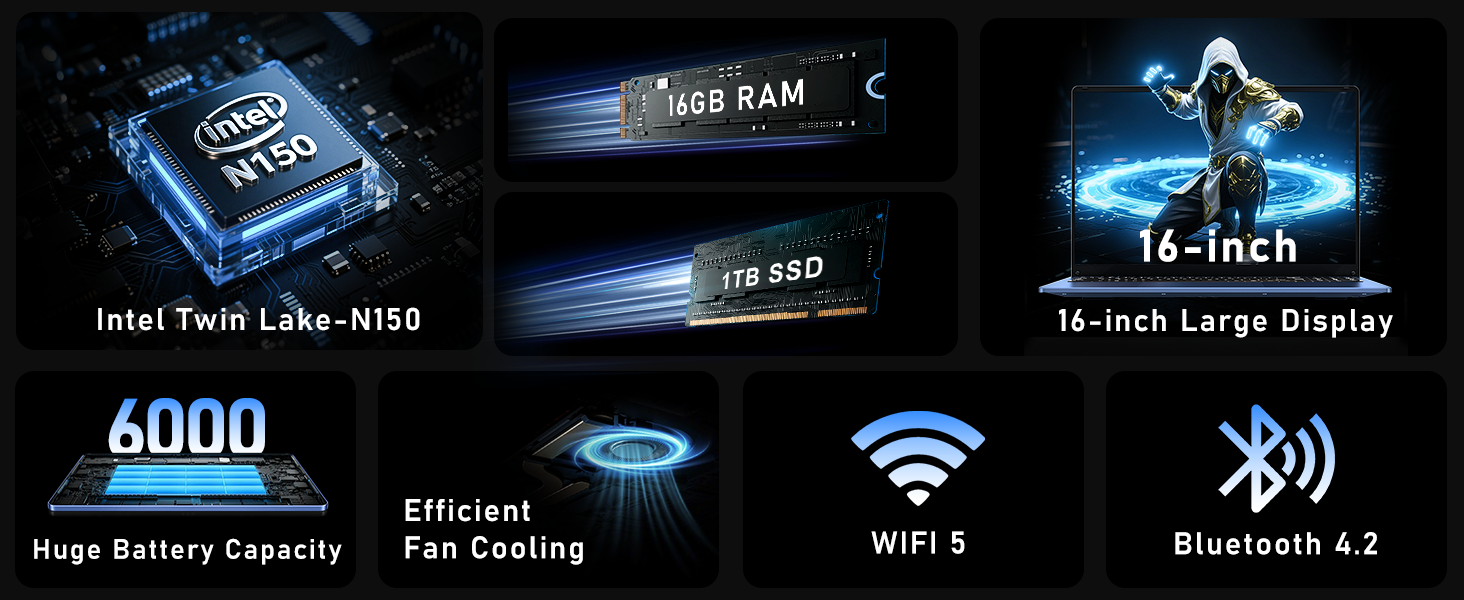
Figure 3: Close-up of the laptop's full-size backlit keyboard and numeric keypad.
3.3 കണക്റ്റിവിറ്റി പോർട്ടുകൾ
The laptop is equipped with various ports for external device connectivity:
- യുഎസ്ബി 2.0 പോർട്ട്: For connecting older USB devices.
- USB 3.0 പോർട്ടുകൾ: Two ports for high-speed data transfer with compatible devices.
- മിനി HDMI പോർട്ട്: ബാഹ്യ ഡിസ്പ്ലേകളിലേക്കോ പ്രൊജക്ടറുകളിലേക്കോ ബന്ധിപ്പിക്കുന്നതിന്.
- 3.5 എംഎം ഹെഡ്ഫോൺ ജാക്ക്: ഹെഡ്ഫോണുകളിലേക്കോ ബാഹ്യ സ്പീക്കറുകളിലേക്കോ ഉള്ള ഓഡിയോ ഔട്ട്പുട്ടിനായി.
- ഡിസി പോർട്ട്: ലാപ്ടോപ്പ് ചാർജ് ചെയ്യുന്നതിനായി എസി അഡാപ്റ്റർ ബന്ധിപ്പിക്കുന്നതിന്.
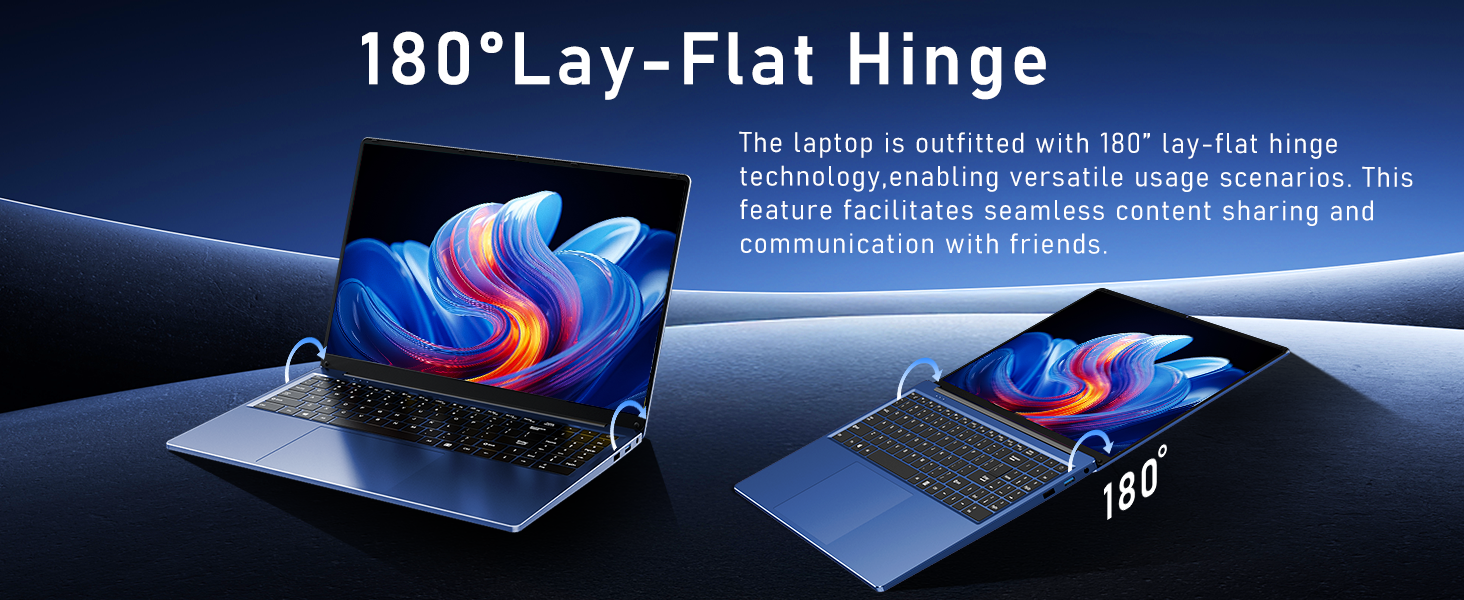
Figure 4: Diagram illustrating the various connectivity ports on the FUNYET laptop.
4 പ്രധാന സവിശേഷതകൾ
The FUNYET NY-08 laptop is engineered with components designed for optimal performance and user experience.
4.1 Advanced Processor
Equipped with the latest 13th generation Intel Alder Lake N150 processor, featuring a boost frequency of up to 3.6GHz, 4 cores, and 4 threads. This provides robust performance for multitasking, streaming, and light gaming.
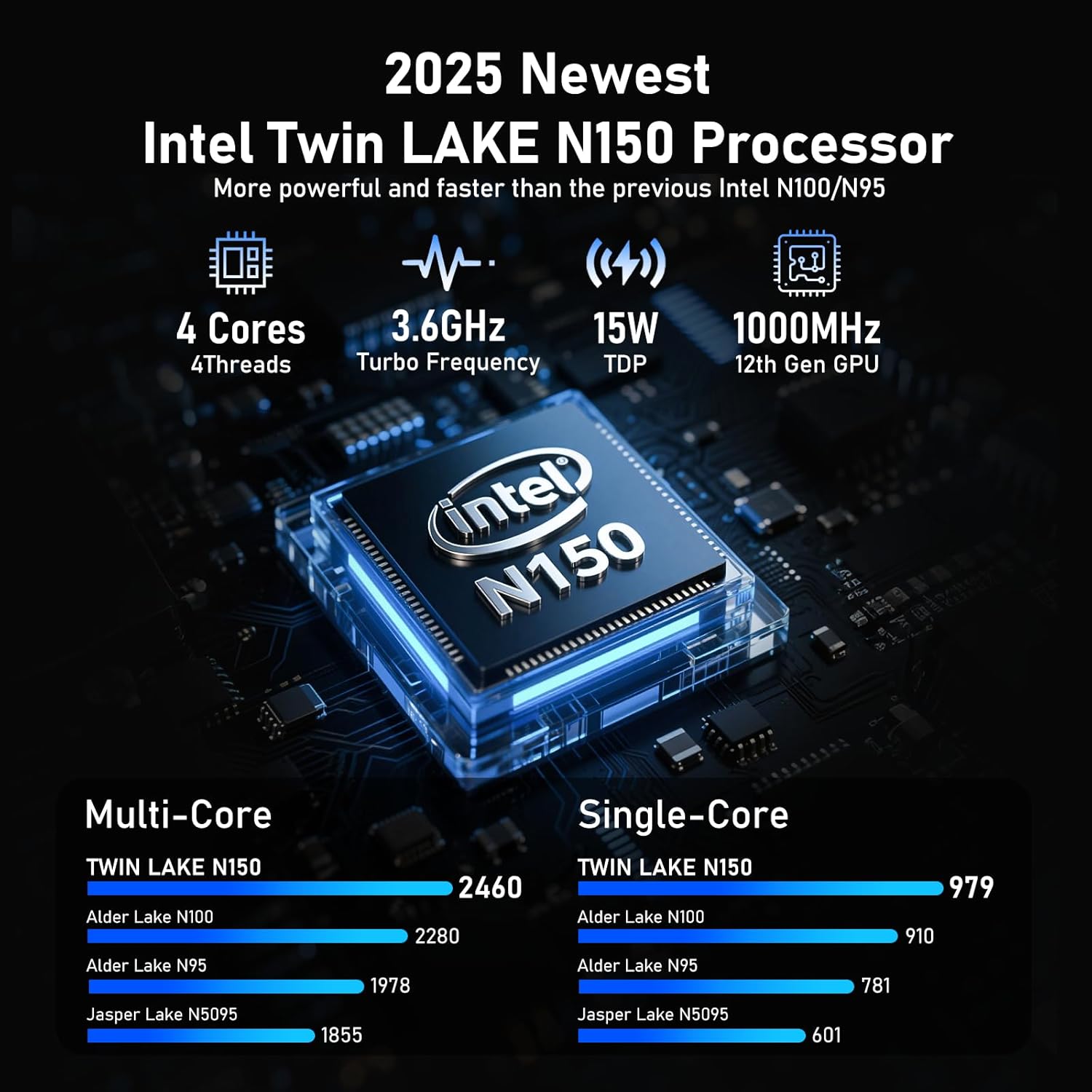
ചിത്രം 5: വിശദമായി view of the Intel N150 processor, highlighting its core specifications.
4.2 മെമ്മറിയും സംഭരണവും
With 16GB of DDR4 RAM and a 1TB high-speed SSD, the laptop ensures effortless multitasking and provides ample space for all your data, applications, and media files.
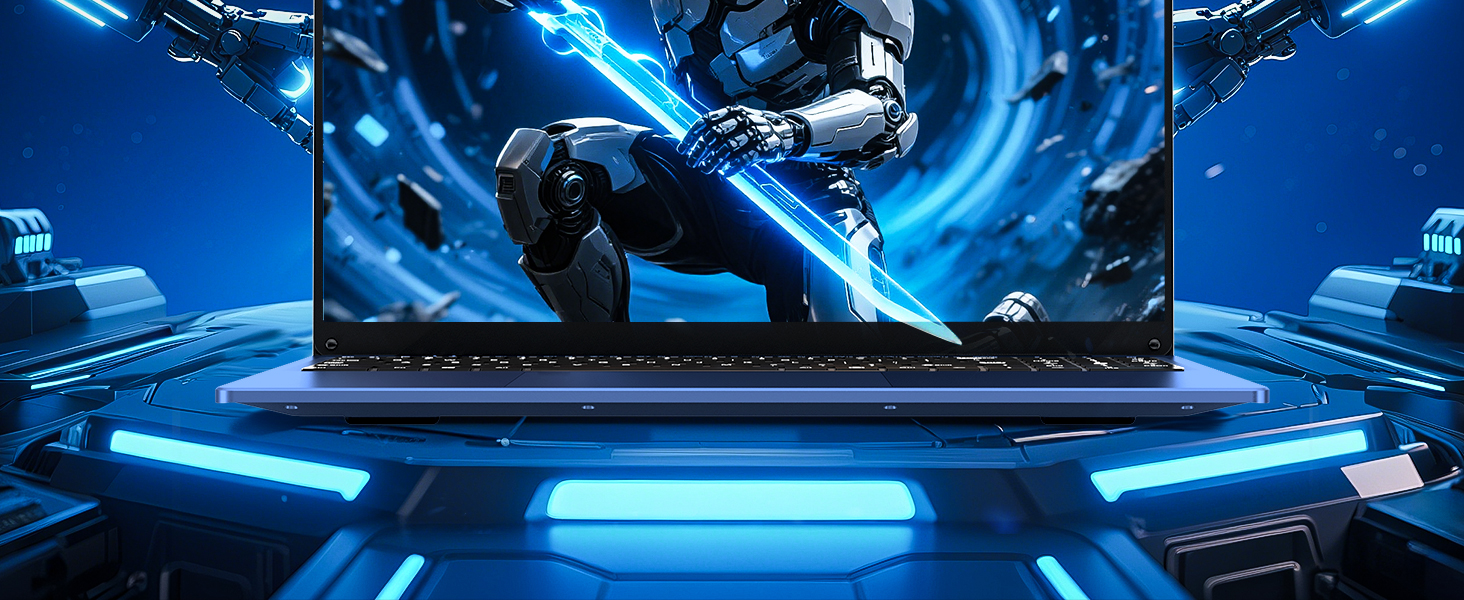
Figure 6: Visual representation of the 16GB RAM and 1TB SSD for high capacity and performance.
4.3 Visual Brilliance Display
Experience stunning visuals on the 16.0-inch Full HD IPS display with a 1920x1200 resolution. The 0.2-inch micro-bezel and 90% screen-to-body ratio provide an immersive viewing experience with vivid colors and eye protection features.

Figure 7: The laptop's 16-inch FHD IPS display, showcasing its visual clarity and narrow bezels.
4.4 ദീർഘകാലം നിലനിൽക്കുന്ന ബാറ്ററി
The laptop is equipped with a 6000mAh (46.2Wh) rechargeable battery, offering up to 6 hours of battery life, making it suitable for on-the-go use.
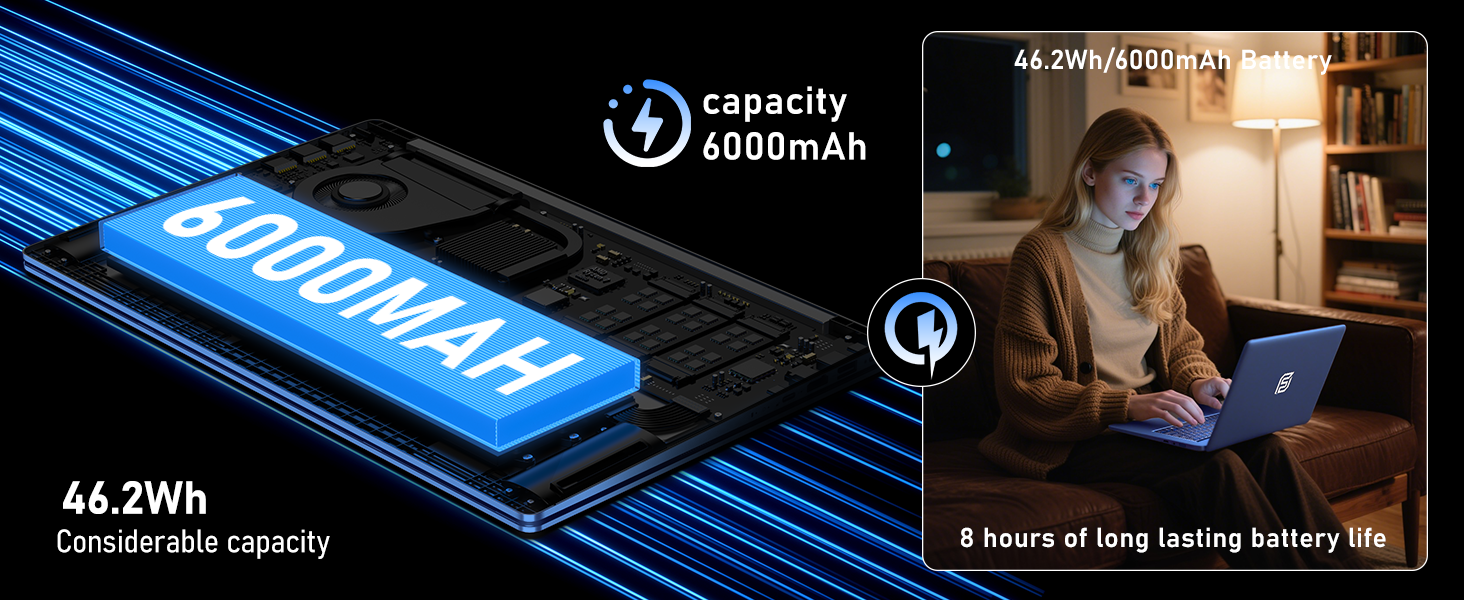
Figure 8: Illustration of the laptop's 6000mAh battery, providing extended usage.
4.5 പോർട്ടബിൾ ഡിസൈൻ
With a slim 0.8-inch body and a weight of only 3.5 pounds, this laptop is highly portable. It also features a 180° lay-flat hinge, allowing for versatile usage scenarios and easy content sharing.
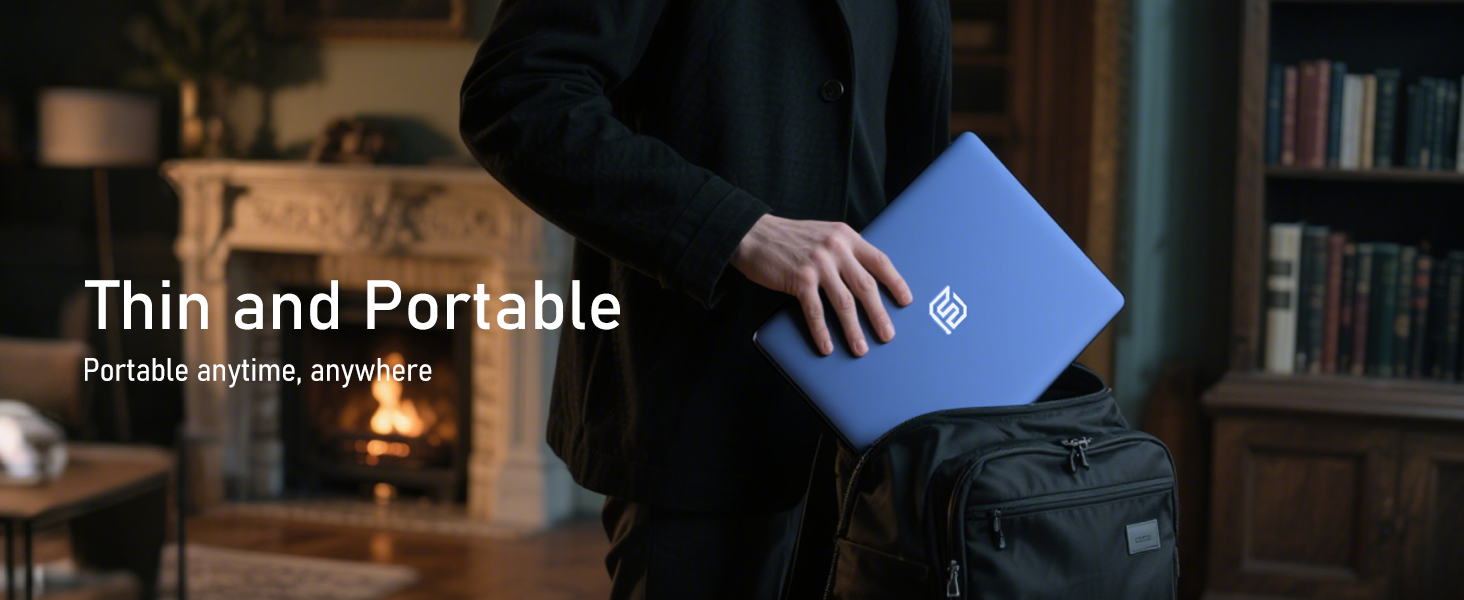
Figure 9: The laptop demonstrating its 180-degree lay-flat hinge for flexible use.
5. പരിപാലനം
To ensure the longevity and optimal performance of your FUNYET laptop, follow these maintenance guidelines:
- വൃത്തിയാക്കൽ: സ്ക്രീനും എക്സ്റ്റീരിയറും വൃത്തിയാക്കാൻ മൃദുവായ, ലിന്റ് രഹിത തുണി ഉപയോഗിക്കുക. കഠിനമായ രാസവസ്തുക്കൾ ഒഴിവാക്കുക.
- സോഫ്റ്റ്വെയർ അപ്ഡേറ്റുകൾ: Regularly update Windows 11 Pro and drivers to ensure security and performance.
- ബാറ്ററി കെയർ: ബാറ്ററി ഇടയ്ക്കിടെ പൂർണ്ണമായും ഡിസ്ചാർജ് ചെയ്യുന്നത് ഒഴിവാക്കുക. ദീർഘകാല സംഭരണത്തിനായി, ബാറ്ററി ഏകദേശം 50-70% വരെ ചാർജ് ചെയ്യുക.
- വെൻ്റിലേഷൻ: അമിതമായി ചൂടാകുന്നത് തടയാൻ ലാപ്ടോപ്പിന്റെ വെന്റുകൾ അടഞ്ഞുകിടക്കുന്നില്ലെന്ന് ഉറപ്പാക്കുക.
6. പ്രശ്നപരിഹാരം
നിങ്ങൾ നേരിട്ടേക്കാവുന്ന പൊതുവായ പ്രശ്നങ്ങൾക്കുള്ള പരിഹാരങ്ങൾ ഇതാ:
| ഇഷ്യൂ | പരിഹാരം |
|---|---|
| ലാപ്ടോപ്പ് ഓണാകുന്നില്ല. | എസി അഡാപ്റ്റർ സുരക്ഷിതമായി ബന്ധിപ്പിച്ചിട്ടുണ്ടെന്നും പവർ ഔട്ട്ലെറ്റ് പ്രവർത്തിക്കുന്നുണ്ടെന്നും ഉറപ്പാക്കുക. ഹാർഡ് റീസെറ്റ് നടത്താൻ പവർ ബട്ടൺ 10-15 സെക്കൻഡ് അമർത്തിപ്പിടിക്കാൻ ശ്രമിക്കുക. |
| Wi-Fi കണക്ഷനില്ല | Check if Wi-Fi is enabled in Windows settings. Restart your router and the laptop. Verify your Wi-Fi password. |
| മന്ദഗതിയിലുള്ള പ്രകടനം | Close unnecessary applications. Check for background processes consuming resources. Ensure Windows and drivers are up to date. Run a disk cleanup. |
| ഡിസ്പ്ലേ പ്രശ്നങ്ങൾ | Adjust screen brightness. Ensure display drivers are updated. If connected to an external monitor, check cable connections. |
7 സ്പെസിഫിക്കേഷനുകൾ
Detailed technical specifications for the FUNYET 16-inch Laptop Computer NY-08:
| ഫീച്ചർ | വിശദാംശങ്ങൾ |
|---|---|
| മോഡലിൻ്റെ പേര് | NY-08 |
| സ്ക്രീൻ വലിപ്പം | 16 ഇഞ്ച് |
| സ്ക്രീൻ റെസല്യൂഷൻ | 1920 x 1200 പിക്സലുകൾ (FHD IPS) |
| പ്രോസസ്സർ | Intel 13th Gen Alder Lake N150 (up to 3.6GHz, 4 Cores, 4 Threads) |
| റാം | 16GB DDR4 |
| ഹാർഡ് ഡ്രൈവ് | 1TB SSD |
| ഓപ്പറേറ്റിംഗ് സിസ്റ്റം | വിൻഡോസ് 11 പ്രോ |
| ഗ്രാഫിക്സ് കാർഡ് | Integrated Celeron Graphics |
| വയർലെസ് തരം | 5 GHz Radio Frequency (Wi-Fi 5) |
| ബ്ലൂടൂത്ത് | ബ്ലൂടൂത്ത് 4.2 |
| USB പോർട്ടുകൾ | 1x USB 2.0, 2x USB 3.0 |
| വീഡിയോ ഔട്ട്പുട്ട് | മിനി HDMI |
| ഓഡിയോ ജാക്ക് | 3.5 എംഎം ഹെഡ്ഫോൺ |
| ബാറ്ററി ലൈഫ് | Up to 6-8 Hours (6000mAh) |
| ഇനത്തിൻ്റെ ഭാരം | 3.5 പൗണ്ട് |
| ഉൽപ്പന്ന അളവുകൾ | 14 x 9 x 0.8 ഇഞ്ച് |
| പ്രത്യേക ഫീച്ചർ | Backlit Keyboard, Fingerprint Scanner |
8. വാറണ്ടിയും പിന്തുണയും
Your FUNYET NY-08 laptop comes with a 2 വർഷത്തെ വാറൻ്റി, ensuring peace of mind. For any issues or queries, our dedicated customer support team is available 24/7 to provide prompt and efficient assistance.
ബന്ധപ്പെടാനുള്ള വിവരങ്ങൾ:
- ഫോൺ: +1 800-986-9631 (4AM-10PM PT)
- ഇമെയിൽ: funyetstore@outlook.com

Figure 10: FUNYET customer support information, including warranty and contact details.
9. ഉൽപ്പന്ന വീഡിയോകൾ
9.1 FUNYET Gaming Laptop Overview
വീഡിയോ 1: ഒരു ഉദ്യോഗസ്ഥൻview of the FUNYET Gaming Laptop, highlighting its design and core features. This video provides a visual introduction to the product's capabilities and aesthetics.
9.2 FUNYET Laptop for Gaming Features
Video 2: A detailed look at the FUNYET Laptop's features optimized for gaming and productivity. This video demonstrates the laptop's performance and various functionalities in action.


