1 പ്രധാനപ്പെട്ട സുരക്ഷാ വിവരങ്ങൾ
Please read all instructions carefully before using your television and retain them for future reference. Follow all warnings and instructions marked on the product.
- വെന്റിലേഷൻ തുറക്കൽ തടയരുത്.
- ഏതെങ്കിലും താപ സ്രോതസ്സുകൾക്ക് സമീപം ഇൻസ്റ്റാൾ ചെയ്യരുത്.
- പവർ കോർഡ് നടക്കുകയോ നുള്ളുകയോ ചെയ്യുന്നതിൽ നിന്ന് സംരക്ഷിക്കുക.
- നിർമ്മാതാവ് വ്യക്തമാക്കിയ അറ്റാച്ച്മെൻ്റുകൾ/ആക്സസറികൾ മാത്രം ഉപയോഗിക്കുക.
- മിന്നൽ കൊടുങ്കാറ്റുകളുടെ സമയത്തോ ദീർഘനേരം ഉപയോഗിക്കാത്ത സമയത്തോ ഈ ഉപകരണം അൺപ്ലഗ് ചെയ്യുക.
- എല്ലാ സേവനങ്ങളും യോഗ്യതയുള്ള സേവന ഉദ്യോഗസ്ഥർക്ക് റഫർ ചെയ്യുക.
2. ബോക്സിൽ എന്താണുള്ളത്?
- Magnavox 65-Inch Roku Smart LED 4K UHD TV
- റോക്കു റിമോട്ട് കൺട്രോൾ
- ടിവി സ്റ്റാൻഡ് (2 കഷണങ്ങൾ)
- ടിവി സ്റ്റാൻഡിനുള്ള സ്ക്രൂകൾ
- പവർ കോർഡ്
- ദ്രുത ആരംഭ ഗൈഡ് (ഈ മാനുവൽ)
3. സജ്ജീകരണ ഗൈഡ്
3.1 ടിവി സ്റ്റാൻഡ് ഘടിപ്പിക്കൽ
- കേടുപാടുകൾ സംഭവിക്കാതിരിക്കാൻ ടിവി സ്ക്രീൻ-ഡൗൺ മൃദുവായതും വൃത്തിയുള്ളതുമായ ഒരു പ്രതലത്തിൽ ശ്രദ്ധാപൂർവ്വം വയ്ക്കുക.
- Align the TV stand pieces with the screw holes on the bottom of the TV.
- നൽകിയിരിക്കുന്ന സ്ക്രൂകൾ ഉപയോഗിച്ച് ഓരോ സ്റ്റാൻഡ് പീസും ഉറപ്പിക്കുക. അവ ദൃഢമായി മുറുക്കിയിട്ടുണ്ടെന്ന് ഉറപ്പാക്കുക.
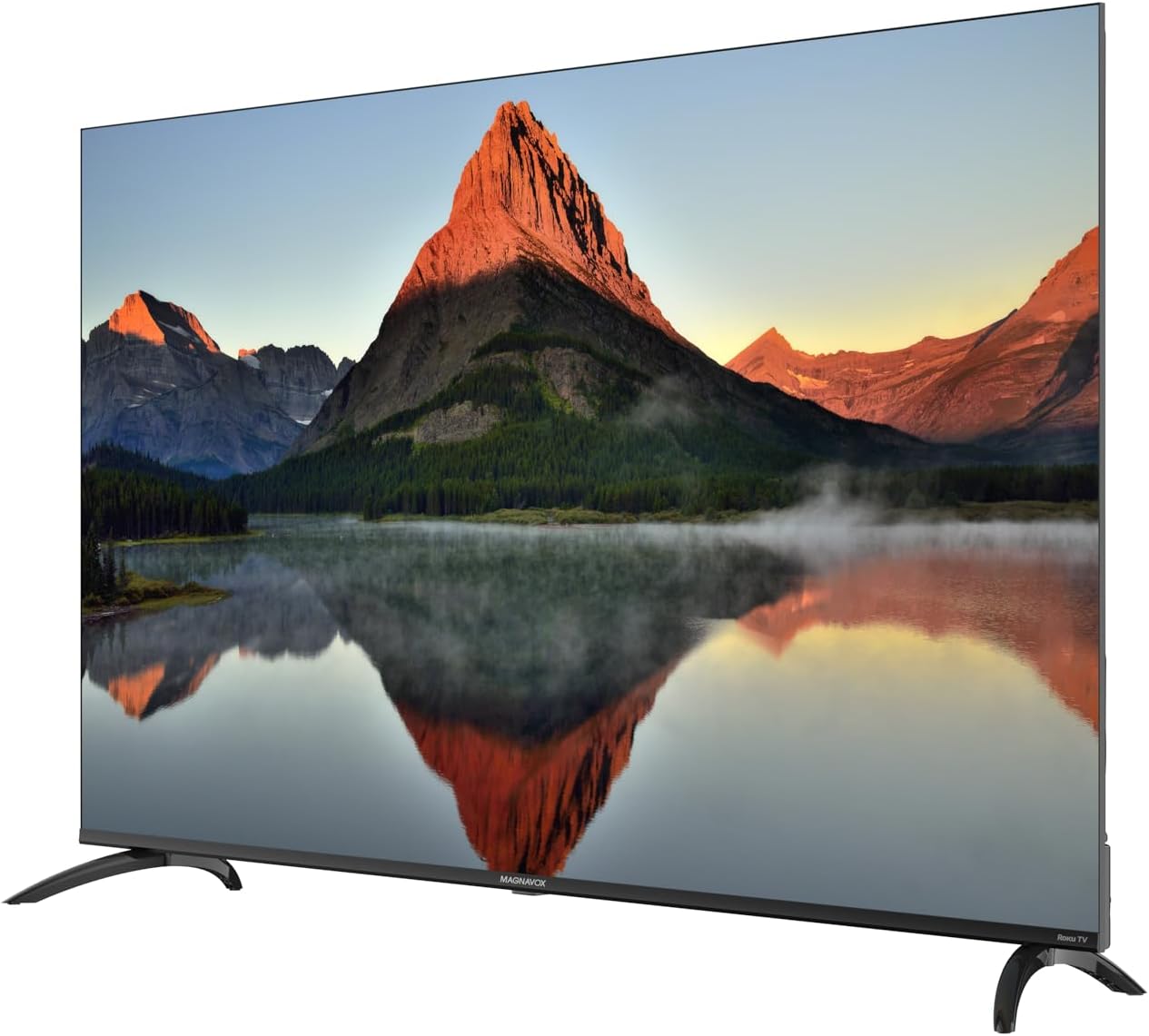
ചിത്രം: മുന്നിൽ-ഇടത് view of the Magnavox 65-inch Roku TV with its stand securely attached.

ചിത്രം: മുന്നിൽ-വലത് view of the Magnavox 65-inch Roku TV with its stand securely attached.
3.2 വാൾ മൗണ്ടിംഗ് (ഓപ്ഷണൽ)
If you choose to wall mount your TV, ensure you use a VESA-compatible wall mount (not included) and follow the wall mount manufacturer's instructions. Remove the TV stand before wall mounting.
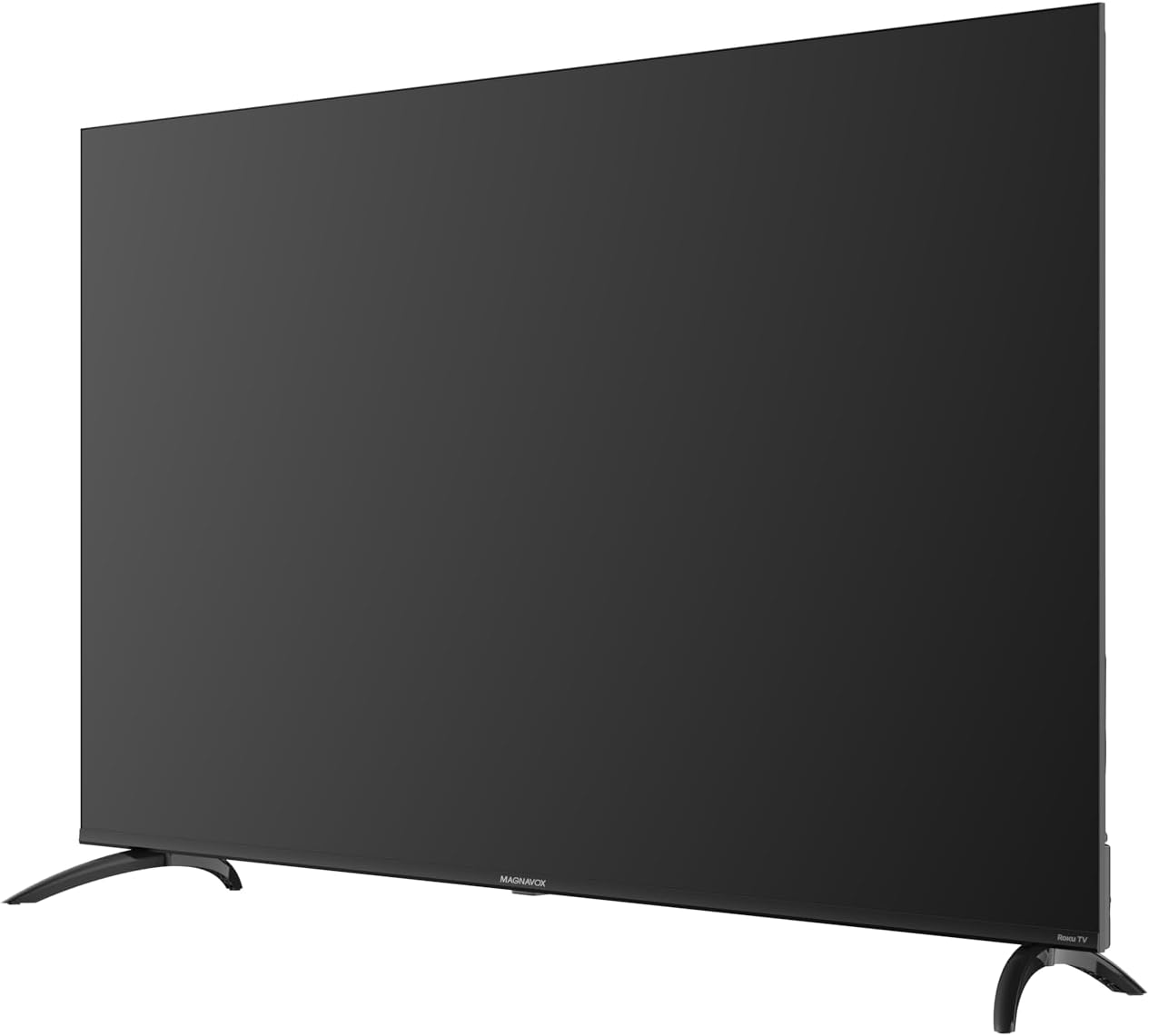
ചിത്രം: പിൻഭാഗം view of the Magnavox 65-inch Roku TV, highlighting the VESA mounting points and various input ports.
3.3 പവറും ഉപകരണങ്ങളും ബന്ധിപ്പിക്കുന്നു
- പവർ കോർഡ് ടിവിയിലേക്കും തുടർന്ന് ഒരു പവർ ഔട്ട്ലെറ്റിലേക്കും ബന്ധിപ്പിക്കുക.
- Connect your external devices (e.g., cable box, gaming console, Blu-ray player) to the available HDMI ports. This TV includes 3 HDMI ports.
- For antenna connection, use the RF input.

ചിത്രം: വശം view of the Magnavox 65-inch Roku TV, illustrating the accessible side input ports.
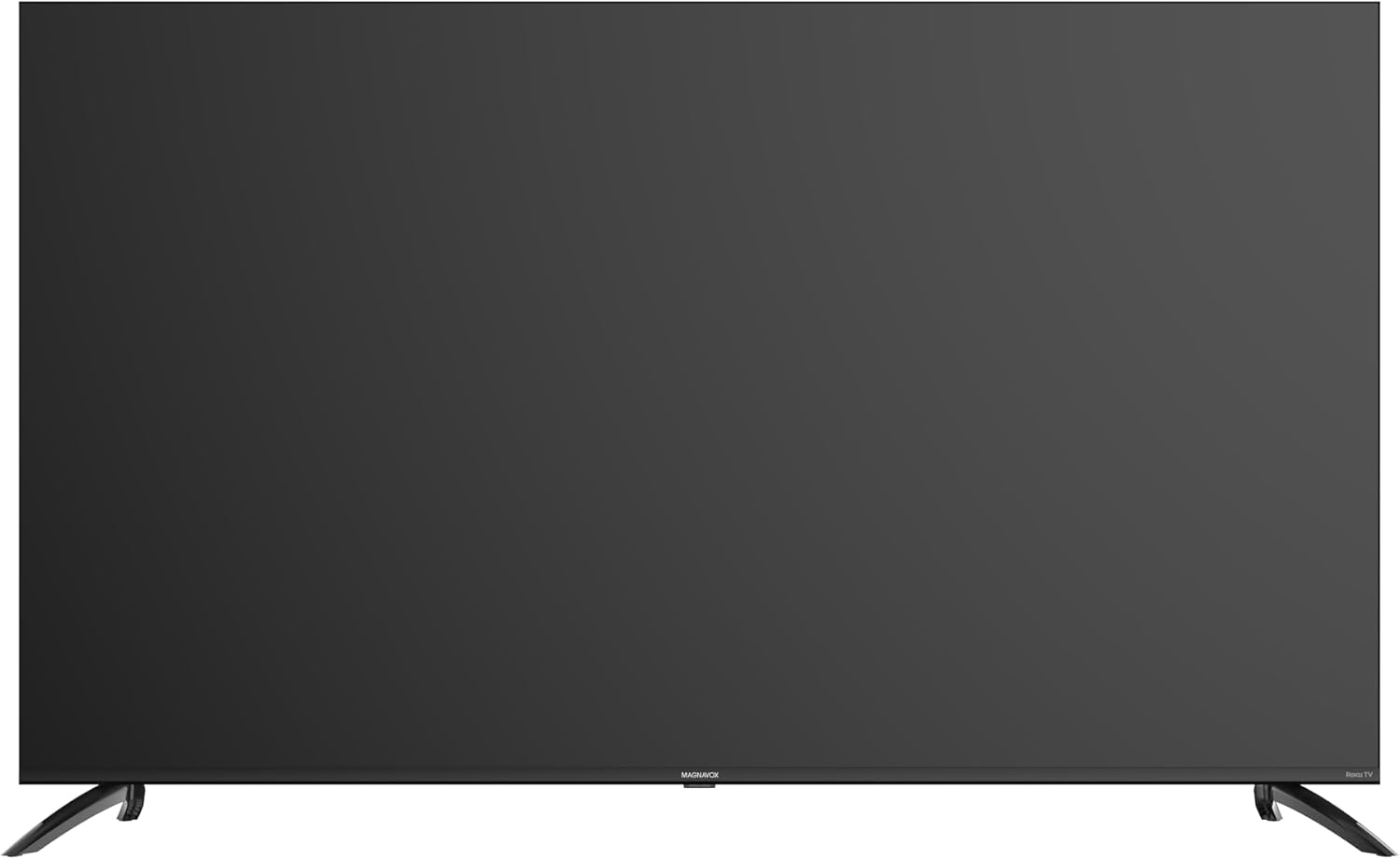
ചിത്രം: താഴെ view of the Magnavox 65-inch Roku TV, displaying the bottom-facing input ports.
4. പ്രവർത്തന നിർദ്ദേശങ്ങൾ
4.1 Initial Setup and Roku OS
- റിമോട്ട് കൺട്രോൾ ഉപയോഗിച്ച് ടിവി ഓണാക്കുക.
- Follow the on-screen instructions to select your language, connect to your Wi-Fi network, and activate your Roku account.
- The Roku TV home screen provides a simple, intuitive interface to access streaming channels and connected devices.
4.2 റിമോട്ട് കൺട്രോൾ ഉപയോഗിക്കുന്നു
The included Roku remote allows easy navigation and quick access to popular streaming services. Dedicated buttons for Netflix, YouTube, Paramount+, and Tubi are provided for convenience.
4.3 Streaming and Content Access
- Access over 1,000 streaming channels through the Roku Channel Store.
- Use the search function to find movies, TV shows, live sports, news, and music across various platforms.
- Connect an over-the-air antenna to watch local broadcasts and create a Favorite Channels list.
5. പരിപാലനം
5.1 ടിവി വൃത്തിയാക്കൽ
- വൃത്തിയാക്കുന്നതിന് മുമ്പ് എപ്പോഴും ടിവി അൺപ്ലഗ് ചെയ്യുക.
- സ്ക്രീനും കാബിനറ്റും മൃദുവായതും ലിന്റ് രഹിതവുമായ ഒരു തുണി ഉപയോഗിച്ച് സൌമ്യമായി തുടയ്ക്കുക.
- കഠിനമായ അടയാളങ്ങൾക്ക്, നേരിയ dampവെള്ളം അല്ലെങ്കിൽ നേരിയതും ഉരച്ചിലുകളില്ലാത്തതുമായ സ്ക്രീൻ ക്ലീനർ ഉപയോഗിച്ച് തുണി വൃത്തിയാക്കുക.
- കഠിനമായ രാസവസ്തുക്കളോ ഉരച്ചിലുകളോ ഉപയോഗിക്കുന്നത് ഒഴിവാക്കുക.
5.2 സോഫ്റ്റ്വെയർ അപ്ഡേറ്റുകൾ
Your Roku TV will automatically receive software updates when connected to the internet. Ensure your TV remains connected to Wi-Fi for optimal performance and access to the latest features.
6. പ്രശ്നപരിഹാരം
- ശക്തിയില്ല: ടിവിയിലേക്കും പ്രവർത്തിക്കുന്ന ഒരു ഇലക്ട്രിക്കൽ ഔട്ട്ലെറ്റിലേക്കും പവർ കോർഡ് സുരക്ഷിതമായി പ്ലഗ് ചെയ്തിട്ടുണ്ടെന്ന് ഉറപ്പാക്കുക. മറ്റൊരു ഔട്ട്ലെറ്റ് പരീക്ഷിക്കുക.
- ചിത്രം/ശബ്ദം ഇല്ല: Verify that the correct input source is selected on the TV. Check all cable connections to external devices.
- റിമോട്ട് പ്രവർത്തിക്കുന്നില്ല: റിമോട്ട് കൺട്രോളിലെ ബാറ്ററികൾ മാറ്റിസ്ഥാപിക്കുക. റിമോട്ടിനും ടിവിയുടെ ഐആർ സെൻസറിനും ഇടയിൽ തടസ്സങ്ങളൊന്നുമില്ലെന്ന് ഉറപ്പാക്കുക.
- നെറ്റ്വർക്ക് കണക്ഷൻ പ്രശ്നങ്ങൾ: Restart your Wi-Fi router. Go to the TV's settings menu to re-establish the wireless connection.
- മോശം ചിത്ര നിലവാരം: Check the resolution settings of your connected devices. Ensure you are watching 4K content for optimal 4K UHD display.
7 സ്പെസിഫിക്കേഷനുകൾ
| ഫീച്ചർ | വിശദാംശങ്ങൾ |
|---|---|
| ബ്രാൻഡ് | മാഗ്നവോക്സ് |
| മോഡൽ നമ്പർ | MTRU651AMZ |
| സ്ക്രീൻ വലിപ്പം | 65 ഇഞ്ച് |
| ഡിസ്പ്ലേ ടെക്നോളജി | എൽഇഡി |
| റെസലൂഷൻ | 4K UHD |
| പുതുക്കിയ നിരക്ക് | 60 Hz |
| ഓപ്പറേറ്റിംഗ് സിസ്റ്റം | റോക്കു ഒഎസ് |
| ഹാർഡ്വെയർ ഇന്റർഫേസ് | HDMI |
| മൊത്തം USB പോർട്ടുകൾ | 2 |
| കണക്റ്റർ തരം | ബ്ലൂടൂത്ത്, HDMI, വൈ-ഫൈ |
| ഉൽപ്പന്ന അളവുകൾ | 15 x 135 x 80 സെ.മീ; 14.1 കി.ഗ്രാം |
| നിർമ്മാതാവ് | കർട്ടിസ് ഇന്റർനാഷണൽ ലിമിറ്റഡ് |
8. വാറൻ്റിയും പിന്തുണയും
Your Magnavox Roku TV is covered by a manufacturer's warranty. For specific warranty details, including duration and coverage, please refer to the warranty card included with your product or visit the official Magnavox support webസൈറ്റ്.
For technical assistance, troubleshooting, or service inquiries, please contact Magnavox Customer Support. Have your TV model number (MTRU651AMZ) and serial number ready when contacting support.
നിർമ്മാതാവ്: കർട്ടിസ് ഇന്റർനാഷണൽ ലിമിറ്റഡ്
ഏറ്റവും കാലികമായ പിന്തുണാ വിവരങ്ങൾക്ക്, ദയവായി സന്ദർശിക്കുക Magnavox Support Webസൈറ്റ്.


