ആമുഖം
Welcome to the FUNYET NY-08 16-inch laptop user manual. This document provides essential information to help you get started with your new laptop, understand its features, and troubleshoot common issues. Please read through this manual carefully to ensure optimal performance and longevity of your device.
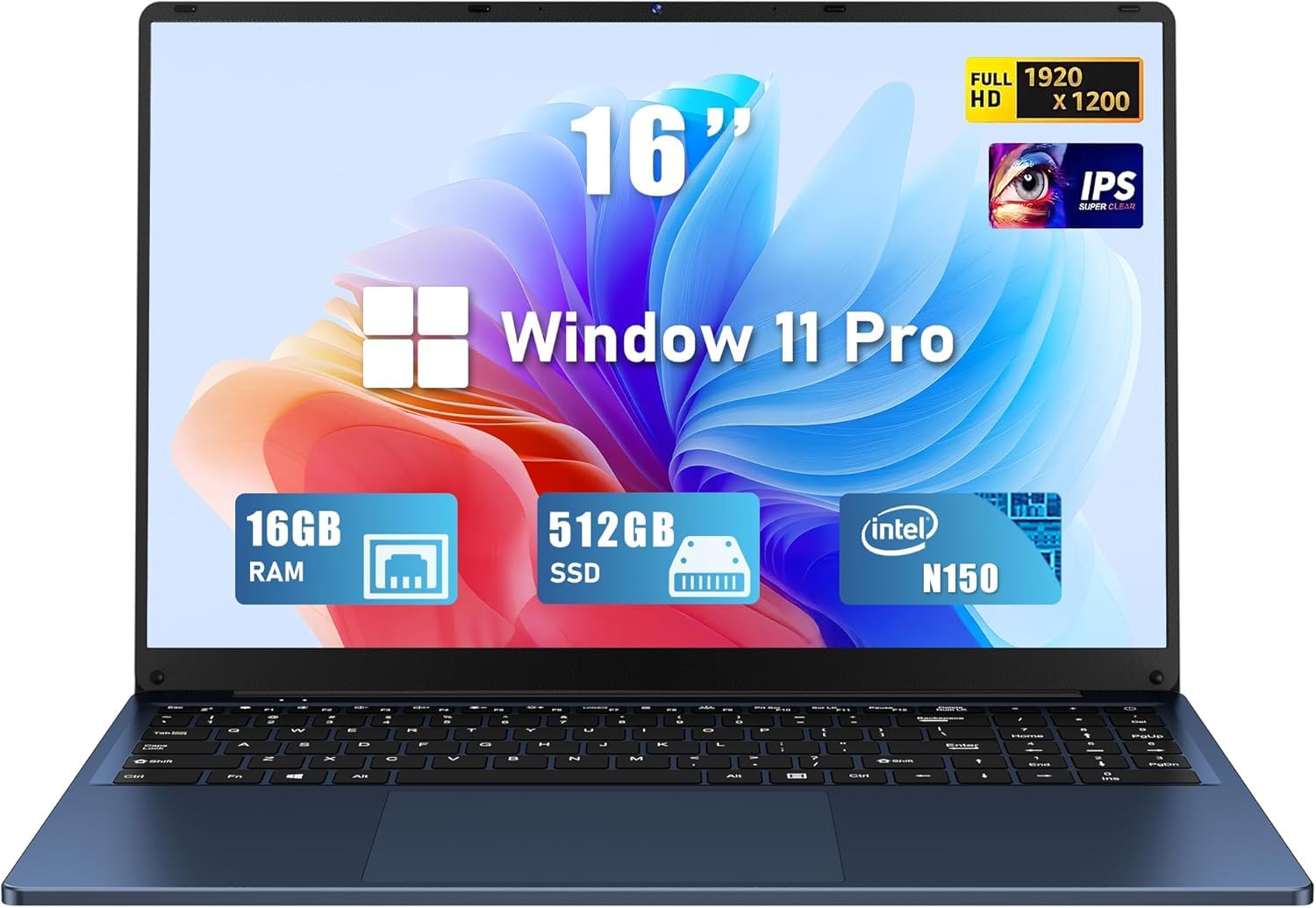
Figure 1: FUNYET NY-08 16-inch laptop.
സജ്ജമാക്കുക
Your FUNYET NY-08 laptop comes pre-installed with Windows 11 Pro and Microsoft Office 365, ensuring you can start working and creating immediately after initial setup.
- പവർ ഓൺ: Connect the AC adapter to the laptop's 12V/3A DC port and a power outlet. Press the power button to turn on the laptop.
- പ്രാരംഭ വിൻഡോസ് സജ്ജീകരണം: ഭാഷാ തിരഞ്ഞെടുപ്പ്, നെറ്റ്വർക്ക് കണക്ഷൻ, ഉപയോക്തൃ അക്കൗണ്ട് സൃഷ്ടിക്കൽ എന്നിവയുൾപ്പെടെ Windows 11 Pro സജ്ജീകരണം പൂർത്തിയാക്കാൻ ഓൺ-സ്ക്രീൻ നിർദ്ദേശങ്ങൾ പാലിക്കുക.
- ഓഫീസ് 365 സജീവമാക്കൽ: Once Windows is set up, launch any Office application (e.g., Word, Excel) and follow the instructions to activate your pre-installed Microsoft Office 365 subscription.

Figure 2: Windows 11 Pro desktop with Office 365.
ഫീച്ചറുകൾ
- പ്രകടനം: Powered by a 13th generation Intel Celeron N150 processor, offering speeds up to 3.6 GHz. It includes 16GB RAM and a 512GB high-speed SSD for efficient multitasking and data management.
- ഡിസ്പ്ലേ: Features a 16-inch Full HD IPS display with a 1920x1200 resolution. The 0.2-inch micro bezel and 90% screen-to-body ratio provide an immersive viewഅനുഭവം.
- കീബോർഡ്: Equipped with a backlit keyboard and a numeric keypad for comfortable and efficient typing in various lighting conditions. It also features a large touchpad.
- ഡിസൈൻ: Ultra-portable design, weighing only 3.5 pounds with a sleek 0.8-inch thickness. The laptop supports a 180° opening, allowing it to lay completely flat.
- തുറമുഖങ്ങൾ: Includes 2x USB 3.0 ports, 1x USB 2.0 port, 1x Mini HDMI port, and a 3.5mm headphone jack.
- ബാറ്ററി: Upgraded 6000mAh battery provides up to 6 hours of battery life.

Figure 3: Intel Twin Lake N150 Processor details.
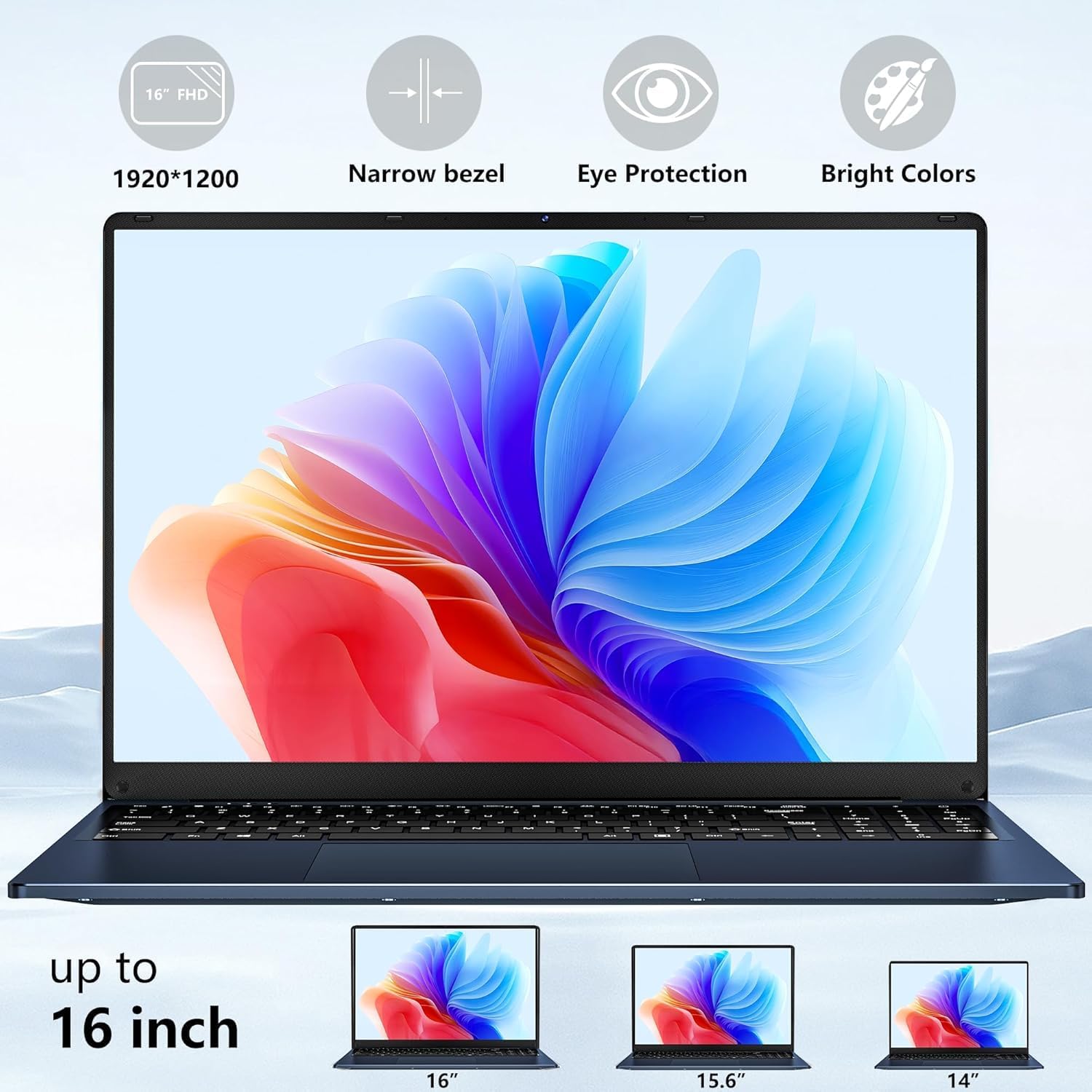
Figure 4: Immersive 16-inch FHD display.

Figure 5: Backlit keyboard with numeric keypad.

Figure 6: 180° opening design.

Figure 7: Laptop ports overview.

Figure 8: Upgraded battery capacity and life.
പ്രവർത്തിക്കുന്നു
The FUNYET NY-08 laptop is designed for a range of tasks, from daily productivity to light entertainment.
- പൊതുവായ ഉപയോഗം: The laptop offers a smooth experience for web browsing, document creation, and other general computing tasks. The comfortable keyboard enhances typing efficiency.
- വീഡിയോ എഡിറ്റിംഗ്: While not a high-end video editing machine, the laptop can handle standard definition video editing smoothly with applications like CapCut. Adding effects to timelines performs well.
- ഗെയിമിംഗ്: For cloud gaming, the laptop provides a solid connection and impressive image quality with minimal delay. For local gaming, it performs best with graphics settings in the middle or low range, depending on the game. It is compatible with USB and Bluetooth controllers.
Video 1: Demonstrates gaming performance on the FUNYET laptop, showing smooth gameplay for Roblox with a separate mouse and keyboard.
മെയിൻ്റനൻസ്
To ensure your laptop continues to perform optimally, regular maintenance is recommended.
- SSD Upgrade: The laptop features an accessible SSD port on the bottom, allowing for easy upgrades to increase storage capacity if needed.
- പൊതു പരിചരണം: Keep the laptop clean and free from dust. Ensure proper ventilation by not blocking the vents on the bottom of the device.
ട്രബിൾഷൂട്ടിംഗ്
- മൈക്രോഫോൺ ശബ്ദം: The built-in microphone's placement near the cooling fans may result in noticeable background noise, especially during intensive tasks. For clearer audio, consider using an external microphone.
- Camera Quality: The integrated camera is 480p, which may not offer high-resolution video or deep color saturation. For improved video quality during calls or recordings, an external webcam is recommended.
- പ്രകടന കാലതാമസം: As the Intel Celeron N150 is a budget processor, performing too many demanding tasks simultaneously may lead to chugging or slowdowns. Close unnecessary applications to improve responsiveness.
സ്പെസിഫിക്കേഷനുകൾ
| ഫീച്ചർ | വിശദാംശങ്ങൾ |
|---|---|
| മോഡൽ | NY-08 |
| പ്രോസസ്സർ | Intel Celeron N150 (up to 3.6GHz) |
| റാം | 16 GB DDR4 |
| സംഭരണം | 512 GB SSD (eSATA interface) |
| സ്ക്രീൻ വലിപ്പം | 16 ഇഞ്ച് |
| സ്ക്രീൻ റെസല്യൂഷൻ | 1920 x 1200 പിക്സലുകൾ (FHD IPS) |
| ഓപ്പറേറ്റിംഗ് സിസ്റ്റം | വിൻഡോസ് 11 പ്രോ |
| ഗ്രാഫിക്സ് കോപ്രൊസസർ | ഇൻ്റൽ UHD ഗ്രാഫിക്സ് |
| വയർലെസ് തരം | 2.4 GHz Radio Frequency (Wi-Fi 5, Bluetooth 4.2) |
| തുറമുഖങ്ങൾ | 2x USB 3.0, 1x USB 2.0, 1x Mini HDMI, 1x 3.5mm Headphone Jack, 1x 12V/3A DC Port |
| ബാറ്ററി ലൈഫ് | Up to 6 Hours (6000mAh) |
| ഇനത്തിൻ്റെ ഭാരം | 5.28 പൗണ്ട് |
| ഉൽപ്പന്ന അളവുകൾ | 14 x 0.8 x 9 ഇഞ്ച് |
| പ്രത്യേക സവിശേഷതകൾ | Backlit Keyboard, Lightweight, Memory Card Slot, Numeric Keypad, 180° Opening |

ചിത്രം 9: വിശദമായ ഉൽപ്പന്ന സ്പെസിഫിക്കേഷനുകൾ.
വാറൻ്റിയും പിന്തുണയും
FUNYET is committed to ensuring your experience is seamless and reliable.
- വാറൻ്റി: Your laptop is backed by a 2-year warranty.
- Replacement/Return Service: Enjoy a 6-month replacement/return service.
- ഓൺലൈൻ പിന്തുണ: 24/7 online support is available for any queries or assistance you may need.
- ഫോൺ പിന്തുണ: Phone support is available weekdays from 4 PM to 10 PM PT (+1 800-986-9631).

Figure 10: FUNYET support and warranty details.


