1. ആമുഖം
Thank you for choosing the MCHOSE A7 V2 Pro Wireless Gaming Mouse. This manual provides detailed instructions for setting up, operating, and maintaining your new gaming mouse to ensure optimal performance and longevity. The A7 V2 Pro is designed for competitive gaming, featuring a lightweight design, high-precision sensor, and versatile connectivity options.
2. ഉൽപ്പന്ന സവിശേഷതകൾ
- വളരെ ഭാരം കുറഞ്ഞ ഡിസൈൻ: Weighing just 59g, the mouse features a centered gravity design for stable grip and efficient handling during extended gaming sessions.
- High Precision Tracking: Equipped with a PAW3395 optical sensor, offering up to 26,000 DPI for pixel-perfect tracking and accuracy.
- ട്രൈ-മോഡ് കണക്റ്റിവിറ്റി: Supports ultra-low-latency wireless (2.4GHz), wired (USB), and Bluetooth connectivity, suitable for various scenarios.
- ഇഷ്ടാനുസൃത സോഫ്റ്റ്വെയർ പിന്തുണ: The A7 supports onboard memory, allowing users to store custom settings for buttons, DPI adjustments, polling rates, and gaming modes via dedicated software.
- വിപുലീകരിച്ച ബാറ്ററി ലൈഫ്: Provides up to 130 hours of battery life on a single charge, minimizing interruptions during gameplay.

Figure 2.1: Ultra-lightweight design of the MCHOSE A7 V2 Pro.

Figure 2.2: PAW3395 optical sensor for high precision tracking.
3. പാക്കേജ് ഉള്ളടക്കം
എല്ലാ ഇനങ്ങളും ഉണ്ടെന്ന് ഉറപ്പാക്കാൻ പാക്കേജ് ഉള്ളടക്കങ്ങൾ പരിശോധിക്കുക:
- MCHOSE A7 V2 Pro Wireless Gaming Mouse
- USB-C മുതൽ USB-A ചാർജിംഗ്/ഡാറ്റ കേബിൾ വരെ
- 2.4GHz USB Receiver (Dongle)
- Grip Tape Set
- ഉപയോക്തൃ മാനുവൽ
- സ്റ്റിക്കറുകൾ
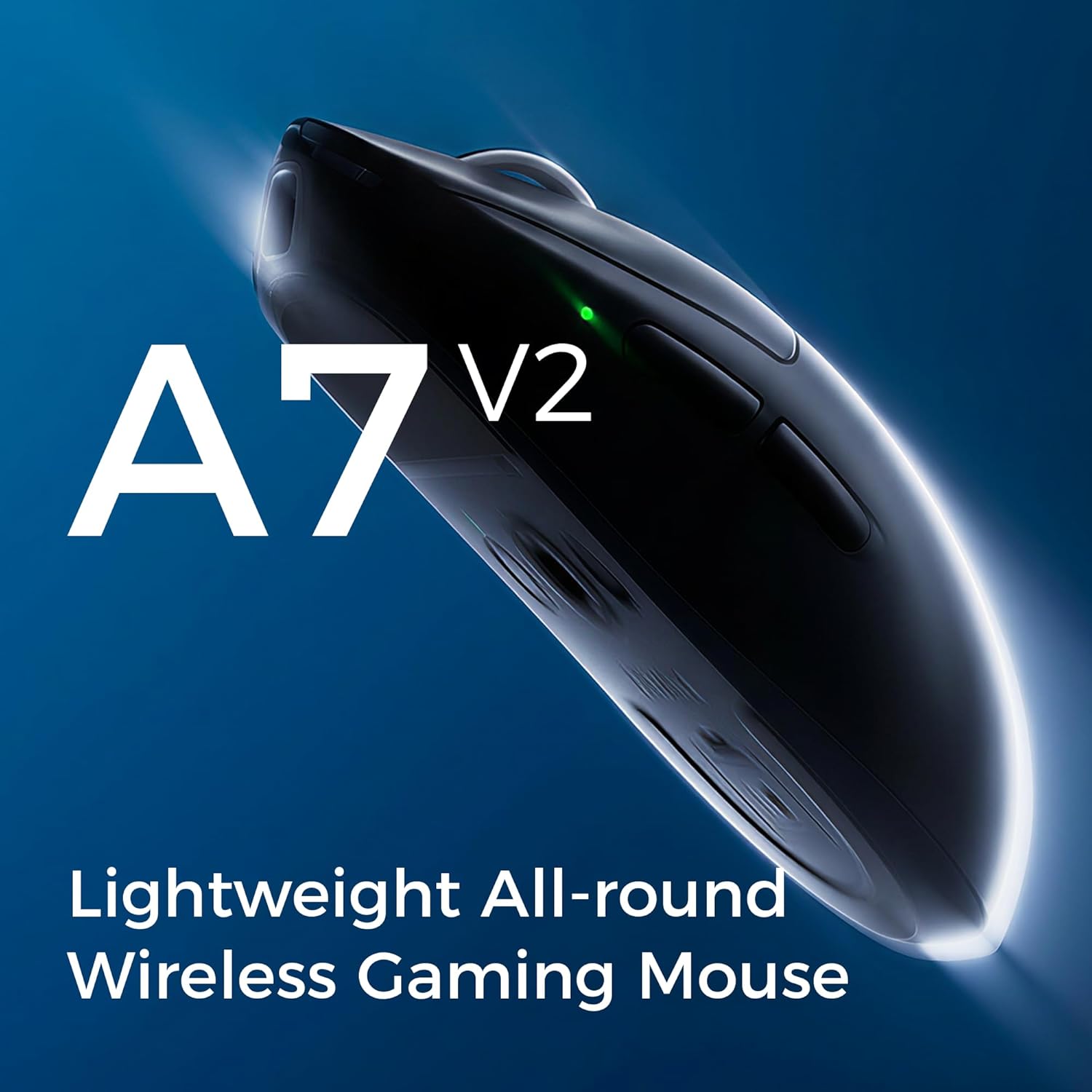
Figure 3.1: Contents of the MCHOSE A7 V2 Pro package.
4. സജ്ജീകരണം
4.1 പ്രാരംഭ ചാർജിംഗ്
Before first use, it is recommended to fully charge the mouse. Connect the USB-C end of the charging cable to the mouse and the USB-A end to a powered USB port on your computer or a USB wall adapter. The LED indicator on the mouse will show charging status.

Figure 4.1: Mouse charging port.
4.2 മൗസ് ബന്ധിപ്പിക്കൽ
The MCHOSE A7 V2 Pro offers three connection modes:
- 2.4GHz വയർലെസ്:
- Locate the 2.4GHz USB receiver (dongle) stored in the magnetic compartment on the underside of the mouse.
- നിങ്ങളുടെ കമ്പ്യൂട്ടറിൽ ലഭ്യമായ USB പോർട്ടിലേക്ക് USB റിസീവർ പ്ലഗ് ചെയ്യുക.
- Set the switch on the bottom of the mouse to the "2.4G" position. The mouse will automatically connect.
- ബ്ലൂടൂത്ത്:
- Set the switch on the bottom of the mouse to the "B" (Bluetooth) position.
- നിങ്ങളുടെ കമ്പ്യൂട്ടറിലോ ഉപകരണത്തിലോ, Bluetooth ക്രമീകരണങ്ങളിലേക്ക് പോയി പുതിയ ഉപകരണങ്ങൾക്കായി തിരയുക.
- Select "MCHOSE A7 V2 Pro" from the list of available devices to pair.
- വയർ:
- ചാർജിംഗ് കേബിളിന്റെ USB-C അറ്റം മൗസുമായും USB-A അറ്റം നിങ്ങളുടെ കമ്പ്യൂട്ടറുമായും ബന്ധിപ്പിക്കുക.
- ഈ മൗസ് ഒരു വയർഡ് മൗസായി പ്രവർത്തിക്കുകയും ഒരേസമയം ചാർജ് ചെയ്യുകയും ചെയ്യും.

Figure 4.2: Underside of the mouse with connection switch and receiver compartment.
4.3 സോഫ്റ്റ്വെയർ ഇൻസ്റ്റാളേഷൻ (ഓപ്ഷണൽ)
For advanced customization of DPI settings, button assignments, polling rates, and other features, download the MCHOSE M-HUB software from the official MCHOSE website. The software allows you to personalize your mouse experience and save profiles to the onboard memory.

Figure 4.3: MCHOSE M-HUB software interface.
5. പ്രവർത്തന നിർദ്ദേശങ്ങൾ
5.1 ഡിപിഐ അഡ്ജസ്റ്റ്മെന്റ്
The MCHOSE A7 V2 Pro features a dedicated DPI button, usually located on the underside or top of the mouse, to cycle through preset DPI levels. You can customize these levels using the M-HUB software to match your preferences, up to 26,000 DPI.
5.2 പോളിംഗ് നിരക്ക്
The mouse supports a wired polling rate of up to 8K Hz and a wireless polling rate of up to 1K Hz. Higher polling rates reduce input lag, providing a more responsive experience. Adjust this setting via the M-HUB software.

Figure 5.1: High polling rate for responsive performance.
5.3 ബട്ടൺ കസ്റ്റമൈസേഷൻ
All programmable buttons on the MCHOSE A7 V2 Pro can be customized using the M-HUB software. You can assign macros, media controls, or other functions to enhance your workflow or gaming performance.

Figure 5.2: Refined click structure for consistent and precise clicks.
6. ചാർജിംഗും ബാറ്ററി ലൈഫും
The MCHOSE A7 V2 Pro is equipped with a long-lasting battery, providing up to 130 hours of usage on a single charge. When the battery is low, the LED indicator will signal the need for charging. Connect the mouse using the provided USB-C cable to recharge. You can continue to use the mouse in wired mode while it charges.
Figure 6.1: Mouse battery capacity illustration.
7. പരിപാലനം
- വൃത്തിയാക്കൽ: മൗസ് പ്രതലം വൃത്തിയാക്കാൻ മൃദുവായതും ഉണങ്ങിയതുമായ ഒരു തുണി ഉപയോഗിക്കുക. കഠിനമായ അഴുക്കിന്, അല്പം ഡി.amp മൗസിനുള്ളിൽ ദ്രാവകം കടക്കാതിരിക്കാൻ തുണി ഉപയോഗിക്കാം. കഠിനമായ രാസവസ്തുക്കളോ ഉരച്ചിലുകളോ ഉള്ള വസ്തുക്കൾ ഒഴിവാക്കുക.
- സെൻസർ പരിചരണം: കൃത്യമായ ട്രാക്കിംഗ് ഉറപ്പാക്കാൻ മൗസിന്റെ അടിവശത്തുള്ള ഒപ്റ്റിക്കൽ സെൻസർ വൃത്തിയുള്ളതും പൊടിയോ അവശിഷ്ടങ്ങളോ ഇല്ലാതെ സൂക്ഷിക്കുക.
- PTFE അടി: The mouse features large PTFE feet for smooth gliding. If they become worn, replacement feet can be purchased from authorized retailers.

Figure 7.1: Large PTFE feet for smooth movement.
8. പ്രശ്നപരിഹാരം
| പ്രശ്നം | സാധ്യമായ പരിഹാരം |
|---|---|
| Mouse not responding in 2.4GHz wireless mode. |
|
| ബ്ലൂടൂത്ത് കണക്ഷൻ പ്രശ്നങ്ങൾ. |
|
| Inaccurate tracking or cursor jitter. |
|
| മൗസ് ചാർജ് ചെയ്യുന്നില്ല. |
|
9 സ്പെസിഫിക്കേഷനുകൾ
| ഫീച്ചർ | വിശദാംശങ്ങൾ |
|---|---|
| മോഡൽ | A7 V2 Pro |
| സെൻസർ | PAW3395 ഒപ്റ്റിക്കൽ സെൻസർ |
| ഡിപിഐ | 26,000 DPI വരെ |
| പോളിംഗ് നിരക്ക് (വയർഡ്) | Up to 8K Hz |
| പോളിംഗ് നിരക്ക് (വയർലെസ്) | Up to 1K Hz |
| കണക്റ്റിവിറ്റി | 2.4GHz വയർലെസ്, ബ്ലൂടൂത്ത്, യുഎസ്ബി വയർഡ് |
| ഭാരം | 59 ഗ്രാം (ഏകദേശം 2.08 ഔൺസ്) |
| ബാറ്ററി ലൈഫ് | 130 മണിക്കൂർ വരെ |
| അളവുകൾ | 7.44 x 4.45 x 3.23 inches (Package Dimensions, actual mouse dimensions not explicitly given but can be inferred from A7 A5 COMP image) |
| നിർമ്മാതാവ് | എംകോസ് |

Figure 9.1: MCHOSE A7 V2 Pro dimensions (compared to A5).
10. വാറൻ്റിയും പിന്തുണയും
MCHOSE products come with a standard manufacturer's warranty. For detailed warranty information, technical support, or service inquiries, please visit the official MCHOSE webസൈറ്റിൽ ബന്ധപ്പെടുക അല്ലെങ്കിൽ അവരുടെ ഉപഭോക്തൃ പിന്തുണയുമായി ബന്ധപ്പെടുക. കൂടുതൽ വിവരങ്ങൾ നിങ്ങൾക്ക് ഇവിടെയും കണ്ടെത്താനാകും ആമസോണിലെ MCHOSE സ്റ്റോർ.


