ആമുഖം
The TGLLM Music Boxing Machine is a wall-mounted electronic punching trainer designed to enhance reaction speed, body coordination, and provide an engaging workout experience. It features multiple modes, adjustable speeds, and Bluetooth connectivity for personalized music. This manual provides essential information for the safe and effective use of your new boxing machine.
സജ്ജീകരണവും ഇൻസ്റ്റാളേഷനും
The TGLLM Music Boxing Machine is designed for wall-mounting to save space. Please follow these instructions carefully for proper installation.
പാക്കേജ് ഉള്ളടക്കം
ഇൻസ്റ്റാൾ ചെയ്യുന്നതിനുമുമ്പ്, എല്ലാ ഘടകങ്ങളും ഉണ്ടെന്ന് ഉറപ്പാക്കുക:
- 1 x Music Boxing Machine
- 1 x Pair of Boxing Gloves
- വെൽക്രോ സ്ട്രിപ്പുകൾ
- 1 x ടൈപ്പ്-സി യുഎസ്ബി കേബിൾ
- Screws and Wall Fixing Piece (for concrete walls)
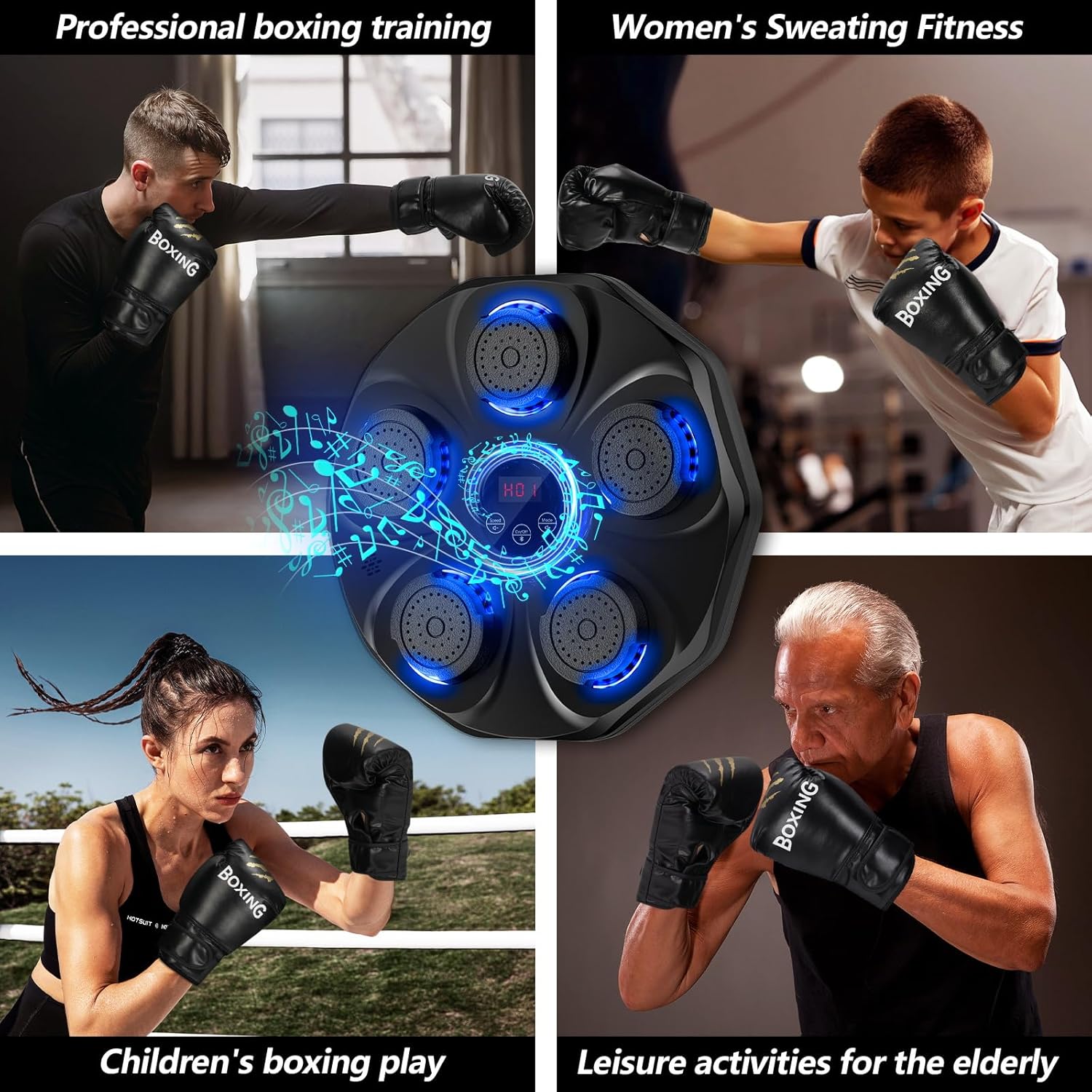
Figure 1: Included accessories with the TGLLM Music Boxing Machine.
ഇൻസ്റ്റലേഷൻ രീതികൾ
There are three primary methods for mounting your boxing machine, depending on your wall type:
- Method 1 (Velcro for smooth surfaces): Stick two long Velcro strips vertically on the wall. Then, attach the corresponding Velcro strips to the back of the machine and press the machine firmly onto the wall strips.
- Method 2 (Double-sided tape for smooth surfaces): Apply the provided double-sided tape to the back of the machine. Remove the protective film and press the machine firmly onto the desired wall location.
- Method 3 (Screws for concrete walls): For concrete or more permanent installations, use the provided expansion screws and wall fixing piece. Mark the desired mounting points, drill pilot holes, insert the wall anchors, and secure the fixing piece with screws before attaching the machine.

Figure 2: Visual guide for the three installation methods.
For a visual demonstration of the Velcro installation process, please refer to the video below:
Video 1: Demonstration of Velcro installation for the Music Boxing Machine.
പ്രവർത്തന നിർദ്ദേശങ്ങൾ
Your TGLLM Music Boxing Machine offers various modes and features to customize your workout.
പവർ ഓൺ/ഓഫ്, ബ്ലൂടൂത്ത് ജോടിയാക്കൽ
- പവർ ഓൺ/ഓഫ്: Long press the On/Off button located on the central control panel to power the machine on or off.
- ബ്ലൂടൂത്ത് ജോടിയാക്കൽ: After powering on, short press the Bluetooth button. ഇതിനായി തിരയുക the device named "Bluetooth" on your mobile phone and connect. You can then play your favorite music through the machine's speakers.

Figure 3: Bluetooth pairing steps for the Music Boxing Machine.
Modes and Speed Adjustment
The machine features 9 modes (P01-P09) and 9 speeds (H01-H09) to cater to different skill levels and workout intensities. The LED display shows the current mode and speed.
- മോഡ് തിരഞ്ഞെടുക്കൽ: Short press the "Mode" button to cycle through the 9 light flashing modes (P01-P09). Each mode corresponds to a different training area and sequence.
- വേഗത ക്രമീകരണം: Short press the "Speed" button to adjust the speed (H01-H09). A higher number indicates faster light flashing, increasing the challenge. The default speed is H01.
- വോളിയം നിയന്ത്രണം: Long press the Speed button to decrease volume, and long press the Mode button to increase volume.

Figure 4: Modes and speed settings on the Music Boxing Machine.
ചാർജിംഗ്
The boxing machine is equipped with a convenient Type-C charging port. It cannot be turned on while charging. Please unplug the cable and long press the On/Off button to use after charging.

Figure 5: Type-C charging port and charging instructions.
സമഗ്രമായ ഒരു ഓവറിനായിview of the machine's features and operation, including mode selection and music playback, please watch the video below:
വീഡിയോ 2: കഴിഞ്ഞുview of Music Boxing Machine features and usage.
മെയിൻ്റനൻസ്
Proper maintenance ensures the longevity and optimal performance of your TGLLM Music Boxing Machine.
- വൃത്തിയാക്കൽ: Wipe the surface of the machine with a soft, damp cloth. Avoid using abrasive cleaners or solvents that could damage the material or electronics.
- സംഭരണം: When not in use for extended periods, store the machine in a cool, dry place away from direct sunlight and extreme temperatures.
- Impact Surface: The impact surface is made of high-elastic foam material. While durable, avoid using sharp objects or excessive force that could puncture or tear the material.
ട്രബിൾഷൂട്ടിംഗ്
If you encounter any issues with your TGLLM Music Boxing Machine, please refer to the following common solutions:
| പ്രശ്നം | സാധ്യമായ കാരണം | പരിഹാരം |
|---|---|---|
| മെഷീൻ പവർ ഓൺ ചെയ്യുന്നില്ല. | ബാറ്ററി കുറവാണ് അല്ലെങ്കിൽ ചാർജ് ചെയ്തിട്ടില്ല. | Connect the Type-C USB cable and charge the machine fully. Ensure the cable is securely connected. |
| ബ്ലൂടൂത്ത് വഴി ബന്ധിപ്പിക്കാൻ കഴിയില്ല. | Bluetooth not activated or device not discoverable. | Ensure the machine is powered on and the Bluetooth function is activated (short press Bluetooth button). Check your phone's Bluetooth settings and try re-pairing. |
| Lights are not responding to punches. | Incorrect mode selected or sensor issue. | Ensure you are in an active training mode (P01-P09). If the issue persists, try restarting the machine. |
| Sound is too low or too high. | വോളിയം ക്രമീകരണം ക്രമീകരിക്കേണ്ടതുണ്ട്. | Long press the Speed button to decrease volume or the Mode button to increase volume. |
സ്പെസിഫിക്കേഷനുകൾ
Detailed specifications for the TGLLM Music Boxing Machine:
- മോഡൽ: B0G26974TN
- അളവുകൾ (L x W x H): 17.32 x 17.3 x 1.96 inches (Machine)
- ഇനത്തിൻ്റെ പാക്കേജ് അളവുകൾ (L x W x H): 19 x 17.2 x 3.4 ഇഞ്ച്
- ഭാരം: 3.5 lb (Machine), 2.65 Kilograms (Package)
- മെറ്റീരിയൽ: High-elastic foam impact surface
- കണക്റ്റിവിറ്റി: ബ്ലൂടൂത്ത്
- മോഡുകൾ: 9 training modes (P01-P09)
- വേഗത: 9 adjustable speeds (H01-H09)
- ചാർജിംഗ്: ടൈപ്പ്-സി യുഎസ്ബി
- നിറം: ഇരുണ്ട കറുപ്പ്
- നിർദ്ദേശിച്ച ഉപയോക്താക്കൾ: യുണിസെക്സ്-മുതിർന്നവർ

Figure 6: Control panel detail.

Figure 7: Punching pad with LED lights.
വാറൻ്റിയും പിന്തുണയും
For warranty information, product support, or to inquire about replacement parts, please contact TGLLM customer service. Keep your purchase receipt as proof of purchase for any warranty claims.
You may also visit the official TGLLM store on Amazon for additional product information and support resources: TGLLM Store
