1. ആമുഖം
Thank you for choosing the taopodo S7 Portable Bluetooth Speaker. This manual provides essential information for setting up, operating, and maintaining your speaker to ensure optimal performance and longevity. Please read this manual thoroughly before use.
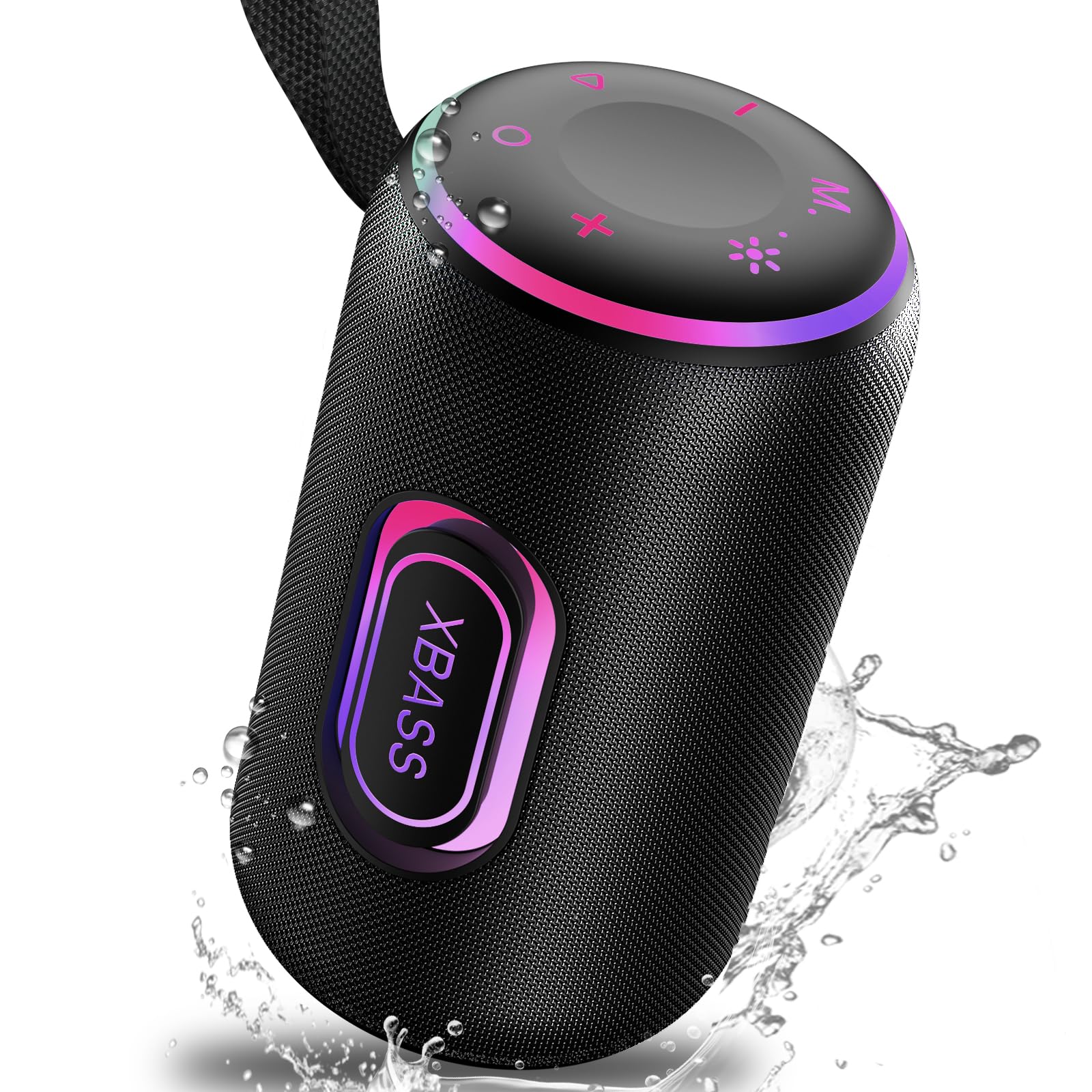
Image 1.1: taopodo S7 Portable Bluetooth Speaker, front view.
2. സജ്ജീകരണം
2.1 സ്പീക്കർ ചാർജ് ചെയ്യുന്നു
Before first use, fully charge the speaker using the provided USB-C charging cable. Connect the USB-C end to the speaker's charging port and the USB-A end to a compatible power adapter (not included) or a computer's USB port. The charging indicator light will show the charging status.
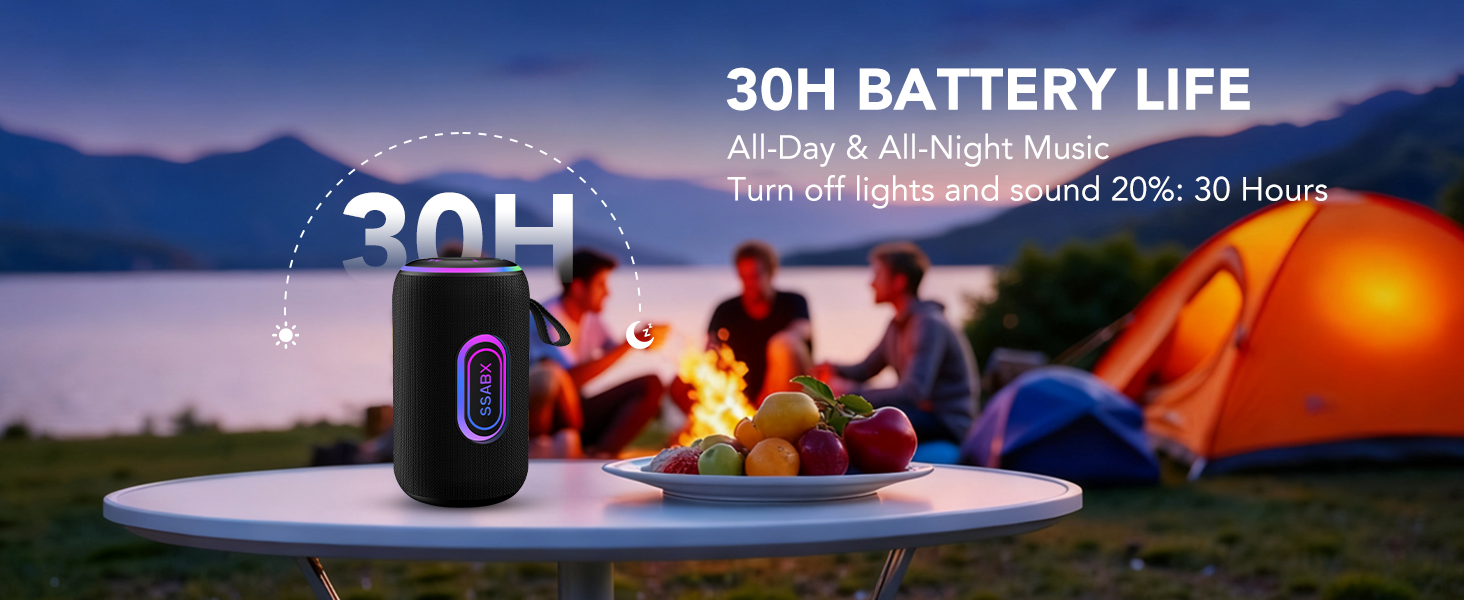
Image 2.1: Speaker showing USB-C charging port and TF card slot.
2.2 ബ്ലൂടൂത്ത് ജോടിയാക്കൽ
- പവർ ഓൺ: Press and hold the power button (circle icon) on the top of the speaker until you hear an audible prompt and the LED lights illuminate.
- ബ്ലൂടൂത്ത് സജീവമാക്കുക: On your mobile device, navigate to the Bluetooth settings and ensure Bluetooth is enabled.
- സ്പീക്കർ തിരഞ്ഞെടുക്കുക: Look for "S7" in the list of available devices and select it to pair. You will hear a confirmation sound once connected.
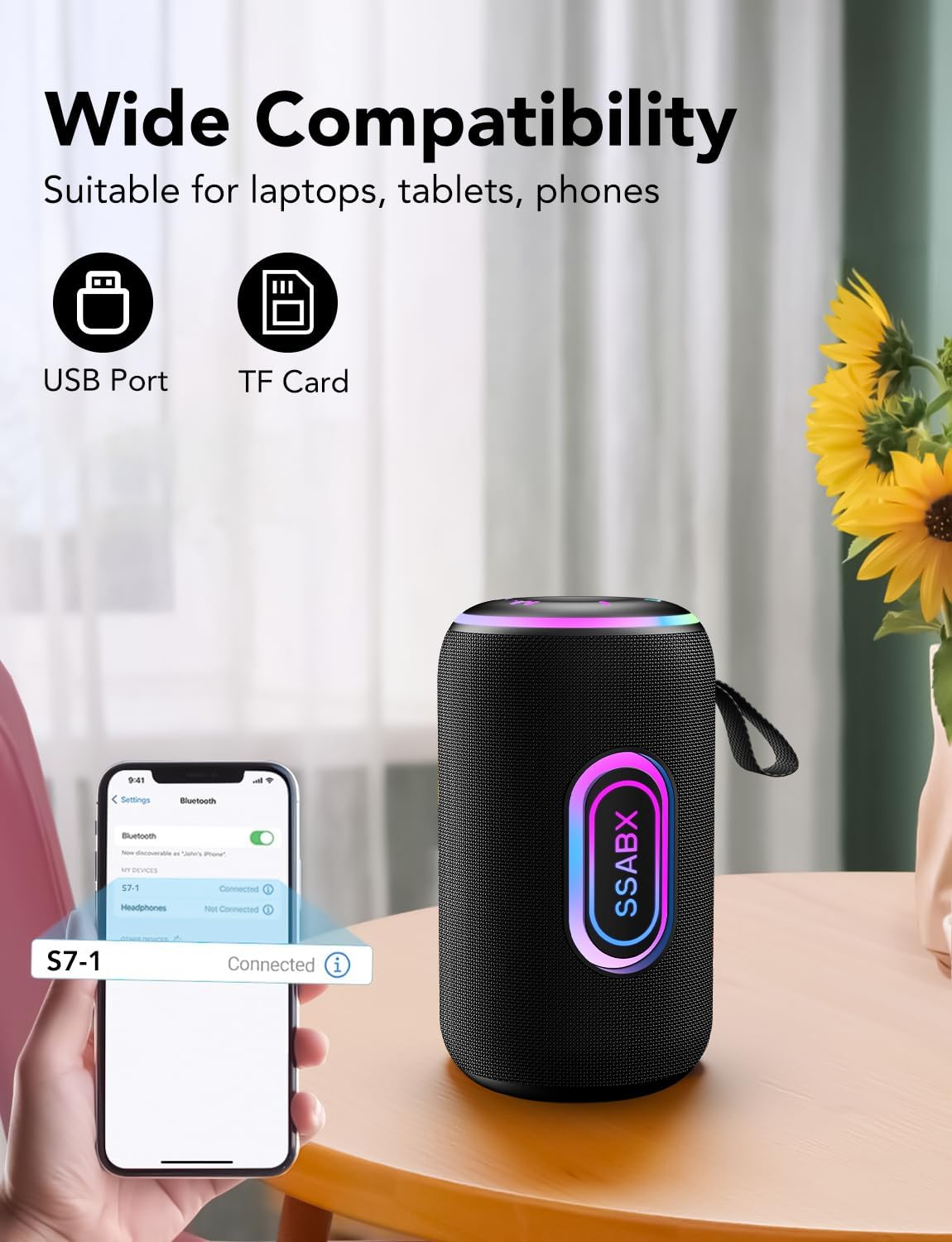
Image 2.2: Speaker displaying Bluetooth connection with a smartphone.
2.3 ട്രൂ വയർലെസ് സ്റ്റീരിയോ (TWS) ജോടിയാക്കൽ (ഓപ്ഷണൽ)
To achieve a stereo sound experience, you can pair two taopodo S7 speakers together:
- രണ്ട് സ്പീക്കറുകളും ഓണാക്കിയിട്ടുണ്ടെന്നും മറ്റ് ബ്ലൂടൂത്ത് ഉപകരണങ്ങളുമായി ബന്ധിപ്പിച്ചിട്ടില്ലെന്നും ഉറപ്പാക്കുക.
- On both speakers, press and hold the 'M' (Mode) button simultaneously.
- The speakers will enter TWS pairing mode and connect to each other. A confirmation sound will indicate successful pairing.
- Once paired, connect your mobile device to one of the speakers via Bluetooth as described in Section 2.2. Both speakers will now play audio in stereo.
Video 2.3: Demonstration of TWS pairing for two taopodo S7 speakers.

Image 2.4: Visual representation of two taopodo S7 speakers connected in TWS mode.
3. പ്രവർത്തന നിർദ്ദേശങ്ങൾ
3.1 അടിസ്ഥാന നിയന്ത്രണങ്ങൾ
മുകളിലെ പാനലിൽ സ്ഥിതിചെയ്യുന്ന അവബോധജന്യമായ നിയന്ത്രണങ്ങൾ സ്പീക്കറിന്റെ സവിശേഷതയാണ്:
- Power Button (Circle): പവർ ഓൺ/ഓഫ് ചെയ്യാൻ അമർത്തിപ്പിടിക്കുക.
- വോളിയം കൂട്ടുക (+): വോളിയം കൂട്ടാൻ അമർത്തുക.
- വോളിയം ഡൗൺ (-): വോളിയം കുറയ്ക്കാൻ അമർത്തുക.
- Play/Pause Button (Triangle): ഓഡിയോ പ്ലേ ചെയ്യാനോ താൽക്കാലികമായി നിർത്താനോ അമർത്തുക.
- മോഡ് ബട്ടൺ (M): Press to cycle through input modes (Bluetooth, TF Card, USB). Long press for TWS pairing.
- Light Mode Button (Sun/Star icon): Press to change the RGB lighting effects.
Video 3.1: Demonstration of power, volume, and light controls on the taopodo S7 speaker.
3.2 RGB ലൈറ്റിംഗ്
The speaker features multiple RGB lighting modes. Press the Light Mode button (Sun/Star icon) to cycle through different colors and rhythm changes. This allows for customization of the visual experience.

Image 3.2: taopodo S7 speaker showcasing various colorful RGB light modes.
3.3 കോൾ കൈകാര്യം ചെയ്യൽ
When connected via Bluetooth, the speaker's built-in microphone allows for hands-free calling. Incoming calls can be answered or ended directly from the speaker (specific button functionality may vary, refer to general play/pause button for call control).

Image 3.3: Speaker highlighting its HD Call and Built-in Microphone capabilities.
3.4 Alternative Playback Options
In addition to Bluetooth, the speaker supports audio playback from a TF (Micro SD) card (up to 128GB) and a USB drive. Insert the media into the respective port, and the speaker will automatically switch to the corresponding mode or can be selected using the 'M' (Mode) button.
4. പരിപാലനം
The taopodo S7 speaker is designed for durability and features an IPX7 waterproof rating, making it suitable for outdoor use and resistant to submersion in water up to 1 meter for 30 minutes. To maintain its condition:
- Ensure the charging port cover is securely closed when near water.
- സ്പീക്കർ ഒരു സോഫ്റ്റ്, ഡി ക്ലീനർ ഉപയോഗിച്ച് വൃത്തിയാക്കുക.amp തുണി. കഠിനമായ രാസവസ്തുക്കളോ ഉരച്ചിലുകളുള്ള ക്ലീനറുകളോ ഒഴിവാക്കുക.
- ഉപയോഗിക്കാത്തപ്പോൾ തണുത്തതും വരണ്ടതുമായ സ്ഥലത്ത് സ്പീക്കർ സൂക്ഷിക്കുക.
- തീവ്രമായ താപനിലയിലോ നേരിട്ടുള്ള സൂര്യപ്രകാശത്തിലോ സ്പീക്കറെ ദീർഘനേരം തുറന്നുകാട്ടുന്നത് ഒഴിവാക്കുക.
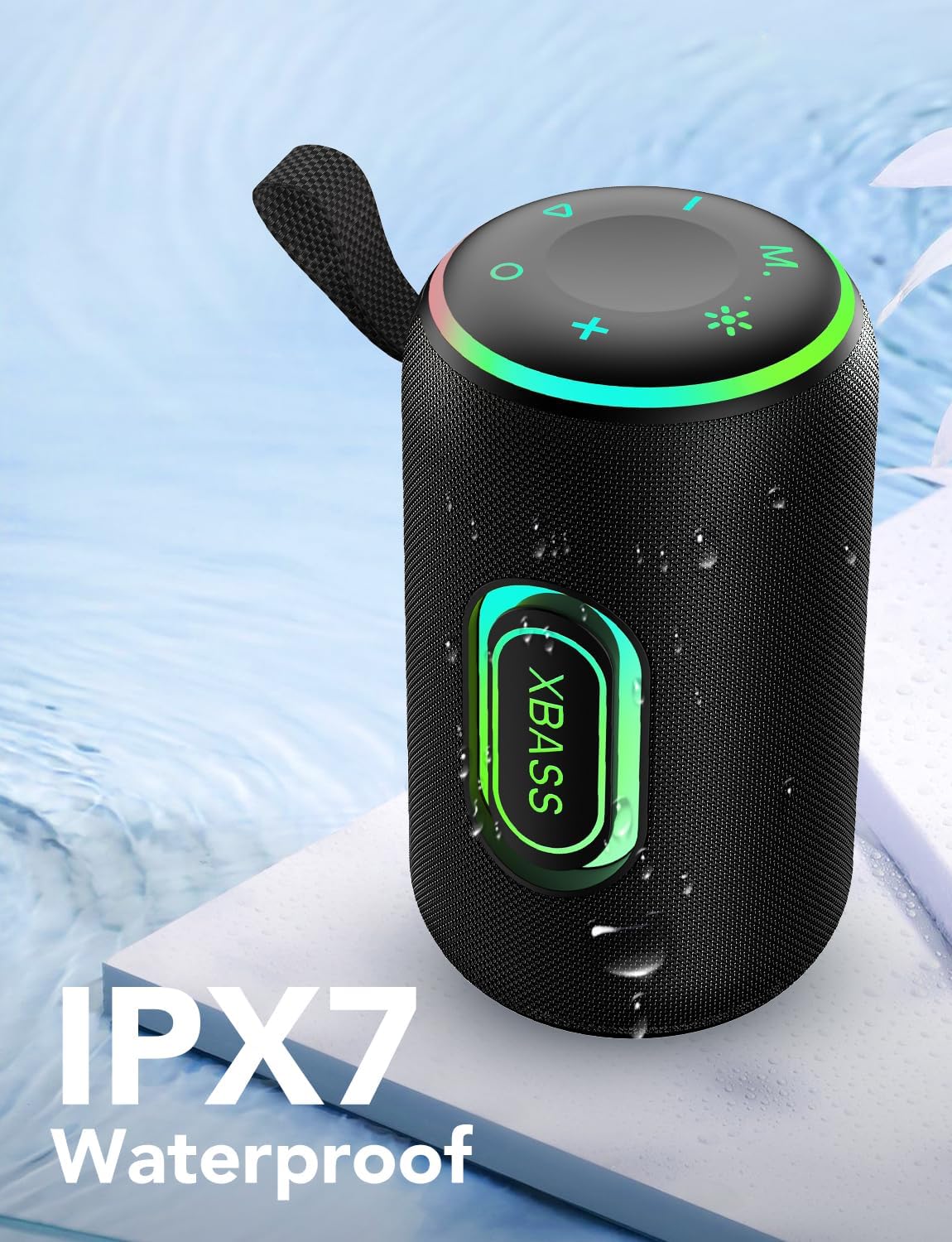
Image 4.1: Speaker demonstrating its IPX7 waterproof capability.
5. പ്രശ്നപരിഹാരം
If you encounter issues with your taopodo S7 speaker, refer to the following common solutions:
- സ്പീക്കർ പവർ ഓൺ ചെയ്യുന്നില്ല: ബാറ്ററി ചാർജ്ജ് ചെയ്തിട്ടുണ്ടെന്ന് ഉറപ്പാക്കുക. USB-C കേബിൾ ഉപയോഗിച്ച് സ്പീക്കർ ഒരു പവർ സ്രോതസ്സുമായി ബന്ധിപ്പിക്കുക.
- ബ്ലൂടൂത്ത് വഴി ജോടിയാക്കാൻ കഴിയില്ല:
- Ensure the speaker is in pairing mode (LED indicator blinking).
- നിങ്ങളുടെ ഉപകരണത്തിലെ ബ്ലൂടൂത്ത് ഓഫാക്കി വീണ്ടും ഓണാക്കുക.
- Forget "S7" from your device's Bluetooth list and attempt to pair again.
- Ensure the speaker is not already connected to another device.
- ശബ്ദമില്ല അല്ലെങ്കിൽ കുറഞ്ഞ ശബ്ദം:
- സ്പീക്കറിലും കണക്റ്റുചെയ്ത ഉപകരണത്തിലും വോളിയം ലെവലുകൾ പരിശോധിക്കുക.
- സ്പീക്കർ ശരിയായി ജോടിയാക്കിയിട്ടുണ്ടെന്ന് ഉറപ്പാക്കുക.
- TWS ഉപയോഗിക്കുകയാണെങ്കിൽ, രണ്ട് സ്പീക്കറുകളും പരസ്പരം ശരിയായി ജോടിയാക്കിയിട്ടുണ്ടെന്നും തുടർന്ന് നിങ്ങളുടെ ഉപകരണവുമായും ജോടിയാക്കിയിട്ടുണ്ടെന്നും ഉറപ്പാക്കുക.
- TWS ജോടിയാക്കൽ പരാജയപ്പെടുന്നു:
- രണ്ട് സ്പീക്കറുകളും ഓണാക്കിയിട്ടുണ്ടെന്നും മറ്റ് ബ്ലൂടൂത്ത് ഉപകരണങ്ങളുമായി ബന്ധിപ്പിച്ചിട്ടില്ലെന്നും ഉറപ്പാക്കുക.
- Try repeating the TWS pairing steps (long press 'M' on both speakers).
6 സ്പെസിഫിക്കേഷനുകൾ
| ഫീച്ചർ | വിശദാംശങ്ങൾ |
|---|---|
| ഉൽപ്പന്ന അളവുകൾ | 4 x 7 x 4 ഇഞ്ച് |
| ഇനത്തിൻ്റെ ഭാരം | 2.18 പൗണ്ട് |
| ഇനം മോഡൽ നമ്പർ | S7 |
| ബ്രാൻഡ് | taopodo |
| മൗണ്ടിംഗ് തരം | ടേബിൾടോപ്പ് മൗണ്ട് |
| നിറം | കറുപ്പ് |
| കണക്റ്റിവിറ്റി | ബ്ലൂടൂത്ത് 5.4, യുഎസ്ബി, ടിഎഫ് കാർഡ് |
| പവർ ഔട്ട്പുട്ട് | 30W |
| വാട്ടർപ്രൂഫ് റേറ്റിംഗ് | IPX7 |
| ബാറ്ററി ലൈഫ് | Up to 30 hours (with lights off and 20% volume) |

Image 6.1: Visual representation of the speaker's 30-hour battery life.

Image 6.2: Diagram illustrating the 66MM high-fidelity speaker driver.
7. വാറണ്ടിയും പിന്തുണയും
For warranty information and customer support, please refer to the documentation included with your product or contact taopodo customer service directly through their official website or the retailer where the product was purchased. Specific warranty terms and conditions may vary.


