📘 Kerlink manuals • Free online PDFs
കെർലിങ്ക് ലോഗോ

Kerlink Manuals & User Guides

Kerlink is a premier global provider of IoT connectivity solutions, specializing in carrier-grade LoRaWAN gateways, network management software, and smart city infrastructure.

Tip: include the full model number printed on your Kerlink label for the best match.

About Kerlink manuals on Manuals.plus

കെർലിങ്ക് is a leading global provider of Internet of Things (IoT) connectivity solutions, established in 2004. Headquartered in France, the company specializes in network infrastructure for the LoRaWAN standard, serving telecom operators, smart cities, and private industries worldwide.

The company offers a robust lineup of hardware, including the വിർനെറ്റ് ഐസ്റ്റേഷൻ ഒപ്പം Wirnet iFemtoCell gateways, designed for reliable outdoor and indoor connectivity. Beyond hardware, Kerlink provides network management software and value-added services to streamline IoT deployments for efficient asset tracking, metering, and environmental monitoring.

Kerlink manuals

ഏറ്റവും പുതിയ മാനുവലുകൾ manuals+ ഈ ബ്രാൻഡിനായി ക്യൂറേറ്റ് ചെയ്‌തിരിക്കുന്നു.

Kerlink LoRa IoT Station (Wirnet Station) Installation and Maintenance Manual

ഇൻസ്റ്റലേഷനും മെയിന്റനൻസ് മാനുവലും
This document provides detailed installation and maintenance instructions for the Kerlink LoRa IoT Station (Wirnet Station). It covers technical specifications, regulatory compliance, setup procedures, and troubleshooting for reliable IoT connectivity.

Kerlink Wanesy™ Wave Schnellstartanleitung

ദ്രുത ആരംഭ ഗൈഡ്
Schnellstartanleitung für das Kerlink Wanesy™ Wave IoT-Gerät. Enthält Anleitungen zur Einrichtung, Konfiguration, Sicherheitshinweise und Support-Informationen.

Kerlink Wirnet iStation ദ്രുത ആരംഭ ഗൈഡ്: LoRaWAN IoT ഗേറ്റ്‌വേ

ദ്രുത ആരംഭ ഗൈഡ്
IoT ആപ്ലിക്കേഷനുകൾക്കായുള്ള വൈവിധ്യമാർന്ന LoRaWAN® ഗേറ്റ്‌വേയായ Kerlink Wirnet™ iStation ഉപയോഗിച്ച് ആരംഭിക്കുക. നിങ്ങളുടെ ഗേറ്റ്‌വേ വിന്യസിക്കുന്നതിനുള്ള സജ്ജീകരണം, കണക്ഷനുകൾ, സുരക്ഷ, ഉറവിടങ്ങൾ എന്നിവ ഈ ഗൈഡിൽ ഉൾപ്പെടുന്നു.

കെർലിങ്ക് വിർനെറ്റ് ഐസ്റ്റേഷൻ ദ്രുത ആരംഭ ഗൈഡ്: ഐഒടിക്കുള്ള ലോറവാൻ ഗേറ്റ്‌വേ

ദ്രുത ആരംഭ ഗൈഡ്
ഇന്റർനെറ്റ് ഓഫ് തിംഗ്‌സിനായുള്ള LoRaWAN ഗേറ്റ്‌വേയായ Kerlink Wirnet iStation ഉപയോഗിച്ച് വേഗത്തിൽ ആരംഭിക്കുക. നിങ്ങളുടെ IoT സൊല്യൂഷൻ വിന്യസിക്കുന്നതിനുള്ള അത്യാവശ്യ സജ്ജീകരണം, കണക്ഷൻ, സുരക്ഷാ വിവരങ്ങൾ എന്നിവ ഈ ഗൈഡ് നൽകുന്നു.

കെർലിങ്ക് വിർനെറ്റ് ഐസ്റ്റേഷൻ 915MHz ഹീലിയം ലോറവാൻ ഗേറ്റ്‌വേ ദ്രുത ആരംഭ ഗൈഡ്

ദ്രുത ആരംഭ ഗൈഡ്
കെർലിങ്ക് വിർനെറ്റ് ഐസ്റ്റേഷൻ 915MHz ഹീലിയം ലോറവാൻ ഗേറ്റ്‌വേയ്‌ക്കുള്ള ഒരു ദ്രുത ആരംഭ ഗൈഡ്, ഇന്റർനെറ്റ് ഓഫ് തിംഗ്‌സിനായുള്ള ഇൻസ്റ്റാളേഷൻ, സജ്ജീകരണം, സുരക്ഷ, സാങ്കേതിക സവിശേഷതകൾ എന്നിവ ഉൾക്കൊള്ളുന്നു.

കെർലിങ്ക് ലോറവാൻ ഗേറ്റ്‌വേകൾ ഇൻസ്റ്റലേഷൻ ശുപാർശകൾ: AN-KLK03357

Application Note / Installation Guide
വിർനെറ്റ് ഐബിടിഎസ്, ഐസ്റ്റേഷൻ, ഐഫെംറ്റോസെൽ, ഐസെപ്‌റ്റോസെൽ സീരീസ് എന്നിവയുൾപ്പെടെ കെർലിങ്കിന്റെ ലോറവാൻ ഗേറ്റ്‌വേകൾക്കായുള്ള സമഗ്രമായ ഇൻസ്റ്റാളേഷൻ ഗൈഡ്. സൈറ്റ് തിരഞ്ഞെടുക്കൽ, മൗണ്ടിംഗ്, കണക്ഷനുകൾ, പവർ സപ്ലൈ, സുരക്ഷ എന്നിവ ഉൾക്കൊള്ളുന്നു.

Kerlink support FAQ

ഈ ബ്രാൻഡിനായുള്ള മാനുവലുകൾ, രജിസ്ട്രേഷൻ, പിന്തുണ എന്നിവയെക്കുറിച്ചുള്ള പതിവ് ചോദ്യങ്ങൾ.

  • How do I access the Kerlink gateway web ഇന്റർഫേസ്?

    Connect your computer to the gateway via Ethernet or Wi-Fi (if supported). Use the generic URL format http://klk-zeth-/ or the device IP. The default credentials are typically 'admin' with the password 'pwd4admin'.

  • What do the LED indicators on the Wirnet iStation mean?

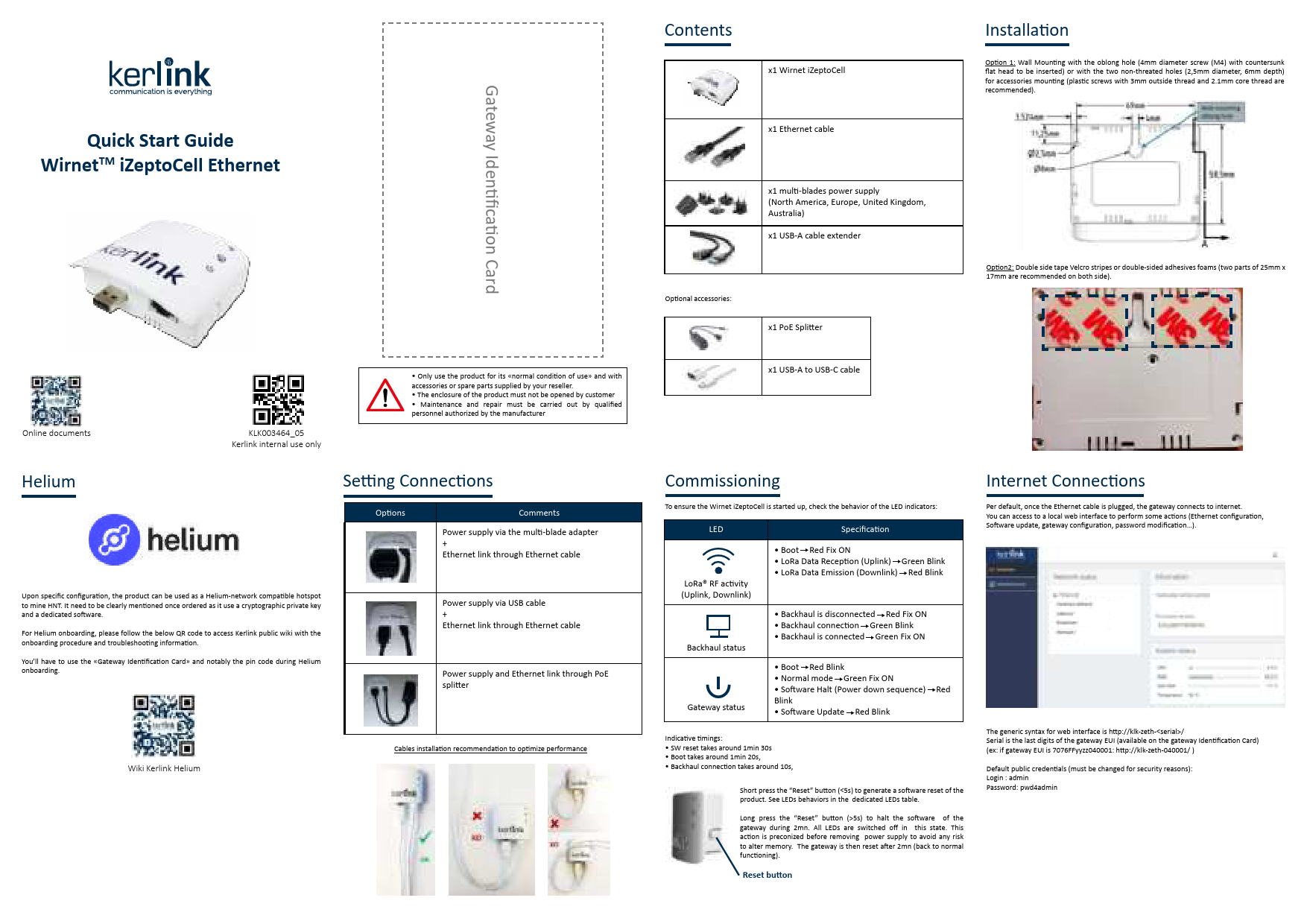
    Generally, a solid green LED indicates power, while the red LED indicates system status. A blinking red LED typically indicates boot sequences, LoRa status, or software updates. Refer to your specific model's manual for exact patterns.

  • How do I perform a reset on my Kerlink gateway?

    A short press (less than 5 seconds) of the Reset button triggers a software reset. A long press (more than 5 seconds) halts the software. If utilizing the device for Helium mining, avoid resetting via the web interface to prevent disabling mining capabilities.

  • Is my Kerlink gateway compatible with the Helium Network?

    Only Kerlink gateways explicitly sold as 'Helium Network Compatible' support mining. Standard gateways cannot simply be updated via software to become Helium miners.