1. ആമുഖം
The Nuki Smart Lock is an advanced keyless entry system designed to enhance the security and convenience of your home. This electronic deadbolt offers features such as Auto-Unlock, app control, and remote access, integrating seamlessly into smart home environments. Engineered in Europe, it prioritizes security and user-friendliness, providing a modern solution for front door access in homes and rental properties.
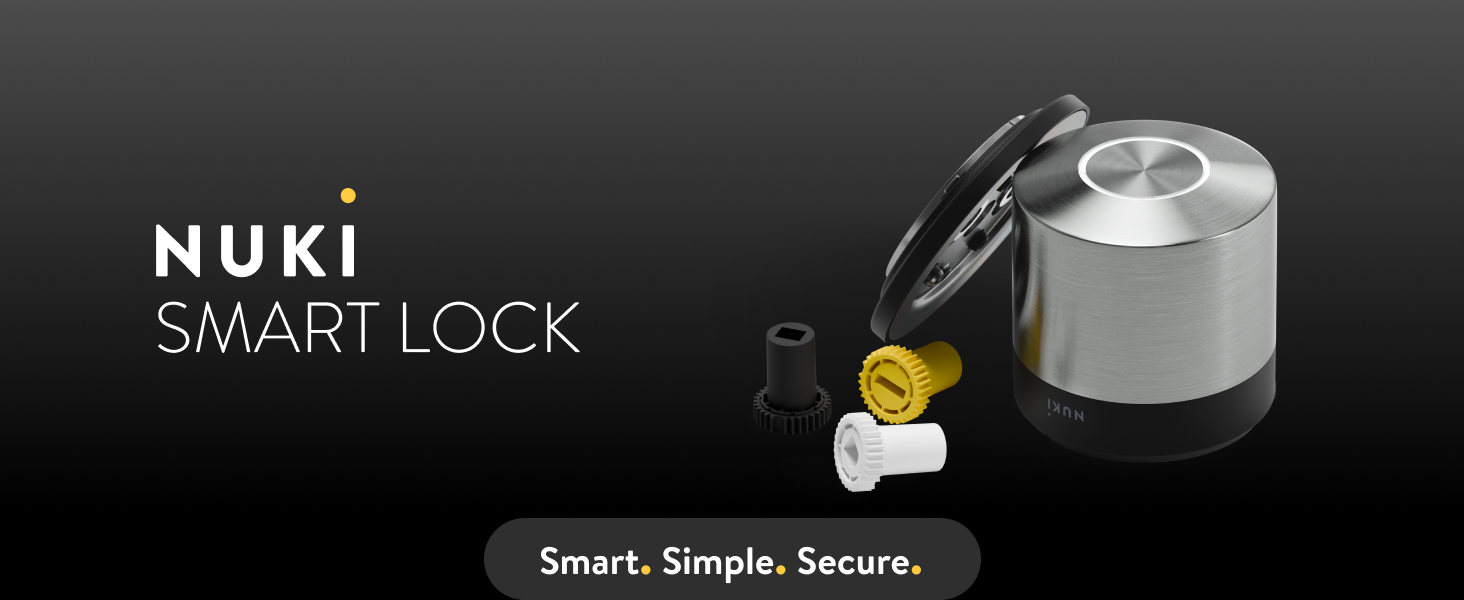
Image: Nuki Smart Lock product banner, highlighting the brand and product name.
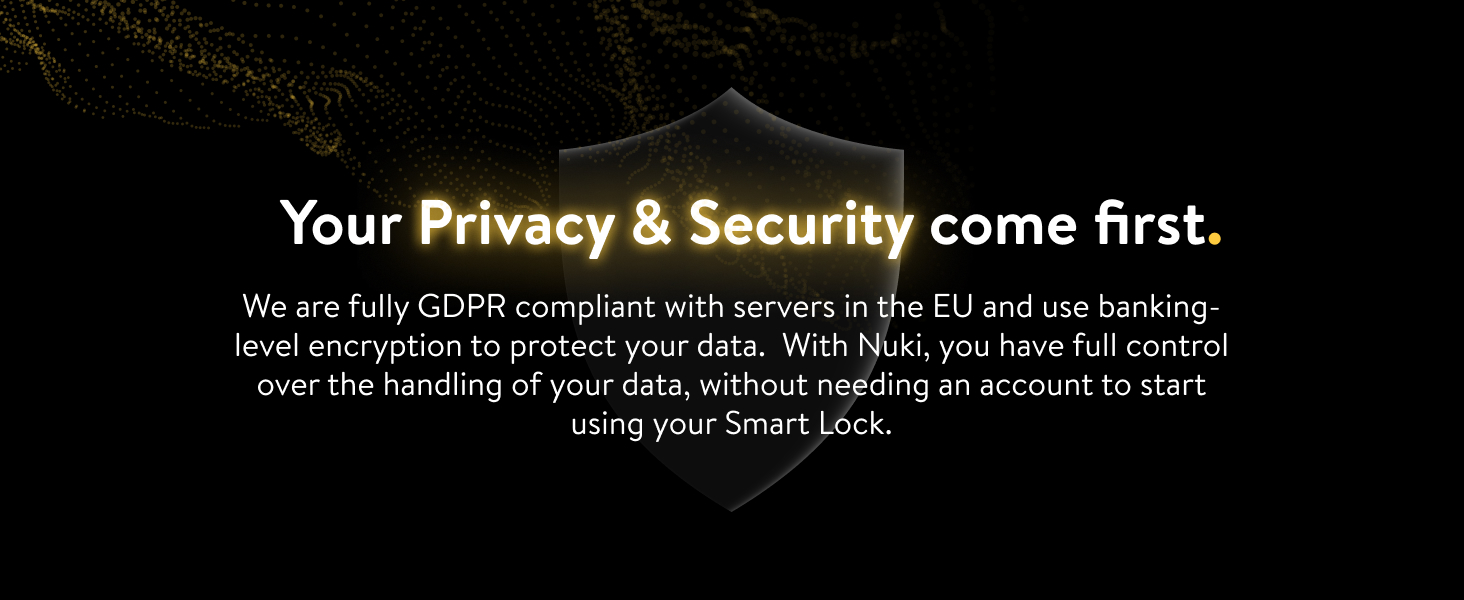
Image: Nuki Smart Lock with a 'Made in Europe' badge and Austrian flag, indicating its origin and manufacturing standards.
2. സജ്ജീകരണവും ഇൻസ്റ്റാളേഷനും
The Nuki Smart Lock is designed for easy retrofit installation, typically taking less than 15 minutes. It mounts on the inside of your door, directly over your existing deadbolt, requiring no drilling. A step-by-step guide is available through the Nuki app to simplify the setup process.
2.1 അനുയോജ്യത
The Nuki Smart Lock is compatible with most single-cylinder deadbolts. It is not designed for double-cylinder, mortise, or rim locks.

Image: Diagram illustrating the types of deadbolts compatible with the Nuki Smart Lock, specifically single-cylinder deadbolts.
2.2 ഇൻസ്റ്റലേഷൻ ഘട്ടങ്ങൾ
- നിങ്ങളുടെ വാതിൽ തയ്യാറാക്കുക: Ensure your existing deadbolt is functional and compatible.
- മൗണ്ടിംഗ് പ്ലേറ്റ് ഇൻസ്റ്റാളേഷൻ: Attach the Nuki mounting plate over your existing deadbolt on the inside of the door. The Nuki app provides visual guidance for correct alignment.
- സ്മാർട്ട് ലോക്ക് അറ്റാച്ചുചെയ്യുക: Secure the Nuki Smart Lock onto the mounting plate.
- ആപ്പ് കോൺഫിഗറേഷൻ: Download the Nuki app and follow the on-screen instructions to calibrate the lock and connect it to your Wi-Fi network.

ചിത്രം: പൊട്ടിത്തെറിച്ച ഒരു view demonstrating the quick and easy installation of the Nuki Smart Lock over an existing deadbolt.
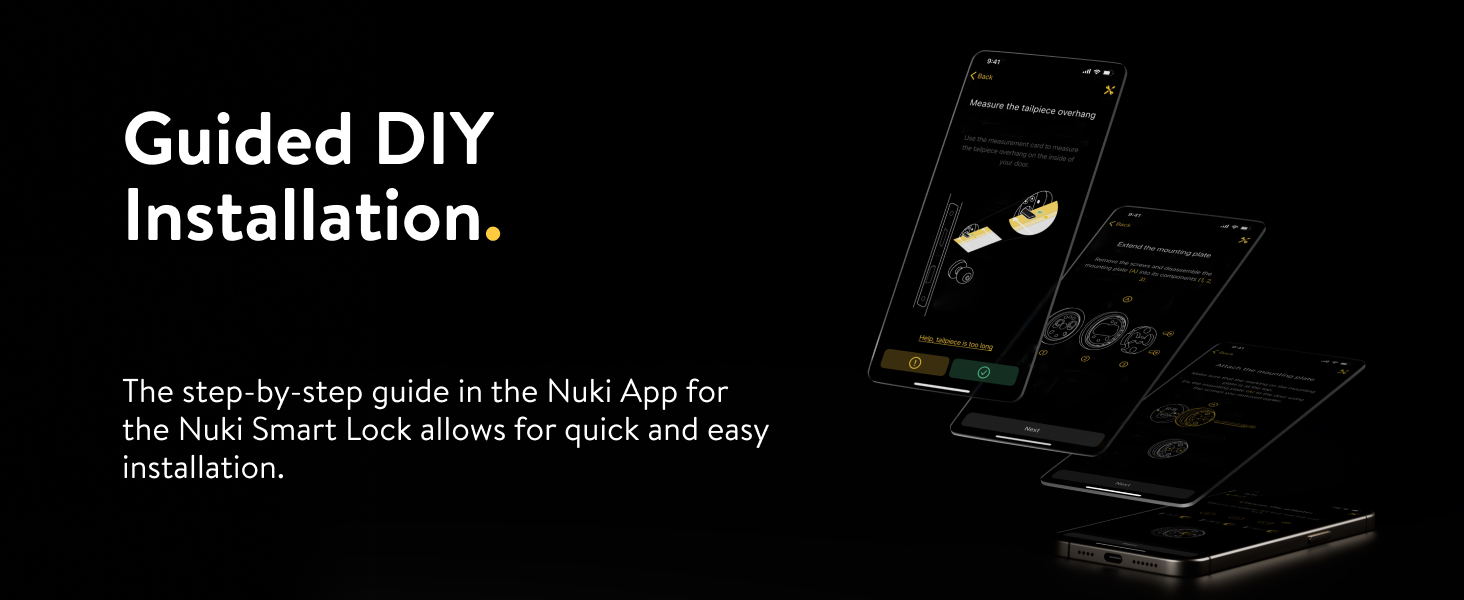
Image: A smartphone screen displaying the guided DIY installation steps provided by the Nuki App for the Smart Lock.
3. Operating the Nuki Smart Lock
The Nuki Smart Lock offers multiple ways to control your door, providing flexibility and convenience for various users and situations.
3.1 Keyless Entry Features
- യാന്ത്രിക അൺലോക്ക്: The lock automatically unlocks as you approach your door with your smartphone.
- ആപ്പ് നിയന്ത്രണം: Lock and unlock your door remotely using the Nuki app on your smartphone.
- കീ പങ്കിടൽ: Grant digital access permissions to family, friends, or guests with customizable time limits.
- പ്രവർത്തന ലോഗ്: Monitor who enters and exits your home and at what times through the app.
- രാത്രി മോഡ്: Configure the lock to automatically lock your door at a specific time each evening.
Image: Illustration of various methods to unlock a door, including traditional keys, a smartwatch, a Nuki Keypad, and the Nuki smartphone application.
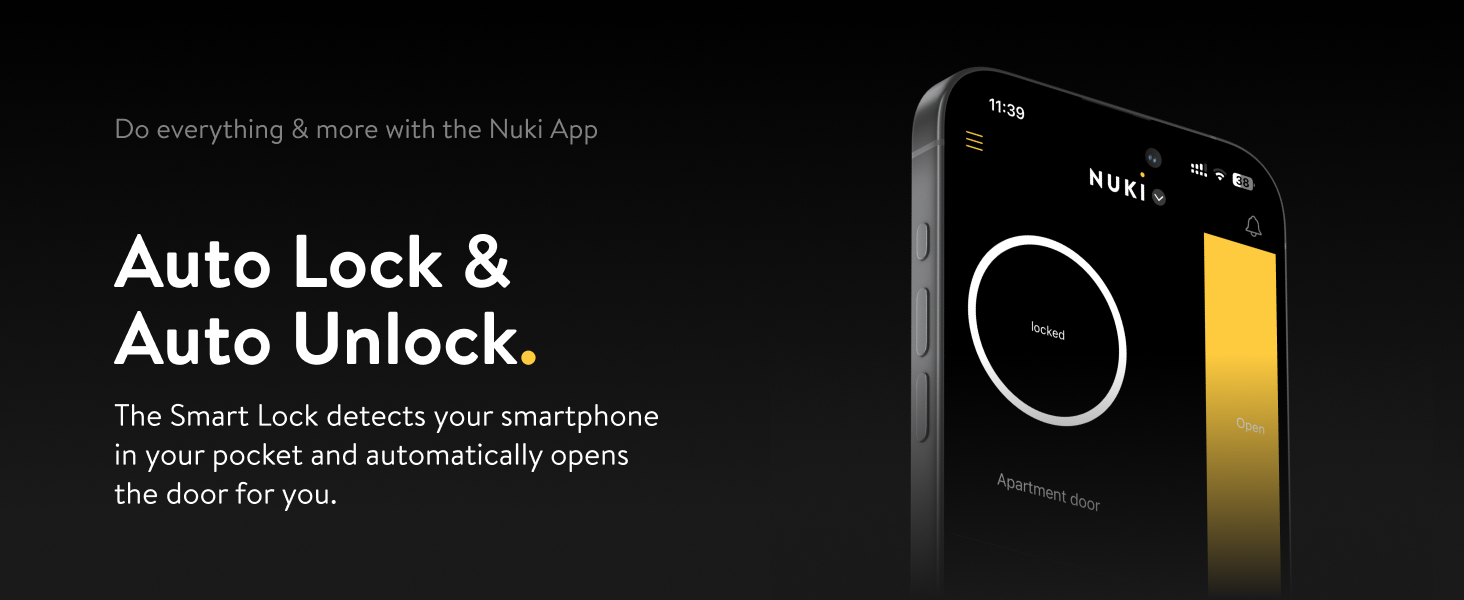
Image: A smartphone screen displaying the Nuki app interface, showing the 'locked' status and an 'Open' button for Auto Lock & Auto Unlock functionality.
3.2 സ്മാർട്ട് ഹോം ഇന്റഗ്രേഷൻ
The Nuki Smart Lock is designed for broad compatibility with popular smart home ecosystems, supporting Bluetooth, Wi-Fi, and Matter over Thread connectivity protocols.
- ആപ്പിൾ ഹോമിൽ പ്രവർത്തിക്കുന്നു
- അലക്സയ്ക്കൊപ്പം പ്രവർത്തിക്കുന്നു
- Google ഹോമിൽ പ്രവർത്തിക്കുന്നു
- Smart Things ഉപയോഗിച്ച് പ്രവർത്തിക്കുന്നു
- Works with Homey
- Works with Home Assistant
- Works with Loxone

Image: A woman looking out a window, surrounded by logos of various smart home platforms such as Matter, Apple Home, Alexa, and Google Home, indicating broad integration.

Image: Multiple smartphone screens displaying the Nuki app interface, highlighting options for user management, key sharing, and overall customization.
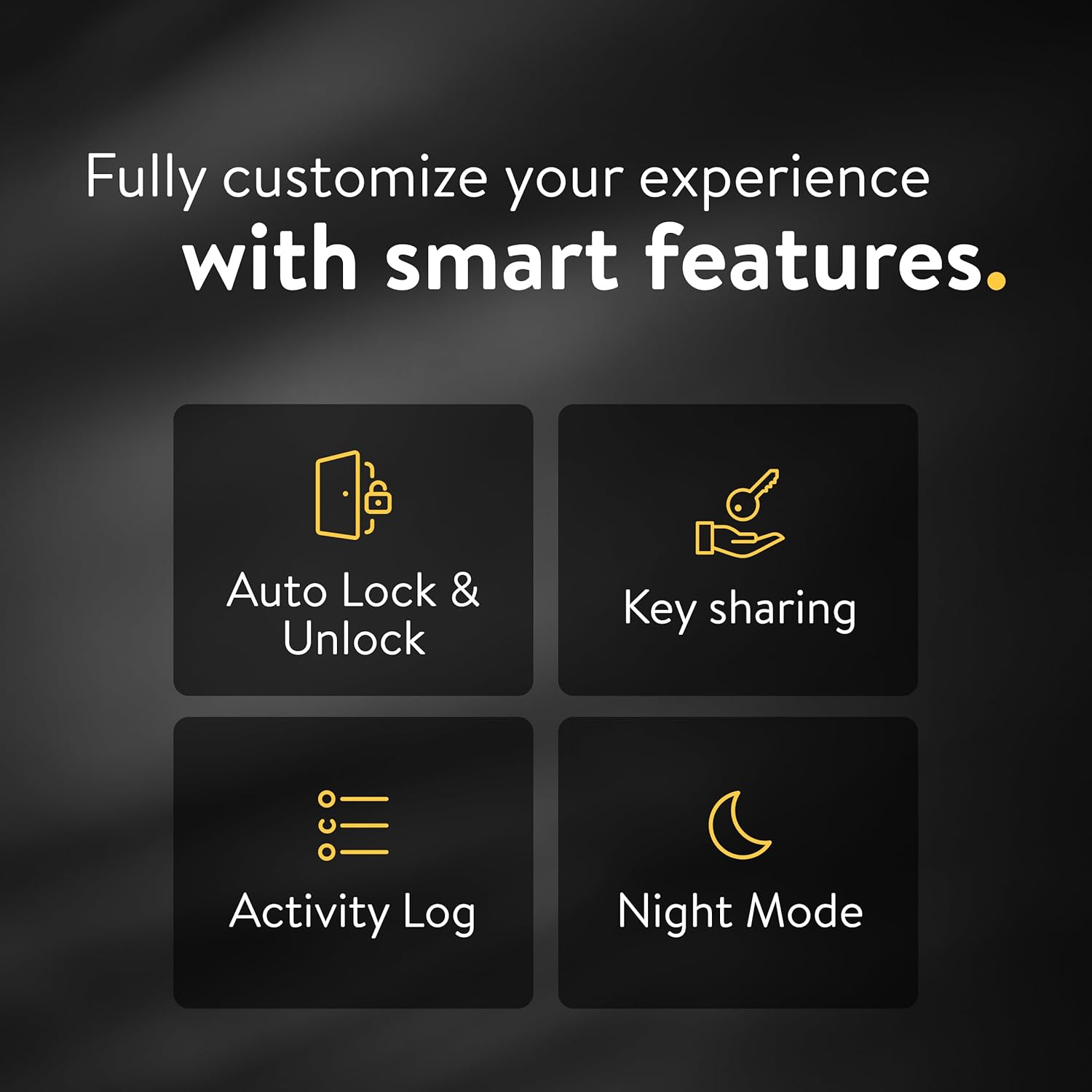
Image: Icons representing the Nuki Smart Lock's key features: Auto Lock & Unlock, Key sharing, Activity Log, and Night Mode, emphasizing customization.
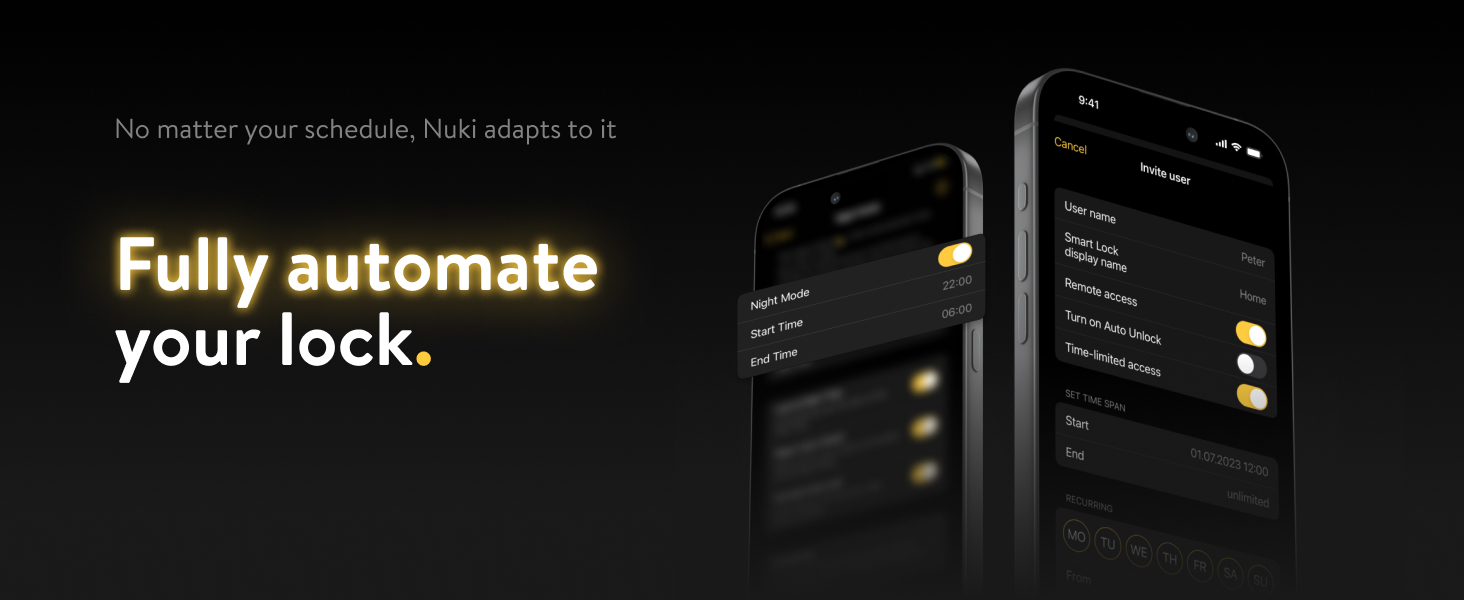
Image: A smartphone screen displaying the Nuki app with Night Mode settings, illustrating how to automate the lock's schedule.
4. പരിപാലനം
Proper maintenance ensures the longevity and optimal performance of your Nuki Smart Lock.
4.1 ബാറ്ററി മാനേജ്മെൻ്റ്
The Nuki Smart Lock is powered by a rechargeable Lithium Polymer battery. A full charge typically takes approximately 2 hours and provides a battery life of up to 6 months, depending on usage.
- ചാർജിംഗ്: The lock features a USB-C to magnetic connector for charging. It can be charged in place using an outlet near the door or removed and charged at any convenient location.
- ബാറ്ററി നില: Monitor the battery level through the Nuki app to ensure timely recharging.

Image: A hand connecting a magnetic charging cable to the Nuki Smart Lock, illustrating the charging method and highlighting battery life information.
4.2 വൃത്തിയാക്കൽ
Wipe the exterior of the lock with a soft, dry cloth. Avoid using abrasive cleaners or solvents, as these can damage the finish.
5. പ്രശ്നപരിഹാരം
This section addresses common issues you might encounter with your Nuki Smart Lock.
5.1 കണക്റ്റിവിറ്റി പ്രശ്നങ്ങൾ
- Firmware Update Stuck: If a firmware update appears stuck, restart the Nuki Smart Lock and the Nuki app. Ensure a stable Wi-Fi connection during updates.
- Wi-Fi കണക്ഷൻ പ്രശ്നങ്ങൾ: Verify your Wi-Fi network is active and the lock is within range. Re-establish the connection through the Nuki app settings.
5.2 Calibration and Operation
- ഡോർ സെൻസർ കാലിബ്രേഷൻ: If the door sensor is not functioning correctly, attempt to recalibrate it through the Nuki app. Ensure the sensor is properly aligned.
- Lock Not Engaging Fully: Check for any obstructions around the deadbolt. Ensure the mounting plate is securely installed and the lock is properly seated. If issues persist, re-check the installation steps in the Nuki app.
5.3 പൊതുവായ നുറുങ്ങുകൾ
- ബാറ്ററി നില പരിശോധിക്കുക: A low battery can affect performance. Ensure the battery is adequately charged.
- Nuki App Diagnostics: The Nuki app often provides diagnostic information and guided solutions for common problems.
- ഉപകരണം പുനരാരംഭിക്കുക: As with many electronic devices, a simple restart of the Nuki Smart Lock can resolve minor glitches.
6 സ്പെസിഫിക്കേഷനുകൾ
Detailed technical specifications for the Nuki Smart Lock.
| ഫീച്ചർ | വിശദാംശങ്ങൾ |
|---|---|
| ബ്രാൻഡ് | നുകി |
| മോഡലിൻ്റെ പേര് | Nuki Smart Lock |
| ഇനം മോഡൽ നമ്പർ | 221146 |
| ലോക്ക് തരം | ഡെഡ്ബോൾട്ട് |
| പ്രത്യേക ഫീച്ചർ | ഓട്ടോ-ലോക്ക് |
| മെറ്റീരിയൽ | സ്റ്റെയിൻലെസ്സ് സ്റ്റീൽ |
| നിറം | വെള്ളി |
| ഇനത്തിന്റെ അളവുകൾ (L x W x H) | 2.24 x 2.24 x 2.28 ഇഞ്ച് |
| ഇനത്തിൻ്റെ ഭാരം | 1.52 പൗണ്ട് |
| ശുപാർശ ചെയ്യുന്ന ഉപയോഗങ്ങൾ | Securing residential front doors |
| ഉൾപ്പെടുത്തിയ ഘടകങ്ങൾ | നുകി സ്മാർട്ട് ലോക്ക് അൾട്രാ |
| നിയന്ത്രണ രീതി | App, Gesture, Push Button |
| കണക്റ്റിവിറ്റി പ്രോട്ടോക്കോൾ | വൈഫൈ |
| ബാറ്ററികൾ | 1 ലിഥിയം പോളിമർ ബാറ്ററി ആവശ്യമാണ് (ഉൾപ്പെടുത്തിയിരിക്കുന്നു) |
| നിർമ്മാതാവ് | Nuki Home Solutions |
7. Security and Support
The Nuki Smart Lock is built with robust security measures and offers various support options.
7.1 സുരക്ഷാ സവിശേഷതകൾ
The Nuki Smart Lock employs bank-level encryption, tamper alerts, and real-time monitoring to ensure the security of your home and data. It operates without requiring an account, providing full control over your data handling.

Image: Visual representation of Nuki Smart Lock's security features, including end-to-end encryption and real-time monitoring, emphasizing data safety and no account requirement.
7.2 നിർമ്മാതാവിന്റെ പിന്തുണ
For further assistance, technical support, or warranty inquiries, please contact Nuki Home Solutions, the manufacturer of the Nuki Smart Lock.


